
1. Product Overview
The Lenovo ThinkPad X1 Carbon G13 (Model 21NS0166US) is a high-performance ultrabook designed for business and professional use. It features an Intel Core Ultra 7 processor, 32GB of RAM, a 512GB SSD, and a 14-inch 2.8K non-touch display, running on Windows 11 Pro.
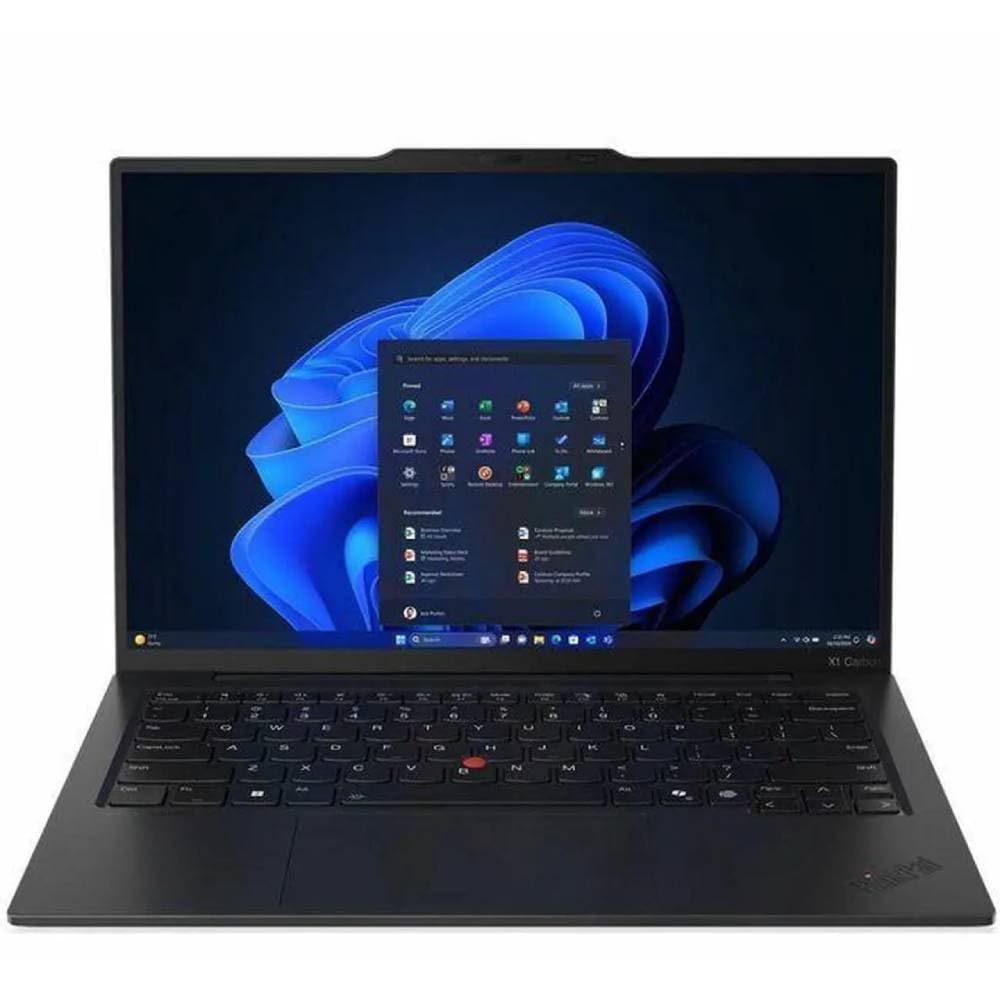
Figure 1: Front view of the ThinkPad X1 Carbon G13 with the display active.
2. Initial Setup
2.1. Unpacking and Contents
Carefully remove your ThinkPad X1 Carbon G13 from its packaging. Ensure all components are present.
- Lenovo ThinkPad X1 Carbon G13 Laptop
- AC Adapter
2.2. Connecting the Power Adapter
Connect the AC adapter to the power connector on your laptop and then plug the adapter into a power outlet. It is recommended to fully charge the battery before initial use.

Figure 2: Side view illustrating port locations for power and peripherals.
2.3. First Power On
Open the laptop lid and press the power button. The laptop will boot up and guide you through the Windows 11 Pro initial setup process. Follow the on-screen instructions to configure your operating system, network connection, and user accounts.
3. Operating Your ThinkPad
3.1. Input Devices
Your ThinkPad X1 Carbon G13 features a precision keyboard, a multi-touch touchpad, and a TrackPoint pointing device for navigation.

Figure 3: Keyboard layout with integrated TrackPoint and touchpad.
- Keyboard: Standard QWERTY layout with function keys.
- Touchpad: Supports multi-touch gestures for scrolling, zooming, and more.
- TrackPoint: Use the red pointing stick in the center of the keyboard for precise cursor control, along with the dedicated left, right, and middle-click buttons below the spacebar.
3.2. Display and Graphics
The laptop is equipped with a 14-inch 2.8K (2880x1920) non-touch display, powered by integrated Intel Arc Graphics 140V. You can adjust display settings through Windows settings.
3.3. Connectivity
The ThinkPad X1 Carbon G13 supports wireless connectivity via Bluetooth 5.4 and Intel BE201vPro Wi-Fi. Refer to your operating system's network settings to connect to Wi-Fi networks or pair Bluetooth devices.
4. Maintenance and Care
4.1. Cleaning Your Laptop
- Use a soft, lint-free cloth slightly dampened with water or a screen cleaner to clean the display.
- For the keyboard and chassis, use a soft cloth. Avoid harsh chemicals or abrasive materials.
- Ensure the laptop is powered off and unplugged before cleaning.
4.2. Battery Care
The laptop uses a 57 watt-hour Lithium Ion battery. To maximize battery lifespan:
- Avoid extreme temperatures.
- Do not fully discharge the battery frequently.
- If storing the laptop for an extended period, charge the battery to approximately 50-60%.
4.3. Ventilation
Ensure the ventilation openings on the bottom and sides of the laptop are not obstructed to prevent overheating. Operating the laptop on a hard, flat surface is recommended.

Figure 4: Underside of the laptop, highlighting ventilation areas.
5. Troubleshooting Common Issues
5.1. Laptop Does Not Power On
- Ensure the AC adapter is securely connected to both the laptop and a working power outlet.
- Verify the power outlet is functional by plugging in another device.
- If the battery is completely drained, allow it to charge for a few minutes before attempting to power on again.
5.2. Screen Remains Blank
- Check if the laptop is powered on (power indicator light).
- Adjust the screen brightness using the function keys (e.g., Fn + F5/F6).
- Connect an external monitor to check if the display output works. If it does, the internal display may require service.
5.3. Wi-Fi Connectivity Issues
- Ensure Wi-Fi is enabled in Windows settings.
- Restart your router and modem.
- Update your Wi-Fi drivers through Windows Update or Lenovo's support website.
6. Technical Specifications
| Feature | Specification |
|---|---|
| Model Name | 21NS0166US |
| Brand | Lenovo |
| Processor | Intel Core Ultra 7 258V (Max Turbo up to 4.8GHz) |
| Operating System | Windows 11 Pro |
| Memory (RAM) | 32 GB LPDDR5X-8533 |
| Storage | 512 GB SSD M.2 2280 PCIe 4.0x4 NVMe |
| Display | 14-inch 2.8K (2880 x 1920) Non-Touch LED |
| Graphics | Integrated Intel Arc Graphics 140V |
| Wireless Connectivity | Intel BE201vPro Wi-Fi, Bluetooth 5.4 |
| Battery | 57 watt-hours Lithium Ion |
| Dimensions (L x W x Th) | 12.31" x 8.45" x 0.32" |
| Input Devices | Keyboard, Touchpad, TrackPoint |
| UPC | 886389259228 |
7. Warranty and Support
7.1. Limited Warranty
This Lenovo ThinkPad X1 Carbon G13 comes with a 1-year limited warranty. For detailed terms and conditions, please refer to the warranty documentation included with your product or visit the official Lenovo support website.
7.2. Customer Support
For technical assistance, driver downloads, or further information, please visit the official Lenovo Support website:
When contacting support, please have your model number (21NS0166US) and serial number ready.


