
1. Introduction
This manual provides essential information for setting up, operating, and maintaining your Hisense 100E7SF 100" E7 Cinema Series Hi-QLED Mini-LED 4K UHD Smart Fire TV. Please read it thoroughly before use and retain it for future reference.
The Hisense E7 Hi-QLED MiniLED Series offers advanced picture quality with Mini-LED backlighting, delivering vibrant colors, strong contrast, and smooth motion. Its intelligent processing automatically adjusts the image for optimal viewing across various content types.
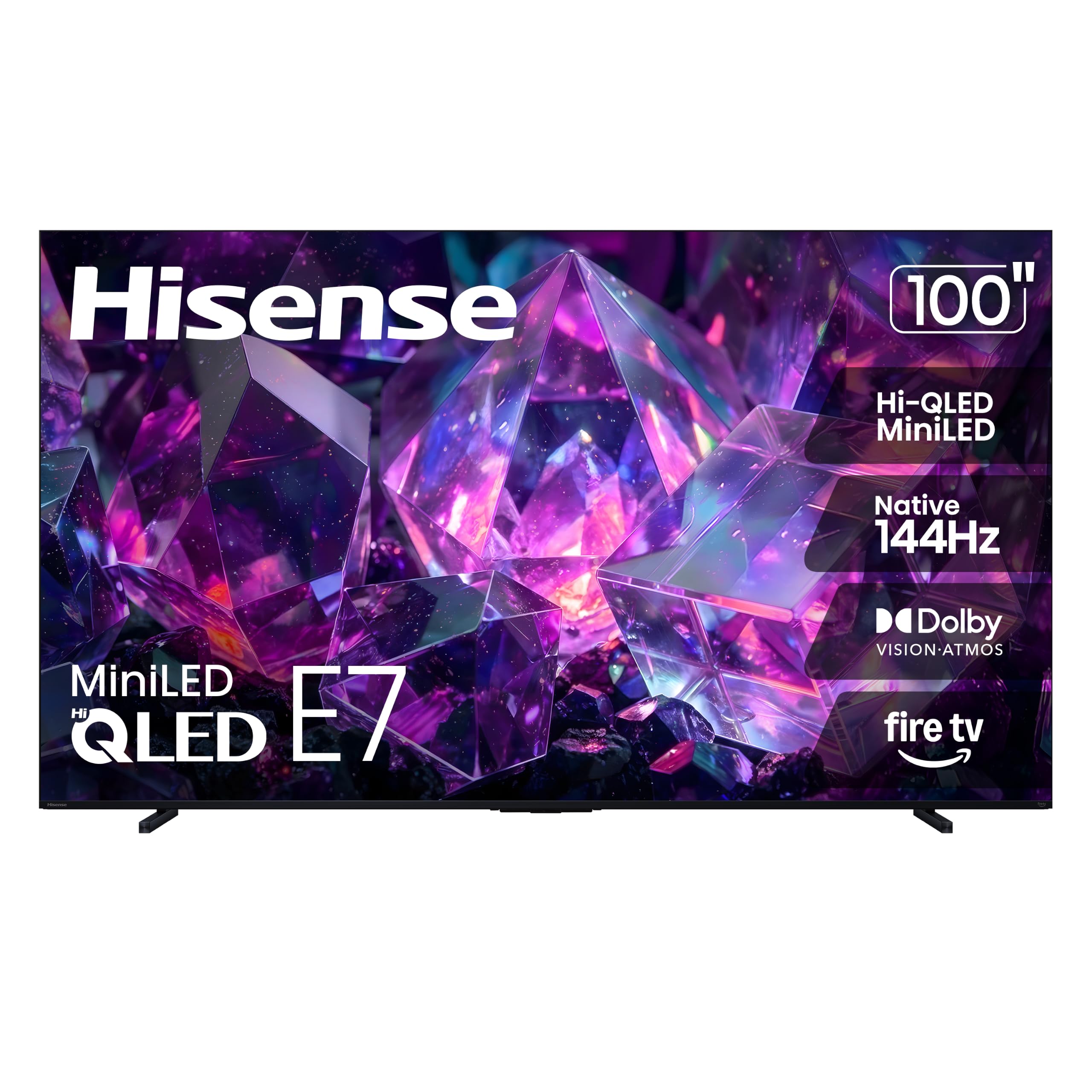
Image: Front view of the Hisense 100E7SF TV.
2. What's in the Box
Verify that all components are present in the packaging:
- Hisense 100E7SF TV
- Power Cable
- Remote Control (requires 2 AAA batteries, not included)
- TV Stand components
- User Manual (this document)
3. Setup
3.1 Physical Installation
Before installation, ensure you have adequate space and assistance due to the size and weight of the 100-inch TV.

Image: Diagram showing the dimensions and weight of the Hisense 100E7SF TV. Dimensions are 3.7"D x 87.8"W x 50.6"H. Weight without stand is 120.2 lbs.
3.1.1 Stand Installation
Attach the included stand to the bottom of the TV according to the instructions provided in the separate stand assembly guide. Ensure all screws are securely fastened.

Image: Close-up view of the TV stand attached to the Hisense TV.
3.1.2 Wall Mounting
If wall mounting, use a VESA compatible mount with a standard of 800 x 400 mm. Consult a professional for wall mounting to ensure safe and secure installation.
3.2 Connections
Connect your external devices to the TV using the appropriate ports. Refer to the diagram below for port locations and types.

Image: Diagram illustrating the various input and output ports on the back of the Hisense TV, including USB, HDMI, ANT/CABLE, AV IN, Ethernet, and Digital Audio Out (Optical).
- USB x 2: For media playback or powering compatible devices.
- HDMI 1-4K@60Hz (eARC): Enhanced Audio Return Channel for high-quality sound via soundbars or AV receivers.
- HDMI 2-4K@60Hz: Supports up to 4K@60Hz with VRR and ALLM, ideal for gaming consoles, PCs, and high-frame-rate sources.
- HDMI 3/4-4K@144Hz: Supports up to 4K@144Hz with VRR and ALLM, ideal for gaming consoles, PCs, and high-frame-rate sources.
- ANT / CABLE: Connects to over-the-air or cable TV signals.
- AV IN: Connects to audio-visual devices such as VCRs, old game consoles, or DVD players, typically using RCA cables.
- ETHERNET (LAN): Provides a stable wired connection for streaming, updates, and smart TV features.
- DIGITAL AUDIO OUT (OPTICAL): Outputs high-quality digital sound to external audio systems.
4. Operating Your TV
4.1 Remote Control
The included remote control provides access to all TV functions. Insert two AAA batteries (not included) into the remote before first use. The remote features a dedicated Alexa voice control button.

Image: Close-up of the Hisense Smart Fire TV remote control, highlighting the power button and Alexa voice button.
4.2 Smart Fire TV Features
Your Hisense TV runs on the FireOS operating system, offering a smart and intuitive interface for accessing streaming services, apps, and smart home controls.

Image: Screenshot of the Hisense Fire TV home screen, showing various streaming app icons and content recommendations.
- Voice Control with Alexa: Press the Alexa button on your remote to search for content, control smart home devices, or ask questions.
- Streaming Services: Access popular apps like Netflix, Prime Video, Disney Plus, Hulu, and YouTube.
- Live TV: Easily find and watch live sports and other broadcasts.
4.3 Picture and Sound Enhancements
The Hisense 100E7SF TV incorporates several technologies to optimize your viewing and listening experience:
- Hi-QLED MiniLED: Mini-LED backlighting with Quantum Dot Color enhances contrast and color accuracy, providing deeper blacks and brighter highlights.
- Native 144Hz Game Mode: Delivers fluid and sharp motion for gaming and fast-paced content, reducing blur and input lag.
- Dolby Vision IQ & Dolby Atmos: Experience cinematic HDR visuals with dynamic brightness and immersive, room-filling audio.
- AI Picture: Advanced AI processing optimizes brightness, contrast, and color scene by scene for a natural image.
- AI Smooth Motion with MEMC: Motion Estimation, Motion Compensation technology reduces blur and sharpens fast-moving scenes.
- Total HDR Solution: Supports multiple HDR formats including Dolby Vision IQ, HDR10+ Adaptive, HDR10, and HLG.
- Built-in Subwoofer: Integrated low-frequency speakers provide deeper bass for a more dynamic audio experience.
- Filmmaker Mode: Preserves the original aspect ratio, color, frame rate, and sound as intended by directors.
- AI Light Sensor: Automatically adjusts screen brightness based on ambient room light for comfortable viewing.
- AI Sports Mode: Optimizes picture and sound settings specifically for sports content, enhancing motion and crowd audio.
Video: An overview of the Hisense E7SF product features, demonstrating its key technologies and user experience.
5. Maintenance
To ensure the longevity and optimal performance of your Hisense TV, follow these maintenance guidelines:
- Cleaning the Screen: Gently wipe the screen with a soft, dry, lint-free cloth. For stubborn marks, use a screen-specific cleaning solution applied to the cloth, not directly to the screen.
- Cleaning the Frame: Use a soft, dry cloth to wipe the TV frame and stand. Avoid abrasive cleaners or solvents.
- Ventilation: Ensure the TV's ventilation openings are not blocked to prevent overheating. Maintain adequate space around the TV for airflow.
- Power Cord: Regularly check the power cord for any damage. If damaged, discontinue use and contact customer support.
- Dusting: Periodically dust the TV and its surroundings to prevent dust buildup, which can affect performance.
6. Troubleshooting
If you encounter issues with your TV, refer to the following common troubleshooting steps:
- No Power: Ensure the power cable is securely plugged into both the TV and a working electrical outlet. Try a different outlet.
- No Picture/Sound: Check all cable connections (HDMI, AV, etc.) to ensure they are firm. Verify the correct input source is selected on the TV.
- Remote Not Working: Replace the batteries in the remote control. Ensure there are no obstructions between the remote and the TV's IR sensor.
- Poor Picture Quality: Adjust picture settings (brightness, contrast, color) in the TV menu. Ensure the content source is high quality (e.g., 4K content for 4K display).
- Network Connection Issues: For Wi-Fi, check your router and ensure the TV is within range. For Ethernet, ensure the cable is connected and your network is active. Try restarting your router and TV.
- Smart Features Unresponsive: Restart the TV by unplugging it from the power outlet for a few minutes, then plugging it back in.
For more detailed troubleshooting or persistent issues, contact Hisense customer support.
7. Specifications
| Feature | Detail |
|---|---|
| Brand | Hisense |
| Model Name | 100E7SF |
| Screen Size | 100 inches |
| Display Technology | Hi-QLED-Quantum Dot Color, LCD, Mini LED, WCG-Wide Color Gamut |
| Resolution | 4K |
| Refresh Rate | 144 hertz |
| Product Dimensions (D x W x H) | 3.7"D x 87.8"W x 50.6"H |
| Item Weight | 120.2 pounds |
| Operating System | FireOS |
| Connectivity Technology | Bluetooth, Ethernet, HDMI, USB, Wi-Fi 5 |
| Total Number of HDMI Ports | 4 |
| Total USB Ports | 2 (1x USB 2.0, 1x USB 3.0) |
| Integrated Surround Sound Format | Dolby Atmos |
| Speaker Maximum Output Power | 50 watts |
| HDR Format Supported | Dolby Vision, Dolby Vision IQ, HDR 10+, HDR10, HDR10+ Adaptive |
| VESA Mount Standard | 800 x 400 mm |
| Power Consumption | 450 watts |
8. Warranty and Support
8.1 Warranty Information
Your Hisense 100E7SF TV comes with a 1-Year Manufacturer's Warranty. This warranty covers defects in materials and workmanship under normal use. Please retain your proof of purchase for warranty claims.
For specific terms and conditions of the warranty, refer to the documentation included with your product or visit the official Hisense website.
8.2 Customer Support
If you require technical assistance, troubleshooting, or warranty service, please contact Hisense customer support. You can typically find contact information on the Hisense official website or in the warranty card included with your TV.
Before contacting support, please have your TV model number (100E7SF) and serial number ready, along with a description of the issue.


