
Introduction
The Apple AirPods Max 2 are advanced wireless over-ear headphones designed to deliver a premium audio experience. Featuring Active Noise Cancellation, Adaptive Audio, Personalized Spatial Audio, and Live Translation capabilities, these headphones offer immersive sound and intelligent features for various listening environments and communication needs.
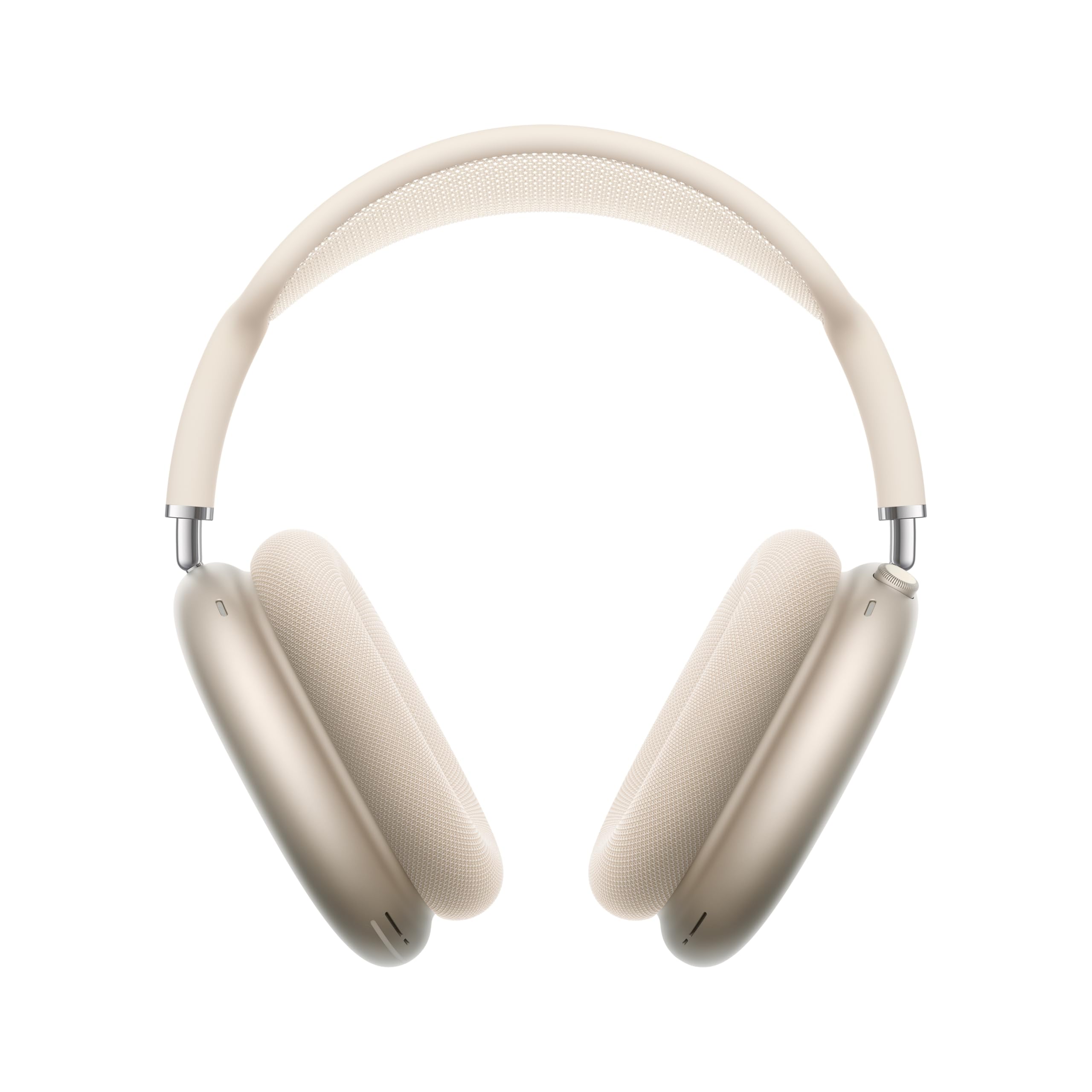
Image: Apple AirPods Max 2 headphones in Starlight color, showcasing their design.
What's in the Box
Upon unboxing your Apple AirPods Max 2, verify that all the following items are included:
- AirPods Max 2
- Smart Case
- USB-C Charge Cable
- Documentation
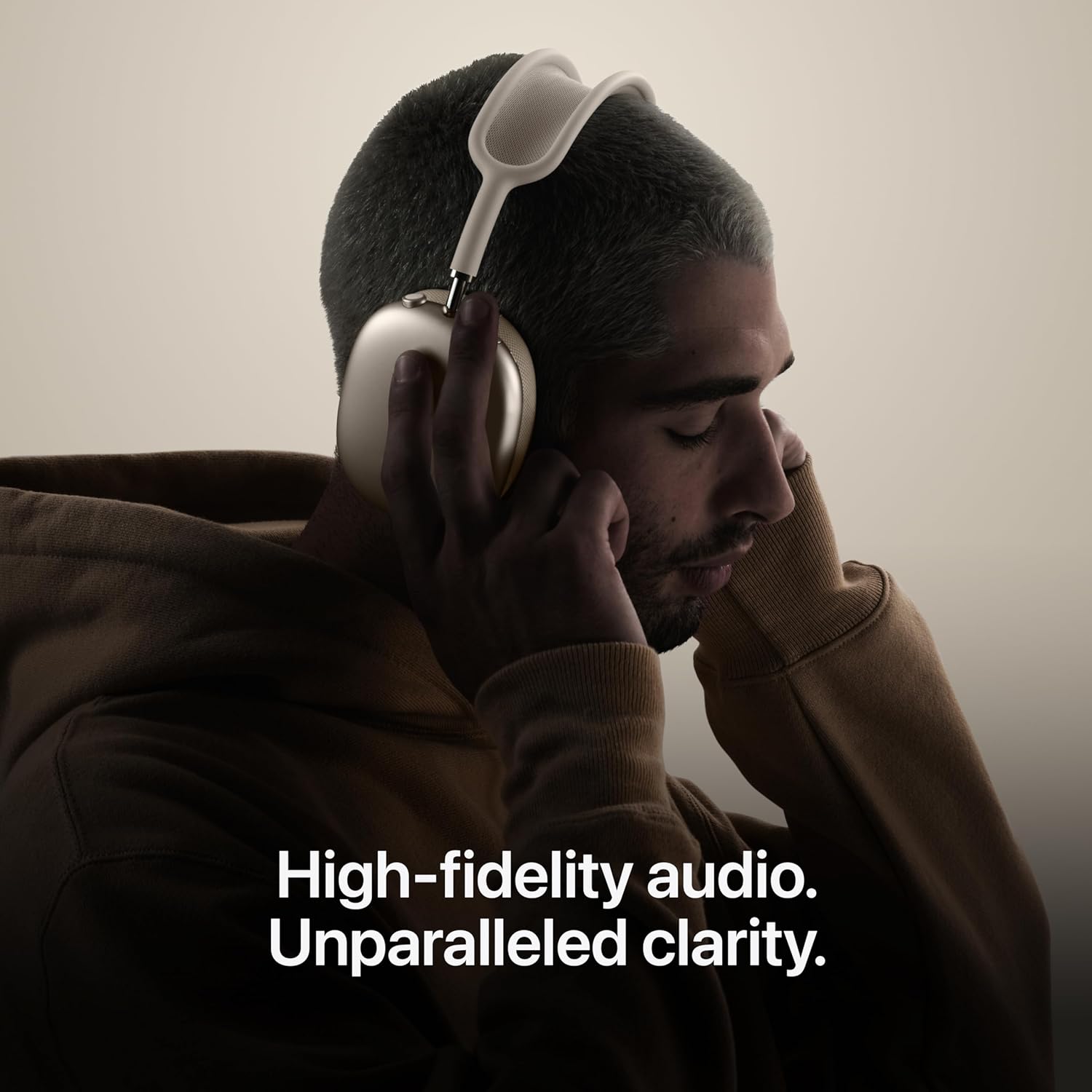
Image: The Apple AirPods Max 2, Smart Case, and USB-C Charge Cable as packaged in the box.
Setup
1. Initial Charge
Before first use, fully charge your AirPods Max 2 using the included USB-C Charge Cable. Connect the cable to the USB-C port on the bottom of the right ear cup and to a compatible USB-C power adapter (sold separately).
2. Pairing with Your Device
- Ensure your AirPods Max 2 are charged and out of the Smart Case.
- On your iPhone, iPad, or Mac, ensure Bluetooth is enabled.
- Hold your AirPods Max 2 near your Apple device. A setup animation will appear on your device's screen.
- Follow the on-screen instructions to complete the pairing process.
- For non-Apple devices, press and hold the Noise Control button on the right ear cup until the status light flashes white, then select "AirPods Max 2" from your device's Bluetooth settings.
3. Adjusting Fit
Adjust the telescoping arms to ensure the ear cups sit comfortably and securely over your ears. The breathable knit-mesh canopy should rest gently on your head, distributing weight evenly.
Operating Instructions
Controls
The AirPods Max 2 feature a Digital Crown and a Noise Control button for easy operation.
| Control | Action | Function |
|---|---|---|
| Digital Crown | Turn | Volume control |
| Press once | Play/pause media, answer call, mute/unmute call, camera remote | |
| Press twice | End call, skip forward | |
| Press three times | Skip back | |
| Press and hold | Activate Siri | |
| Noise Control Button | Press | Switch between listening modes (Active Noise Cancellation, Transparency, Adaptive Audio) |
| Press and hold | Activate Live Translation (requires Apple Intelligence-enabled iPhone) |
Listening Modes
- Active Noise Cancellation (ANC): Blocks external sounds for an immersive listening experience.
- Transparency Mode: Allows you to hear your surroundings while listening to audio, facilitating interaction without removing the headphones.
- Adaptive Audio: Automatically adjusts noise cancellation levels based on your environment. This includes:
- Conversation Awareness: Lowers audio volume and enhances voices when you start speaking, making conversations easier.
- Personalized Volume: Adjusts media volume based on your environment and listening preferences over time.
- Loud Sound Reduction: Automatically reduces the intensity of loud environmental noises.

Image: The Conversation Awareness feature in action, allowing natural communication while wearing AirPods Max 2.
Personalized Spatial Audio
Experience immersive, theater-like sound with Personalized Spatial Audio. This feature uses dynamic head tracking and is tuned to your unique ear shape (requires iPhone with TrueDepth camera for profile creation) to place sounds all around you.

Image: A user enjoying the high-fidelity audio and clarity provided by AirPods Max 2.
Live Translation
Utilize the Live Translation feature to communicate across languages. Press and hold the Noise Control button to activate this function, which automatically translates spoken language into your preferred language (requires an Apple Intelligence-enabled iPhone running iOS 26.4 or later).
Siri
Activate Siri by saying "Siri" or "Hey Siri," or by pressing and holding the Digital Crown. Use Siri for tasks such as playing music, making calls, or getting directions.
Battery Life
The AirPods Max 2 provide up to 20 hours of listening or movie watching on a single charge with Active Noise Cancellation and Spatial Audio enabled.
Maintenance
Cleaning
- Gently wipe the ear cups and headband with a soft, dry, lint-free cloth.
- For stubborn dirt, slightly dampen the cloth with water. Avoid getting moisture into any openings.
- Do not use abrasive materials, alcohol, or chemical cleaners.
Storage
When not in use, store your AirPods Max 2 in the Smart Case to conserve battery life and protect them from damage. The Smart Case automatically puts the headphones into an ultra-low power state.
Troubleshooting
If you encounter issues with your AirPods Max 2, try the following steps:
- No Sound: Ensure the headphones are charged, properly paired, and the volume is turned up on both the headphones and your device.
- Pairing Issues: Make sure Bluetooth is enabled on your device and the AirPods Max 2 are in pairing mode (white flashing light). Try restarting both your device and the headphones.
- Noise Cancellation Not Working: Check that Active Noise Cancellation is selected as the listening mode. Ensure the ear cups form a good seal around your ears.
- Unresponsive Controls: Try resetting your AirPods Max 2. Press and hold the Noise Control button and the Digital Crown simultaneously until the status light flashes amber, then white.
- Battery Drain: Ensure the headphones are placed in the Smart Case when not in use to enter a low-power state.
For further assistance, refer to the official Apple Support website or contact Apple customer service.
Specifications
| Feature | Detail |
|---|---|
| Model Number | MHWL4AM/A |
| Product Dimensions | 9.59 x 9.44 x 3.19 inches |
| Item Weight | 0.39 Kilograms (13.6 ounces) |
| Manufacturer | Apple |
| Batteries | 1 Lithium Ion battery (included) |
| Ear Placement | Over Ear |
| Noise Control | Active Noise Cancellation |
| Audio Technology | Apple-designed dynamic driver, Custom high dynamic range amplifier, Active Noise Cancellation, Adaptive Audio, Transparency mode, Conversation Awareness, Voice Isolation, Personalized Volume, Loud Sound Reduction, Personalized Spatial Audio with dynamic head tracking, Adaptive EQ, Studio-quality audio recording, Lossless Audio and ultra-low latency audio via USB-C |
| Live Translation | Live Translation for communicating across languages |
| Sensors | Optical sensor (each ear cup), Position sensor (each ear cup), Case-detect sensor (each ear cup), Accelerometer (each ear cup), Gyroscope (left ear cup) |
| Microphones | Nine microphones total (Eight for ANC, Three for voice pickup) |
| Chip | Apple H2 headphone chip (each ear cup) |
| Connectivity | Bluetooth 5.3 wireless technology |
| Battery Life | Up to 20 hours (with ANC and Spatial Audio enabled) |
Warranty and Support
For detailed warranty information, please refer to the documentation included with your AirPods Max 2 or visit the official Apple website. Apple provides comprehensive support resources, including troubleshooting guides, FAQs, and contact options for technical assistance.
You can find more information and support at the official Apple Support website.


