
1. Product Overview
The EMEET C960 Ultra 4K Webcam is designed for high-quality video communication and content creation. It features a large 1/1.5-inch sensor for enhanced light capture, 4K resolution, and rapid 0.2-second autofocus. The webcam includes a durable metal body, a built-in privacy cover, and dual microphones for clear audio. It offers broad compatibility with Mac and PC systems, supporting various video conferencing and streaming platforms.
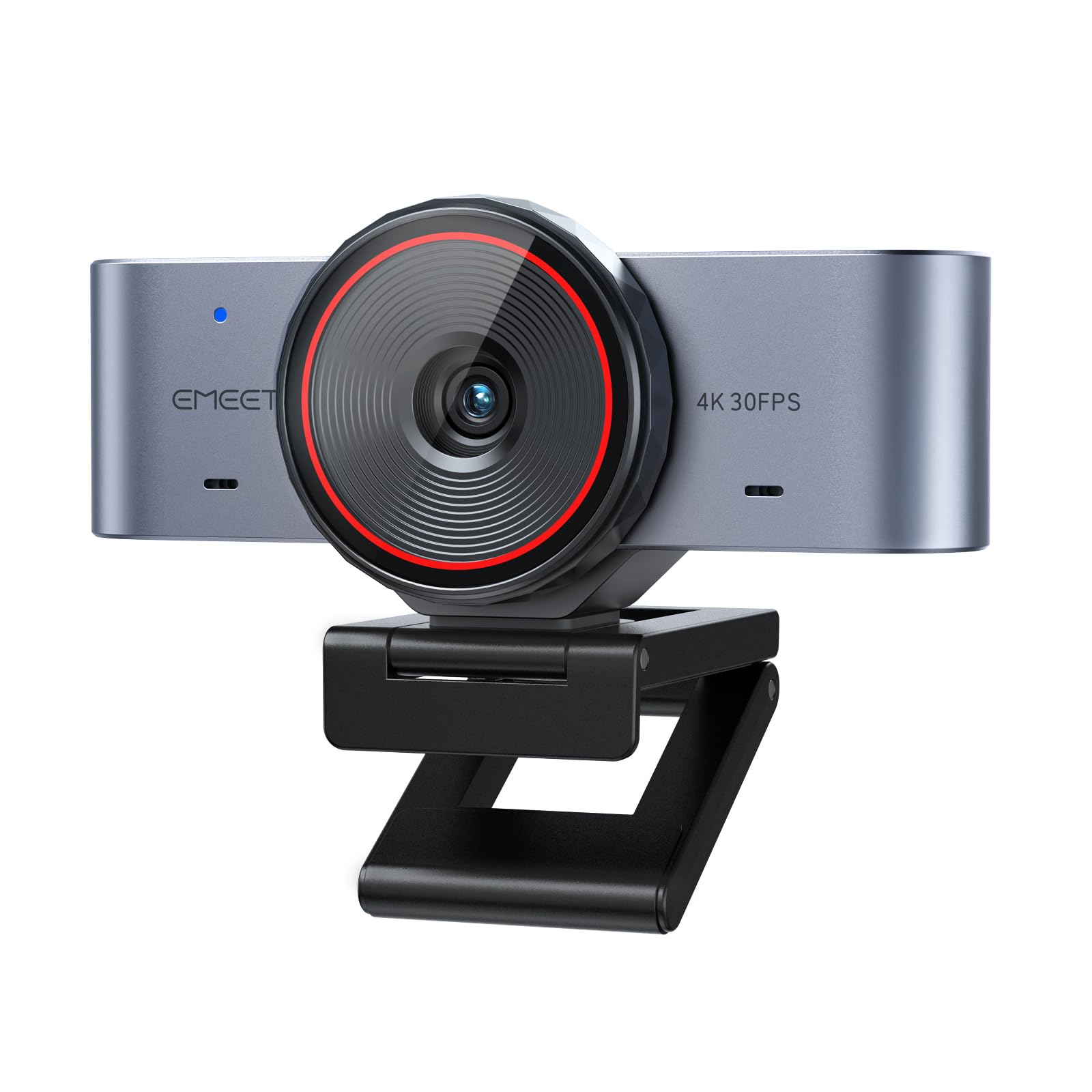
Image 1.1: EMEET C960 Ultra 4K Webcam, showcasing its design and monitor placement.
2. What's in the Box
Verify that all items are present in your package:
- EMEET C960 Ultra 4K Webcam
- USB-C Cable
- USB-C to USB-A Adapter
- User Guide

Image 2.1: Complete package contents including the webcam, cables, and user guide.
3. Setup Instructions
3.1 Physical Placement
The EMEET C960 Ultra webcam features a split-base structure for flexible placement. It can be securely mounted on top of a monitor or placed on a flat surface. For tripod mounting, use the standard 1/4-inch thread located at the base (tripod sold separately).
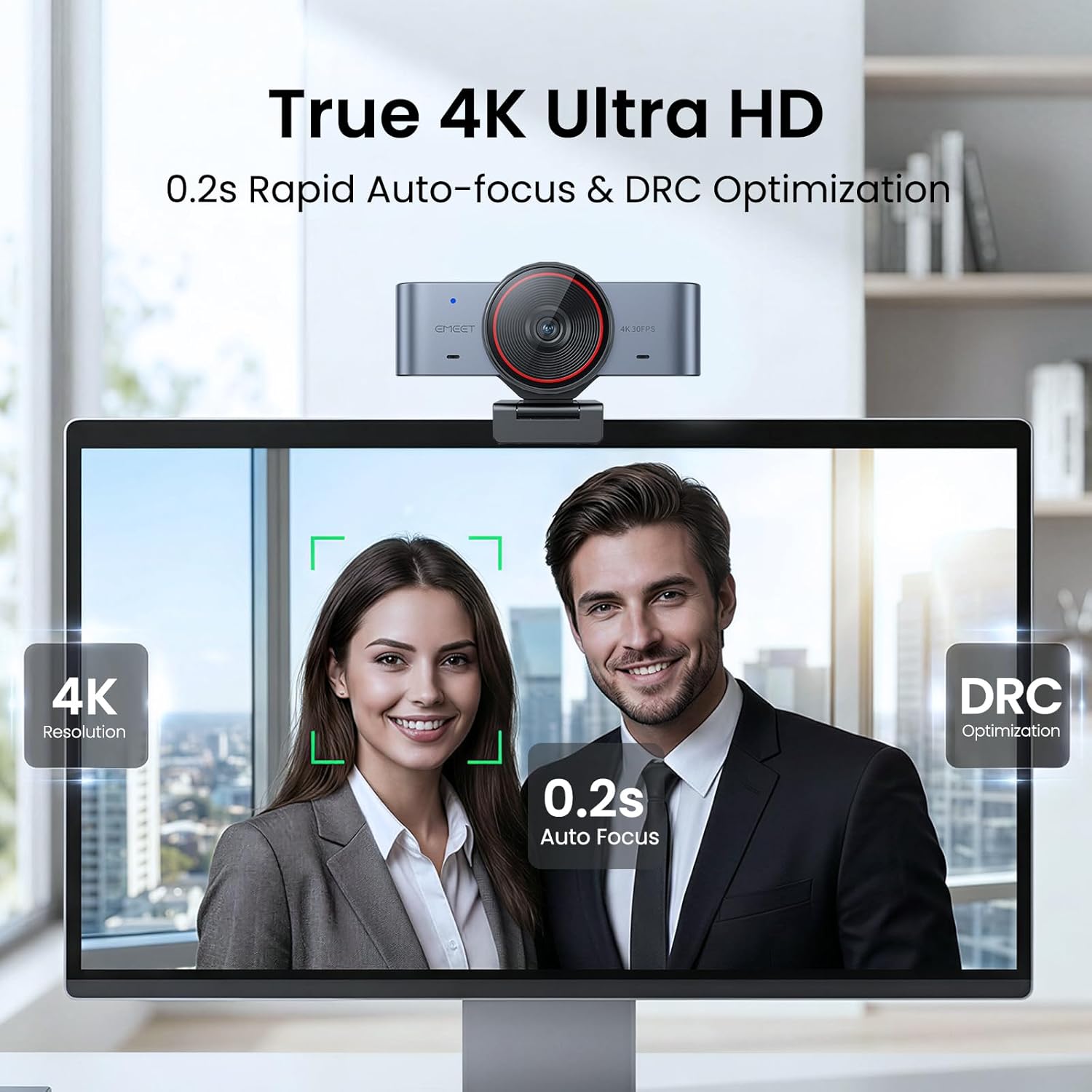
Image 3.1: The webcam positioned on top of a computer monitor.
3.2 Connecting to Your Computer
- Connect the provided USB-C cable to the webcam.
- Connect the other end of the USB-C cable directly to a USB-C port on your computer.
- If your computer only has USB-A ports, use the included USB-C to USB-A adapter. Connect the USB-C cable to the adapter, then plug the adapter into a USB-A port on your computer.
The webcam is designed for plug-and-play functionality, requiring no additional drivers for most operating systems, including Mac and Windows.

Image 3.2: Illustration of USB-C and USB-A adapter for universal compatibility.
3.3 Software Compatibility
The EMEET C960 Ultra is compatible with mainstream video conferencing and streaming software such as Zoom, Microsoft Teams, OBS, and Twitch. For advanced settings and features like Whiteboard Mode, download and install the EMEET STUDIO software from the official EMEET website.
4. Operating Instructions
4.1 Video Quality and Features
The webcam delivers 4K resolution with a large 1/1.5-inch sensor, capturing more light for detailed and clear visuals, even in low-light conditions. It features ultra-fast 0.2-second autofocus and Dynamic Range Control (DRC) for balanced image quality.
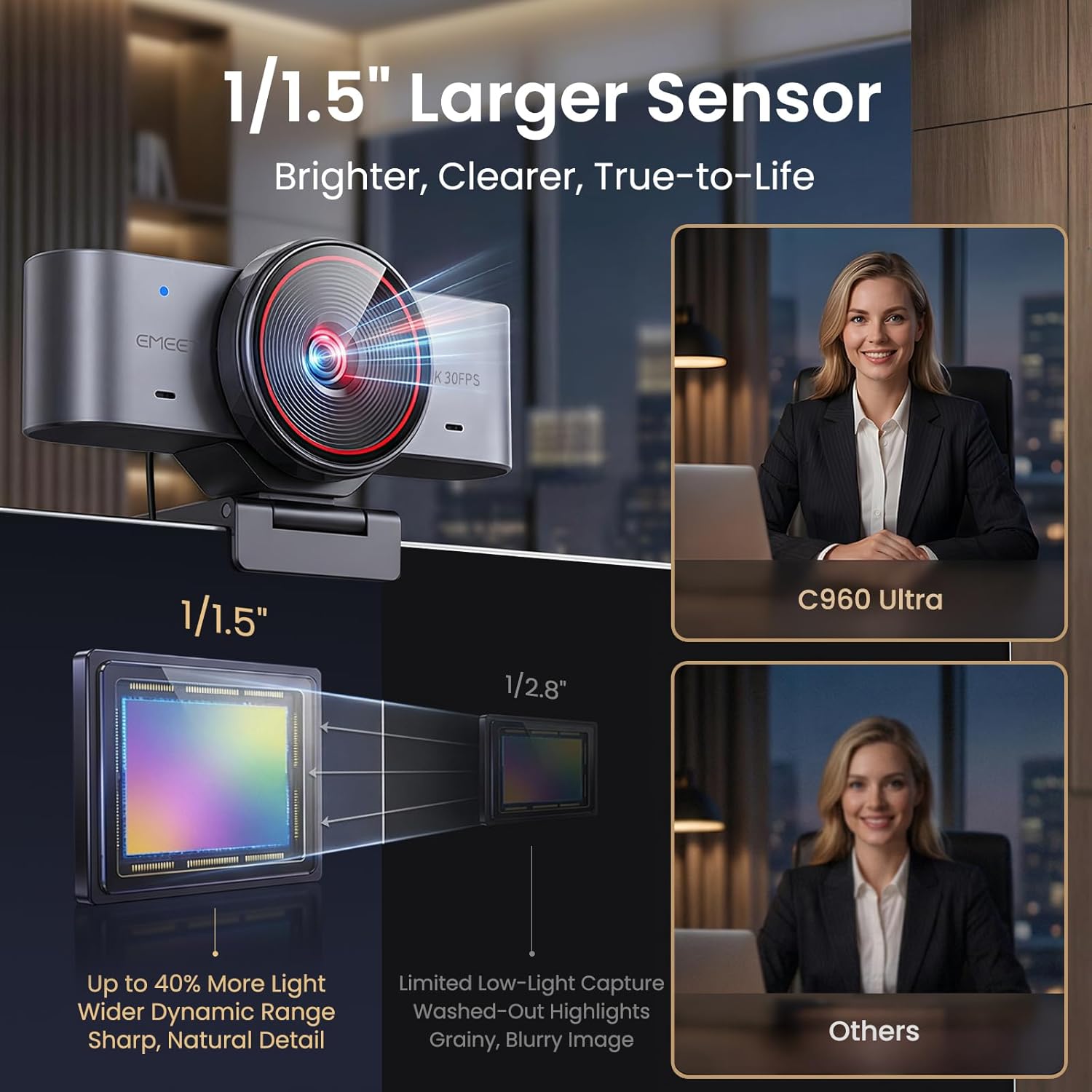
Image 4.1: Visual comparison highlighting the benefits of the 1/1.5-inch large sensor for brighter and clearer images.
4.2 Native Mac Compatibility
The C960 Ultra is optimized for Mac systems, offering seamless plug-and-play functionality via USB-C without the need for additional drivers. Its design complements Mac aesthetics.
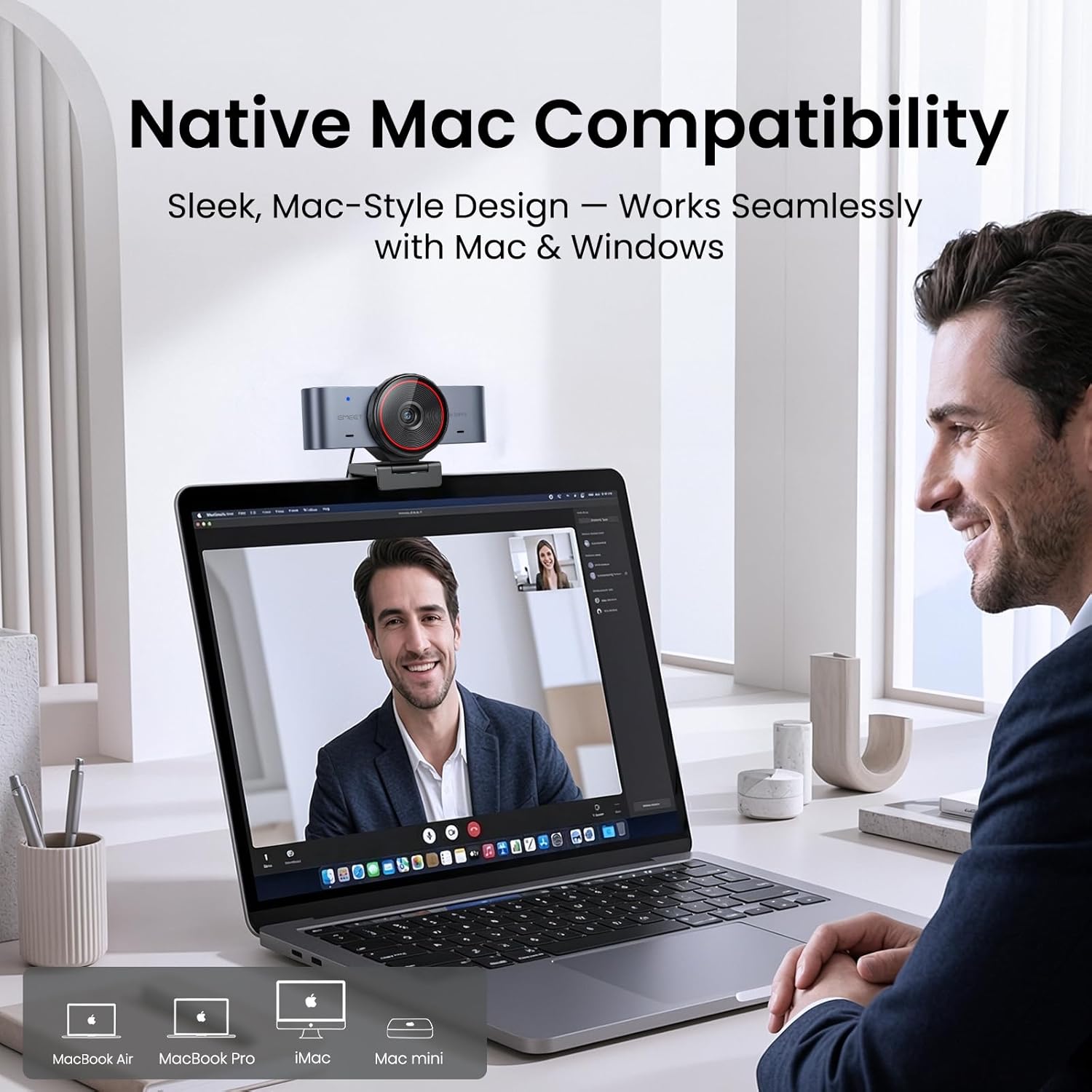
Image 4.2: The webcam integrated with a Mac setup, demonstrating its native compatibility.
4.3 Smart Whiteboard Mode
Utilize the Whiteboard Mode with EMEET STUDIO software to enhance presentations. This mode supports auto-recognition, perspective correction, and optimized clarity for both wall-mounted whiteboards and desktop content.

Image 4.3: Before and after comparison of Whiteboard Mode, showing improved clarity and correction.
4.4 Dual-Mic Array
The integrated dual-mic array ensures clear and natural voice pickup, reducing the need to lean in during meetings or streaming sessions. This feature provides 360-degree wide-angle voice pickup.

Image 4.4: Visual representation of the dual-mic array capturing sound for clear communication.
4.5 Integrated Privacy Cover
The webcam includes a built-in rotating privacy cover. Simply twist the outer ring around the lens to open or close it, providing immediate privacy protection when the camera is not in use.

Image 4.5: Close-up of the integrated privacy cover, showing the twist mechanism to open and close the lens.
Video 4.1: Official EMEET video demonstrating the 4K webcam's features, including the Sony Sensor and PDAF Focus.
Video 4.2: User demonstration highlighting the plug-and-play functionality and the privacy cover mechanism.
5. Maintenance
5.1 Cleaning
- To clean the webcam lens, use a soft, lint-free cloth. Avoid abrasive materials or harsh chemicals.
- For the webcam body, wipe with a dry or slightly damp cloth.
5.2 Storage
When not in use, store the webcam in a clean, dry environment. Ensure the privacy cover is closed to protect the lens from dust and scratches.
6. Troubleshooting
6.1 Webcam Not Recognized
- Check USB Connection: Ensure the USB cable is securely connected to both the webcam and your computer. Try a different USB port.
- Adapter Usage: If using the USB-C to USB-A adapter, ensure it is properly connected.
- Restart Computer: A simple restart can often resolve recognition issues.
- Driver Check: While typically plug-and-play, ensure your operating system is up-to-date.
6.2 Image Quality Issues (Grainy, Blurry, Poor Color)
- Lighting: Ensure adequate lighting in your environment. Avoid strong backlighting.
- Clean Lens: Gently clean the webcam lens with a soft cloth.
- Software Settings: Download and use the EMEET STUDIO software to adjust image settings such as brightness, contrast, and sharpness. Default settings may not be optimal for all environments.
- Autofocus: Ensure nothing is obstructing the camera's view that might interfere with autofocus.
6.3 Audio Issues (No Sound, Poor Sound Quality)
- Microphone Selection: In your video conferencing software or system sound settings, ensure the EMEET C960 Ultra is selected as the input device.
- Volume Levels: Check microphone volume levels in your system settings.
6.4 Compatibility with Specific Applications (e.g., Microsoft Teams, Windows Hello)
- Application Settings: Verify that the EMEET C960 Ultra is selected as the camera and microphone within the specific application's settings.
- Windows Hello: This webcam is not compatible with Windows Hello facial recognition.
- Software Updates: Ensure both your operating system and the application are updated to their latest versions.
7. Specifications
| Feature | Detail |
|---|---|
| Brand | EMEET |
| Model Name | C960 Ultra 4K |
| Model Number | E3156 |
| Video Capture Resolution | 4K |
| Photo Sensor Technology | CMOS |
| Sensor Type | CMOS (1/1.5" Large Sensor) |
| Focus Type | Auto Focus (0.2s) |
| Connectivity Technology | USB |
| Compatible Devices | Personal Computer, Laptop, Mac |
| Special Features | Compact, USB, Built-in Privacy Cover, Dual-Mic Array, Whiteboard Mode, Metal Body |
| Item Weight | 131.54 Grams |
| Color | Space Gray |
| UPC | 850083490065 |
8. Warranty and Support
8.1 Warranty Information
The EMEET C960 Ultra 4K Webcam comes with a 2-year warranty. Please retain your proof of purchase for warranty claims.
8.2 Technical Support
For technical assistance, troubleshooting, or further inquiries, please contact EMEET Direct customer support. Refer to the official EMEET website for contact details and additional resources.


