
1. Product Overview
The boAt Airdopes 148 Gen 2 are True Wireless Stereo (TWS) earbuds designed for an immersive audio experience. They feature a long-lasting battery, advanced microphone technology for clear calls, and a low-latency mode for gaming. This manual provides instructions for setting up, operating, and maintaining your earbuds.
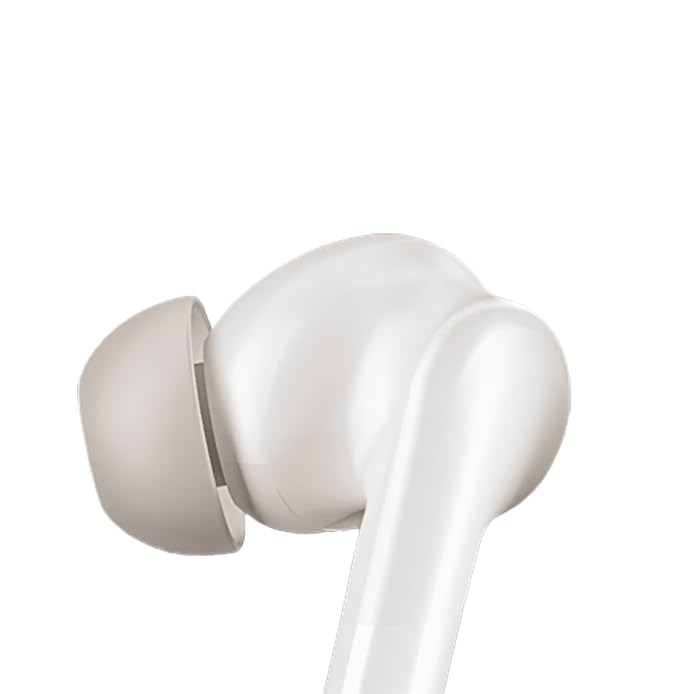
Image: boAt Airdopes 148 Gen 2 earbuds shown with their charging case.
2. What's in the Box
Please check the package contents to ensure all items are present:
- boAt Airdopes 148 Gen 2 Earbuds (Left and Right)
- Charging Case
- USB Charging Cable
- Additional Ear Cushions (various sizes)
- User Manual
3. Setup Instructions
3.1 Initial Charging
Before first use, fully charge the earbuds and the charging case.
- Place both earbuds into the charging case.
- Connect the USB charging cable to the charging port on the case and to a power source.
- The indicator lights on the case will show charging status. Once fully charged, the lights may change or turn off.

Image: The boAt Airdopes 148 Gen 2 charging case with earbuds inserted, illustrating the charging process.
3.2 Pairing with Your Device (Insta Wake N' Pair)
The Airdopes 148 Gen 2 feature Insta Wake N' Pair (IWP) technology for seamless connection.
- Open the lid of the charging case. The earbuds will automatically power on and enter pairing mode.
- Enable Bluetooth on your smartphone or other device.
- Search for "Airdopes 148 Gen 2" in the list of available Bluetooth devices.
- Select it to connect. Once connected, you will hear an audio prompt.
Note: The earbuds will automatically connect to the last paired device when the case lid is opened, if Bluetooth is enabled on the device.

Image: A visual representation of key features including Bluetooth v5.4 and Insta Wake N' Pair technology.
4. Operating Instructions
4.1 Touch Controls
The Airdopes 148 Gen 2 feature intuitive touch controls on each earbud:
- Play/Pause: Single tap on either earbud.
- Next Track: Double tap on the right earbud.
- Previous Track: Double tap on the left earbud.
- Answer/End Call: Single tap on either earbud.
- Reject Call: Long press (2 seconds) on either earbud.
- Activate Voice Assistant: Triple tap on either earbud.
- BEAST Mode On/Off: Long press (3 seconds) on the right earbud.
- Switch Dual EQs: Long press (3 seconds) on the left earbud.
4.2 BEAST Mode (Low Latency)
Activate BEAST Mode for an ultra-low latency audio experience, ideal for gaming and video streaming. This minimizes audio delay between your device and the earbuds.
- To Activate: Long press the right earbud for 3 seconds.
- To Deactivate: Long press the right earbud for 3 seconds again.
4.3 Dual EQs
Switch between different sound profiles (e.g., Balanced, Bass) to suit your audio preference.
- To Switch: Long press the left earbud for 3 seconds.
4.4 Voice Assistant
Access your device's voice assistant (e.g., Google Assistant, Siri) directly from the earbuds.
- To Activate: Triple tap on either earbud.
4.5 Calling with ENx Technology
The earbuds feature Quad Mics with ENx Technology for clear voice calls by cancelling environmental noise.

Image: A user wearing an earbud, highlighting the Quad Mics with ENx Technology for enhanced call clarity.
4.6 Battery Life
The Airdopes 148 Gen 2 offer up to 48 hours of total playback time with the charging case. ASAP Charge provides 180 minutes of playback from just 10 minutes of charging.

Image: A graphic illustrating the impressive battery life of up to 48 hours and the fast charging capability.
5. Maintenance
5.1 Cleaning
Regular cleaning helps maintain sound quality and hygiene.
- Gently wipe the earbuds and charging case with a soft, dry, lint-free cloth.
- Remove ear tips and clean them with mild soap and water, then dry thoroughly before reattaching.
- Use a cotton swab or a small, soft brush to carefully clean the speaker mesh and charging contacts.
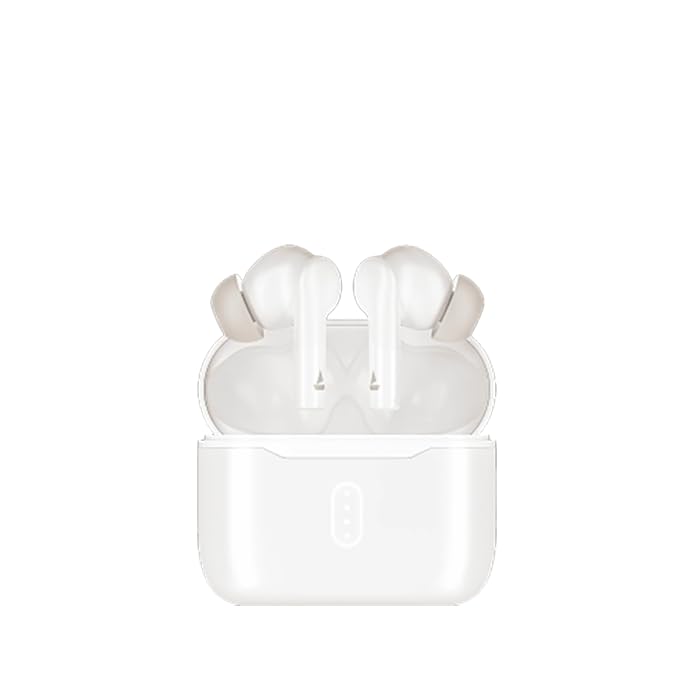
Image: A close-up view of an earbud tip, showing the area that requires regular cleaning.
5.2 Water Resistance (IPX4)
The Airdopes 148 Gen 2 are IPX4 rated, meaning they are resistant to splashes of water and sweat. They are not designed for submersion in water.
- Avoid exposing the earbuds to heavy rain or submerging them in water.
- Dry the earbuds thoroughly if they get wet from sweat or splashes before placing them back in the charging case.
6. Troubleshooting
If you encounter issues with your Airdopes 148 Gen 2, try the following solutions:
- No Sound/Connection Issues:
- Ensure earbuds are charged.
- Make sure Bluetooth is enabled on your device.
- Forget "Airdopes 148 Gen 2" from your device's Bluetooth list and re-pair.
- Restart your device.
- One Earbud Not Working:
- Place both earbuds back in the case, close the lid, wait a few seconds, then open again.
- Ensure both earbuds are charged.
- Charging Issues:
- Check the charging cable and adapter.
- Ensure charging contacts on earbuds and case are clean.
- Low Volume:
- Adjust volume on both your device and the earbuds.
- Clean earbud speaker mesh.
7. Specifications
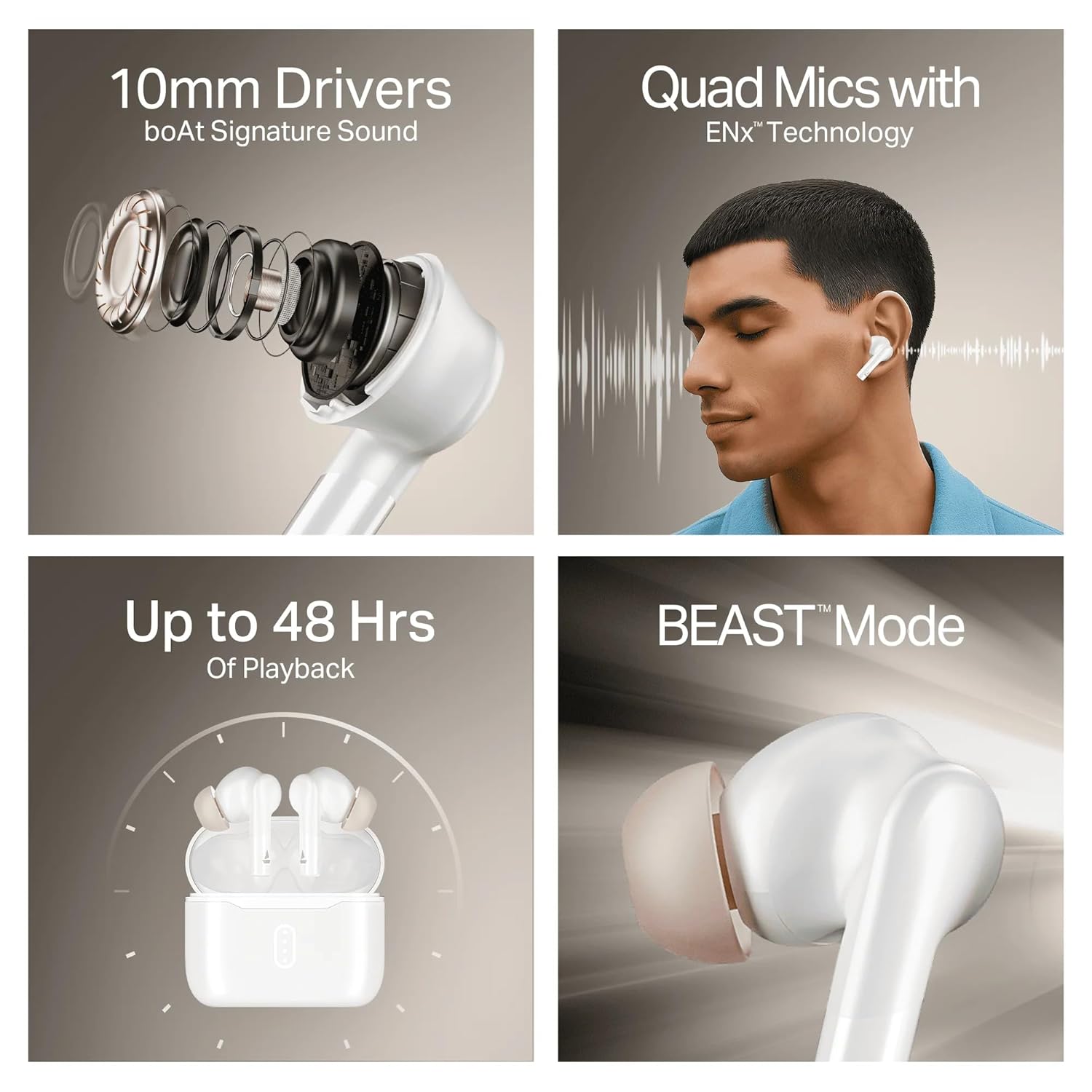
Image: A summary of key specifications and features of the Airdopes 148 Gen 2.
| Feature | Description |
|---|---|
| Model Name | Airdopes 148 Gen 2 |
| Bluetooth Version | 5.4 |
| Playback Time | Up to 48 hours (with charging case) |
| ASAP Charge | 10 mins charge = 180 mins playback |
| Microphones | Quad Mics with ENx Technology |
| Drivers | 10mm |
| Water Resistance | IPX4 |
| Latency Mode | BEAST Mode (Ultra-low latency) |
| Connectivity | Wireless |
| Control Type | Touch Control |
| Compatible Devices | Laptops, Smartphones, Tablets |
8. Warranty and Support
8.1 Warranty Information
The boAt Airdopes 148 Gen 2 comes with a 12 + 3 months manufacturer warranty. Please retain your proof of purchase for warranty claims.
8.2 Customer Support
For any support, queries, or warranty claims, please contact boAt customer service:
- Email: info@imaginemarketingindia.com
- Manufacturer: Imagine Marketing Ltd


