
1. Introduction
Thank you for choosing the Monster BC300 Open Ear Sport Headphones. These headphones are designed to provide a comfortable and secure audio experience while keeping you aware of your surroundings. Featuring bone conduction technology, IPX8 waterproofing, 32GB of built-in memory, and a long-lasting battery, the BC300 is ideal for various sports and outdoor activities.
Please read this manual carefully before using your headphones to ensure proper operation and to maximize their lifespan.
2. Package Contents
Ensure all items are present in your package:
- Monster BC300 Open Ear Sport Headphones
- USB Charging Cable
- User Manual
3. Product Features
- Open Ear Design: Rests comfortably outside your ears, providing a secure fit without pressure. This design allows you to remain aware of your surroundings, enhancing safety during outdoor activities.
- Bone Conduction Technology: Sound is transmitted through your cheekbones, keeping your ear canals open. This minimizes ear fatigue and offers a natural listening experience.
- Bluetooth 6.0 Connectivity: Ensures a stable, low-latency connection for reliable audio streaming and clear calls.
- IPX8 Waterproof Rating: Designed to resist heavy sweat, rain, and temporary submersion, making them suitable for intense training, trail running, and even swimming.
- 32GB Built-in Memory: Store thousands of songs directly on the headphones for true wire-free listening without needing a phone, perfect for swimming or gym workouts.
- 10-Hour Battery Life: Provides extended playtime for all-day use.
4. Setup
4.1 Charging the Headphones
Before first use, fully charge the headphones. Connect the USB charging cable to the charging port on the headphones and to a standard USB power adapter (not included) or a computer's USB port. The LED indicator will show charging status and turn off or change color when fully charged.
A full charge provides approximately 10 hours of playtime.
4.2 Power On/Off
- Power On: Press and hold the Power/Multi-function button for approximately 3 seconds until the LED indicator flashes and you hear a power-on prompt.
- Power Off: Press and hold the Power/Multi-function button for approximately 5 seconds until the LED indicator turns off and you hear a power-off prompt.
4.3 Bluetooth Pairing
- Ensure the headphones are powered off.
- Press and hold the Power/Multi-function button for approximately 5-7 seconds until the LED indicator flashes red and blue alternately, indicating pairing mode.
- On your device (smartphone, tablet, etc.), enable Bluetooth and search for available devices.
- Select "Monster BC300" from the list of devices.
- Once connected, the LED indicator will flash blue slowly, and you will hear a connection confirmation.
Note: The headphones will automatically attempt to reconnect to the last paired device when powered on.
4.4 Using Built-in Memory (MP3 Mode)
The BC300 headphones feature 32GB of internal storage for music playback without a connected device.
- Transferring Music: Connect the headphones to your computer using the USB charging cable. The headphones will appear as a removable disk. Drag and drop your audio files (e.g., MP3, WAV, FLAC) into the headphone's storage folder.
- Switching to MP3 Mode: While the headphones are on, press the Mode button (if available, or a combination of buttons as per specific model design) to switch between Bluetooth mode and MP3 player mode. Refer to the specific button layout for your model.
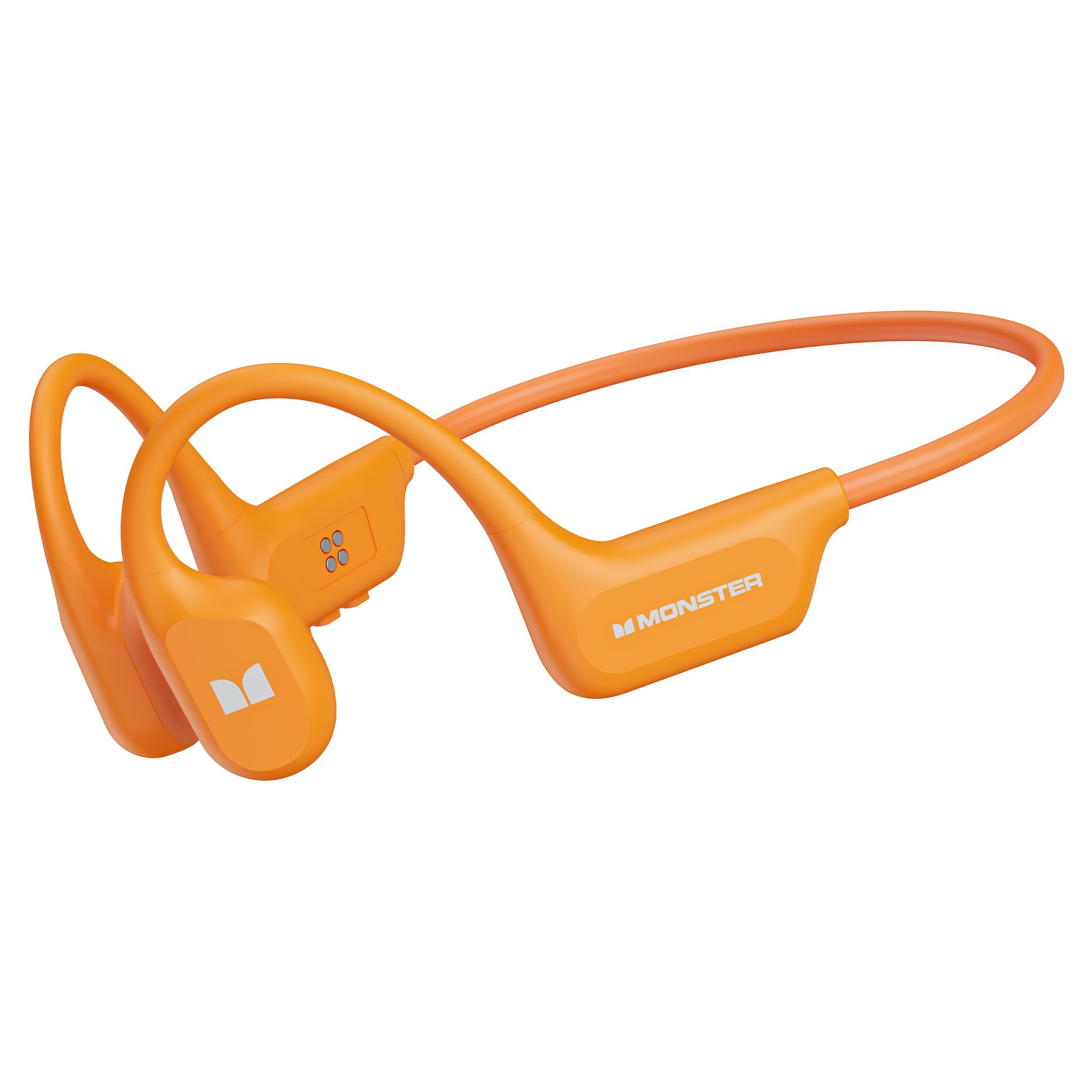
Image: Monster BC300 headphones connected to a laptop via USB cable, illustrating the 32GB built-in memory feature for standalone music playback.
5. Operating Instructions
5.1 Button Functions (General)
The headphones typically feature a Power/Multi-function button, Volume Up (+), and Volume Down (-) buttons. Specific functions may vary slightly.
| Button | Function |
|---|---|
| Power/Multi-function Button |
|
| Volume Up (+) |
|
| Volume Down (-) |
|
| Mode Button (if present) |
|
5.2 Call Functions
- Answer Call: Press the Power/Multi-function button once.
- End Call: Press the Power/Multi-function button once during a call.
- Reject Call: Press and hold the Power/Multi-function button for 2 seconds during an incoming call.
- Redial: Double-press the Power/Multi-function button to redial the last number.
5.3 Music Playback
- Play/Pause: Press the Power/Multi-function button once.
- Next Track: Press and hold the Volume Up (+) button.
- Previous Track: Press and hold the Volume Down (-) button.
- Volume Adjustment: Press Volume Up (+) or Volume Down (-) buttons to adjust the volume.

Image: Man wearing Monster BC300 headphones, demonstrating the bone conduction technology that keeps ear canals open.

Image: Close-up view of the Monster BC300 headphone's internal components, emphasizing the Bluetooth 6.0 chip for stable connections.

Image: A man playing basketball while wearing Monster BC300 headphones, demonstrating their secure and comfortable fit during workouts.

Image: A woman cycling on a road wearing Monster BC300 headphones, highlighting the open-ear design that maintains awareness of surroundings for safety.

Image: Monster BC300 headphones depicted with abstract sound waves, symbolizing the 'Pure Monster Sound' quality with deep bass and crisp clarity.
6. Maintenance and Care
- Cleaning: Wipe the headphones with a soft, damp cloth. Do not use harsh chemicals or abrasive materials.
- Water Resistance: The headphones are IPX8 waterproof. This means they can withstand continuous immersion in water up to 1.5 meters for 30 minutes. Rinse with fresh water after exposure to saltwater or chlorinated water and allow to dry completely before charging.
- Storage: Store the headphones in a cool, dry place away from direct sunlight and extreme temperatures.
- Battery Care: To preserve battery life, charge the headphones regularly, even if not in use for extended periods. Avoid fully discharging the battery frequently.

Image: A man swimming underwater while wearing Monster BC300 headphones, showcasing their IPX8 waterproof capability for aquatic activities.
7. Troubleshooting
| Problem | Solution |
|---|---|
| Headphones do not power on. | Ensure the headphones are charged. Connect to a power source and try again after a few minutes. |
| Cannot pair with device. |
|
| No sound or low volume. |
|
| Music not playing from built-in memory. |
|
8. Specifications
| Feature | Detail |
|---|---|
| Brand | Monster |
| Model Number | E129 (BC300) |
| Ear Placement | Open Ear |
| Connectivity Technology | Bluetooth |
| Bluetooth Version | 5.0 (Product description mentions 6.0) |
| Water Resistance Level | IPX8 Waterproof |
| Built-in Memory | 32GB |
| Battery Life | Up to 10 Hours |
| Frequency Range | 20 Hz - 20,000 Hz |
| Material | Silicone |
| Control Method | App (and physical buttons) |
9. Warranty and Support
The Monster BC300 Open Ear Sport Headphones come with a 1 Year Manufacturer Warranty from the date of purchase. This warranty covers manufacturing defects and workmanship under normal use.
The warranty does not cover damage caused by misuse, accidents, unauthorized modifications, or normal wear and tear.
For warranty claims or technical support, please contact Monster customer service through their official website or the retailer where the product was purchased. Please have your proof of purchase and product model number (E129) ready.


