
1. Introduction
Thank you for choosing the MINISO MS216 Sleep Earbuds. These earbuds are designed to provide comfort for side sleepers, advanced noise reduction, and real-time AI translation across 135 languages. This manual will guide you through the features, setup, and operation to ensure an optimal user experience.

Figure 1.1: MINISO MS216 Sleep Earbuds and Charging Case.
2. Product Features
- Comfort for Side Sleepers: Features a low-profile, ergonomic design that fits snugly within the ear canal, minimizing pressure and discomfort when sleeping on your side.
- Advanced Noise Reduction: Utilizes Active Noise Cancellation (ANC) technology to reduce background noise, suitable for sleep, calls, or music in various environments.
- 3-in-1 AI Translation: Combines real-time translation, high-definition call clarity, and premium audio playback. Offers near-instant translation (<0.5s delay) with 98% accuracy.
- Multi-language Support: Supports real-time translation across 135 languages, including Spanish, Chinese, English, Japanese, Korean, German, and French.
- Multiple Translation Modes: Includes Hands-Free, Touch Control, Photo Translate, AI Chat Mode, Meeting Mode, Hybrid Mode, and Voice Notes.
- Extended Battery Life: Provides up to 8 hours of playtime on a single charge, with the compact charging case extending total playtime to 48 hours. Supports Type-C fast charging.
- Bluetooth 6.0 Connectivity: Ensures stable and efficient wireless connection.

Figure 2.1: Ergonomic design and lightweight construction for comfortable sleep.

Figure 2.2: Active Noise Cancellation (ANC) for reduced ambient sound.
3. Setup
3.1 Initial Charging
Before first use, fully charge the earbuds and the charging case. Connect the provided Type-C charging cable to the charging case and a power source. The indicator lights on the case will show charging status.

Figure 3.1: Charging the MINISO MS216 Earbuds and Case.
3.2 Bluetooth Pairing
- Ensure the earbuds are in the charging case and the case lid is open.
- On your device (smartphone, tablet), enable Bluetooth.
- Select "MINISO MS216" from the list of available Bluetooth devices.
- Once connected, the earbuds are ready for use.
4. Operating Instructions
4.1 Wearing the Earbuds
Gently insert each earbud into your ear canal. Adjust for a comfortable and secure fit. The ergonomic design is intended to remain comfortable even when lying on your side.
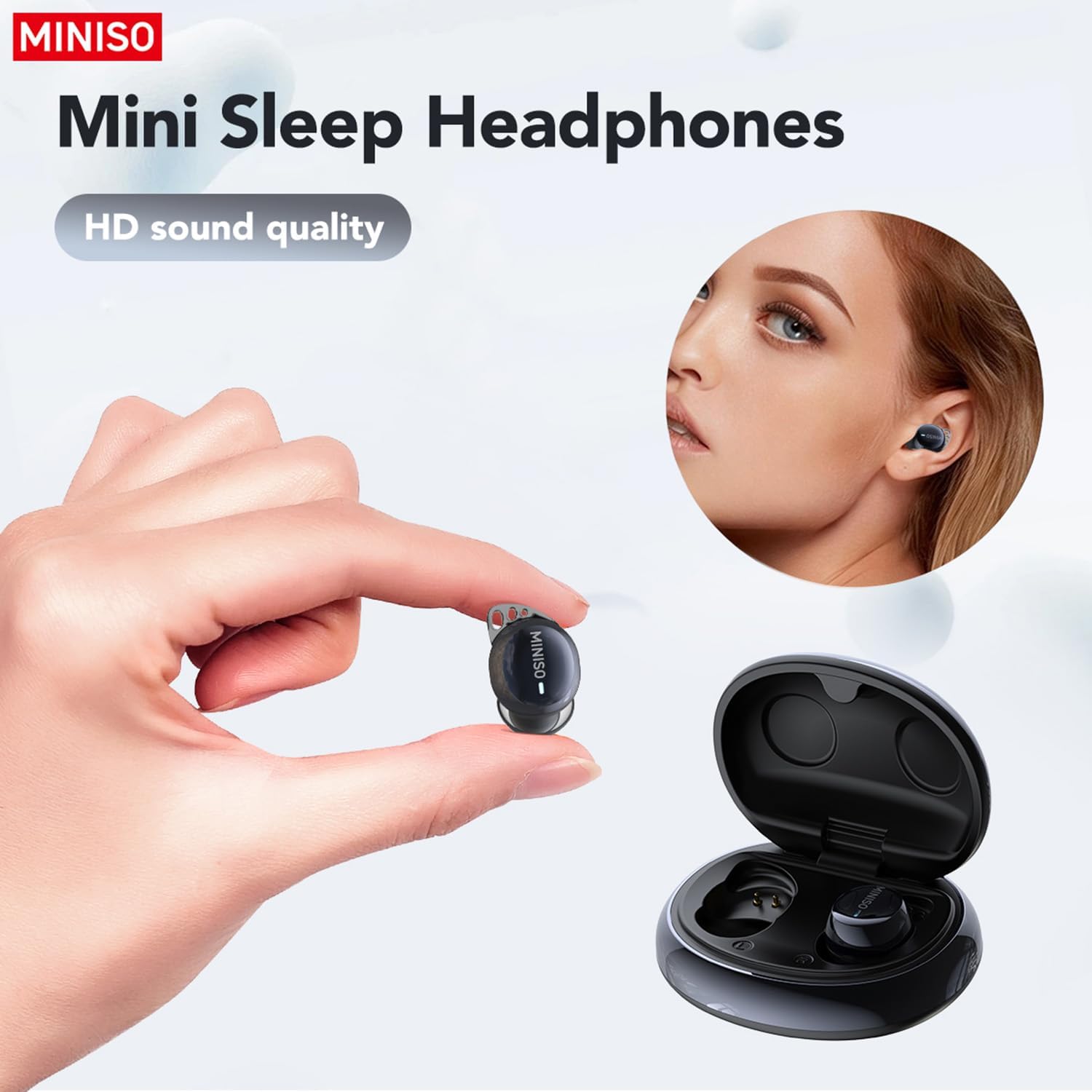
Figure 4.1: Proper placement of the earbud for a secure fit.
4.2 Basic Controls (Touch)
- Play/Pause: Single tap on either earbud.
- Next Track: Double tap on the right earbud.
- Previous Track: Double tap on the left earbud.
- Answer/End Call: Single tap on either earbud.
- Reject Call: Press and hold on either earbud.
- Activate Voice Assistant: Triple tap on either earbud.
4.3 AI Translation Function (Saymi App)
The AI translation feature requires the free Saymi app, available for both iPhone and Android devices. Download and install the app, then ensure your earbuds are connected via Bluetooth.
- Open the Saymi app on your smartphone.
- Select the desired translation mode (e.g., Hands-Free, Touch Control, Headphones+Phone Mode).
- Follow the on-screen instructions within the app to initiate translation.
- For 'Headphones+Phone Mode', one person speaks into the earbud, and the other speaks into the phone's microphone.
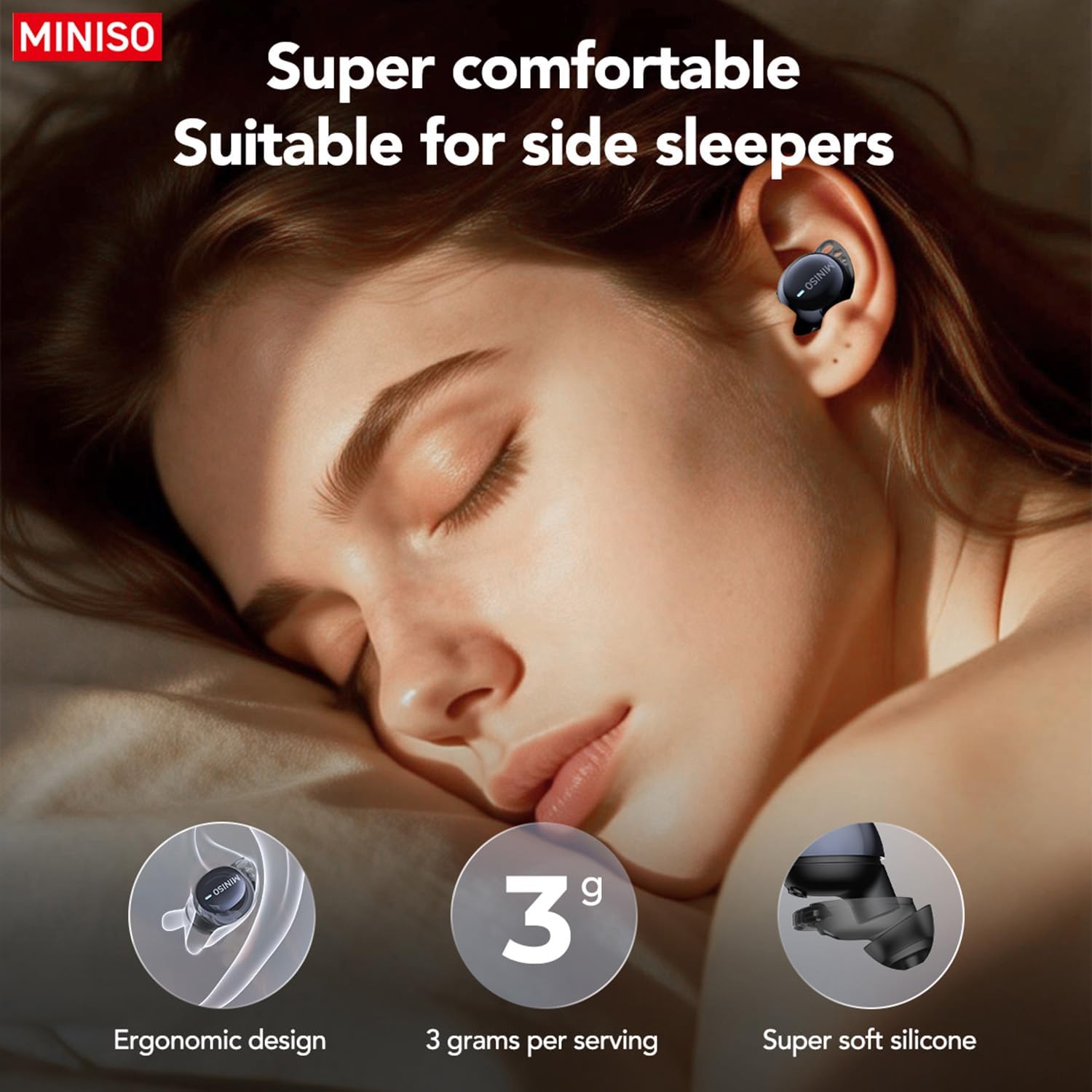
Figure 4.2: Using earbuds for clear communication.
5. Maintenance
- Cleaning: Regularly clean the earbuds and charging case with a soft, dry cloth. Do not use harsh chemicals or abrasive materials.
- Ear Tips: Remove and clean the silicone ear tips periodically with mild soap and water. Ensure they are completely dry before reattaching.
- Storage: Store the earbuds in their charging case when not in use to protect them and ensure they remain charged.
- Avoid Water: The earbuds are not waterproof. Avoid exposure to excessive moisture or submersion in water.
6. Troubleshooting
| Problem | Possible Cause | Solution |
|---|---|---|
| Earbuds not pairing | Bluetooth is off; earbuds out of range; low battery. | Ensure Bluetooth is on. Place earbuds closer to device. Charge earbuds and case. |
| No sound | Volume too low; not connected; media paused. | Increase device volume. Reconnect earbuds. Check media playback. |
| Translation not working | Saymi app not open; incorrect mode selected; internet connection issue. | Open Saymi app. Select correct translation mode. Ensure stable internet connection. |
| Earbuds falling out during sleep | Incorrect ear tip size; improper fit. | Try different sized ear tips for a more secure fit. Adjust placement in ear. |
7. Specifications
- Model Number: MS216
- Connectivity: Bluetooth 6.0
- Translation Languages: 135 (via Saymi app)
- Playtime (Earbuds): Up to 8 hours
- Total Playtime (with Case): Up to 48 hours
- Charging Port: Type-C
- Item Weight: 3.52 ounces
- Package Dimensions: 4.21 x 3.19 x 1.73 inches
- Manufacturer: MINISO
8. Warranty and Support
MINISO products are covered by a limited warranty. For detailed warranty information, product support, or service inquiries, please refer to the warranty card included in your product packaging or visit the official MINISO website. You may also contact MINISO customer service directly for assistance.

Figure 8.1: Product packaging and included manual.


