
1. Introduction
This manual provides detailed instructions for the setup, operation, and maintenance of your ieGeek S2 Outdoor Solar Security Camera. Please read it thoroughly before use to ensure optimal performance and safety.
The ieGeek S2 is a versatile wireless security camera featuring 2K HD resolution, 300° pan/tilt (PTZ) functionality, color night vision, PIR human detection, two-way audio, and solar power capabilities. It is designed for outdoor use with IP65 weather resistance and supports Alexa integration.
2. Package Contents
Verify that all items listed below are included in your package. If any items are missing or damaged, please contact customer support.
- ieGeek S2 Outdoor Security Camera (with magnetic bracket) x1
- Solar Panel x1
- Power Cable (USB) x1
- Screws x3, Anchors x3
- Base x1
- Adhesive Tape x1
- Instruction Manual x1

Image: All components included in the ieGeek S2 package.
Video: Unboxing the ieGeek S2 camera and its accessories, including the solar panel.
3. Setup & Installation
3.1 Mounting the Camera
The ieGeek S2 camera offers flexible installation options, including magnetic mounting for quick setup without drilling, or traditional screw mounting for enhanced security.

Image: Various magnetic installation methods for the camera.

Image: Magnetic installation offers a simple, drill-free setup.
3.2 Connecting the Solar Panel
For continuous power, connect the included solar panel to your camera. Ensure the solar panel is placed in an area with ample direct sunlight.
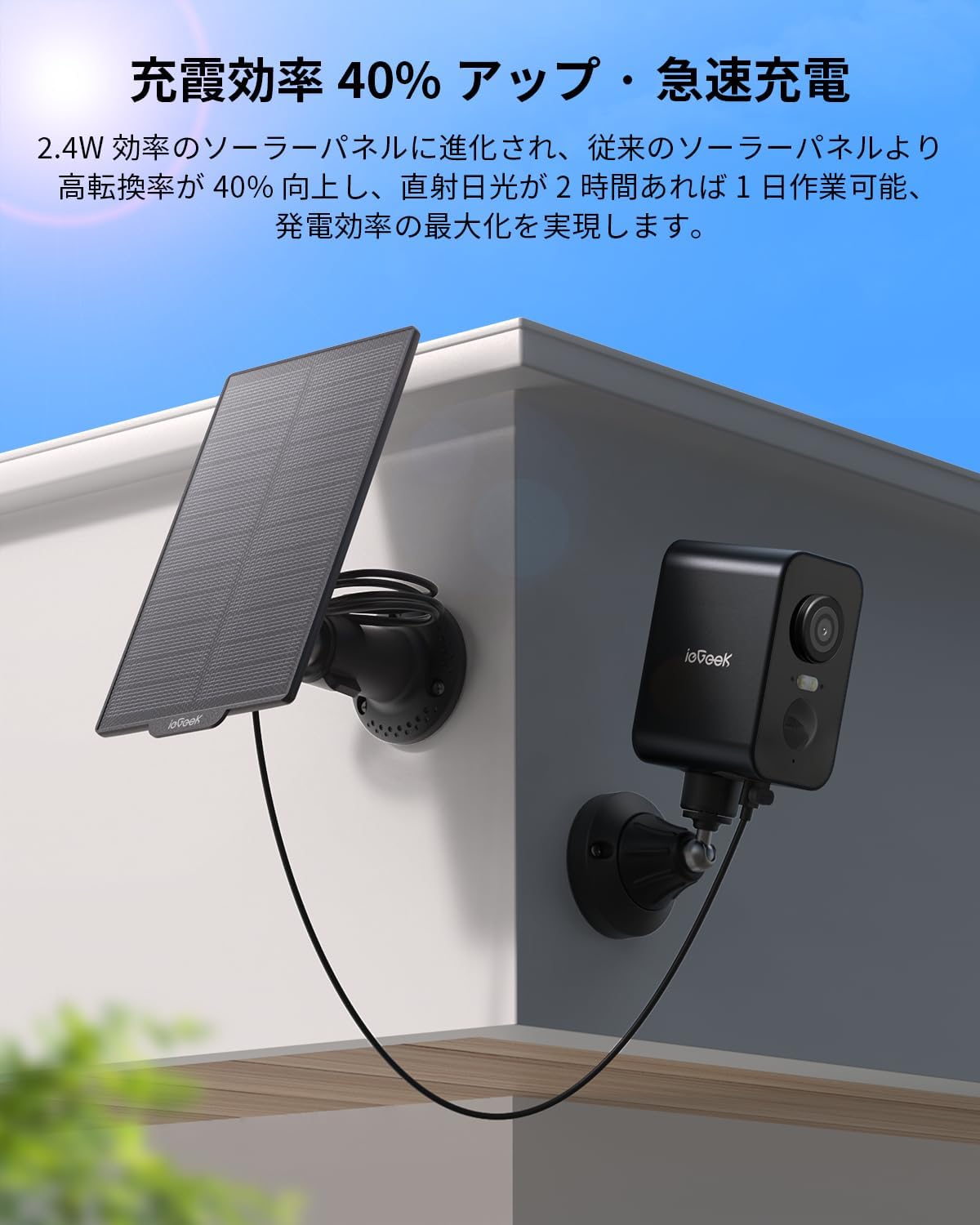
Image: Solar panel connected to the camera for charging.

Image: The 2.4W solar panel provides efficient, continuous power.
3.3 App Download and Wi-Fi Connection
Before connecting, download the 'ieGeek Cam' app from your device's app store (iOS/Android compatible). The camera supports 2.4GHz Wi-Fi networks only.
Video: Detailed instructions for camera installation and Wi-Fi connection using the mobile app.

Image: Bluetooth connection for easy device pairing.
4. Operating Instructions
4.1 PTZ Control & Wide-Angle View
Control the camera's horizontal movement (up to 300°) remotely via your smartphone. The 130° ultra-wide-angle lens ensures comprehensive coverage without blind spots.

Image: PTZ function with 300-degree horizontal rotation for full coverage.

Image: Remote PTZ control and 130° ultra-wide angle for comprehensive monitoring.
4.2 2K HD Video Quality
Capture clear and detailed footage with 2K (2304x1296) high-definition resolution, allowing for easy identification of faces and license plates.

Image: 2K HD resolution for realistic and detailed scenes.
4.3 Color Night Vision
Equipped with infrared LEDs and white lights, the camera automatically switches to night vision. When human motion is detected, it can switch to color recording, providing clear evidence even at night.

Image: Color night vision for enhanced security in low-light conditions.
Video: Demonstrates AI detection and night vision capabilities, showing a person detected at night.
4.4 PIR Human Detection & Alerts
The PIR thermal sensor accurately detects human movement with 99% precision, minimizing false alarms from leaves or insects. Receive real-time notifications on your smartphone and trigger sound/light alarms when an intruder is detected.

Image: PIR human detection for accurate alerts.

Image: Smart PIR thermal detection distinguishes humans from other objects.
4.5 Two-Way Audio
With a 360° omnidirectional microphone and built-in speaker, engage in smooth two-way conversations with visitors or delivery personnel from anywhere.
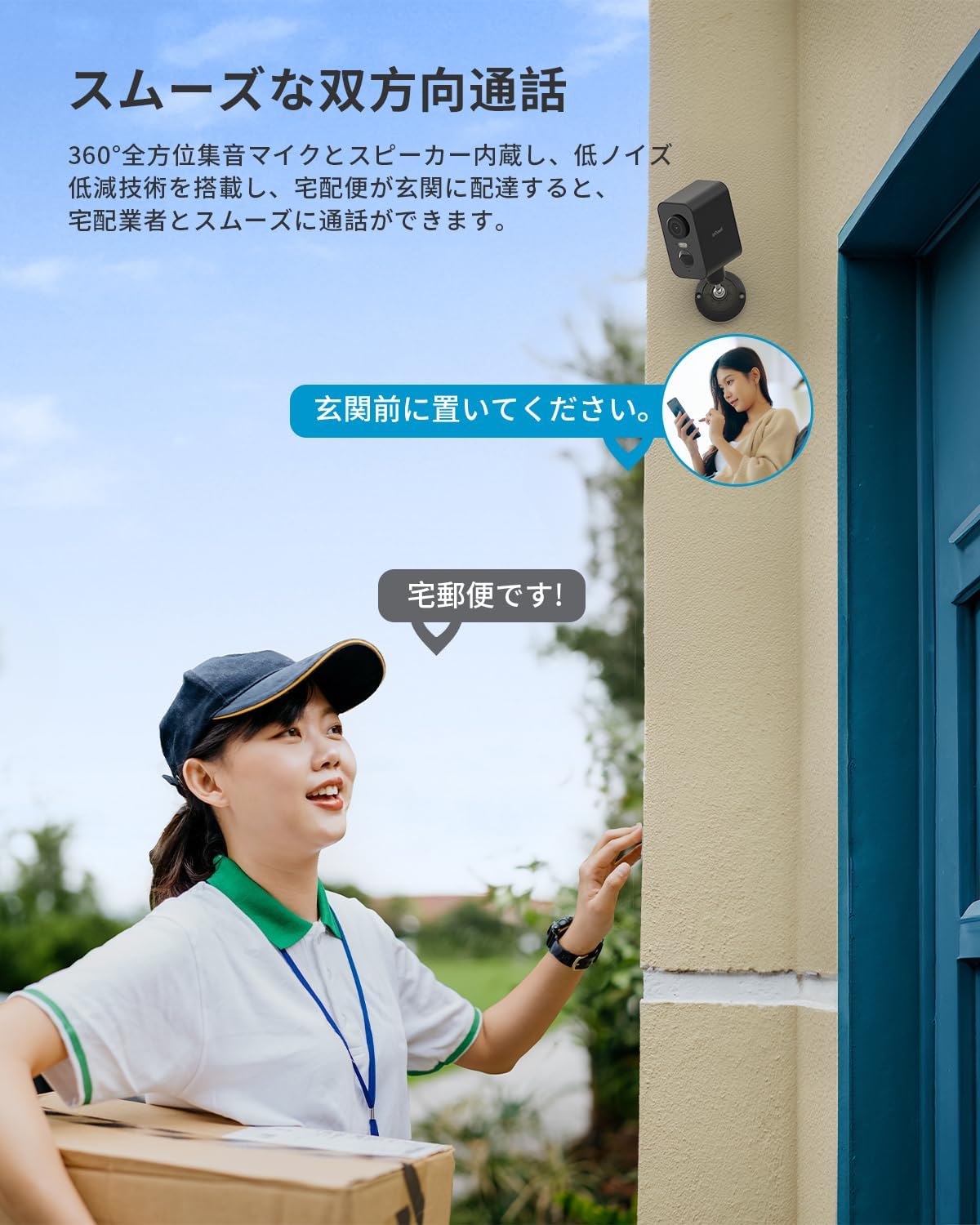
Image: Smooth two-way communication feature.
4.6 Storage Options
Recorded footage can be saved to a microSD card (up to 128GB, sold separately) or to the cloud (6 seconds free for 7 days). Footage is automatically overwritten for continuous recording.
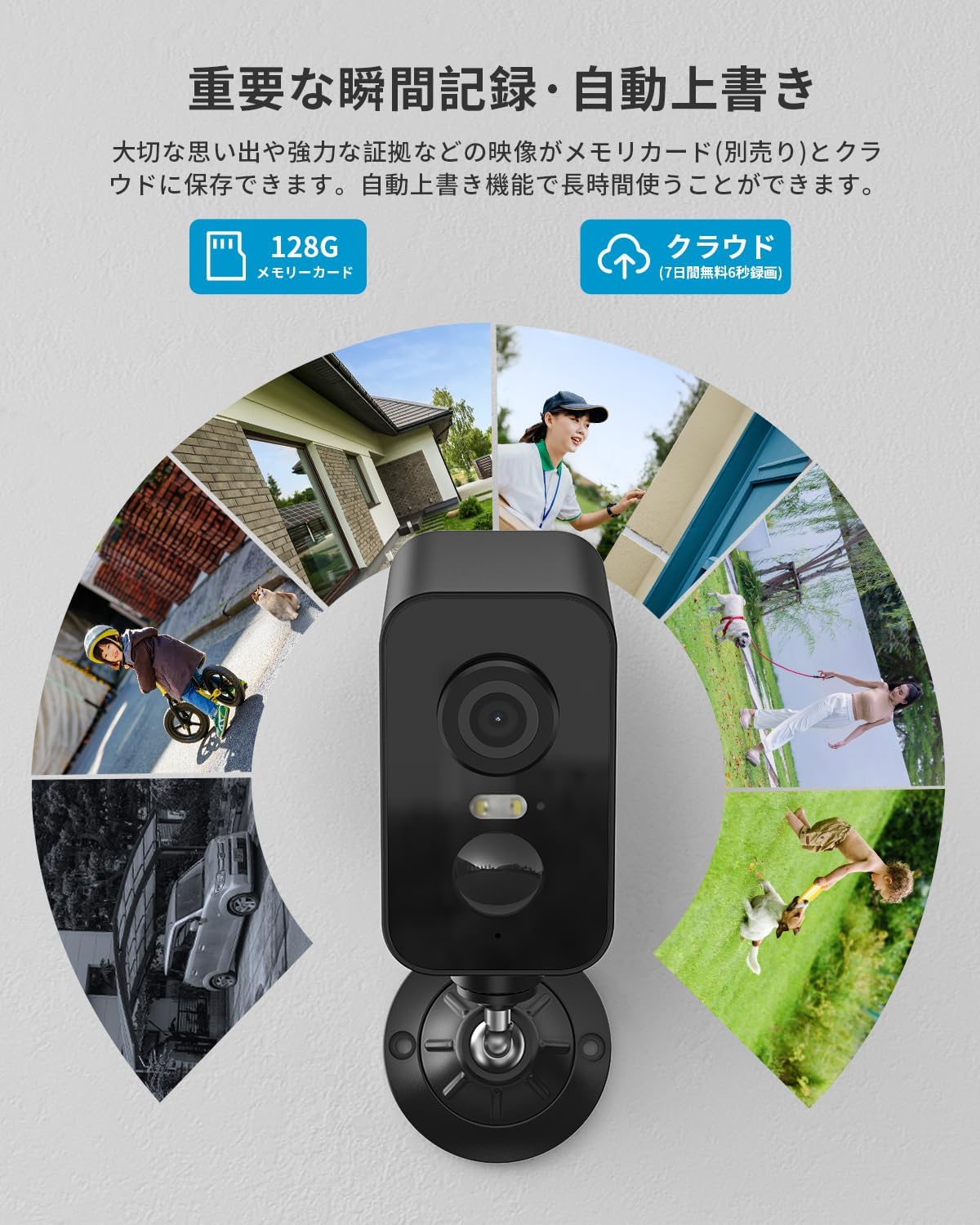
Image: Important moments can be saved to a memory card or cloud storage.
4.7 Alexa Compatibility
Integrate your camera with Alexa for voice control, allowing you to easily check your garden, entrance, or garage status hands-free.

Image: Alexa integration for convenient voice control.
4.8 Smart AI Detection
The latest AI image analysis function (paid feature) recognizes and classifies people, pets, vehicles, and packages within the image, simplifying recorded video searches.

Image: Smart AI detection for advanced object recognition.
5. Maintenance
5.1 IP65 Weather Resistance
The camera features IP65 waterproof and dustproof specifications, along with temperature resistance from -20°C to 50°C. This ensures reliable operation in harsh outdoor environments, including rain, wind, snow, and direct sunlight.

Image: IP65 waterproof and dustproof rating for outdoor durability.

Image: Operates reliably in extreme weather conditions.
6. Troubleshooting
If you encounter any issues with your ieGeek S2 camera, please refer to the following common solutions:
- Connectivity Issues: Ensure your Wi-Fi network is 2.4GHz. Check the camera's signal strength in the app. Restart your router and camera.
- False Alarms: Adjust the PIR detection sensitivity in the app (levels 1-10). Utilize the humanoid detection area feature to focus on specific zones.
- No Power: Verify the solar panel is receiving direct sunlight. Check the battery level in the app. Ensure the charging cable is securely connected.
- Poor Video Quality: Ensure the camera lens is clean. Check your Wi-Fi connection stability.
For further assistance, please contact ieGeek customer support.
7. Specifications
| Feature | Detail |
|---|---|
| Brand | ieGeek |
| Model Name | S2 |
| Connectivity Technology | Wireless (Wi-Fi, Bluetooth) |
| Special Features | 2K HD Resolution, PTZ Technology, Image Sensor, Two-Way Audio, Night Vision |
| Indoor/Outdoor Use | Outdoor |
| Compatible Devices | Smartphones |
| Power Source | Battery Powered |
| Video Capture Resolution | 1296p (2K) |
| Mounting Type | Window Mount (Magnetic/Adhesive) |
| Color | Black |
| Night Vision Range | 15 meters |
| Product Dimensions | 10 x 10 x 10 cm |
| GTIN | 734931803163 |
8. Warranty & Support
ieGeek offers comprehensive support for your product:
- Product Warranty: 1-year standard product warranty.
- Extended Warranty: An additional 2-year extended warranty program is available, offering a maximum of 3 years of coverage.
- Money-Back Guarantee: 30-day money-back guarantee.
- Lifetime Support: Dedicated customer support is available for the lifetime of the product.
For warranty claims or technical assistance, please refer to the contact information provided in the product packaging or on the official ieGeek website.


