
1. Important Safety Instructions
Please read these instructions carefully before installation and use. Keep this manual for future reference.
- Ensure the power supply is disconnected before installation or maintenance.
- Installation must be performed by a qualified electrician in accordance with local wiring regulations.
- The ceiling fan must be mounted on a structure capable of supporting its weight.
- Maintain a minimum distance of 2.3 meters (7.5 feet) from the floor to the blades.
- Do not insert objects into the path of the rotating blades.
- This appliance is for indoor use only.
2. Product Overview and Features
The Cecotec EnergySilence Aero 5230 is a 52-inch ceiling fan designed for efficient air circulation and lighting in your home. It features a silent DC motor, integrated LED light, and convenient remote control operation.
- 40W DC Motor: Direct current motor for improved efficiency, lower power consumption, and silent operation.
- 6 Speeds: Choose from 6 operating speeds to adjust airflow intensity to your needs.
- LED Lamp: 18W LED lamp providing perfect lighting with 3 available color temperatures (warm, neutral, cool white).
- Remote Control: Convenient and simple control of all fan functions.
- 8-Hour Timer: Programmable timer allows setting operation for up to 8 hours, after which the fan will automatically turn off.
- Winter/Summer Mode: Reversible motor system for year-round use. In summer, it creates a refreshing breeze; in winter, it pushes warm air down to complement heating.
- Adjustable Height: The fan's height can be adjusted between 15 and 25 cm from the ceiling.
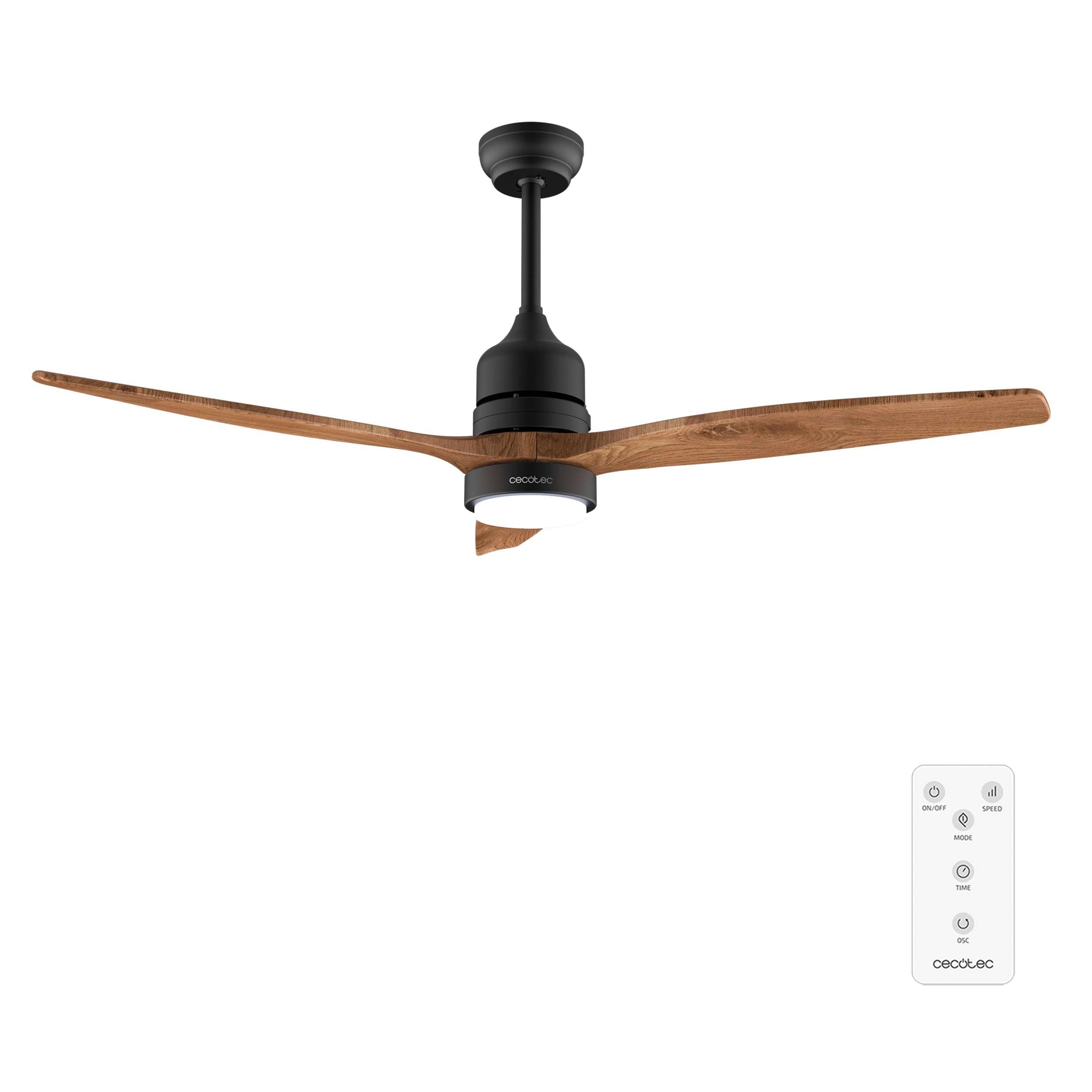
Image: The Cecotec EnergySilence Aero 5230 ceiling fan in a room, showcasing its design and integrated light. A remote control is also visible.
3. Package Contents
Verify that all components are present and undamaged before proceeding with installation.
- Ceiling Fan Motor Unit with Integrated LED Light
- 3 Fan Blades
- Downrod (for adjustable height)
- Ceiling Mounting Bracket
- Remote Control
- User Manual
- Hardware Pack (screws, washers, etc.)
4. Setup and Installation
Installation of the ceiling fan requires electrical wiring and secure mounting. It is highly recommended to have a qualified electrician perform the installation to ensure safety and proper functioning.
4.1 Pre-Installation Checks
- Ensure the power is turned off at the main circuit breaker.
- Confirm the ceiling can support the fan's weight (approximately 4.72 kg).
- Verify that there is sufficient clearance for the 52-inch blades (133 cm diameter).
4.2 Mounting the Fan
- Attach the mounting bracket securely to the ceiling joist or a suitable electrical junction box.
- Assemble the downrod to the motor unit. The adjustable height feature allows for installation between 15-25 cm from the ceiling.
- Carefully lift the fan assembly and hang it from the mounting bracket.
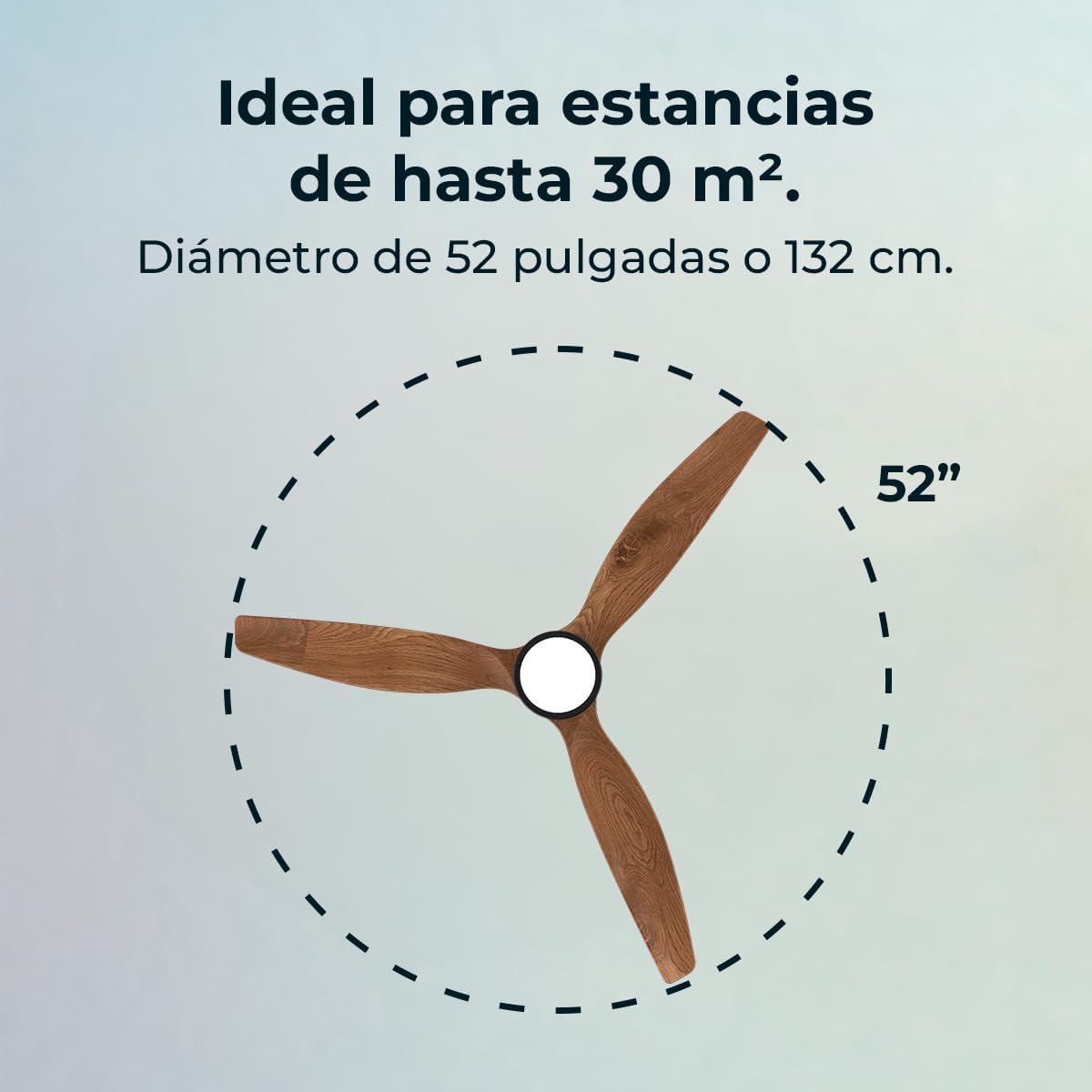
Image: Diagram illustrating the 52-inch (132 cm) diameter of the fan, indicating its suitability for rooms up to 30 m².
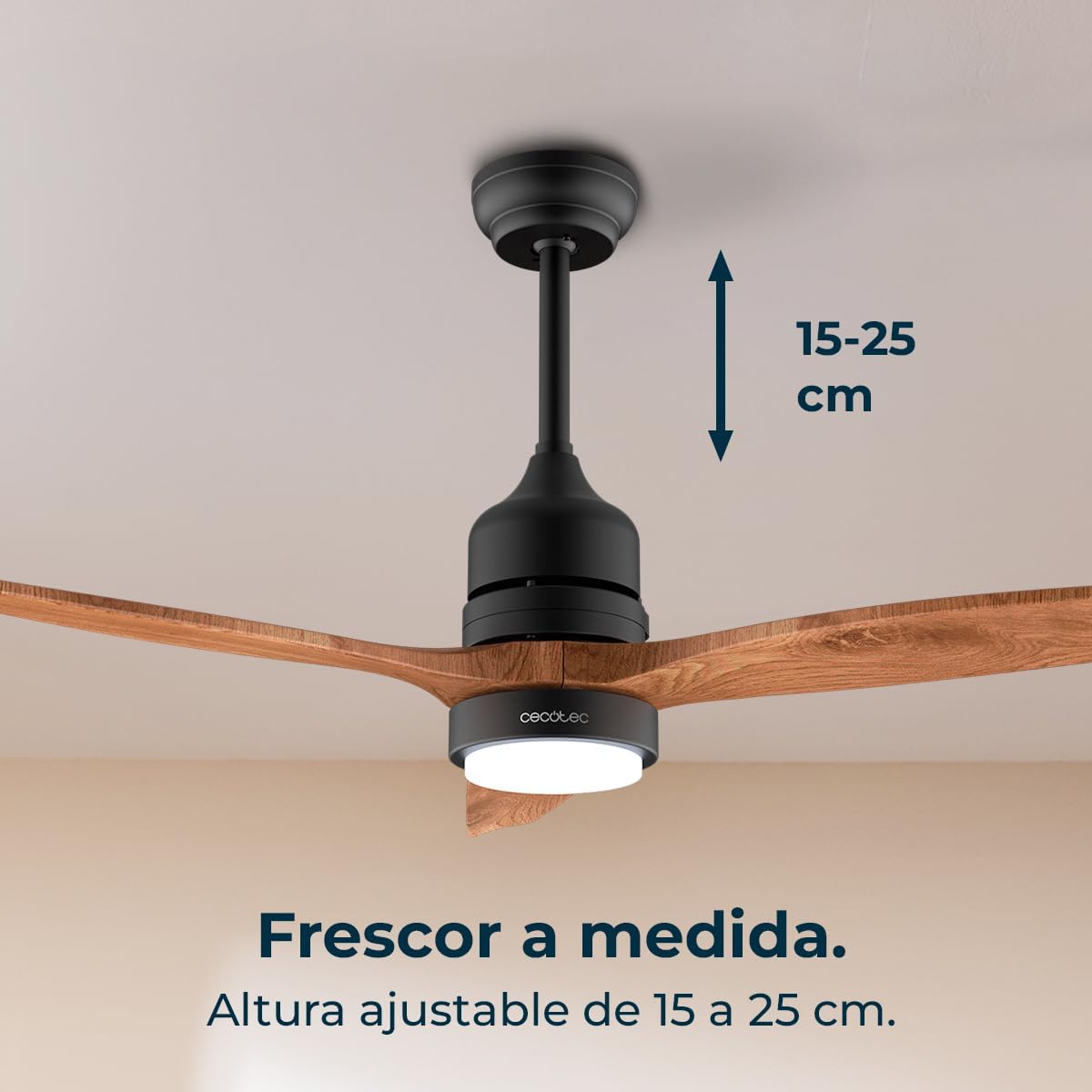
Image: The fan installed, with an arrow indicating the adjustable height range of 15-25 cm from the ceiling.
4.3 Electrical Connection
Connect the fan's wiring to the household electrical supply according to the provided wiring diagram in the full manual. Ensure all connections are secure and properly insulated.
4.4 Attaching the Blades
Securely attach the three fan blades to the motor housing using the provided screws. Ensure they are balanced to prevent wobbling.
5. Operating Instructions
The Cecotec EnergySilence Aero 5230 is operated using the included remote control.
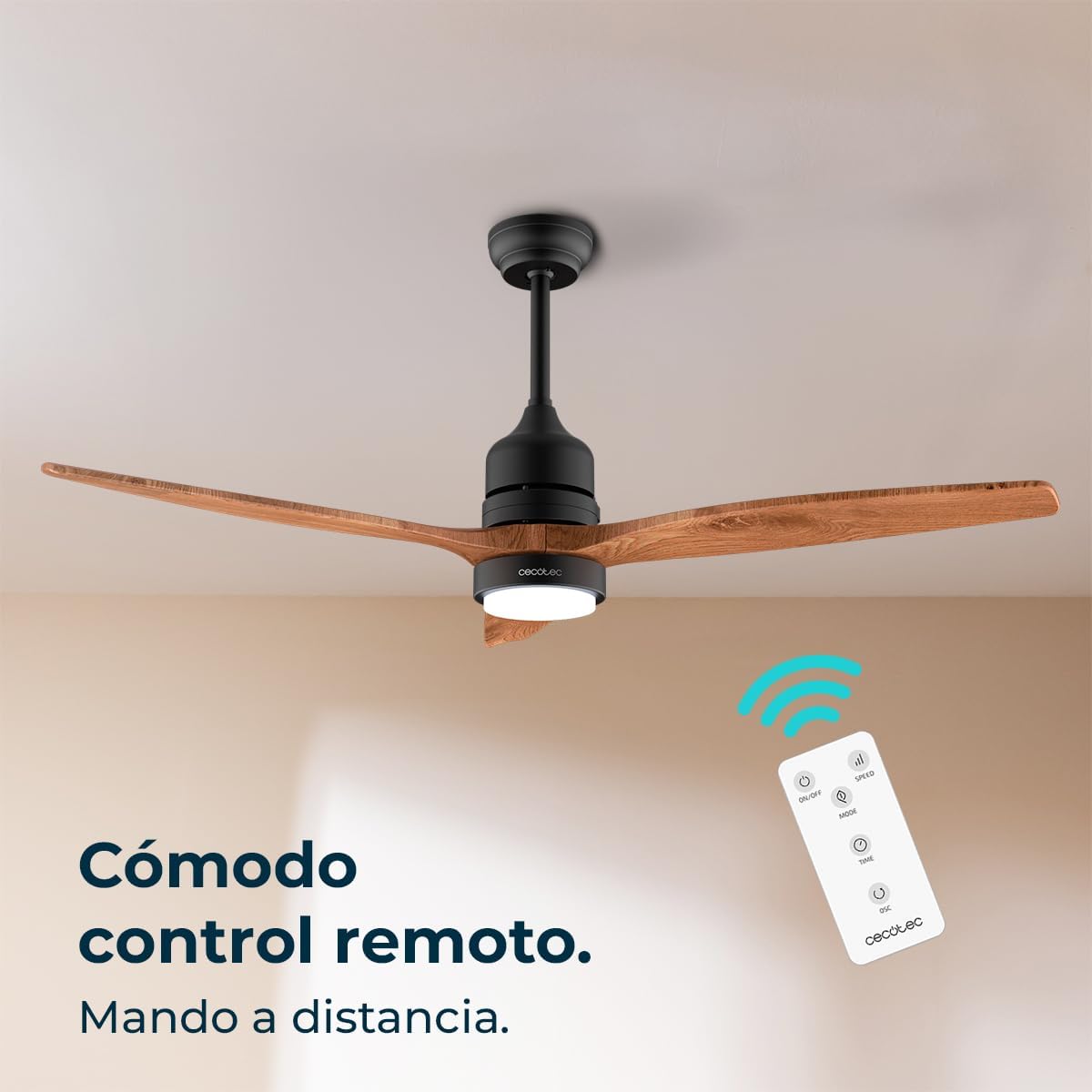
Image: The remote control for the Cecotec EnergySilence Aero 5230, showing buttons for power, speed, mode, light, and timer.
5.1 Remote Control Functions
- On/Off Button: Powers the fan and light on or off.
- Speed Buttons (1-6): Adjusts the fan speed from 1 (lowest) to 6 (highest).
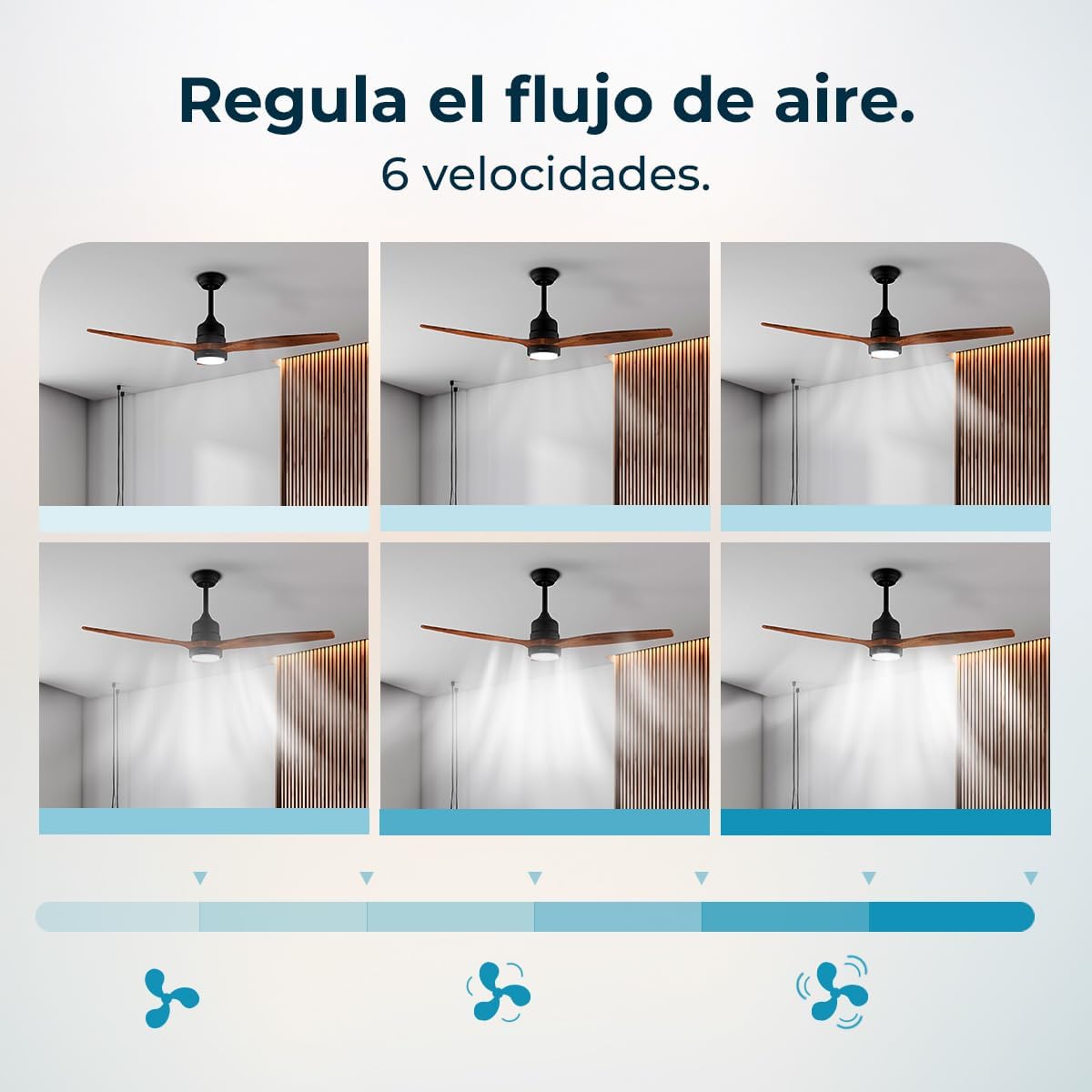
Image: A visual representation of the fan operating at different speeds, from low to high, demonstrating the 6-speed functionality.
- Light Button: Turns the LED light on or off.
- Color Temperature Button: Cycles through the 3 available LED light color temperatures (warm, neutral, cool white).
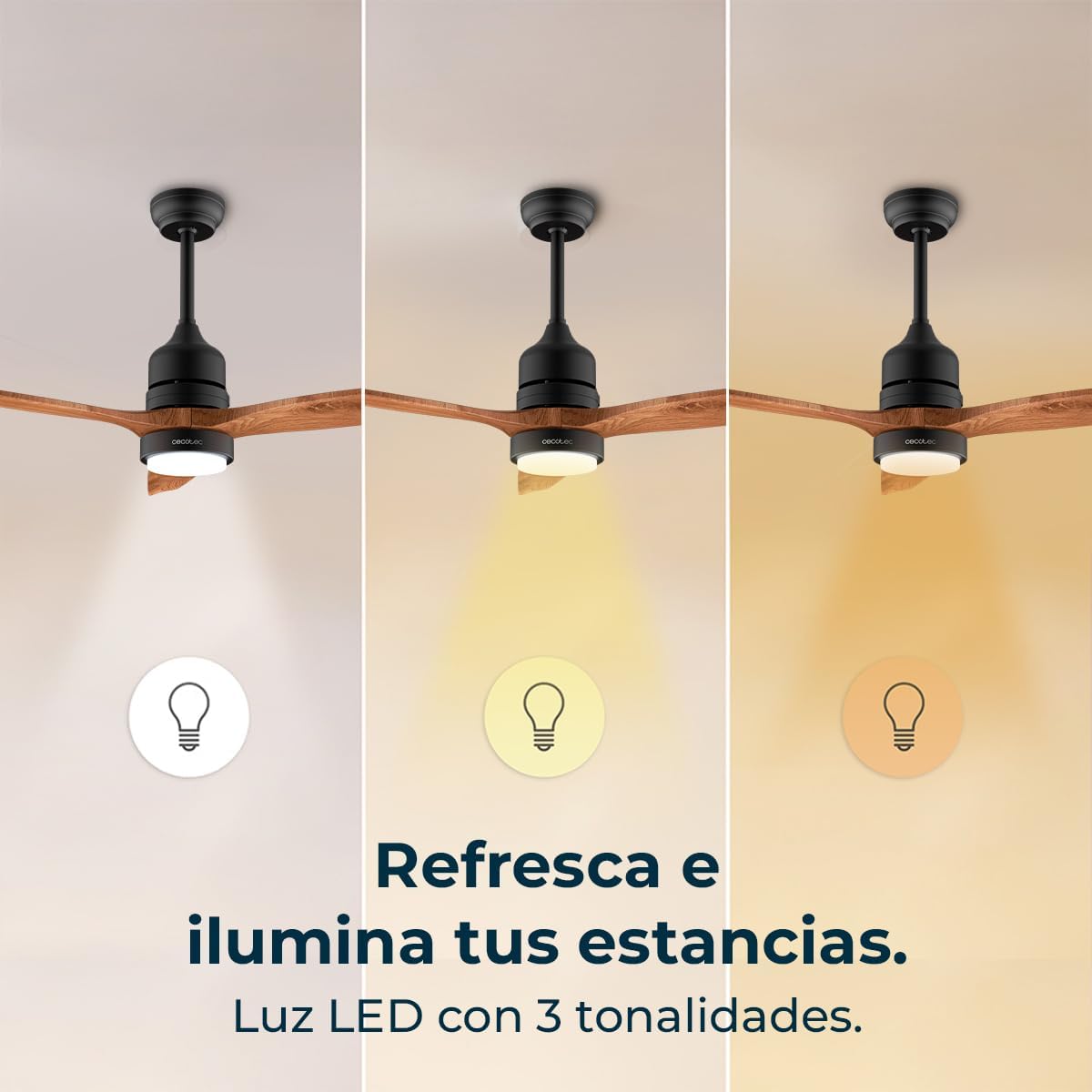
Image: Three panels showing the fan's LED light emitting different color temperatures: cool white, neutral white, and warm white.
- Timer Buttons (1H, 2H, 4H, 8H): Sets the fan to operate for 1, 2, 4, or 8 hours before automatically turning off.
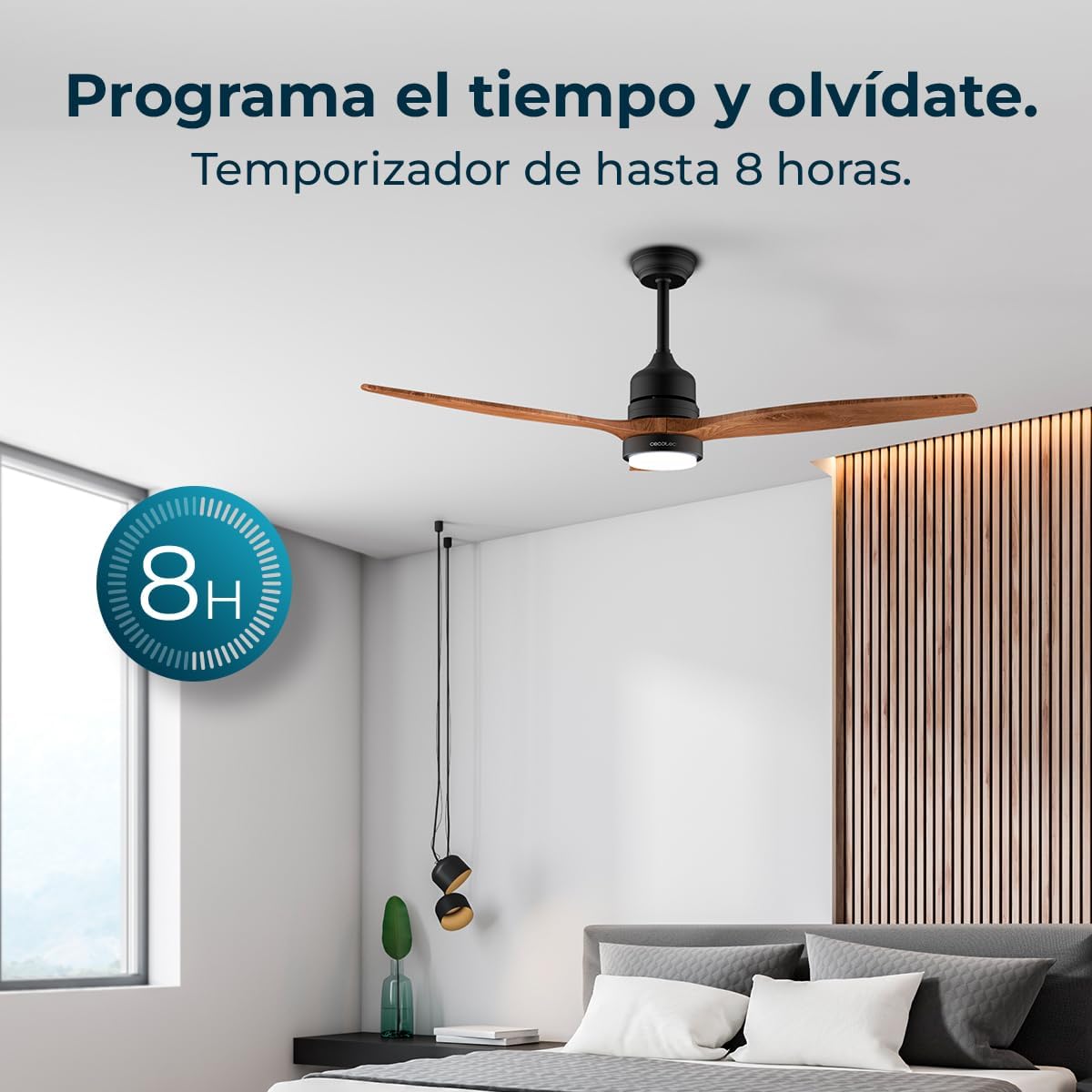
Image: The fan installed in a bedroom, with an overlay graphic indicating an 8-hour timer setting.
- Winter/Summer Mode Button: Reverses the direction of the fan blades.
- Summer Mode (Counter-clockwise rotation): Creates a downward airflow for a cooling effect.
- Winter Mode (Clockwise rotation): Creates an upward airflow to circulate warm air trapped near the ceiling, distributing it throughout the room.
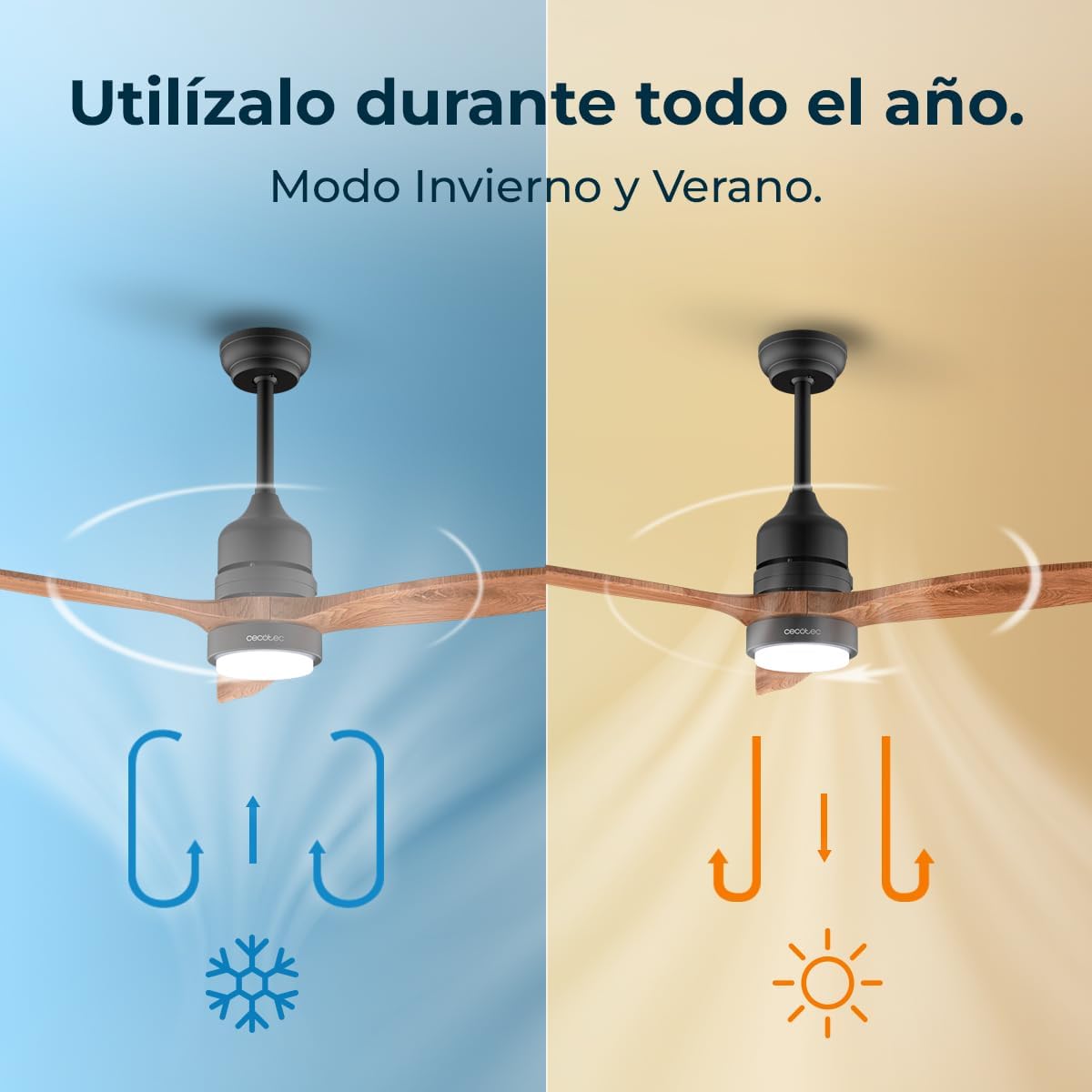
Image: A split image showing the fan in two modes: one side with blue arrows indicating downward airflow for summer, and the other side with orange arrows indicating upward airflow for winter.
5.2 Silent Operation
The DC motor ensures quiet operation, making the fan suitable for bedrooms and other quiet environments.

Image: A person sleeping peacefully in a bedroom with the ceiling fan operating, illustrating its silent performance.
6. Maintenance and Cleaning
Regular maintenance ensures optimal performance and extends the lifespan of your ceiling fan.
- Cleaning: Turn off the power before cleaning. Use a soft, damp cloth to wipe down the fan blades and motor housing. Do not use abrasive cleaners or solvents.
- Blade Balance: If the fan wobbles, check that all blade screws are tight and that the blades are not bent or damaged.
- Light Source: The LED light source is integrated. If it malfunctions, contact qualified service personnel.
7. Troubleshooting
Refer to this section for common issues and their potential solutions.
| Problem | Possible Cause | Solution |
|---|---|---|
| Fan does not start | No power supply; Remote control battery low; Incorrect wiring. | Check circuit breaker; Replace remote control batteries; Consult an electrician to check wiring. |
| Fan wobbles excessively | Loose blade screws; Unbalanced blades; Loose mounting bracket. | Tighten all blade screws; Check blade balance (use balancing kit if necessary); Ensure mounting bracket is secure. |
| Light does not work | No power to light; LED module failure. | Check light switch/remote setting; Contact customer support for LED module replacement. |
| Remote control not working | Low battery; Obstruction; Remote not paired. | Replace batteries; Remove obstructions; Refer to pairing instructions in the full manual. |
8. Specifications
| Feature | Detail |
|---|---|
| Brand | Cecotec |
| Model Number | A01_EU01_122275 |
| Product Dimensions | 133 cm (L) x 133 cm (W) x 42 cm (H) |
| Weight | 4.72 kg |
| Motor Type | DC Motor |
| Motor Power | 40 W |
| Number of Blades | 3 |
| Fan Diameter | 52 inches (132 cm) |
| Speeds | 6 |
| Light Type | Integrated LED |
| LED Power | 18 W |
| Light Color Temperatures | 3 Tones (Warm, Neutral, Cool White) |
| Timer | Up to 8 hours (1H, 2H, 4H, 8H) |
| Modes | Winter / Summer |
| Control Method | Remote Control |
| Adjustable Height | 15-25 cm |
| Power Source | Electric Cable |
| Installation Type | Semi-flush mount |
| Intended Use | Indoor, Home |
9. Warranty and Customer Support
Cecotec products are manufactured to high-quality standards. This product comes with a standard manufacturer's warranty. For detailed warranty information, please refer to the warranty card included with your product or visit the official Cecotec website.
If you encounter any issues or have questions regarding your Cecotec EnergySilence Aero 5230 ceiling fan, please contact Cecotec customer support. Contact details can typically be found on the official website or in the product packaging.
Online Support: www.cecotec.com
10. Product Video Overview
Watch this video for a visual overview of the Cecotec EnergySilence Aero 5230 ceiling fan's features and operation.
Video: A short promotional video showcasing the Cecotec EnergySilence Aero 5230 ceiling fan, highlighting its silent operation, LED light, remote control, and winter/summer modes. The video demonstrates the fan in various room settings.


