
1. Setup
1.1 What's in the Box
Before you begin, please ensure all components are present:
- Earbuds (Left and Right)
- Charging Case
- User Manual
- Type-C Charging Cable

Image: Contents of the XIAOWTEK S58 Wireless Earbuds package.
1.2 Initial Charging
For optimal performance, fully charge your earbuds and charging case before first use.
- Place both earbuds into the charging case.
- Connect the provided Type-C charging cable to the charging port on the case and a suitable USB power source.
- The LED display on the charging case will show the current battery level of the case and individual earbuds. A full charge is indicated by "100" on the display.

Image: LED Power Display on the charging case indicating battery status.
1.3 Pairing with Your Device
The S58 earbuds feature one-step automatic pairing for convenience.
- Ensure your earbuds are charged and inside the charging case.
- Open the lid of the charging case. The earbuds will automatically enter pairing mode.
- On your device (smartphone, tablet, laptop), go to Bluetooth settings and enable Bluetooth.
- Search for "S58" in the list of available devices and select it to connect.
- Once connected, the earbuds will automatically pair with this device in the future when the case is opened.
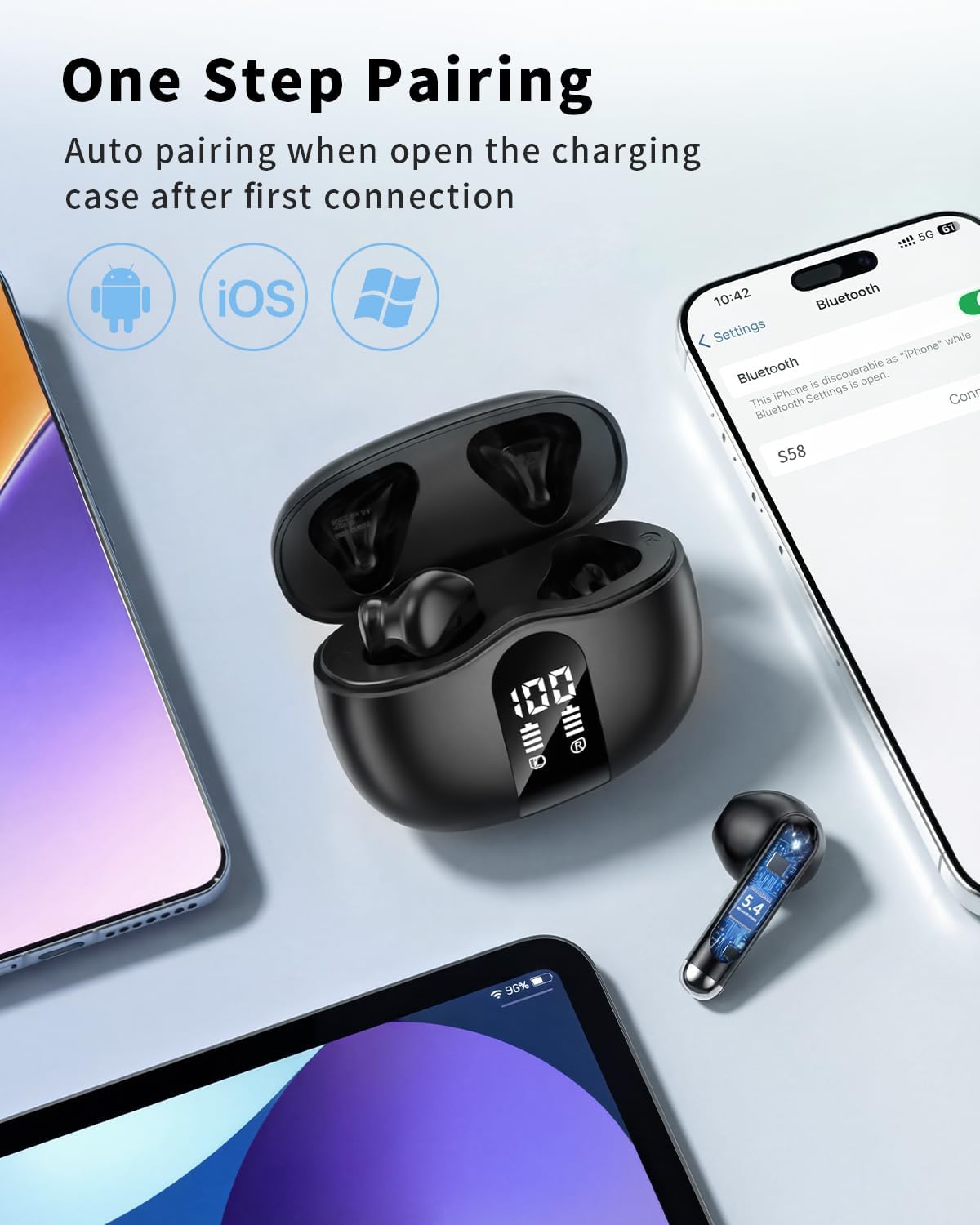
Image: One-step pairing process with various devices.
2. Operating Instructions
2.1 Smart Touch Controls
The S58 earbuds are equipped with highly responsive touch controls for easy management of audio and calls.
| Action | Left Earbud (L) | Right Earbud (R) |
|---|---|---|
| Play/Pause | Double-tap | |
| Answer/End Call | Double-tap | |
| Reject Call | Press and hold for 2 seconds | |
| Volume Up | Single tap | - |
| Volume Down | - | Single tap |
| Next Track | Press and hold for 2 seconds | - |
| Previous Track | - | Press and hold for 2 seconds |
| Activate Voice Assistant | Triple-tap | |

Image: Detailed illustration of earbud touch controls.
2.2 Crystal Clear Calls
The S58 earbuds are designed for clear communication, even in noisy environments.
- Equipped with dual hybrid ENC (Environmental Noise Cancellation) microphones.
- Passively eliminates up to 85% of background noise, ensuring your voice is heard clearly.

Image: Demonstrating crystal clear call quality with ENC technology.
2.3 Hi-Fi Stereo Sound
Experience rich and immersive audio with the S58 earbuds.
- Features a 13.4mm graphene diaphragm for superior sound.
- Delivers powerful bass, clear mids, and bright highs across various music genres.
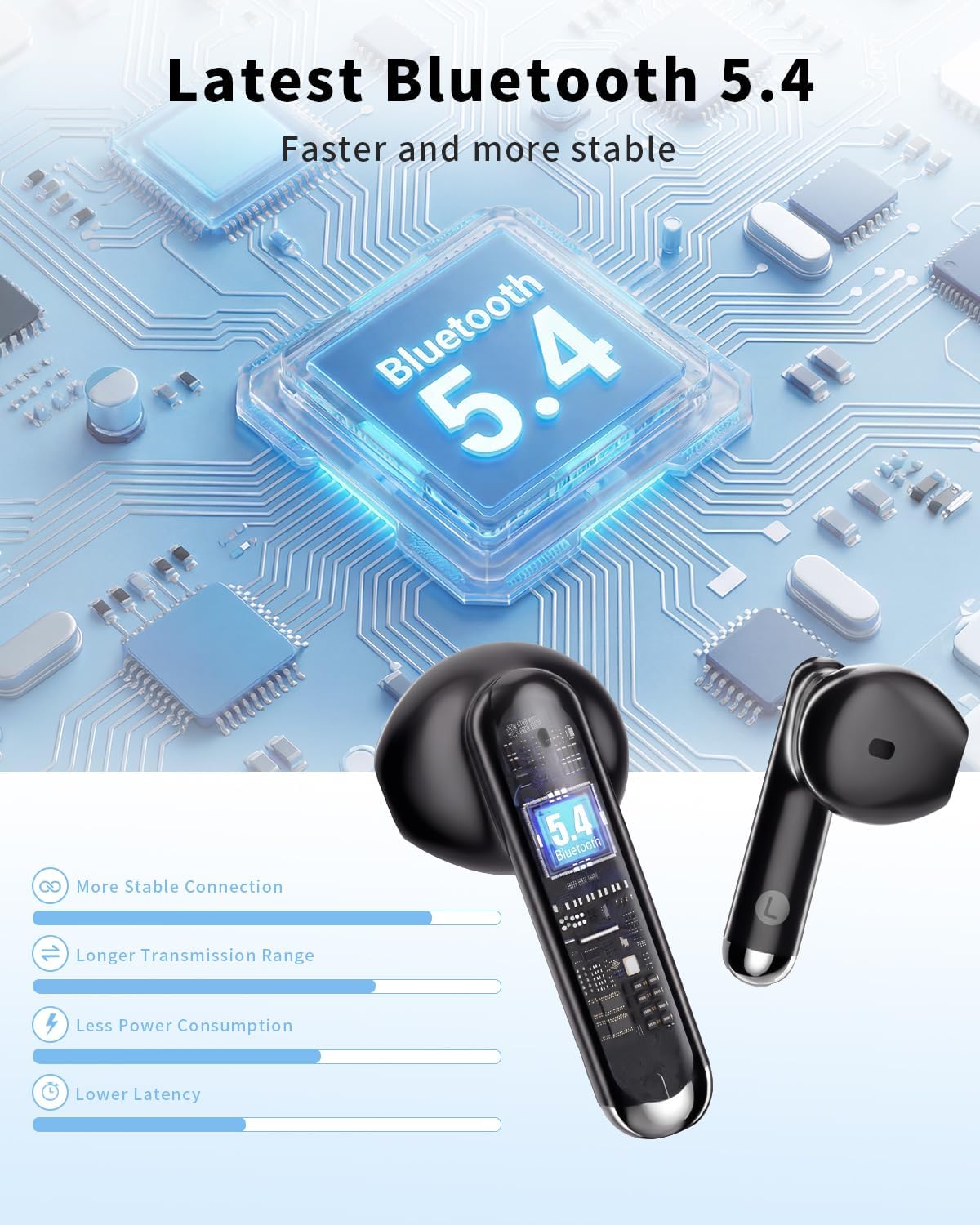
Image: Internal structure showcasing the Hi-Fi stereo sound technology.
2.4 Wearing Comfort and Water Resistance
The S58 earbuds are designed for extended wear and durability.
- Ergonomic Design: Shaped to fit the inner contours of the ear perfectly, ensuring a secure and comfortable fit.
- Lightweight: Each earbud weighs only 4 grams, minimizing discomfort during long listening sessions.
- IP7 Waterproof: Provides protection against sweat and rain, making them suitable for sports and outdoor activities.
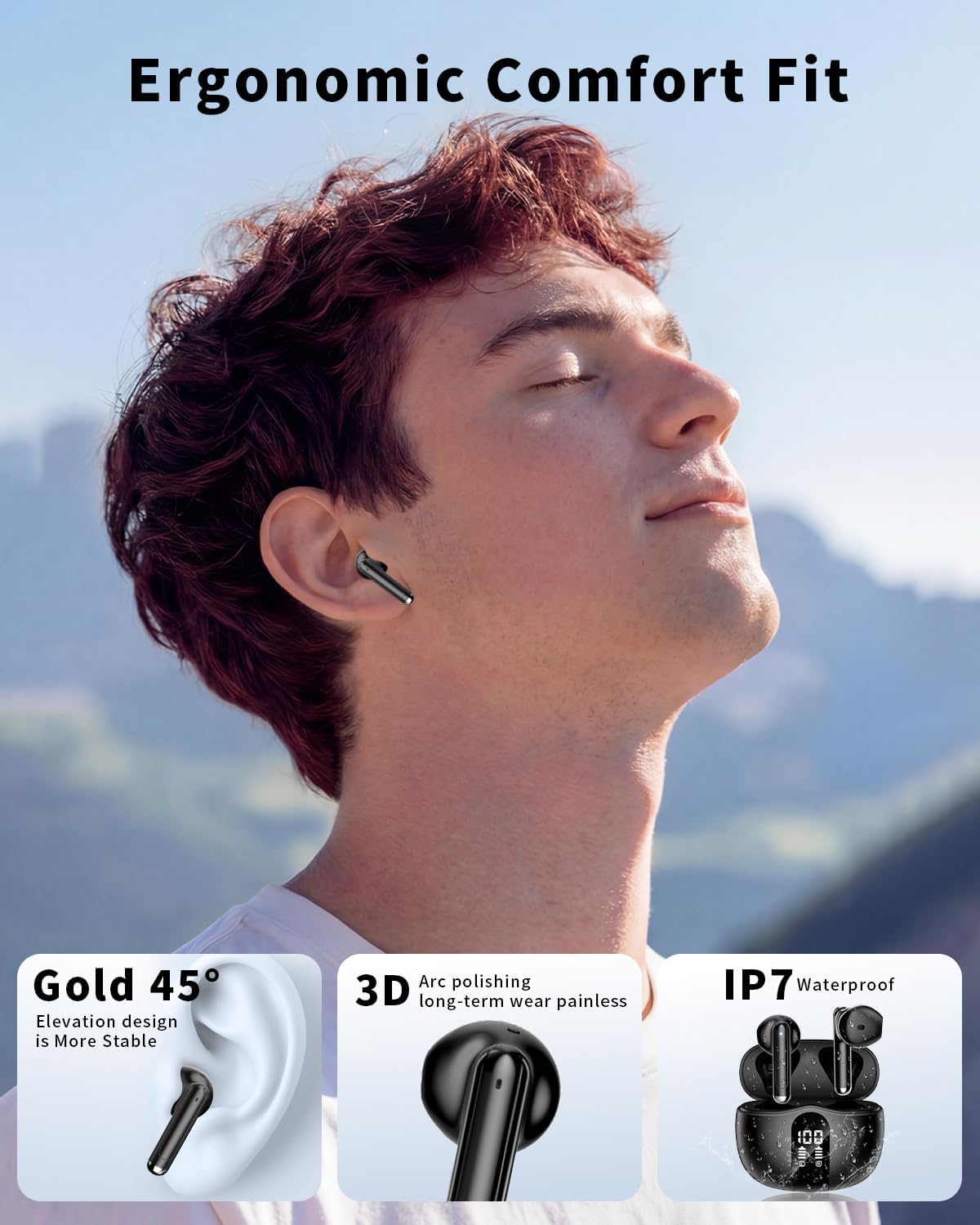
Image: Ergonomic comfort fit and IP7 waterproof features.
3. Maintenance
3.1 Cleaning Your Earbuds
Regular cleaning helps maintain sound quality and hygiene.
- Gently wipe the earbuds and charging case with a soft, dry, lint-free cloth.
- Do not use abrasive materials, alcohol, or chemical cleaners.
- Ensure charging contacts on both earbuds and case are clean and dry.
3.2 Storage
Store your earbuds properly to prolong their lifespan.
- Always store the earbuds in their charging case when not in use.
- Keep the charging case and earbuds in a cool, dry place, away from extreme temperatures and direct sunlight.
4. Troubleshooting
4.1 Pairing Issues
- Earbuds not pairing with device:
- Ensure earbuds are charged and the charging case lid is open.
- Turn off and on your device's Bluetooth.
- Forget "S58" from your device's Bluetooth list and try pairing again.
- If only one earbud connects, try placing both back in the case, closing the lid for 5 seconds, then reopening.
4.2 Sound Issues
- No sound or low volume:
- Check the volume level on both your device and the earbuds (using touch controls).
- Ensure earbuds are properly seated in your ears.
- Clean any debris from the earbud speakers.
- Intermittent sound:
- Ensure your device is within the Bluetooth range (typically 10 meters/33 feet) and there are no major obstructions.
- Avoid strong electromagnetic interference.
4.3 Charging Issues
- Earbuds or case not charging:
- Ensure the charging cable is securely connected to both the case and the power source.
- Try a different charging cable or power adapter.
- Clean the charging contacts on the earbuds and inside the case.
5. Specifications
| Feature | Detail |
|---|---|
| Brand | XIAOWTEK |
| Model Name | S58 |
| Connectivity Technology | Wireless (Bluetooth) |
| Bluetooth Version | 5.4 |
| Audio Driver Type | Dynamic Driver (13.4mm) |
| Battery Life | Up to 50 Hours (with charging case) |
| Water Resistance Level | IP7 Waterproof |
| Noise Control Features | Noise Cancellation (Dual Hybrid ENC Microphones) |
| Earpiece Shape | In Ear |
| Weight (Item) | 2.89 ounces (total), 4 grams per earbud |
| Material | Plastic |
| Compatible Devices | Laptops, Desktops, Tablets, Telephones, Smartphones |
| Included Components | Cable, User Manual |
6. Warranty & Support
For warranty information and customer support, please refer to the official XIAOWTEK website or contact their customer service directly. The product typically includes a standard manufacturer's warranty against defects in materials and workmanship.
Please retain your proof of purchase for any warranty claims.