
Introduction
This manual provides essential information for the safe and effective use of your Ricoh GR IV Digital Camera. Please read it thoroughly before using the camera and keep it in a safe place for future reference.
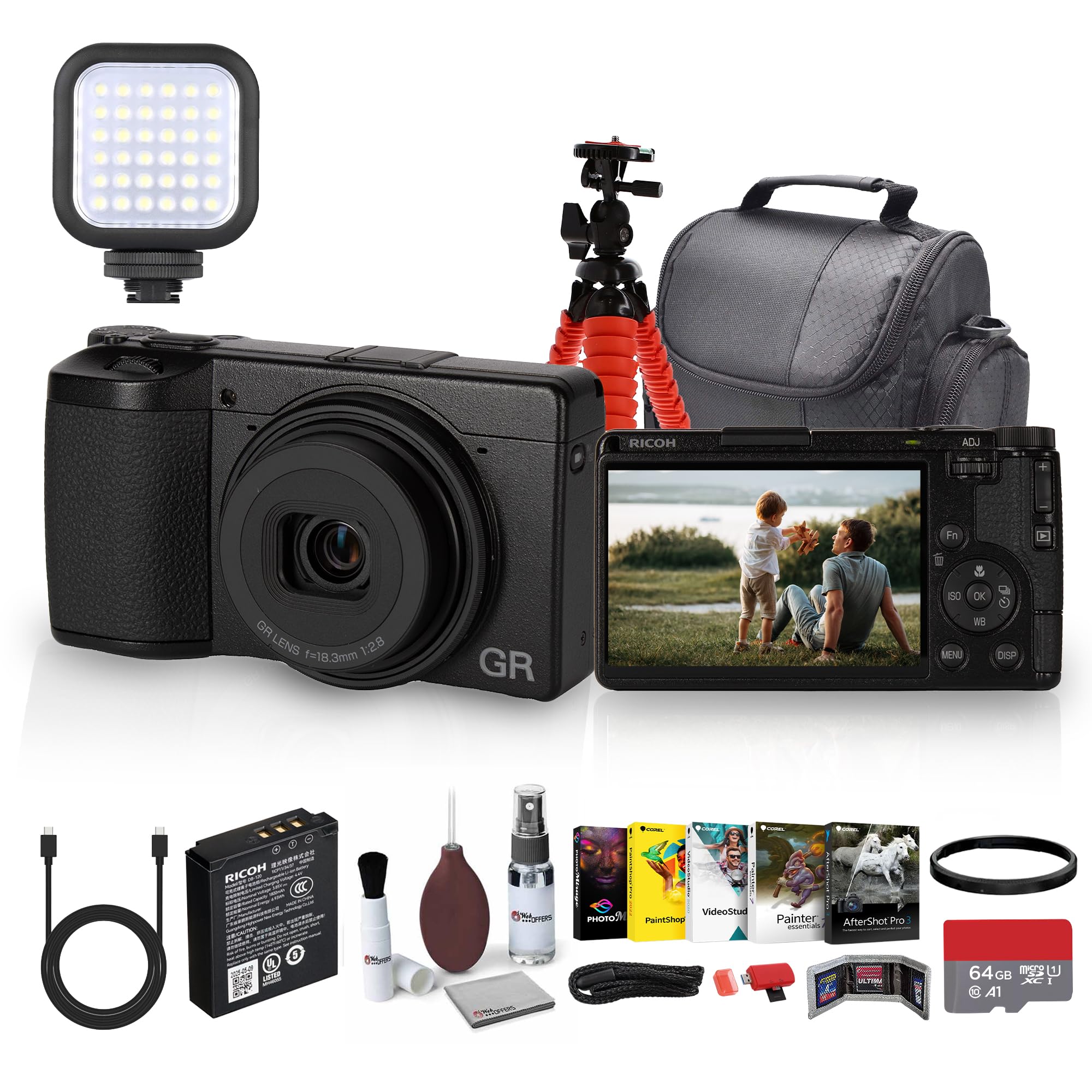
Image: Front view of the Ricoh GR IV Digital Camera, showcasing its compact design and fixed lens.
Safety Precautions
- Do not disassemble or modify the camera.
- Keep the camera away from water and moisture.
- Avoid exposing the camera to extreme temperatures or direct sunlight for extended periods.
- Use only Ricoh-approved accessories and power sources.
- Keep out of reach of children.
Package Contents
Verify that all items are present in your package:
- Ricoh GR IV Digital Camera
- Ricoh DB-120 Battery (1800mAh)
- Ricoh GN-3 Ring Cap (Black)
- I-USB198 USB Cable
- O-ST198 Handstrap
- Hot Shoe Cover
Note: Additional accessories may be included depending on the specific bundle purchased.
Setup
1. Attaching the Handstrap
Secure the O-ST198 Handstrap to the camera's strap lug to prevent accidental drops.
2. Inserting the Battery
- Open the battery compartment cover located on the bottom of the camera.
- Insert the Ricoh DB-120 Battery with the contacts facing the correct direction, as indicated inside the compartment.
- Close the battery compartment cover until it clicks securely.

Image: Side view of the Ricoh GR IV camera, illustrating the location of the battery and memory card compartment. The compartment door is shown open.
3. Inserting a Memory Card
The camera supports microSD cards for image storage.
- Open the battery compartment cover (which also houses the memory card slot).
- Insert the microSD card into the designated slot until it clicks into place. Ensure the card is oriented correctly.
- Close the battery compartment cover.
4. Charging the Battery
Charge the battery before first use.
- Connect the camera to a power source using the I-USB198 USB Cable.
- The charging indicator light will illuminate. It will turn off when charging is complete.
Operating the Camera
1. Power On/Off
Press the ON/OFF button located on the top of the camera to power it on or off.

Image: Top view of the Ricoh GR IV camera, highlighting the ON/OFF button and the mode dial for selecting shooting modes.
2. Basic Controls Overview

Image: Rear view of the Ricoh GR IV camera, displaying the LCD screen and various control buttons including the directional pad, Fn button, and menu access.
- Shutter Button: Press halfway to focus, fully to capture an image.
- Mode Dial: Select shooting modes (P, A, S, M, Movie, etc.).
- Function (Fn) Buttons: Customizable buttons for quick access to frequently used settings.
- Directional Pad/OK Button: Navigate menus and confirm selections.
- MENU Button: Access the camera's main menu.
- DISP Button: Change display information on the LCD.
3. Selecting a Shooting Mode
Rotate the mode dial to choose from various shooting modes:
- P (Program AE): Camera sets aperture and shutter speed for optimal exposure.
- A (Aperture Priority AE): You set the aperture, camera sets shutter speed.
- S (Shutter Priority AE): You set the shutter speed, camera sets aperture.
- M (Manual Exposure): You set both aperture and shutter speed.
- Movie: For recording video.
- Custom (U1, U2, U3): User-defined settings for quick recall.
- Scene Modes: Includes options like Landscape, Panorama, Sports, etc.
4. Focusing
The Ricoh GR IV features a hybrid autofocus system. You can also focus manually.
- Autofocus (AF): Press the shutter button halfway down. The camera will automatically focus on the subject.
- Manual Focus (MF): Select MF mode via the menu or a custom button. Rotate the control ring or use the directional pad to adjust focus.
5. Image Stabilization
The camera features optical image stabilization to reduce blur caused by camera shake, especially in low light or with slower shutter speeds. This feature is typically active by default but can be managed in the camera settings.
6. Adjusting White Balance
White balance ensures accurate color reproduction under different lighting conditions. Access white balance settings via the menu or a dedicated button (often labeled WB).
- Auto: Camera automatically adjusts white balance.
- Presets: Options like Daylight, Cloudy, Fluorescent, Incandescent, Flash.
- Custom: Manually set white balance using a white or gray reference.
7. Reviewing Images
Press the playback button (often indicated by a triangle icon) to view captured images and videos on the LCD screen.
Maintenance
1. Cleaning the Camera
- Use a soft, lint-free cloth to clean the camera body.
- For the lens, use a lens brush or blower to remove dust, then gently wipe with a lens cleaning cloth and solution.
- Do not use organic solvents or strong chemicals.
2. Battery Care
- Store batteries in a cool, dry place when not in use.
- Avoid fully discharging the battery frequently to prolong its lifespan.
- If storing for extended periods, charge the battery to about 50% capacity.
3. Storage
When not in use, store the camera in a dry, dust-free environment, preferably in a camera bag or case.
Troubleshooting
| Problem | Possible Cause / Solution |
|---|---|
| Camera does not power on. | Battery is depleted or incorrectly inserted. Ensure battery is charged and properly seated. |
| Cannot take pictures. | Memory card is full, locked, or not inserted. Check card status or replace. |
| Images are blurry. | Camera shake, incorrect focus, or low shutter speed. Ensure proper grip, check focus mode, or increase shutter speed/ISO. |
| Flash does not fire. | The Ricoh GR IV does not have a built-in flash. Consider external lighting if needed. |
| Camera freezes. | Remove and reinsert the battery to reset the camera. If the problem persists, contact support. |
Specifications
| Feature | Detail |
|---|---|
| Brand | Ricoh |
| Model Name | Ricoh GR IV |
| Sensor Type | CMOS (APS-H size) |
| Lens Type | Fixed Wide Angle, f/2.8 aperture |
| Minimum Focal Length | 28 Millimeters (equivalent) |
| Image Stabilization | Optical |
| Autofocus | Hybrid (Manual and Auto Focus) |
| ISO Range | 100-25600 |
| Supported File Format | DNG, JPEG |
| Screen Size | 3 inches (LCD) |
| Battery Type | Lithium Ion (DB-120, 1800mAh) |
| Memory Storage Capacity | 64 GB (with included card) |
| Compatible Flash Memory Type | microSD |
| Item Weight | 16 ounces |
| Item Dimensions (D x W x H) | 1"D x 3"W x 2"H |
| Model Number | 01553_EDIW_2 |
| UPC | 197684021800 |
Warranty and Support
For information regarding warranty coverage, please refer to the warranty card included with your product or visit the official Ricoh website. For technical support, service, or inquiries, please contact Ricoh customer service through their official channels.


