
1. Introduction
The B2 Audio RIOT 2.5 Mini Woofer is a compact yet powerful loudspeaker designed for tight installations and custom audio projects. This manual provides essential information for the proper installation, operation, and maintenance of your mini woofer to ensure optimal performance and longevity.

Figure 1: Front view of the B2 Audio RIOT 2.5 Mini Woofer.
Key features of this product include:
- Compact Yet Powerful: Delivers 20W RMS and 40W max in a 2.5" frame.
- Durable Aluminum Basket: Lightweight black powder-coated basket for structural integrity and heat resistance.
- Precision Sound: Paper cone with ROAM surround and 4-layer aluminum voice coil for crisp, responsive mids.
- Strong Magnet Structure: Dual 3oz ferrite magnets (50x26x6mm) ensure controlled motor force and reliability.
- Easy Fit & Clean Design: 53mm mounting depth, 70mm OD, suitable for various custom installations.
2. What's in the Box
Upon unpacking your B2 Audio RIOT 2.5 Mini Woofer, please ensure all components are present and undamaged. The package should contain:
- (1) 2.5" Carbon Fiber Cone Mid-woofer
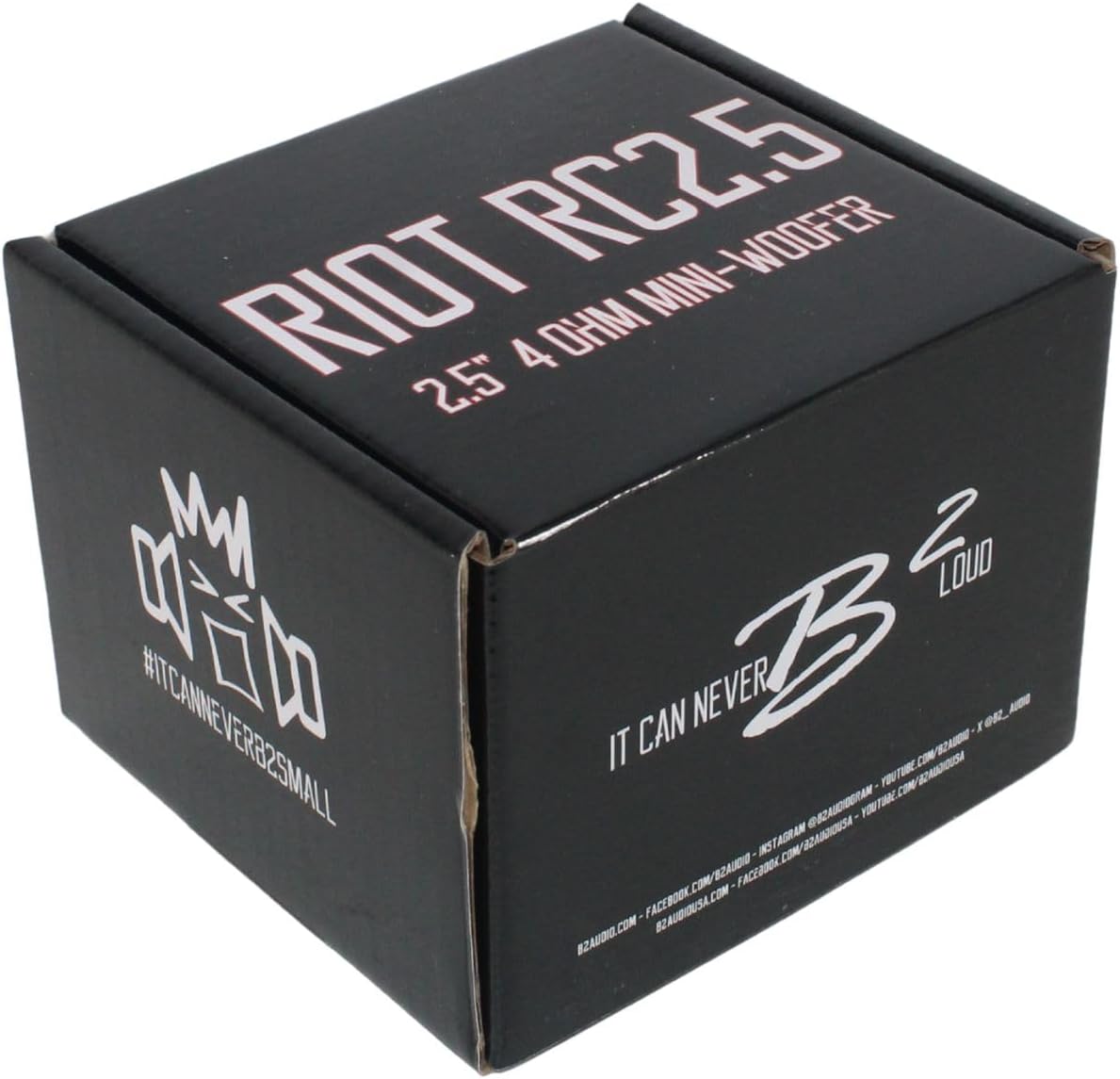
Figure 2: Product packaging for the B2 Audio RIOT 2.5 Mini Woofer.
3. Setup and Installation
Proper installation is crucial for the performance and longevity of your mini woofer. It is recommended that installation be performed by a qualified professional.
3.1 Mounting
The B2 Audio RIOT 2.5 Mini Woofer features a 53mm mounting depth and a 70mm outer diameter (OD). Ensure the mounting location provides adequate clearance and structural integrity.
- Choose a suitable mounting location that can accommodate the woofer's dimensions.
- Carefully cut a mounting hole with the appropriate diameter.
- Secure the woofer using appropriate screws, ensuring a snug fit without overtightening.

Figure 3: Front view of the mini woofer with its mounting ring.
3.2 Wiring
The mini woofer has a 4 Ohm impedance. Connect it to an amplifier capable of providing stable power at this impedance.
- Identify the positive (+) and negative (-) terminals on the woofer and your amplifier.
- Use high-quality speaker wire of appropriate gauge for the power output.
- Connect the positive terminal of the woofer to the positive output of the amplifier, and the negative terminal of the woofer to the negative output of the amplifier.
- Ensure all connections are secure and free from short circuits.

Figure 4: Close-up view of the woofer's wiring terminals.
3.3 Enclosure Design
For optimal bass response and sound quality, the mini woofer should be installed in a properly designed enclosure. Consult with an audio specialist or refer to car audio design resources for suitable enclosure types (e.g., sealed, ported) and volumes for a 2.5-inch subwoofer.
4. Operating Instructions
4.1 Power Handling
The B2 Audio RIOT 2.5 Mini Woofer is rated for 20W RMS (Root Mean Square) and 40W maximum power. Ensure your amplifier's output matches these specifications to prevent damage to the woofer.
4.2 Break-in Period
Like most loudspeakers, your mini woofer will benefit from a break-in period. During the first 10-20 hours of use, operate the woofer at moderate volume levels. This allows the suspension components to loosen and reach their optimal performance characteristics.
4.3 Listening Levels
While the woofer is designed for powerful sound, prolonged listening at excessively high volumes can cause hearing damage and may lead to premature failure of the speaker. If you notice any distortion, reduce the volume immediately.
5. Maintenance
The B2 Audio RIOT 2.5 Mini Woofer requires minimal maintenance to ensure long-term performance.
- Cleaning: Periodically wipe the woofer cone and surround with a soft, dry cloth to remove dust and debris. Avoid using harsh chemicals or abrasive cleaners.
- Inspection: Regularly inspect the speaker for any signs of damage, such as tears in the cone or surround, or loose connections. Address any issues promptly.
- Environment: Avoid exposing the woofer to extreme temperatures, direct sunlight for extended periods, or excessive moisture.
6. Troubleshooting
If you encounter issues with your B2 Audio RIOT 2.5 Mini Woofer, refer to the following common problems and solutions:
| Problem | Possible Cause | Solution |
|---|---|---|
| No Sound | Loose or incorrect wiring connections. Amplifier not powered on or faulty. | Check all speaker wire connections. Ensure amplifier is receiving power and functioning correctly. |
| Distorted Sound | Volume too high. Amplifier gain set too high. Improper enclosure. | Reduce volume. Adjust amplifier gain settings. Verify enclosure is appropriate for the woofer. |
| Weak Bass | Incorrect wiring polarity. Inadequate amplifier power. Sub-optimal enclosure. | Check wiring polarity (+ to +, - to -). Ensure amplifier provides sufficient power. Consider optimizing the enclosure. |
7. Specifications
Detailed technical specifications for the B2 Audio RIOT 2.5 Mini Woofer:
| Feature | Specification |
|---|---|
| Brand | B2 Audio |
| Model Number | B2-RIOT-2.5 |
| Speaker Size | 2.5 Inches |
| Woofer Diameter | 2.76 Inches |
| Speaker Maximum Output Power | 40 Watts (Peak) |
| RMS Power Handling | 20 Watts |
| Impedance | 4 Ohms |
| Frequency Response | 121 Hz (Note: This is likely the lower limit, actual range may vary with enclosure) |
| Mounting Type | Flush Mount |
| Mounting Depth | 53mm (2.09 inches) |
| Outer Diameter (OD) | 70mm (2.76 inches) |
| Enclosure Material | Carbon Fiber (Cone) |
| Basket Material | Aluminum (Black powder-coated) |
| Magnet Structure | Dual 3oz Ferrite Magnets (50x26x6mm) |
| Voice Coil | 4-layer Aluminum |
| Connectivity Technology | Wired |
| Power Source | External Amplifier |
| Item Dimensions (D x W x H) | 2.4"D x 2.76"W x 2.4"H |
| Item Weight | 14.1 Pounds (Note: This weight seems unusually high for a 2.5" woofer and may include packaging or be an error in source data.) |
| Water Resistance Level | Not Water Resistant |

Figure 5: Side view of the mini woofer demonstrating its compact size with a tape measure.
8. Warranty and Support
The B2 Audio RIOT 2.5 Mini Woofer is covered by a manufacturer's warranty. For specific details regarding warranty terms, duration, and claims, please refer to the documentation included with your purchase or visit the official B2 Audio website.
For technical support, troubleshooting assistance beyond this manual, or warranty inquiries, please contact B2 Audio customer service through their official channels.


