
1. Introduction
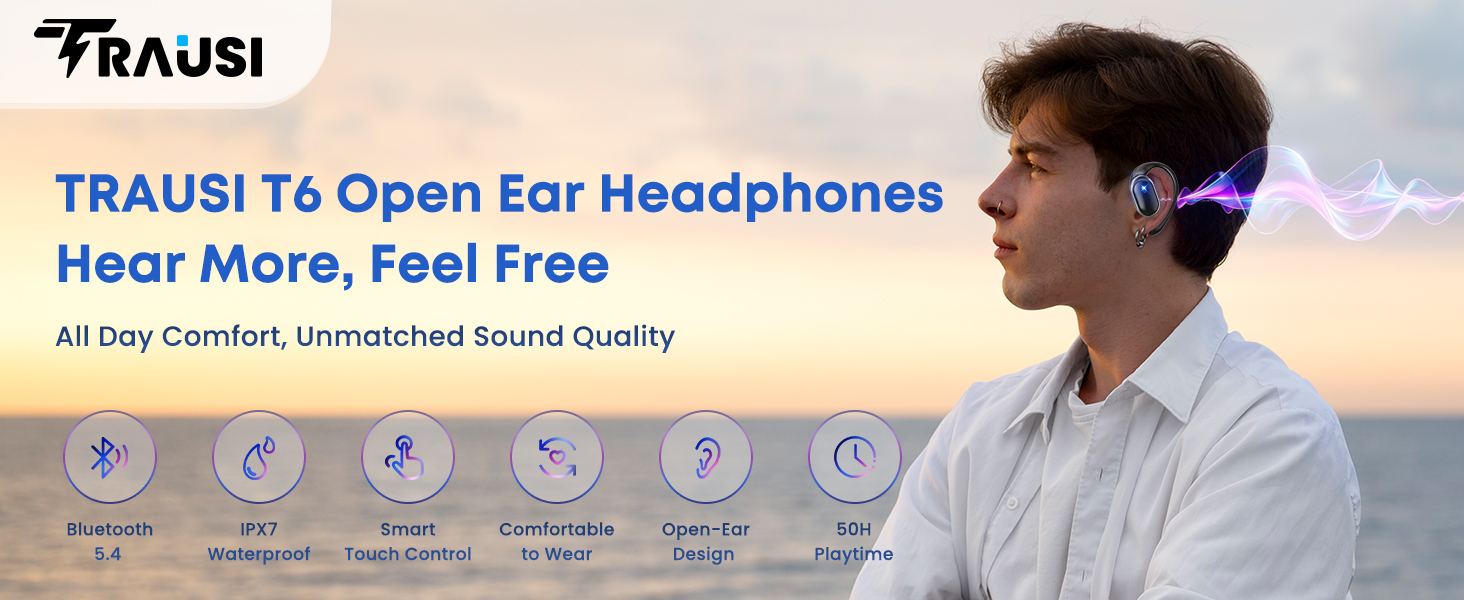
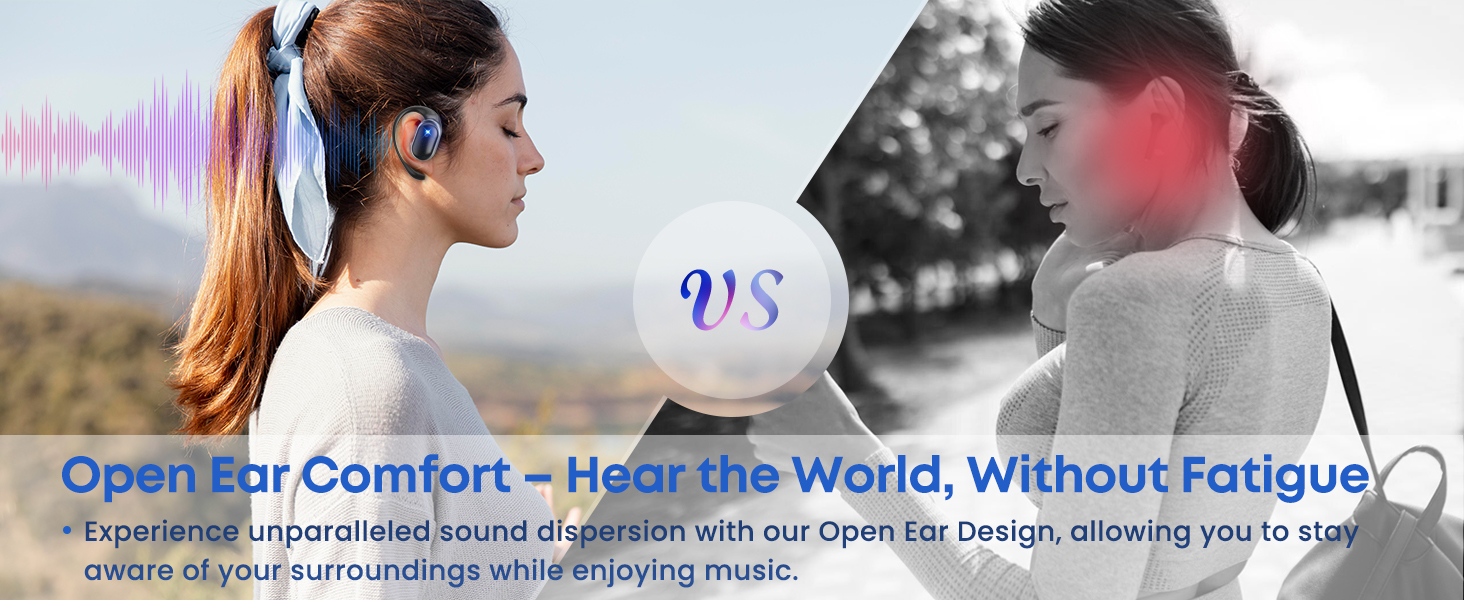
Thank you for choosing TRAUSI T6 Open Ear Wireless Earbuds. These earbuds are designed to provide a high-quality audio experience with an open-ear design for situational awareness, making them ideal for sports and daily activities. Please read this manual carefully before use to ensure proper operation and to maximize the lifespan of your device.
2. What's in the Box
- T6 Wireless Earbuds (2 units)
- Charging Case (1 unit)
- Type-C Charging Cable (1 unit)
- User Manual (1 unit)

3. Product Overview
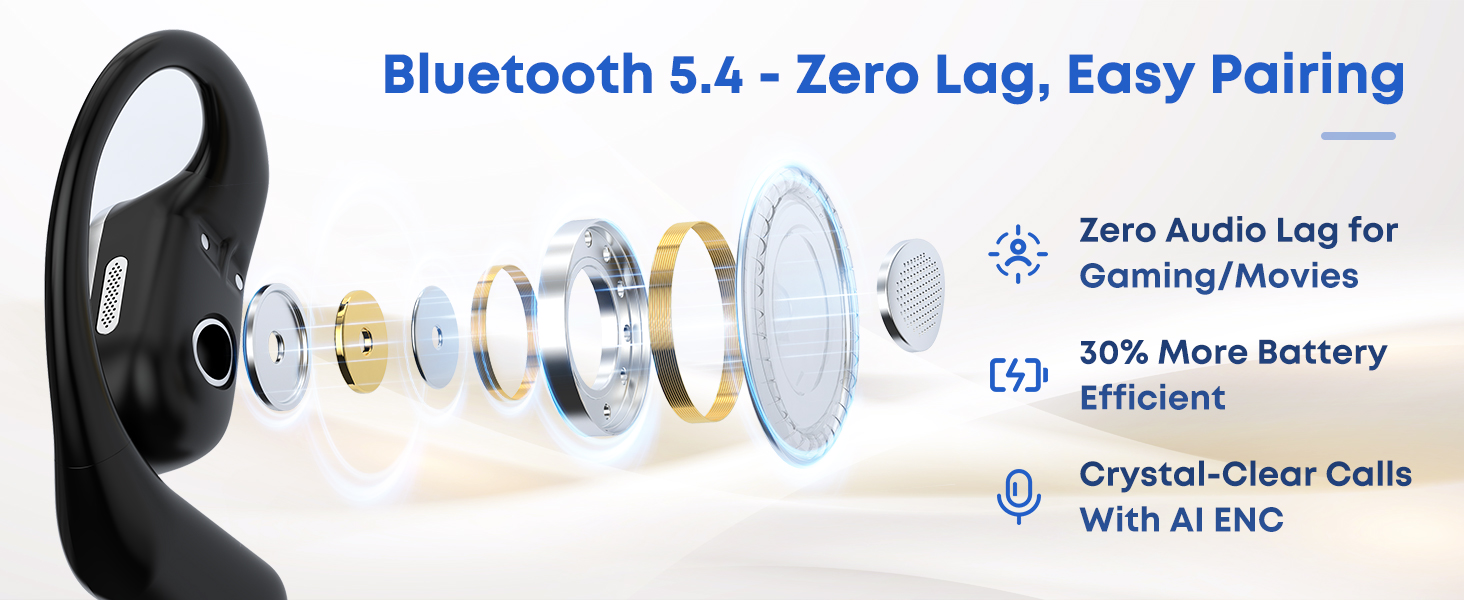
The TRAUSI T6 earbuds feature an open-ear design for comfort and awareness, coupled with advanced audio technology for clear sound. The compact charging case provides extended battery life and includes a battery indicator.
4. Setup
4.1 Initial Pairing
- Charge the Earbuds: Before first use, place both earbuds into the charging case and connect the case to a power source using the provided Type-C cable. Ensure the earbuds are fully charged.
- Power On: Open the charging case. The earbuds will automatically power on and enter pairing mode. The indicator lights on the earbuds will flash.
- Activate Bluetooth: On your device (smartphone, tablet, laptop), enable Bluetooth.
- Select Device: In your device's Bluetooth settings, search for 'TRAUSI T6' and select it to connect.
- Confirmation: Once connected, you will hear an audio prompt, and the earbud indicator lights will turn off or show a steady light.
The earbuds will automatically reconnect to the last paired device when taken out of the case, if Bluetooth is enabled on the device.

5. Wearing the Earbuds
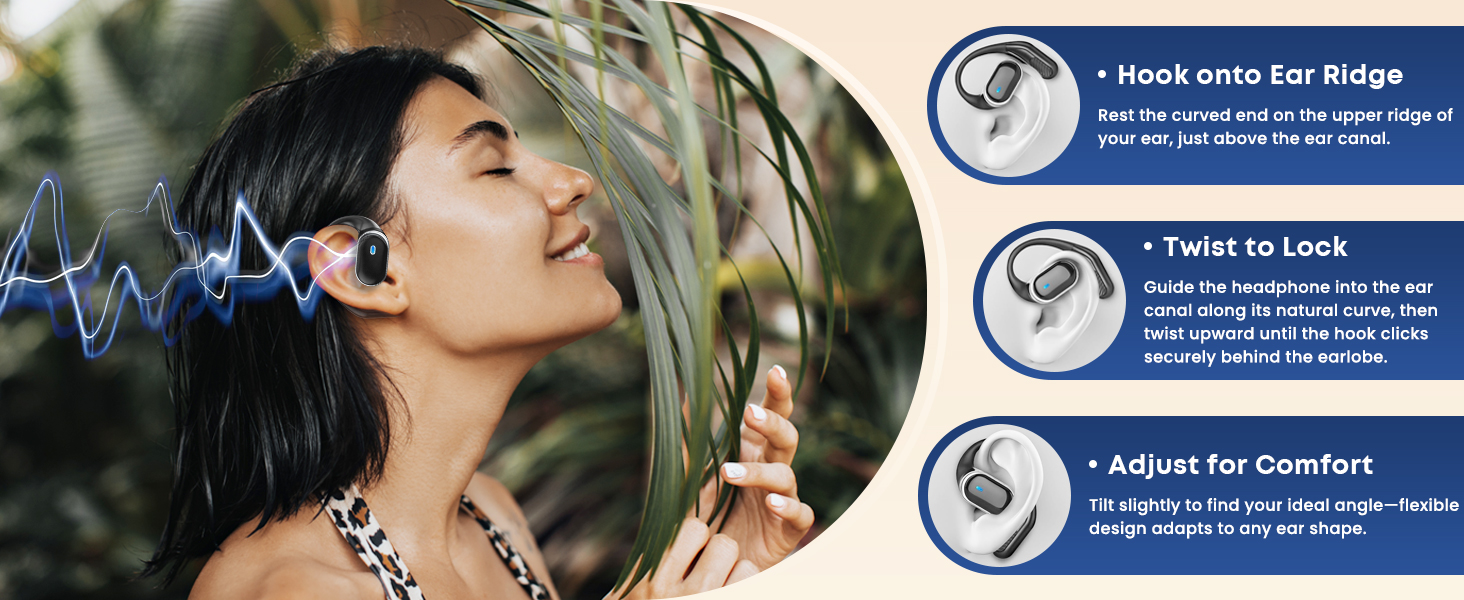
The TRAUSI T6 earbuds are designed for a secure and comfortable open-ear fit.
- Take out Earbuds: Remove both earbuds from the charging case.
- Position: Hang the end of the earphone hook over the top of your ear.
- Slide and Twist: Gently slide the earphone into the ear canal along its natural curve, then twist the hook upwards until it clicks securely behind your earlobe.
- Adjust for Comfort: Adjust the ear hook slightly to find your ideal angle for a secure and comfortable fit.
6. Operating Instructions
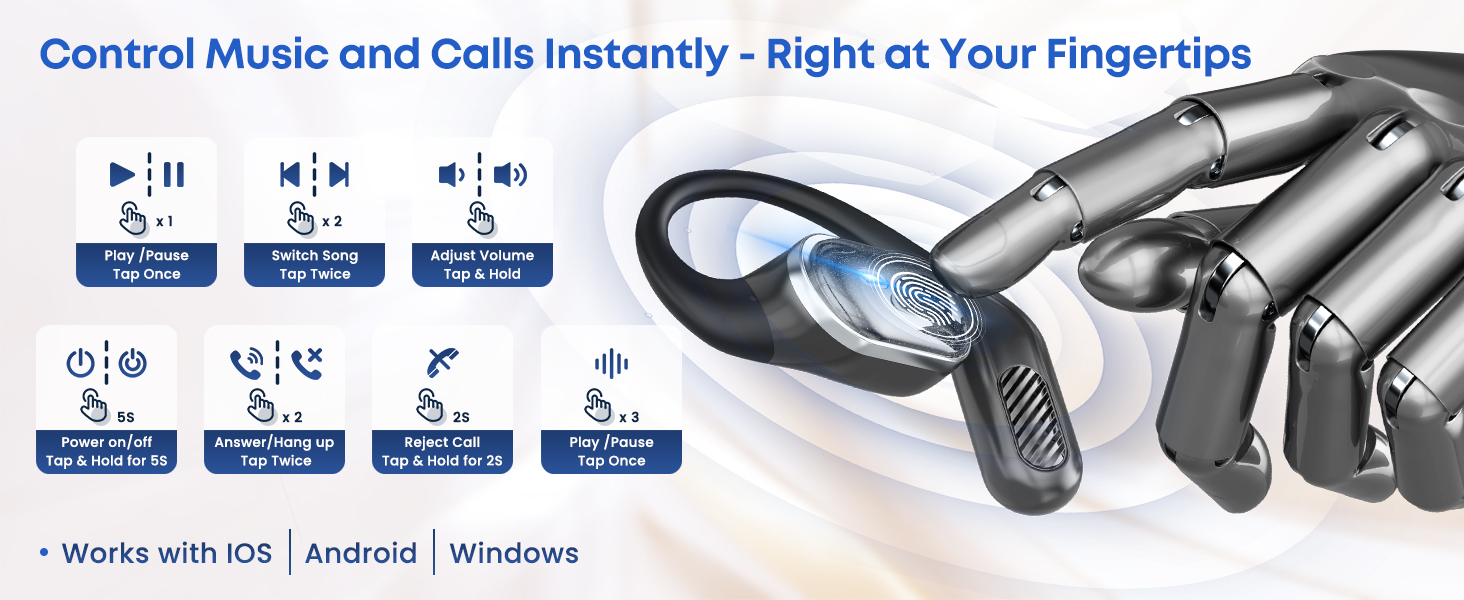
The TRAUSI T6 earbuds feature intuitive touch controls for managing music, calls, and voice assistants.
6.1 Music Control
- Play/Pause: Tap either earbud once.
- Next Track: Double-tap the right earbud.
- Previous Track: Double-tap the left earbud.
- Volume Up: Long press the right earbud.
- Volume Down: Long press the left earbud.
6.2 Call Control
- Answer/End Call: Double-tap either earbud.
- Reject Call: Long press either earbud for 2 seconds.
6.3 Voice Assistant
- Activate Voice Assistant (Siri/Google Assistant): Triple-tap either earbud.
6.4 Power On/Off
- Power On: Open the charging case, or long press either earbud for 5 seconds if outside the case.
- Power Off: Place earbuds back into the charging case and close the lid, or long press either earbud for 5 seconds if outside the case.
7. Charging
To charge your TRAUSI T6 earbuds and charging case:
- Charging Earbuds: Place the earbuds into the charging case. They will automatically begin charging. The LED indicators on the earbuds will show charging status.
- Charging Case: Connect the provided Type-C USB cable to the charging port on the case and the other end to a USB power adapter (not included). The digital display on the case will show the battery percentage.
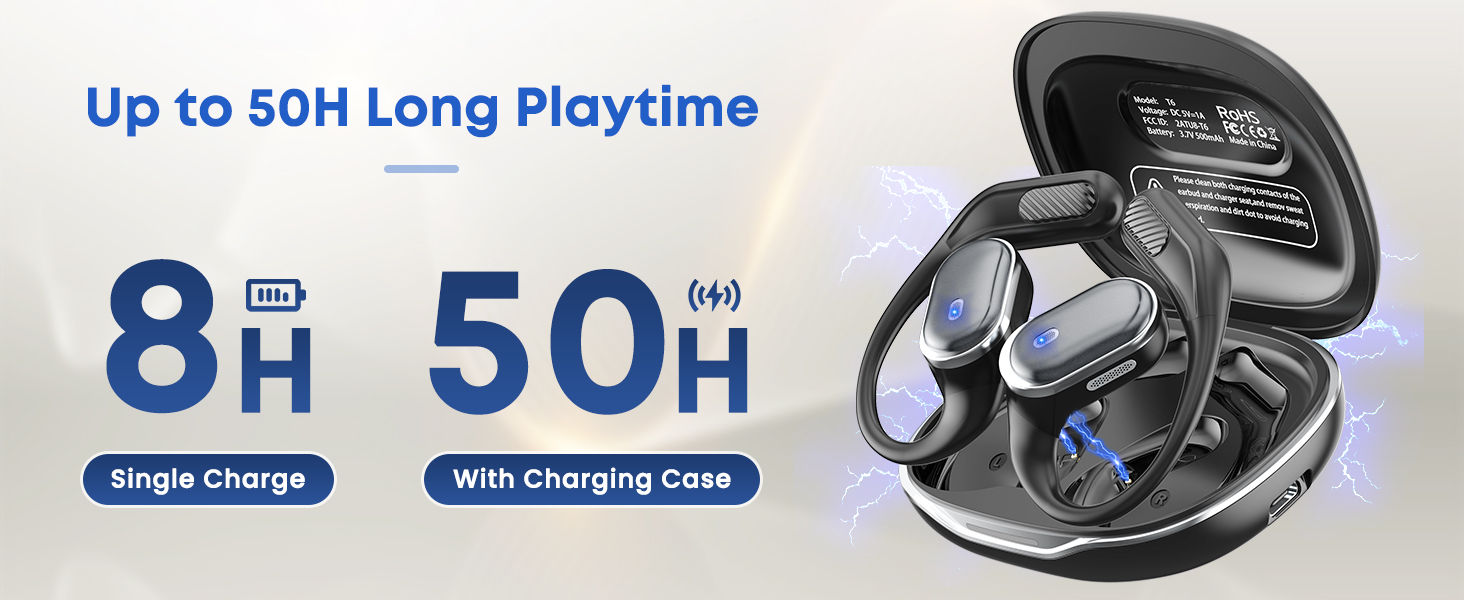
A full charge provides up to 8 hours of playtime, with the charging case extending total playtime to up to 50 hours.

8. Water Resistance (IPX7)
The TRAUSI T6 earbuds are rated IPX7 waterproof, meaning they can withstand immersion in water up to 1 meter for 30 minutes. This makes them suitable for workouts, running, and other activities where exposure to sweat and rain is common.
- Protection: Fully waterproof (submersible up to 1m for 30 mins).
- Usage: Perfect for gym, hiking, biking, and daily commutes.
- Important Note: Not suitable for swimming or diving. Avoid saltwater exposure.

9. Maintenance
- Cleaning: Regularly clean the earbuds and charging contacts with a soft, dry cloth. Do not use harsh chemicals or abrasive materials.
- Storage: Store the earbuds in their charging case when not in use to protect them from dust and damage.
- Avoid Extreme Conditions: Do not expose the earbuds to extreme temperatures, humidity, or direct sunlight for prolonged periods.
- Battery Care: To preserve battery life, charge the earbuds and case regularly, even if not in frequent use.
10. Specifications
| Feature | Detail |
|---|---|
| Model Name | T6 |
| Connectivity Technology | Bluetooth 5.4 |
| Playtime (Earbuds) | Up to 8 hours (single charge) |
| Total Playtime (with Case) | Up to 50 hours |
| Water Resistance | IPX7 (Waterproof) |
| Control Type | Touch Control |
| Ear Placement | Open Ear |
| Noise Control | Environmental Noise Cancellation |
| Material | Plastic |
| Item Weight | 0.09 Kilograms (3.17 ounces) |
11. Troubleshooting
- No Sound:
- Ensure earbuds are charged.
- Check Bluetooth connection on your device.
- Adjust volume on both earbuds and your device.
- Earbuds Not Pairing:
- Ensure both earbuds are out of the case and in pairing mode.
- Turn off and on Bluetooth on your device.
- Forget 'TRAUSI T6' from your device's Bluetooth list and re-pair.
- Ensure earbuds are fully charged.
- Intermittent Connection:
- Ensure there are no obstructions between the earbuds and your device.
- Move closer to your device.
- Avoid environments with strong Wi-Fi or other wireless interference.
- Earbuds Not Charging:
- Ensure the charging cable is securely connected to both the case and the power source.
- Check if the charging contacts on the earbuds and inside the case are clean and free of debris.
- Try a different charging cable or power adapter.
12. Warranty & Support
TRAUSI products are designed for durability and performance. For warranty information, technical support, or customer service inquiries, please refer to the contact details provided on the product packaging or visit the official TRAUSI website. Keep your purchase receipt as proof of purchase for warranty claims.