1. Introduction
Thank you for purchasing the BANDAI Kamen Rider Zeztz DX Nox Driver. This device is a highly detailed replica of the transformation belt used by Kamen Rider Zeztz, designed for interactive play and display. This manual provides essential information for the safe and proper use of your DX Nox Driver, including setup, operation, and maintenance.
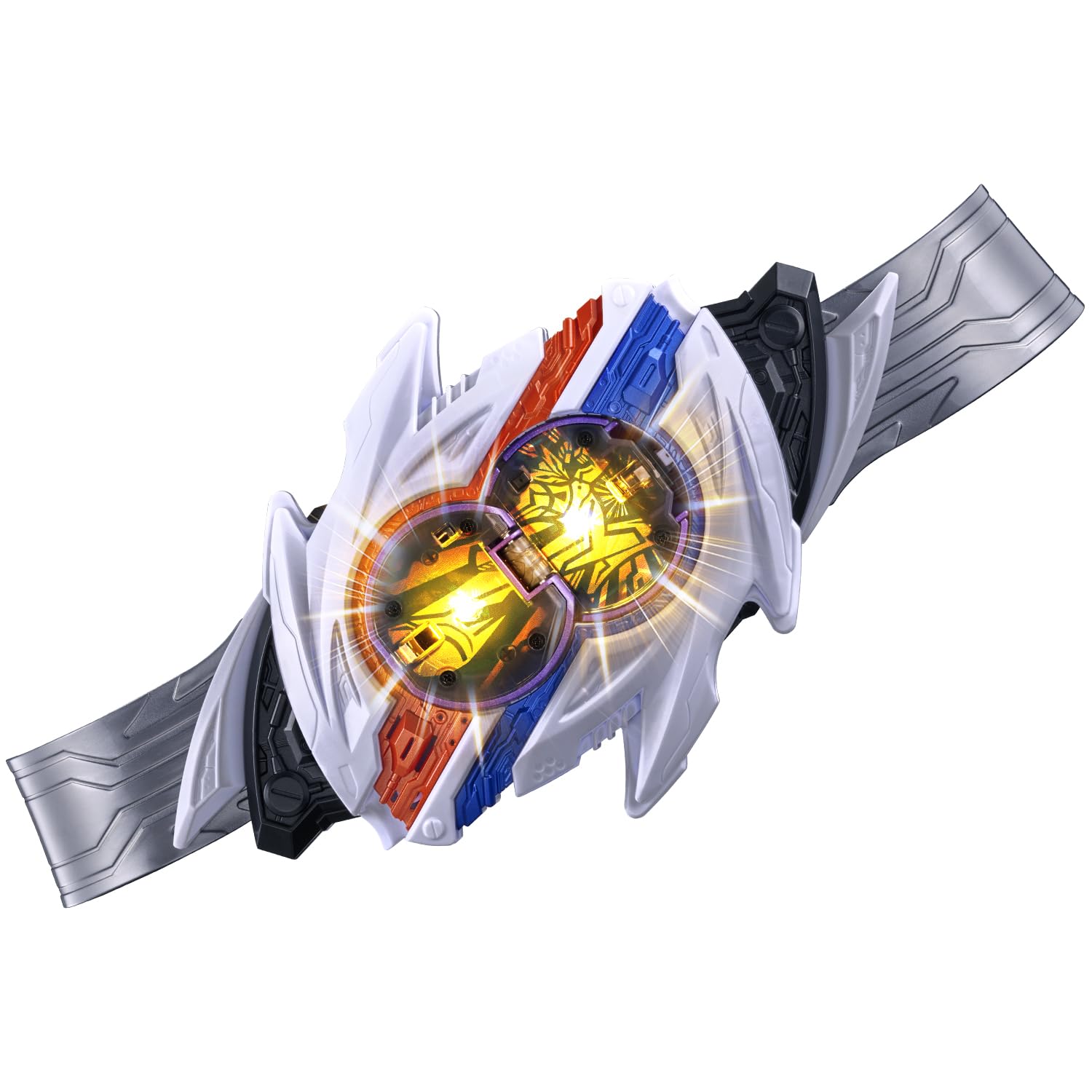
Figure 1.1: The BANDAI Kamen Rider Zeztz DX Nox Driver, showcasing its primary components and the included Shadow Capsule.
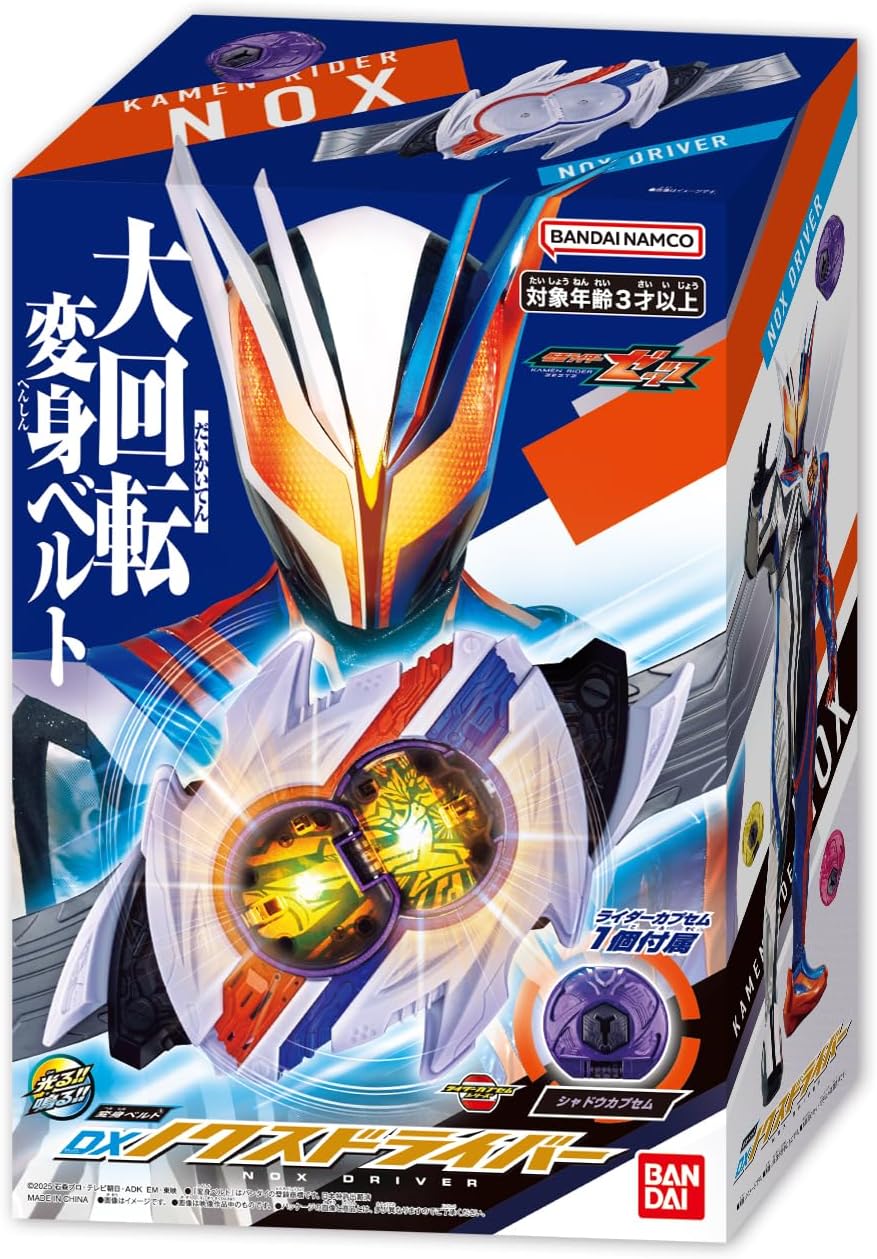
Figure 1.2: The retail packaging for the DX Nox Driver, indicating the product's design and branding.
2. Setup
2.1. Unpacking
Carefully remove all components from the packaging. Ensure you have the DX Nox Driver main unit, the belt straps, and the Shadow Capsule. Retain packaging for future storage or reference.
2.2. Battery Installation
The DX Nox Driver requires batteries (not included). Locate the battery compartment on the back of the main unit. Using a small Phillips head screwdriver, open the compartment, insert the required batteries (typically 3x AAA, refer to the battery compartment for exact type and polarity), and securely close the cover.
2.3. Assembling the Belt
- Attach the left and right belt straps to the main DX Nox Driver unit by sliding them into the designated slots until they click into place.
- Adjust the belt to fit comfortably around the waist.

Figure 2.1: The DX Nox Driver assembled with belt straps and the Shadow Capsule positioned for insertion.
3. Operating Instructions
3.1. Basic Transformation (Shadow Form)
- Insert the Shadow Capsule: Firmly insert the included Shadow Capsule into the slot on the DX Nox Driver. A standby sound will activate.
- Activate Transformation: Push the lever on the side of the driver and rotate the belt unit 360 degrees. The LED lights will illuminate, and transformation sounds will play, announcing the transformation into Kamen Rider Nox Shadow.

Figure 3.1: Visual guide for inserting the Shadow Capsule and performing the 360-degree rotation to transform.
3.2. Activating Special Moves
After transforming, you can activate special moves:
- Initiate Special Move: Push the lever and rotate the belt unit 360 degrees again. Special attack sounds will play, and the LED lights will flash.

Figure 3.2: Demonstrates the action of rotating the belt 360 degrees to trigger a special move.
3.3. Activating Capsule Abilities
Each Rider Capsule has unique abilities that can be activated:
- Press the Capsule: While the capsule is inserted, press down on the top of the capsule. Ability activation sounds will play.
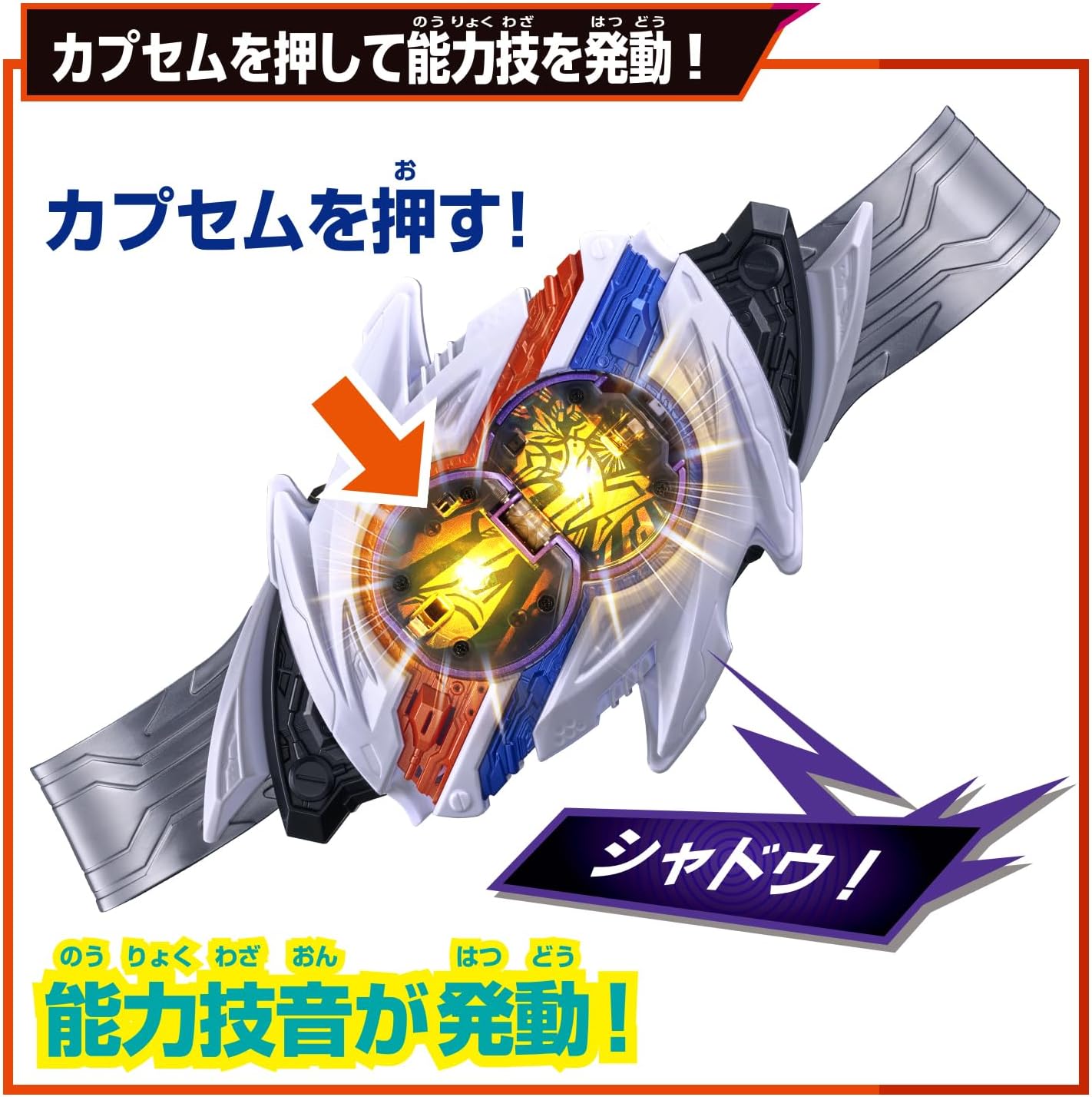
Figure 3.3: Illustrates pressing the capsule to activate its unique ability sound.
3.4. Form Changes (Sold Separately)
The DX Nox Driver is compatible with other Rider Capsules (sold separately) to unlock additional forms and sounds:
- Insert Alternate Capsule: Replace the current capsule with a different Rider Capsule (e.g., Gun Capsule, Wolf Capsule). Standby sounds will activate.
- Activate Form Change: Push the lever and rotate the belt unit 360 degrees. New transformation sounds and LED patterns will activate, announcing the new form (e.g., Kamen Rider Nox Gun Shadow, Kamen Rider Nox Wolf Shadow).

Figure 3.4: Shows examples of using Gun and Wolf Capsules (sold separately) to achieve different forms and sounds.
4. Maintenance
4.1. Cleaning
To clean the DX Nox Driver, wipe it gently with a dry, soft cloth. Do not use abrasive cleaners, solvents, or immerse the unit in water, as this can damage the electronics and finish.
4.2. Battery Replacement
When sounds become faint or lights dim, it is time to replace the batteries. Follow the battery installation steps in Section 2.2. Always use new batteries of the specified type and dispose of old batteries responsibly.
4.3. Storage
Store the DX Nox Driver in a cool, dry place away from direct sunlight and extreme temperatures. If storing for an extended period, remove the batteries to prevent leakage and damage.
5. Troubleshooting
- No Sound or Lights:
- Check if batteries are installed correctly and are not depleted. Replace if necessary.
- Ensure the Rider Capsule is fully inserted into the driver.
- Belt Not Rotating Smoothly:
- Check for any obstructions or debris in the rotation mechanism.
- Ensure the lever is fully pushed before attempting to rotate.
- Incorrect Sounds:
- Verify that the correct Rider Capsule is inserted for the desired form or ability.
6. Specifications
| Feature | Detail |
|---|---|
| Product Dimensions | 1 x 1 x 1 inches |
| Item Weight | 1.52 pounds |
| Model Number | B0G4TJB6RD |
| Manufacturer | Bandai |
| Recommended Age | 0 - 2 years (Note: While this is a manufacturer's general recommendation, this product is also popular among older children and adult collectors.) |
7. Warranty and Support
For warranty information, product support, or inquiries regarding replacement parts, please contact BANDAI customer service directly. Refer to the official BANDAI website or product packaging for the most current contact details.


