
1. Introduction
The ANSTEN K1 PRO Wireless TV Headphones provide a high-quality, private listening experience for television and other audio sources. Featuring ultra-low latency technology, these over-ear headphones ensure perfect audio-visual synchronization. They offer versatile connectivity options including Digital Optical, RCA, and AUX 3.5mm, along with Bluetooth functionality for use with smartphones, tablets, and laptops. Designed for comfort and extended use, the K1 PRO includes a convenient charging dock and delivers up to 30 hours of playtime.
2. Package Contents
Please verify that all items listed below are included in your package:
- Wireless TV Headphones (x1)
- Wireless Transmitter & Charging Base (x1)
- Optical Audio Cable (x1)
- AUX 3.5mm Audio Cable (x1)
- AUX 3.5mm to RCA Adapter (x1)
- USB-C Power Cable (x1)
- USB Adapter (x1)
- User Manual (x1)

Image: Contents of the ANSTEN K1 PRO Wireless TV Headphones package, showing the headphones, transmitter/charging dock, optical cable, AUX cable, RCA adapter, USB-C power cable, USB adapter, and user manual.
3. Product Overview
Familiarize yourself with the main components and controls of your ANSTEN K1 PRO Wireless TV Headphones and Transmitter Charging Dock.

Image: A detailed diagram labeling the Volume +/- buttons, Multifunctional Button (MFB), Charging Contacts, Indicator, USB-C Charge Port on the headphones, and the Multifunctional Button (MFB), Transmitter LED Indicator, OFF/ON switch, Power Input, Optical Input from TV, and AUX Input from TV on the transmitter charging dock.
4. Setup
4.1 Connecting the Transmitter to Your TV
The ANSTEN K1 PRO transmitter offers multiple connection options to ensure compatibility with most TVs. Choose the best available audio output port on your television.
- Optical Connection: Use the provided Optical Audio Cable. Connect one end to the transmitter's Optical Input and the other to your TV's Optical Audio Output (often labeled 'Digital Audio Out' or 'Optical Out').
- RCA Connection: Use the provided AUX 3.5mm Audio Cable and AUX 3.5mm to RCA Adapter. Connect the 3.5mm cable to the transmitter's AUX Input, then attach the RCA adapter to the other end and plug the red and white RCA connectors into your TV's 'Audio Out' (red for right, white for left).
- AUX 3.5mm Connection: Use the provided AUX 3.5mm Audio Cable. Connect one end to the transmitter's AUX Input and the other to your TV's 3.5mm Audio Output (often labeled 'Headphone Out' or 'Audio Out').
Important Note: Please confirm your TV has one of these audio output interfaces before proceeding. If using the optical connection, ensure your TV's audio format is set to "PCM / Stereo" in its sound settings for proper functionality.

Image: Illustration demonstrating the various audio output connections (Optical, AUX, RCA) on a television and how to connect them to the ANSTEN K1 PRO transmitter.

Image: A visual guide showing the process of plugging the transmitter into a power source and TV audio output, powering on the transmitter and headphones for automatic pairing, and setting the TV's optical audio format to PCM/Stereo.
4.2 Powering On and Automatic Pairing
Once the transmitter is connected to your TV and powered, place the headphones on the charging dock or power them on manually. The headphones and transmitter are designed to pair automatically upon activation, providing an instant connection without manual pairing steps.
Video: An overview of the ANSTEN Wireless TV Headphones, demonstrating their features and ease of use for TV watching.
5. Operating Instructions
5.1 Wearing the Headphones
The ANSTEN K1 PRO headphones are designed for comfort during extended wear. Adjust the headband to fit your head size and rotate the ear cups for a snug, comfortable fit over your ears. The soft cotton and memory foam ear cups minimize pressure.

Image: A man wearing the ANSTEN K1 PRO headphones, illustrating the comfortable over-ear design suitable for long periods of use.
5.2 Adjusting Volume
Use the volume control buttons located on the headphones to adjust the listening level to your preference. The independent volume control allows you to enjoy TV audio at your desired level without disturbing others.

Image: A visual representation of the ultra-low latency and personal volume features, showing a person enjoying TV audio privately while another person rests undisturbed.
5.3 Bluetooth Functionality
Beyond TV watching, the K1 PRO headphones can function as standard Bluetooth headphones. To pair with other Bluetooth devices (e.g., smartphones, tablets, laptops):
- Ensure the original paired device (TV transmitter) is turned off or unplugged.
- Activate Bluetooth pairing mode on the headphones (refer to the Product Overview for button location).
- Search for 'ANSTEN K1 PRO' on your desired Bluetooth device and select to pair.

Image: The ANSTEN K1 PRO headphones shown independently connected to a laptop and smartphone via Bluetooth, demonstrating their versatile usage beyond TV.

Image: A split image showing the headphones working with a TV via the transmitter on one side, and working with a smartphone on the other side, emphasizing the dual functionality.
6. Charging
The ANSTEN K1 PRO headphones offer two convenient charging methods:
- Charging Dock: Simply place the headphones onto the transmitter charging base. The headphones will automatically begin charging.
- USB-C Cable: Connect the provided USB-C power cable to the USB-C port on the headphones and to a USB power source (e.g., the included USB adapter).
A full charge provides up to 30 hours of continuous playtime. Charging time is approximately 3 hours.
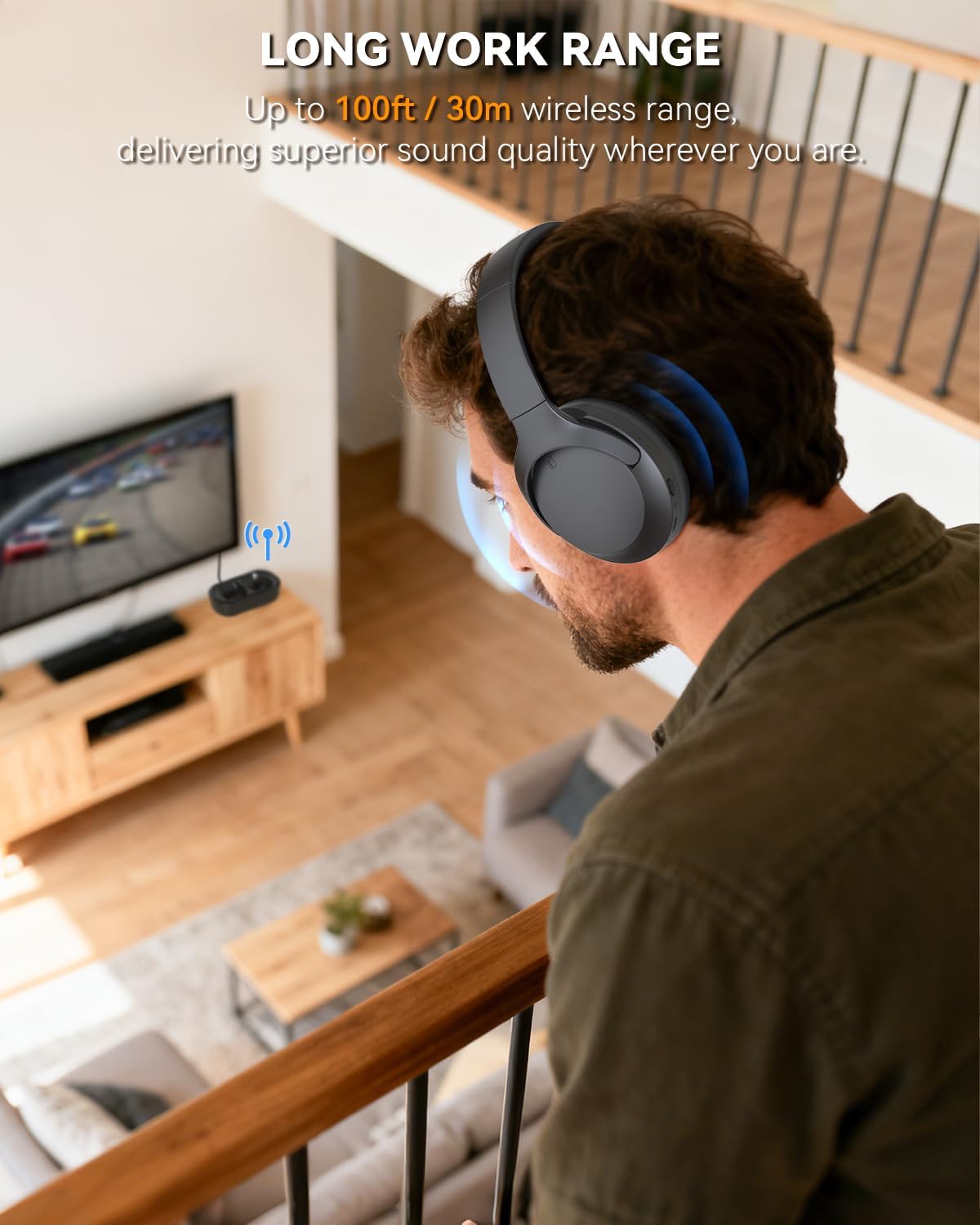
Image: The ANSTEN K1 PRO headphones illustrating the two charging methods: via USB-C cable and by placing them on the charging dock. A 30-hour battery life icon is also displayed.

Image: Visual guide to charging indicators: a steady red LED on the headphone means charging, steady blue means fully charged. For the transmitter, a red light flashing slowly means charging, and a solid blue means fully charged.
7. Maintenance
To ensure the longevity and optimal performance of your ANSTEN K1 PRO headphones:
- Clean the headphones and charging dock with a soft, dry cloth. Avoid using abrasive cleaners or solvents.
- Keep the charging contacts on both the headphones and the dock clean and free of debris.
- Store the headphones in a cool, dry place when not in use.
- Avoid exposing the device to extreme temperatures, humidity, or direct sunlight.
- The headphones are not water resistant; avoid contact with liquids.
8. Troubleshooting
If you encounter issues with your ANSTEN K1 PRO headphones, please refer to the following common solutions:
| Problem | Possible Solution |
|---|---|
| No sound from headphones |
|
| Headphones not pairing |
|
| Short battery life |
|
| Audio delay / Lip-sync issues |
|
Video: A promotional video for the ANSTEN Wireless TV Headphones K1PRO, showcasing its features and benefits.
9. Specifications
| Feature | Detail |
|---|---|
| Brand | ANSTEN |
| Model Name | Wireless TV Headphones K1PRO |
| Model Number | K1 PRO |
| Color | Black |
| Ear Placement | Over Ear |
| Form Factor | Over Ear |
| Connectivity Technology | Wireless |
| Wireless Technology | Bluetooth |
| Bluetooth Version | 5.4 |
| Bluetooth Range | 10 Meters |
| Battery Average Life | 30 Hours |
| Battery Charge Time | 3 Hours |
| Control Type | Button Control |
| Compatible Devices | Cellphones, Desktops, Laptops, Tablets, Television |
| Material | Acrylonitrile Butadiene Styrene (ABS) |
| Water Resistance Level | Not Water Resistant |
| Additional Features | Adjustable Headband, Volume Control |
10. Warranty and Support
ANSTEN provides comprehensive support for your K1 PRO Wireless TV Headphones:
- Warranty: All products come with a 1-year warranty for replacement or refund.
- Customer Support: If you encounter any problems or have questions, please send an order message to ANSTEN. Dedicated support is available to provide assistance, with replies typically within 24 hours.
- Lifetime Support: ANSTEN is committed to providing lifetime support for its products.

Image: Information regarding ANSTEN's customer support, highlighting a 12-month replacement policy, replies within 24 hours, and lifetime support.


