
1. Introduction
The Black & Decker Smart Wi-Fi Water Sensor (Model WS) provides real-time water leak detection and alerts to help prevent potential water damage in your home. This manual provides essential information for the proper setup, operation, and maintenance of your water sensors.
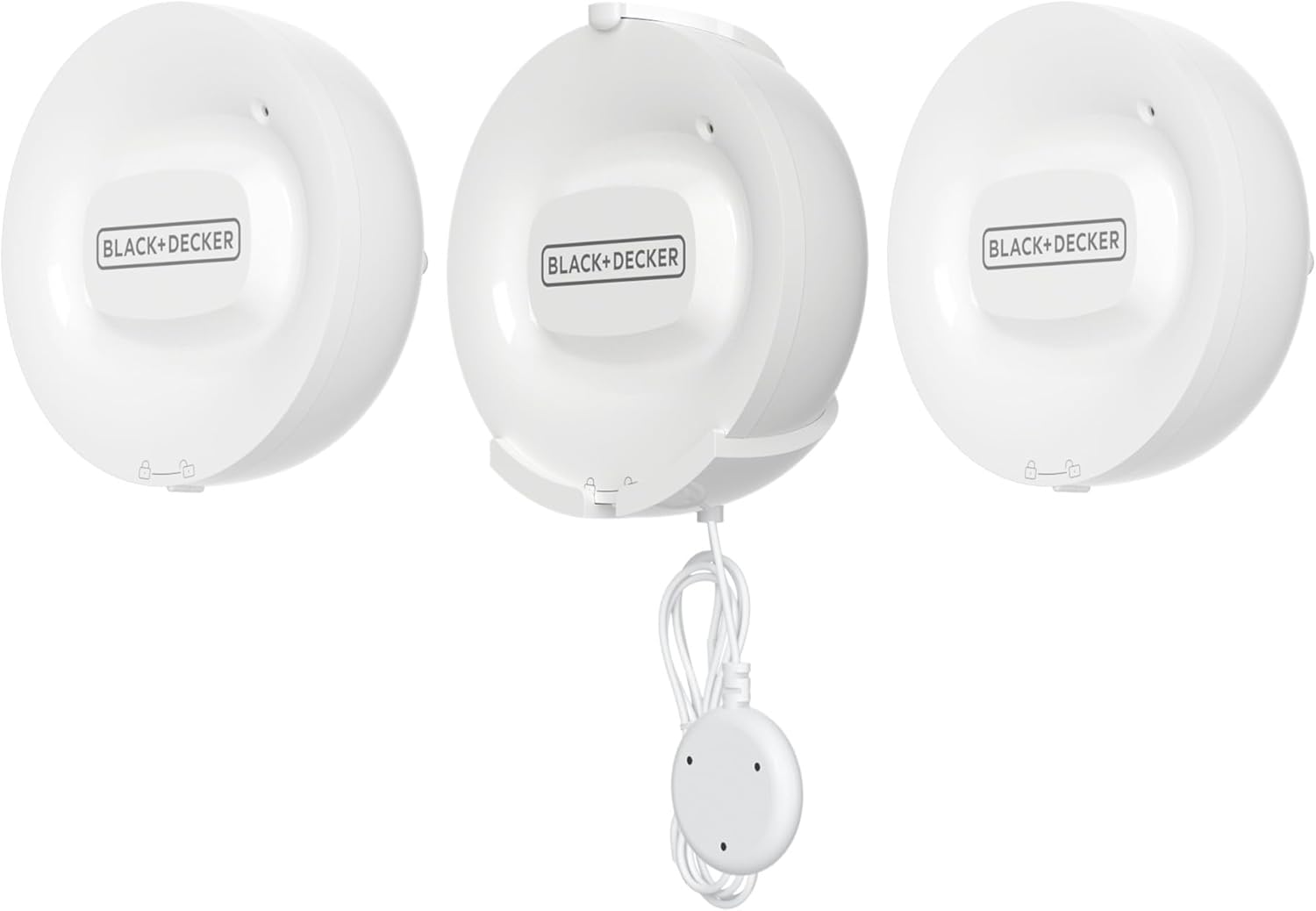
Image 1: Black & Decker Smart Wi-Fi Water Sensor (3-piece set)
2. Product Overview
2.1 Components
- 3 x Smart Wi-Fi Water Sensors (Model WS)
- 3 x 46-inch extended probes
- Batteries (1 C battery per sensor, included)
- User Manual
2.2 Key Features
- Real-Time Leak Detection: Instantly detects water leaks and sends alerts.
- Smart Alerts: Receive notifications directly on your smartphone via the BLACK+DECKER Home App.
- Extended Probe: Each sensor includes a 46-inch probe for reaching difficult or confined spaces.
- No Hub Required: Connects directly to your home's 2.4 GHz Wi-Fi network.
- Flexible Placement: Compact, battery-powered design allows for versatile installation in various locations.

Image 2: Close-up of the water sensor and its probe
3. Safety Information
Please read and understand all safety instructions before using this product. Failure to follow these instructions may result in electric shock, fire, or serious injury.
- Do not immerse the main sensor unit in water. Only the probe is designed for contact with water.
- Ensure batteries are inserted with correct polarity.
- Replace batteries with the specified type (1 C battery).
- Keep the device away from extreme temperatures and direct sunlight.
- This device is for indoor use only.
- Do not attempt to disassemble or repair the device. Contact customer support for assistance.
4. Setup and Installation
4.1 App Download and Account Creation
Download the BLACK+DECKER Home App from the Apple App Store or Google Play Store. Create an account or log in if you already have one.
4.2 Battery Installation
Open the battery compartment on the back of each sensor unit. Insert one C battery, ensuring correct polarity. Close the compartment securely.
4.3 Wi-Fi Pairing
The sensors connect directly to your home's 2.4 GHz Wi-Fi network. Ensure your smartphone is connected to a 2.4 GHz network during the pairing process. Follow the in-app instructions to add each sensor. If you have a dual-band router, you may need to temporarily disable the 5 GHz band or ensure your phone is connected to the 2.4 GHz band specifically.
4.4 Sensor Placement
Place the water sensors in areas prone to water leaks. The main sensor unit can be placed on a flat surface or mounted on a wall. Position the 46-inch probe to detect water at the lowest point or in specific areas where leaks are likely to occur.
- Basements: Near sump pumps, water heaters, or basement windows.
- Laundry Rooms: Behind or next to washing machines.
- Kitchens: Under sinks, near dishwashers, or refrigerators with water lines.
- Bathrooms: Near toilets, bathtubs, or showers.

Image 3: Sensor placed near a water heater

Image 4: Sensor placed near a washing machine

Image 5: Sensor placed near a dishwasher
4.5 Setup Video Guide
Watch this video for a visual guide on setting up and understanding the functionality of the Black & Decker Smart Water Leak Sensor. Note that the video also demonstrates the Smart Valve Controller, which is a separate, complementary product.
Video 1: Black+Decker Water Sensor and Smart Valve Overview. This video demonstrates the setup and operation of the water leak sensor, including placement examples and how it integrates with the BLACK+DECKER Home App. It also shows the optional Smart Valve Controller.
5. Operating Instructions
5.1 Receiving Alerts
When a water leak is detected by the sensor's probe, the sensor will emit an audible alarm, and you will receive an immediate notification on your smartphone via the BLACK+DECKER Home App. The app alert will specify which sensor detected the leak and the time of detection.

Image 6: Example of a water leakage alarm notification in the app
5.2 Monitoring Devices in the App
The BLACK+DECKER Home App allows you to monitor the status of all your connected water sensors. You can view a list of your devices, check their status, and customize settings remotely. This provides peace of mind and allows you to manage your home's water safety from anywhere.

Image 7: Device list in the BLACK+DECKER Home App
5.3 Integration with Smart Valve Controller (Optional)
For enhanced protection, the Smart Wi-Fi Water Sensor can be integrated with a Black & Decker Smart Valve Controller (sold separately). When a leak is detected, the system can be configured to automatically shut off your main water supply, preventing further damage. This feature provides an additional layer of security, especially when you are away from home.
6. Maintenance
6.1 Battery Replacement
The sensor is powered by one C battery. The BLACK+DECKER Home App will notify you when the battery level is low. To replace, open the battery compartment, remove the old battery, and insert a new C battery with the correct polarity. Dispose of old batteries responsibly.
6.2 Cleaning
Wipe the sensor unit and probe with a soft, dry cloth. Do not use abrasive cleaners or immerse the main unit in water.
6.3 Regular Checks
Periodically check the sensor's placement and the condition of the probe to ensure optimal performance. Test the sensor by placing the probe in a small amount of water to confirm it triggers an alert.
7. Troubleshooting
- Sensor not connecting to Wi-Fi: Ensure your router is broadcasting a 2.4 GHz Wi-Fi network. The sensor does not support 5 GHz Wi-Fi. Temporarily disable the 5 GHz band on your router during setup if you encounter issues, or ensure your smartphone is connected to the 2.4 GHz network.
- No alerts received: Check if the sensor has sufficient battery power. Verify that the BLACK+DECKER Home App has notification permissions enabled on your smartphone. Ensure the sensor is within range of your Wi-Fi network.
- False alarms: Ensure the sensor probe is not in an area where it might accidentally come into contact with moisture (e.g., condensation, high humidity). Clean the probe if it appears dirty.
- Sensor not detecting water: Confirm the probe is positioned correctly to make contact with water. Ensure the probe is clean and free of debris.
If you continue to experience issues, please refer to the support section or contact customer service.
8. Specifications
| Brand | BLACK+DECKER |
| Model Number | WS |
| Power Source | Battery Powered |
| Battery Type | 1 C battery (Lithium-Ion, included) |
| Connectivity | Wi-Fi (2.4 GHz only) |
| Control Method | App (BLACK+DECKER Home App) |
| Sensor Technology | Conductive Sensor |
| Product Dimensions (L x W x H) | 3"L x 1.12"W x 3.12"H |
| Mounting Type | Wall Mount |
9. Warranty and Support
9.1 Warranty Information
For detailed warranty information, please refer to the official BLACK+DECKER website or the warranty card included with your product. Keep your purchase receipt as proof of purchase.
9.2 Customer Support
If you have any questions, require technical assistance, or need to report an issue, please contact BLACK+DECKER customer support. Contact information can typically be found on the manufacturer's website or product packaging.

