
Introduction
The Anker Nano 45W Smart Display Charger (Model A121D) is a compact and intelligent USB-C power adapter designed for efficient and safe charging of compatible devices. Featuring smart recognition and a built-in Care Mode, this charger optimizes power delivery and helps extend battery life. Its innovative design includes 180° foldable prongs for versatile use in various outlets.
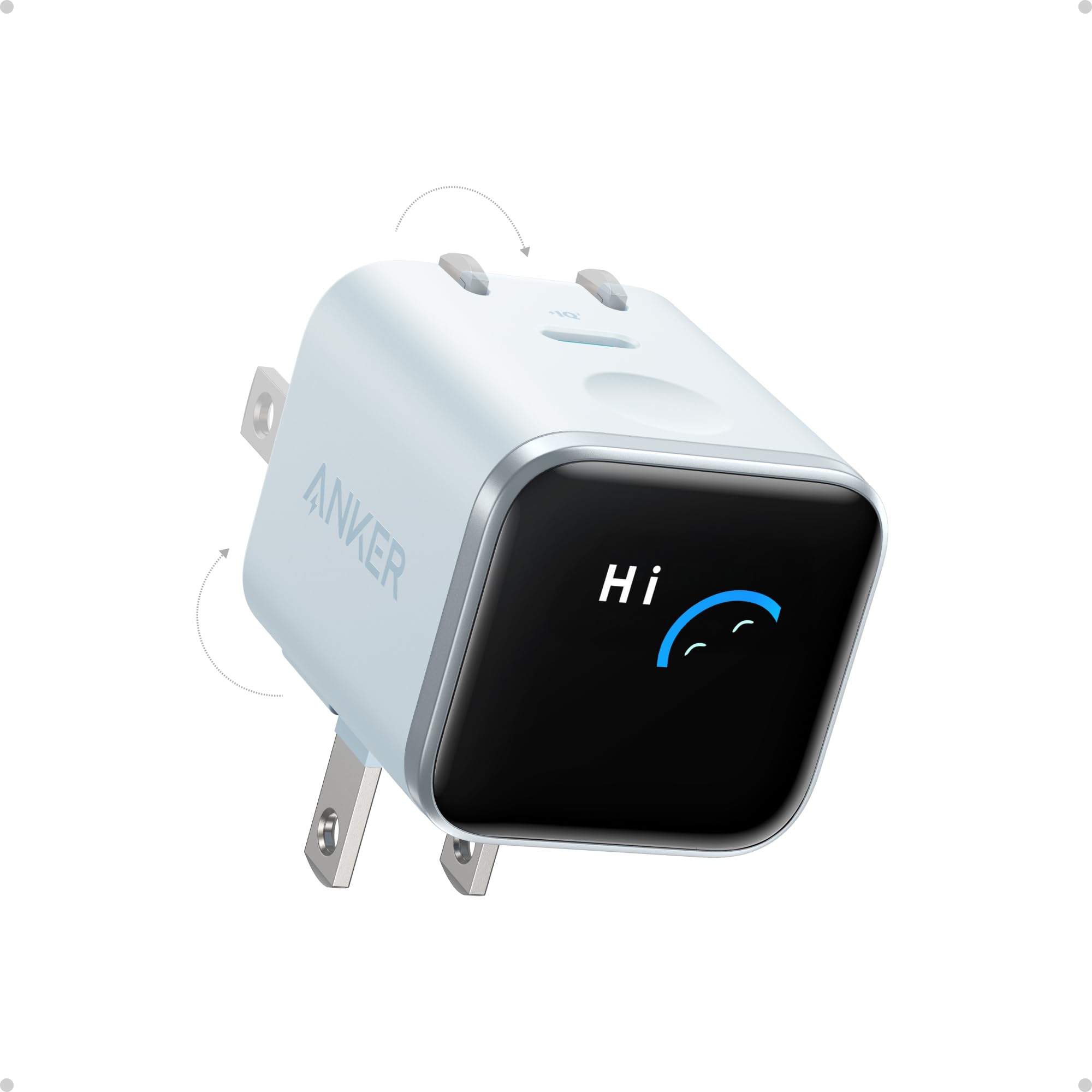
Image: The Anker Nano 45W Smart Display Charger in blue, showcasing its compact design.
Features
- Smart Device Recognition with Care Mode: Automatically identifies your connected iPhone (12-17 Series, SE 3rd Gen, iPad Pro, iPad Air, iPad mini, AirPods, Apple Watch) and adjusts charging parameters for optimal safety and efficiency.
- 45W Max Fast Charging: Delivers up to 45W of high-speed charging, adapting output based on your device's battery level. Capable of charging an iPhone 17 Pro to 50% in approximately 20 minutes.
- Extended Battery Life: TUV-certified Care Mode, activated by a double tap, reduces charging temperature by up to 9°F compared to standard 45W chargers, promoting long-term battery health, especially during overnight charging.
- Compact Design with Dual Foldable Prongs: Approximately 47% smaller and 36% lighter than the original 30W charger. Features 90° and 180° foldable prongs for convenient use in tight spaces and travel.
- Interactive Smart Display: Provides real-time updates on charging power, temperature, and current charging mode. The display can be rotated 180° by pressing and holding for 2 seconds to maintain visibility regardless of outlet orientation.

Image: The Anker Nano 45W Smart Display Charger connected to an iPhone, displaying smart recognition features.
Setup
- Unfold Prongs: Gently slide out the foldable prongs from the charger body. You can adjust them to 90° or 180° depending on your outlet's orientation and space availability.
- Plug into Outlet: Insert the charger into a standard wall outlet. The smart display will activate upon connection.
- Connect Device: Use a compatible USB-C charging cable (not included) to connect your device to the USB Type C port on the charger.
- Verify Connection: The smart display will show


