
1. Introduction
Thank you for choosing the Trisomy D1 Walking Pad Treadmill. This manual provides essential information for the safe and effective use, setup, operation, and maintenance of your new fitness equipment. Please read this manual thoroughly before operating the treadmill and retain it for future reference.
The Trisomy D1 Walking Pad Treadmill is designed for home and office use, offering a compact and quiet solution for daily exercise. Key features include a 15% 12-level automatic incline, a vibrant UI screen with dynamic LED lighting, a powerful yet quiet 3.5 HP motor, and a robust 450 lbs weight capacity. Its triple shock absorption system helps protect your joints during workouts.
2. Important Safety Information
Before using this product, please observe the following safety precautions:
- Always place the treadmill on a flat, stable surface.
- Ensure adequate clearance around the treadmill (at least 2 feet on all sides).
- Keep children and pets away from the treadmill during operation.
- Consult a physician before starting any new exercise program.
- Wear appropriate athletic footwear.
- Do not use the treadmill if you feel dizzy, faint, or experience any pain.
- Unplug the treadmill from the power outlet when not in use or before cleaning/maintenance.
- Do not attempt to service the treadmill yourself. Contact qualified service personnel.
3. What's in the Box
Your Trisomy D1 Walking Pad Treadmill package includes the following items:
- Walking Pad x1
- Remote Control x1
- Power Cord x1
- L-shaped Wrench x1
- Lubricant x1
- User Manual x1
- Quick Installation Guide x1

4. Setup
4.1 Unboxing and Placement
Your Trisomy D1 Walking Pad Treadmill comes 100% pre-assembled. Simply remove it from the packaging, place it on a level surface, and plug it into a grounded power outlet.

4.2 Space-Saving Design
The treadmill features a compact and portable design with smooth-rolling wheels, allowing for easy movement and storage. It can be stored upright or slid under furniture when not in use.

5. Operating Instructions
5.1 Power On/Off and Remote Control
To power on the treadmill, locate the power switch on the side and flip it to the 'On' position. Use the included remote control to start, stop, adjust speed, and control the incline. The remote also features volume controls for Bluetooth audio.

5.2 Speed and Incline Adjustment
The treadmill supports speeds from 0.6 to 4.0 MPH. It features a 0-15% automatic incline with 12 adjustable levels, allowing you to customize your workout intensity. Use the remote control's up/down arrows to adjust the incline.

5.3 UI Screen and Bluetooth Audio
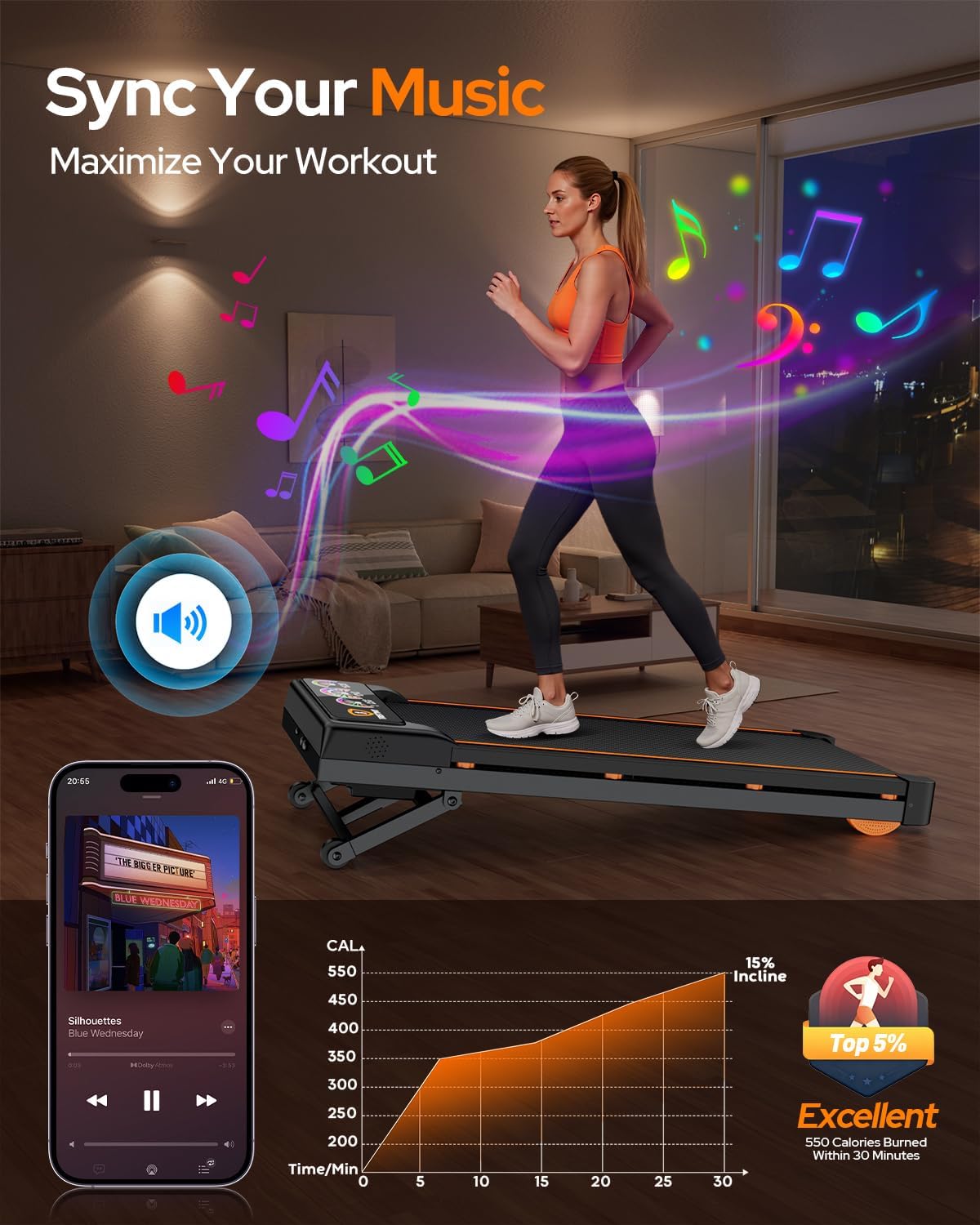
The advanced UI screen displays essential workout metrics such as time, speed, distance, and calories. Dynamic LED lighting pulses in sync with your speed. Connect your smartphone via Bluetooth to play music through the integrated acoustic vent.
5.4 Workout Modes
The treadmill offers various modes to suit your fitness needs:
- Walking Mode: 0.6-2.5 mph
- Running Mode: 2.5-4.0 mph (with incline options)
- Climbing Mode: Utilizes the 15% auto incline for intense workouts.
5.5 Weight Capacity
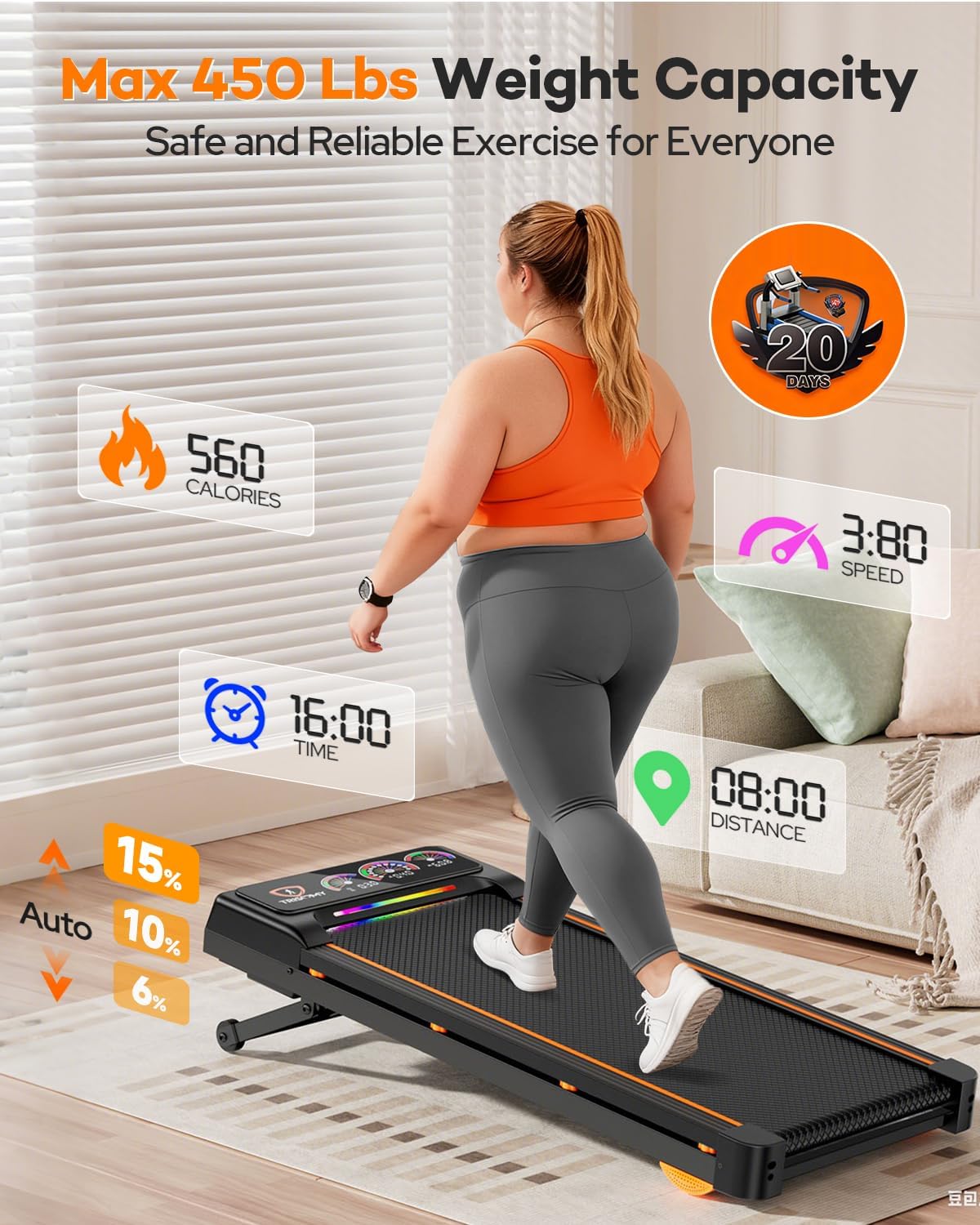
Engineered with a reinforced steel frame, this treadmill supports users up to 450 lbs, providing stability for various body types.
5.6 Official Product Video
6. Maintenance
6.1 Lubrication
Regular lubrication of the running belt is crucial for smooth operation and extending the treadmill's lifespan. Refer to the lubrication schedule below:
| Usage Frequency | Maintenance Frequency |
|---|---|
| <3 Hours/Week | 2 Months |
| 4-6 Hours/Week | 1 Month |
| 7 Hours/Week | 2 Weeks |

6.2 Running Belt Adjustment
If the running belt drifts to one side, it may need adjustment. Use the provided L-shaped wrench to make minor adjustments to the screws at the rear of the treadmill. Tighten the screw on the side the belt is drifting towards, or loosen the opposite side. The treadmill also features a self-centering function for slight misalignments during low-speed operation.

7. Troubleshooting
If you encounter any issues with your Trisomy D1 Walking Pad Treadmill, please refer to the following common solutions:
- Treadmill not powering on: Ensure the power cord is securely plugged into both the treadmill and a working wall outlet. Check the power switch on the treadmill.
- Belt not moving: Verify the treadmill is powered on and not in pause mode. Check for any obstructions under the belt.
- Remote control not responding: Ensure the remote has working batteries. Point the remote directly at the treadmill's console.
- Unusual noise: Check for loose parts or foreign objects under the belt. Ensure the belt is properly lubricated and adjusted.
- Bluetooth connectivity issues: Ensure Bluetooth is enabled on your device and the treadmill. Try restarting both devices.
If the problem persists, please contact customer support.
8. Specifications
| Feature | Detail |
|---|---|
| Brand | Trisomy |
| Model Name | D1 |
| Color | Black |
| Product Dimensions | 48.23"D x 23"W x 6.42"H |
| Material | Alloy Steel |
| Maximum Speed | 4 Miles per Hour |
| Special Feature | Auto Incline, Compact Design, Heavy Duty |
| Target Audience | Adult |
| Maximum Horsepower | 3.5 Horsepower |
| Maximum Incline Percentage | 15% (12 Levels) |
| Maximum Weight Recommendation | 450 Pounds |
| Included Components | Remote Control, User Manual |
9. Warranty and Support
9.1 Product Warranty
The Trisomy D1 Walking Pad Treadmill comes with a 1-year warranty. Please retain your proof of purchase for warranty claims.
9.2 Customer Support
For any questions, assistance, or troubleshooting not covered in this manual, please contact Trisomy customer support. Our dedicated team is available to assist you promptly.
