
1. Product Overview
The Hornbill M1-CBFHS Smart Keyless Entry Door Lock is a comprehensive security solution designed for various applications including homes, Airbnb properties, and offices. This system offers multiple unlocking methods and smart features for enhanced convenience and control.

Image: Hornbill M1-CBFHS Smart Keyless Entry Door Lock with handle set, showcasing its design and components.
2. Included Components
Before beginning installation, verify that all components are present:
- Front Panel (1)
- Back Panel (1)
- Handles
- Deadbolt
- Lock Accessories
- Keys (2)
- IC cards (2)
- Screws
- User Manual
- Latch
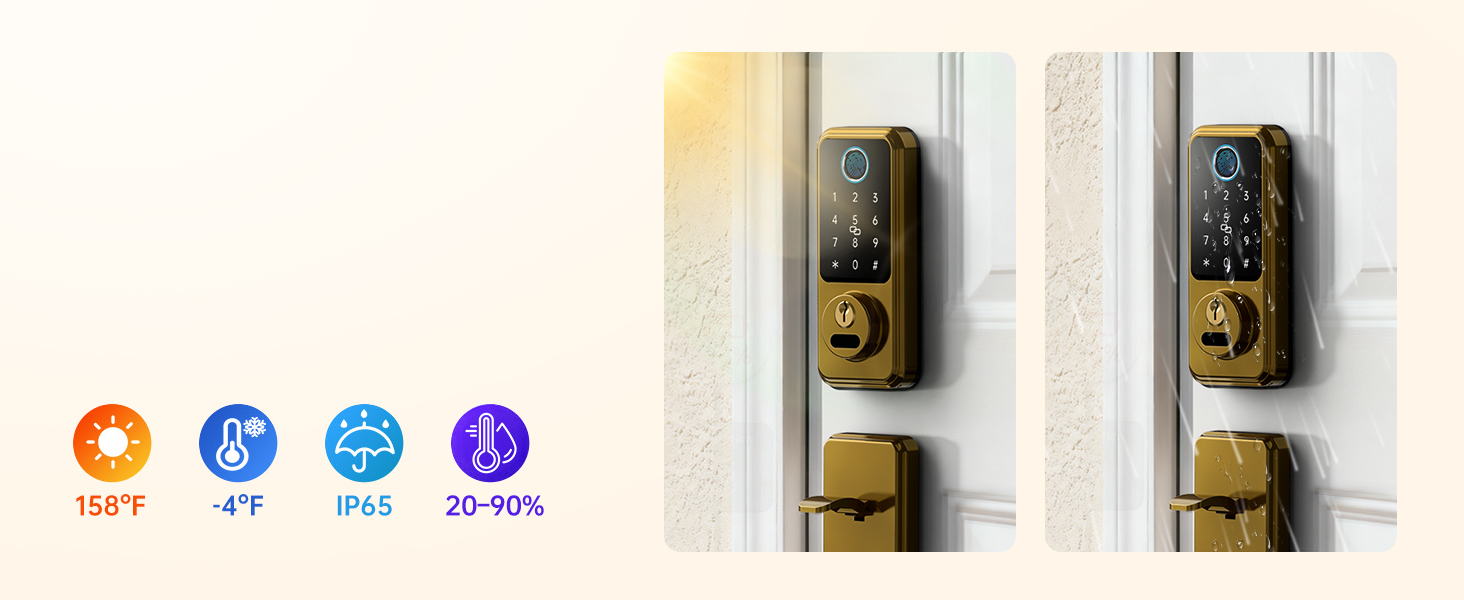
Image: All components included with the Hornbill M1-CBFHS Smart Lock, laid out for inspection.
3. Setup and Installation
3.1 Door Compatibility Check
Before installation, ensure your door meets the following specifications:
- Hole Diameter: 2-1/8" (54mm)
- Minimum Distance: 5" (127mm)
- Adjustable Distance: 8-1/4" - 9-27/32" (210-250mm)
- Backset: 2-3/8" or 2-3/4" (60mm-70mm)
- Hole Diameter (Latch): 7/8" (22mm)
- Compatible with both Left-Handed and Right-Handed doors.
- Requires a latch hole; not compatible with doors that are not chiseled.
- Compatible with single cylinder deadbolts; not compatible with mortise/integrated locks.

Image: Diagram illustrating door compatibility measurements and requirements for the smart lock installation.
3.2 Mechanical Installation
Follow the detailed instructions provided in the included user manual for mechanical installation of the deadbolt and handle set. Ensure all screws are tightened securely and the latch operates smoothly.

Image: A hand using a screwdriver to install a component of the smart lock, demonstrating a step in the mechanical installation process.
3.3 App Setup and Initial Pairing
- Download the "Next Lock App" from your device's app store.
- Create an account and log in.
- Follow the in-app instructions to add your Hornbill M1-CBFHS lock. This typically involves activating Bluetooth on your phone and following prompts to pair the lock.
- Once paired, calibrate the lock and set up initial admin fingerprints and passcodes.
4. Operating Instructions
4.1 Unlocking Methods
The Hornbill M1-CBFHS offers multiple ways to unlock your door:
- Fingerprint Recognition: Store up to 50 fingerprints. Place your registered finger on the sensor for quick access (recognition time less than 0.2 seconds).
- Passcodes: Enter your personalized passcode on the keypad. Anti-peeping password feature allows you to enter random digits before or after your actual code to prevent unauthorized viewing.
- IC Fobs: Tap the provided IC fob on the designated area of the lock.
- Physical Keys: Use the backup physical keys for traditional unlocking.
- App Control: Unlock or lock the door remotely via the Next Lock App (requires Hornbill Wi-Fi Gateway, sold separately).
- Voice Control: Integrate with Amazon Alexa or Google Assistant for voice commands (requires Hornbill Wi-Fi Gateway, sold separately).
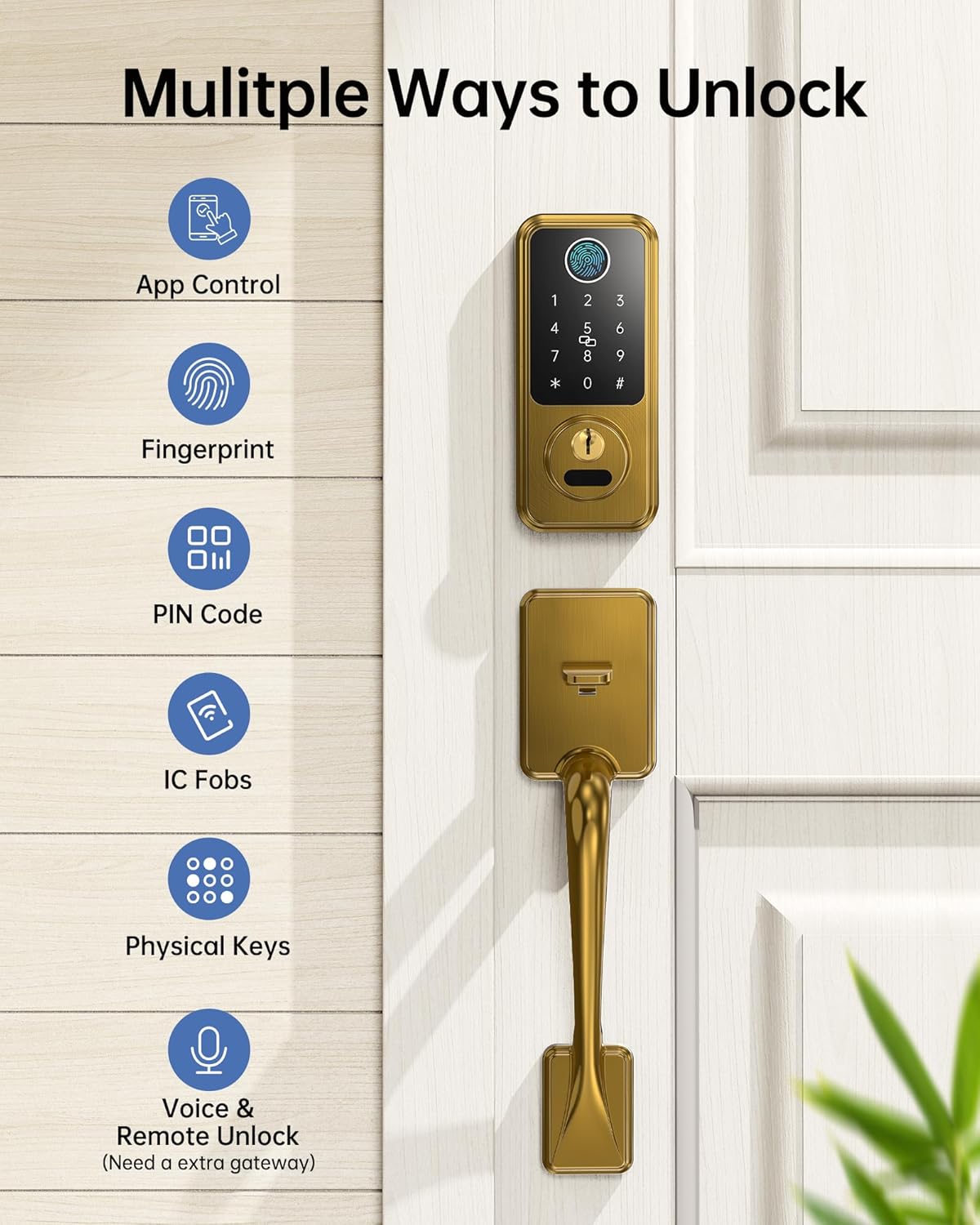
Image: Visual representation of the multiple unlocking methods available for the smart lock, including app control, fingerprint, PIN code, IC fobs, physical keys, and voice/remote unlock.

Image: Close-up of the smart lock keypad and fingerprint sensor, highlighting its biometric unlocking capabilities and speed.
4.2 Auto-Lock and One-Touch Locking
- Auto-Lock: Configure the auto-lock feature via the Next Lock App to automatically lock the door after a set period (1-900 seconds) once it closes.
- One-Touch Locking: Press and hold the "#" key on the keypad for approximately 2 seconds to instantly lock the door.
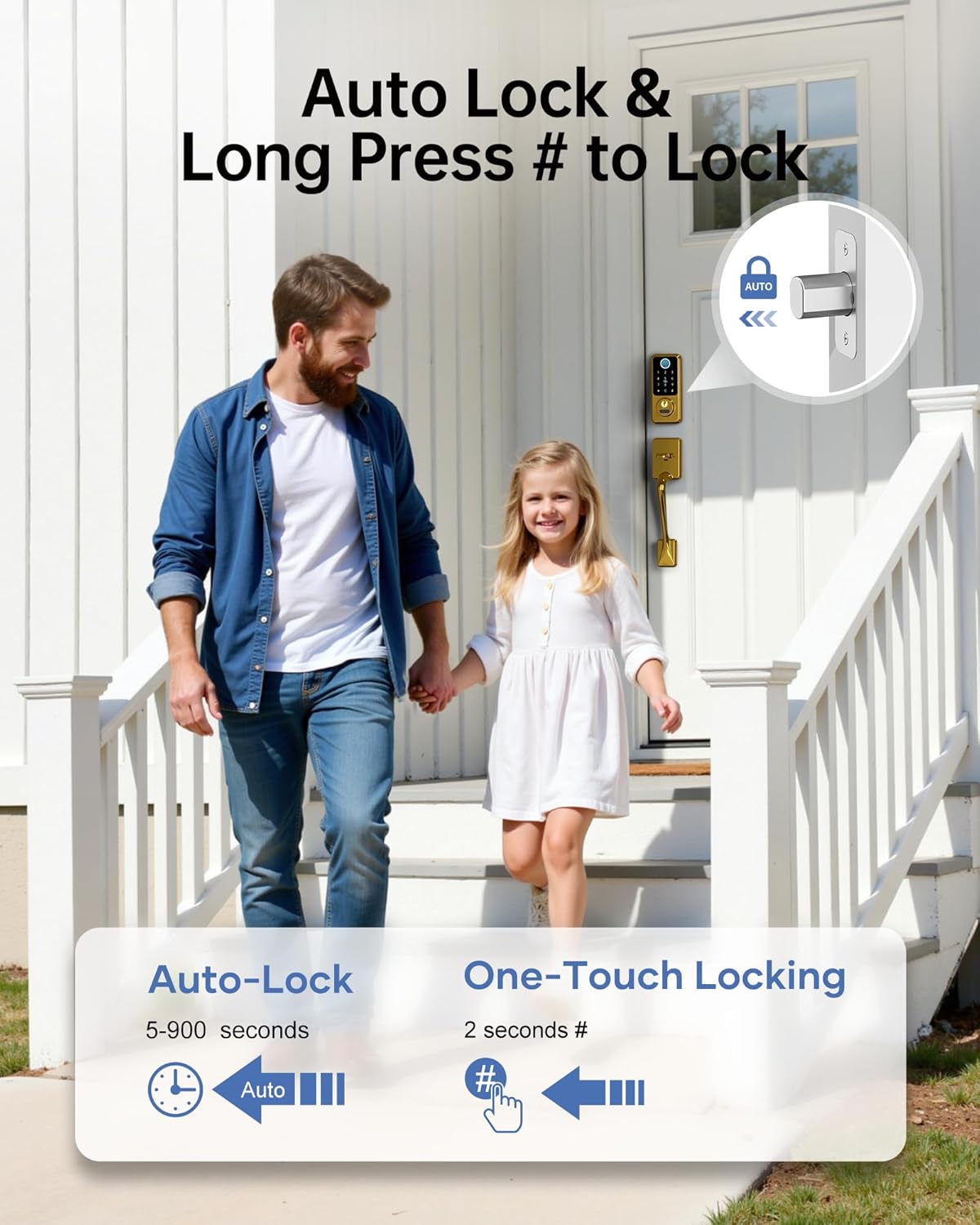
Image: A family leaving their home, illustrating the convenience of auto-lock and one-touch locking features.
Note: The lock does not detect door status. To use the auto-lock function, ensure the door is fully closed. If the door is open, the bolt will still extend.
4.3 Managing Access Codes and E-Keys
- Temporary Access: Generate temporary passcodes for guests, housekeepers, or service providers. These can be time-limited or one-time use. Up to 300 passcodes can be assigned and revoked at any time.
- Share E-Keys: Grant family members, tenants, or guests admin access to the lock via the Next Lock App. Admins can manage the door, set/revoke passcodes, and view activity logs.
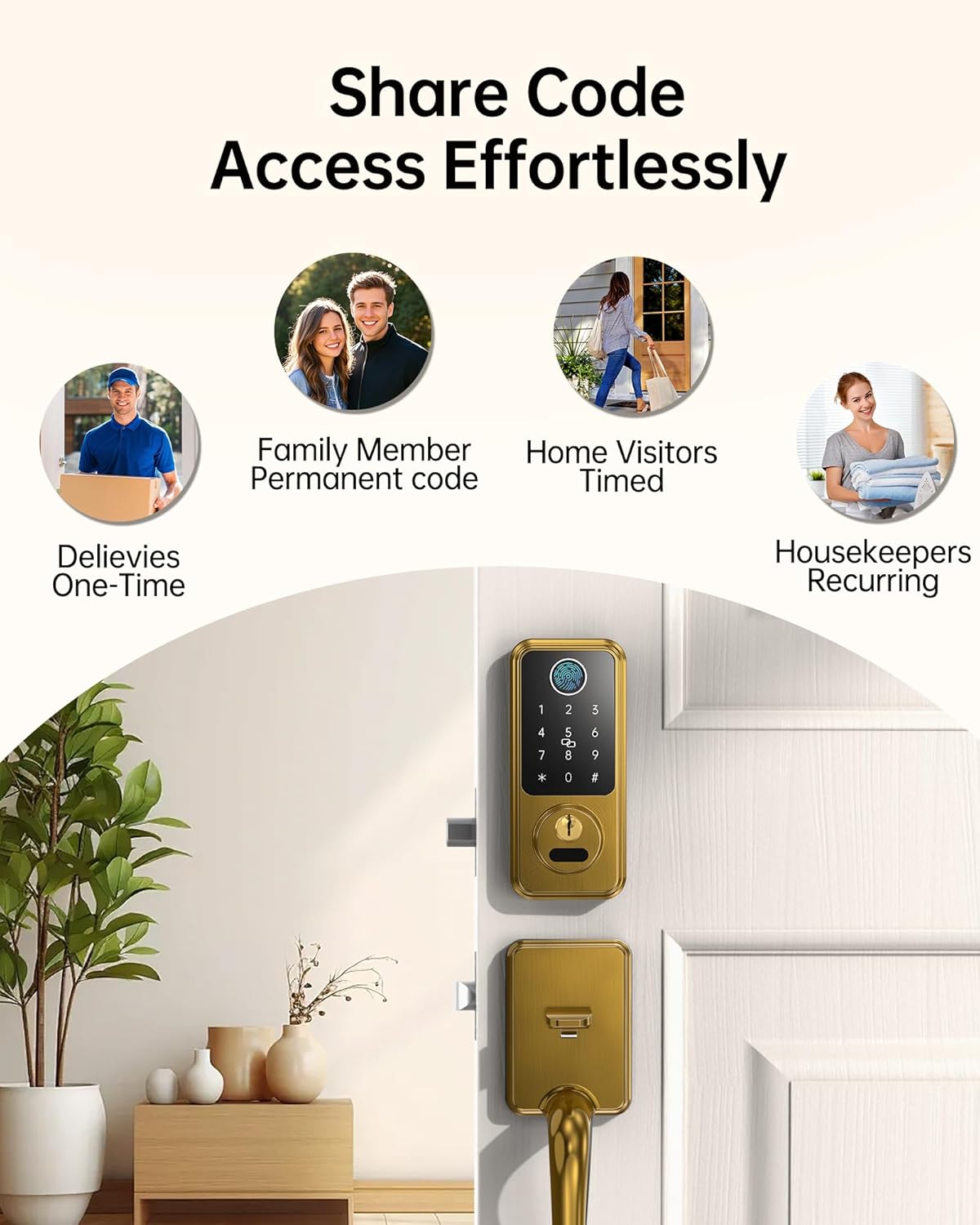
Image: Icons representing different user types (deliveries, family, visitors, housekeepers) and how access codes can be shared effortlessly.
5. Maintenance
5.1 Battery Management
- The lock requires 4 AA alkaline batteries (not included).
- Monitor battery life through the Next Lock App.
- Low Battery Alerts: The app will notify you when the battery level drops below 20%. Replace batteries promptly.
- Type-C Emergency Charging: In case of a completely drained battery, use a Type-C cable to connect a power bank to the emergency charging port on the lock for temporary power access.

Image: A smartphone displaying a low battery alert for the smart lock, with the lock itself showing a warning indicator.
5.2 Cleaning and Care
Clean the lock's exterior with a soft, damp cloth. Avoid abrasive cleaners or solvents that could damage the finish or electronic components.
6. Troubleshooting
- Fingerprint Recognition Issues: Ensure your finger is clean and dry. Try re-registering your fingerprint in the app. Ensure the sensor is clean.
- Keypad Not Responding: Check battery levels. If batteries are low, use the emergency Type-C charging port or physical key.
- App Connectivity Problems: Ensure Bluetooth is enabled on your device. If using Wi-Fi, verify the Hornbill Wi-Fi Gateway (sold separately) is powered on and within 16ft (10ft if walls block) of the lock and router. Check your 2.4GHz Wi-Fi network.
- Auto-Lock Not Engaging: Confirm the door is fully closed. The auto-lock feature does not detect if the door is ajar. Verify auto-lock settings in the Next Lock App.
- Mechanical Latch Issues: Ensure the lock is installed correctly and all components are aligned. If the latch mechanism is stiff or not engaging, re-check the installation steps or consult professional assistance.
7. Specifications
| Feature | Detail |
|---|---|
| Brand | hornbill |
| Model Number | M1-CBFHS |
| Lock Type | Biometric, Deadbolt, Keypad |
| Special Features | Anti-Peeping Password, Auto-Lock, Fingerprint, Fob Unlock, One-Touch Lock |
| Item Dimensions (L x W x H) | 7.9 x 4.9 x 9 inches |
| Recommended Uses | New homes, Airbnb properties, offices, apartments, garages, rental properties |
| Included Components | Front Panel, Back Panel, Handles, Deadbolt, Lock Accessories, Keys, IC cards, Screws, User Manual, Latch |
| Controller Type | Amazon Alexa, Google Assistant (with optional Wi-Fi Gateway) |
| Control Method | App, Remote, Touch, Voice |
| Connectivity Protocol | Bluetooth, Wi-Fi (with optional Wi-Fi Gateway) |
| Color | Satin Brass |
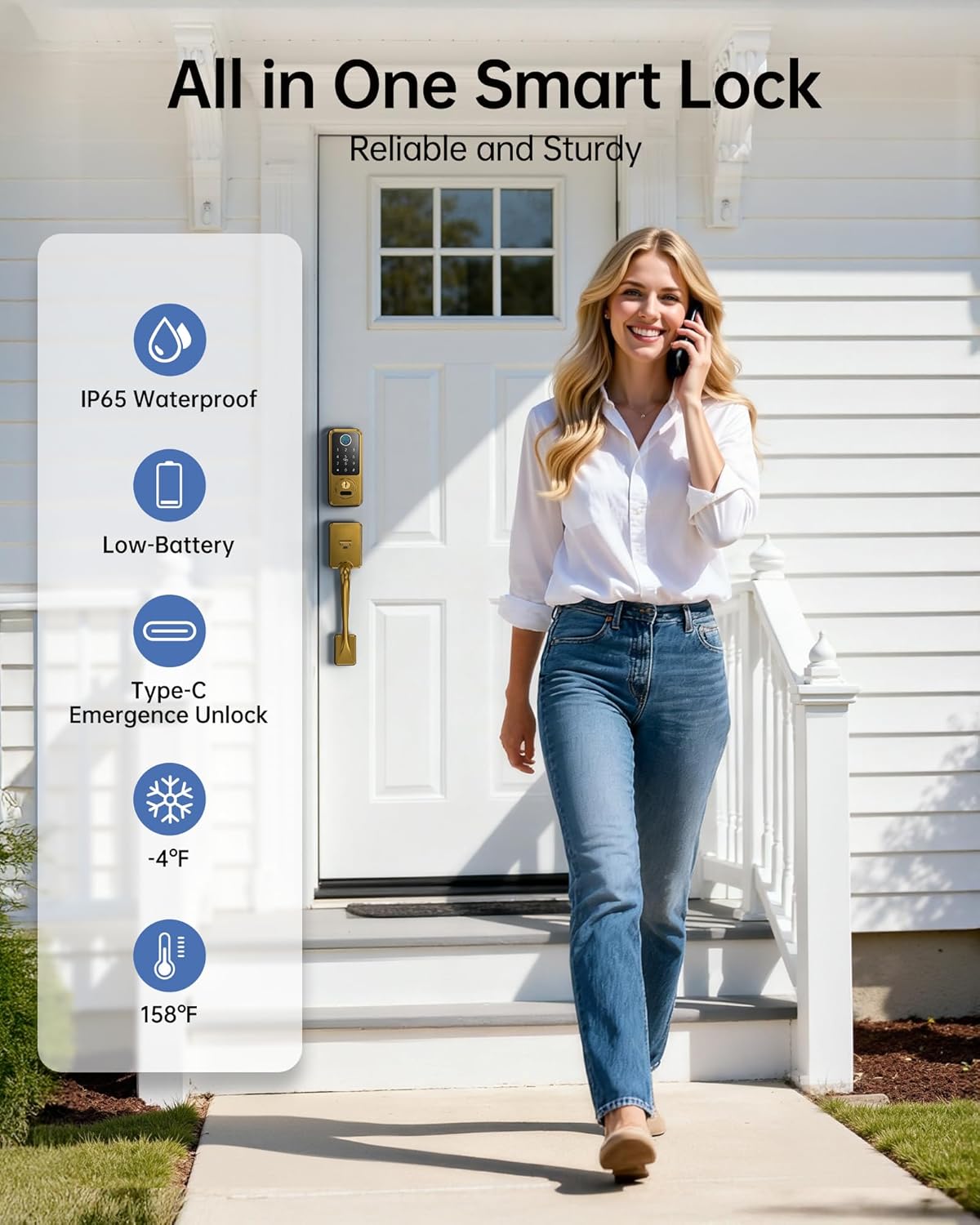
Image: Overview of the smart lock's robust features including IP65 waterproofing, low battery alerts, Type-C emergency unlock, and temperature resilience.
8. Warranty and Support
Hornbill provides comprehensive after-sales support for your product:
- Customer Service: 24/7 support available.
- Returns: 30-day return policy.
- Replacement: One-year replacement warranty.
- Technical Support: Lifetime technical support.
For assistance, please contact the Hornbill after-sales support team.


