
1. Product Overview
The boAt 100W GaN Charger is a high-performance fast charging adapter designed to power multiple devices simultaneously. Utilizing advanced Gallium Nitride (GaN) technology, it offers efficient and cooler charging in a compact form factor. This charger features four output ports: three USB-C ports and one USB-A port, supporting various fast charging protocols including Power Delivery (PD), Programmable Power Supply (PPS), and Quick Charge (QC) 3.0.
Key features include:
- 100W Fast Charging: Delivers up to 100W power for rapid charging of laptops, tablets, and smartphones.
- Quad Output Ports: Equipped with 3 USB-C ports and 1 USB-A port for multi-device charging.
- GaN Chip Technology: Ensures cooler, smarter, and high-performance charging.
- Advanced Charging Protocols: Supports PD, PPS, and QC 3.0 for optimized power delivery.
- 12-Layer Smart IC Protection: Safeguards devices against short circuits, overcharging, and over-discharge.
- Intelligent Power & Heat Management: Maintains consistent performance and prevents overheating.
- Compact and Durable Design: Smaller, lighter, and built with corrosion-resistant pins and a scratch-proof body.

Image: The boAt 100W GaN Charger in Monarch Red, showcasing its compact design.
2. Setup Instructions
Follow these steps to set up your boAt 100W GaN Charger:
- Unpack the Charger: Carefully remove the charger from its packaging.
- Inspect for Damage: Before use, check the charger for any visible damage. Do not use if damaged.
- Connect to Power Outlet: Plug the 2-Pin connector of the charger into a standard wall power outlet. Ensure the connection is secure.
- Prepare Charging Cables: Use appropriate USB-C to USB-C or USB-A to USB-C/Lightning cables for your devices. Ensure cables are rated for fast charging and compatible with your devices.

Image: The boAt 100W GaN Charger plugged into a wall outlet, demonstrating its quad charging ports in use with a laptop and smartphone.
3. Operating Instructions
The boAt 100W GaN Charger features intelligent auto-detect technology to optimize charging for connected devices. It can charge up to four devices simultaneously.
Connecting Devices:
- Single Device Charging: Connect your device to any available USB-C or USB-A port. The charger will deliver maximum power based on the port and device capabilities (e.g., USB-C1: 100W PD/PPS, USB-C2/C3: 30W PD/PPS, USB-A: 30W QC 3.0).
- Multiple Device Charging: Connect up to four devices to the available ports. The charger's auto-detect technology will intelligently distribute power. For example:
- Dual Port: (C1 + C2/C3/A) 65W + 30W, (C2 + C3/A) 30W + 30W, (C3 + A) 15W.
- Triple Port: (C1 + C2 + C3/A) 60W + 18W + 18W.
- Quad Port: (C1 + C2 + C3 + A) 60W + 18W + 15W.

Image: A detailed diagram illustrating the power output distribution across single, dual, triple, and quad port configurations for the boAt 100W GaN Charger.
Charging Performance Examples (0-50% Charge Time):
| Device | 100W Charger (0-50%) |
|---|---|
| MacBook Air M3 | 26 minutes |
| Samsung S25 | 19 minutes |
| OnePlus 13 | 14 minutes |
| iPad Pro | 29 minutes |
Table: Approximate 0-50% charge times for various devices using the 100W GaN Charger.
4. Maintenance
Proper maintenance ensures the longevity and optimal performance of your boAt 100W GaN Charger.
- Cleaning: Disconnect the charger from the power outlet before cleaning. Use a soft, dry cloth to wipe the surface. Do not use liquid cleaners or abrasive materials.
- Storage: Store the charger in a cool, dry place away from direct sunlight and extreme temperatures.
- Handling: Avoid dropping or subjecting the charger to strong impacts. The charger is designed with a scratch-proof body for durability.
- Connector Care: The charger features corrosion-resistant pins. Ensure the pins and ports are kept clean and free from dust or debris.

Image: A close-up view of the boAt 100W GaN Charger, highlighting its corrosion-resistant pins for enhanced durability.
5. Troubleshooting
If you encounter issues with your boAt 100W GaN Charger, refer to the following common troubleshooting steps:
- No Power Output:
- Ensure the charger is securely plugged into a working wall outlet.
- Try a different wall outlet to rule out power source issues.
- Check if the charging cable is properly connected to both the charger and your device. Try a different cable.
- Slow Charging:
- Verify that your device and charging cable support fast charging protocols (PD, PPS, QC 3.0).
- Ensure you are using a port that provides sufficient wattage for your device (refer to Operating Instructions for port power distribution).
- Charging multiple devices simultaneously may distribute power, potentially reducing individual port speeds.
- Overheating:
- While the GaN technology helps manage heat, prolonged high-power usage can cause warmth. If the charger becomes excessively hot, disconnect it immediately.
- Ensure adequate ventilation around the charger. Do not cover it while in use.
- The charger includes 12-Layer Smart IC Protection to prevent overheating and over-discharge. If persistent overheating occurs, discontinue use and contact support.
- Intermittent Charging:
- This can be caused by loose connections. Re-seat all cables and ensure they are firmly connected.
- Try a different charging cable or port.
- If the issue persists, it may indicate a fault with the charger or the device being charged.
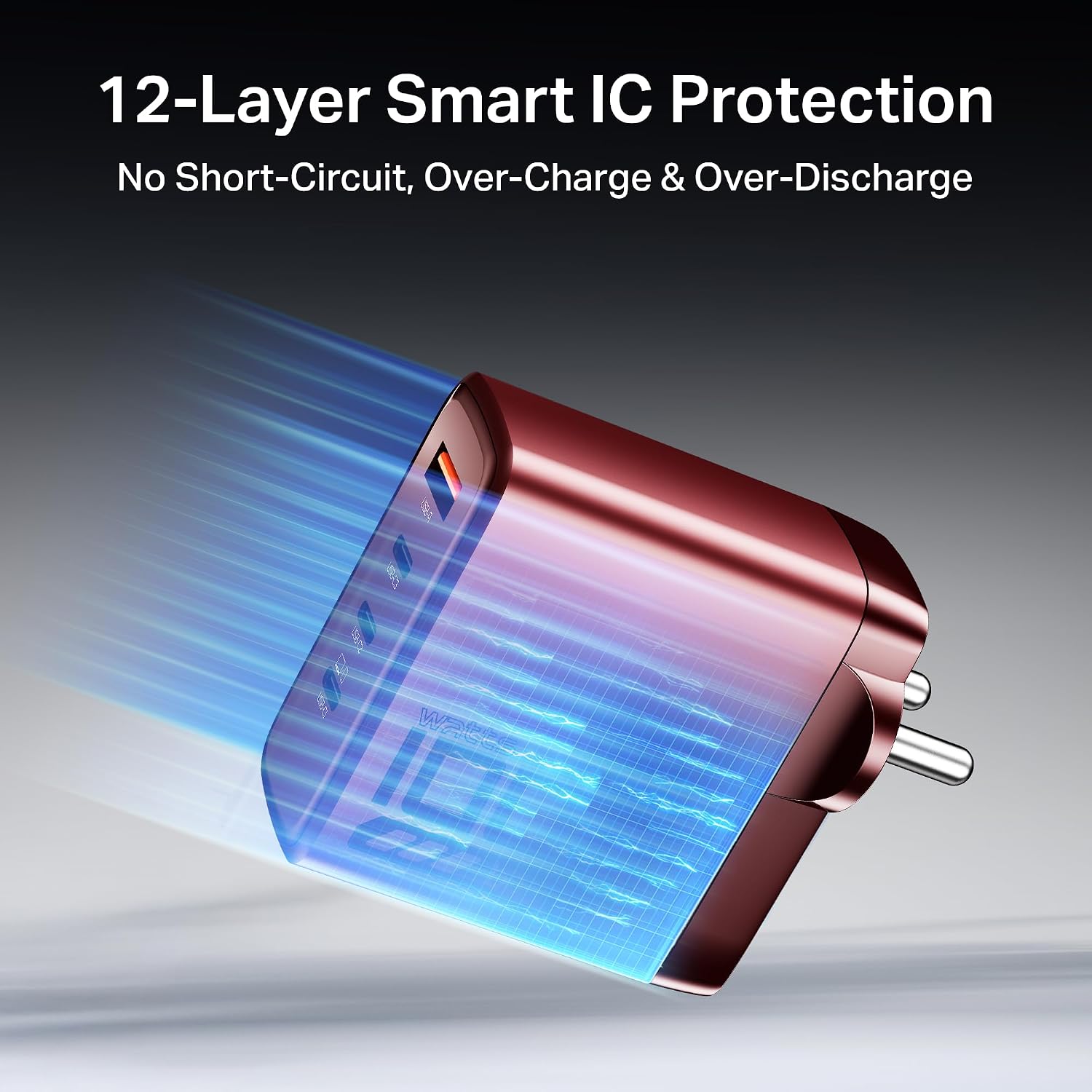
Image: An illustration depicting the 12-Layer Smart IC Protection system within the boAt 100W GaN Charger, designed to prevent short-circuit, over-charge, and over-discharge.
6. Specifications
| Feature | Detail |
|---|---|
| Brand | boAt |
| Model Name | 100W GaN Adaptor |
| Connector Type | 2-Pin |
| Input Voltage | 5 Volts |
| Output Current | 3 Amps (Max) |
| Number of Ports | 4 (3x USB-C, 1x USB-A) |
| Charging Protocols | PD, PPS, QC 3.0 |
| Technology | GaN (Gallium Nitride) |
| Protection Features | 12-Layer Smart IC Protection (Short-circuit, Over-charge, Over-discharge) |
| Item Weight | 40 Grams |
| Country of Origin | India |
7. Warranty and Support
Warranty Information:
The boAt 100W GaN Charger comes with a 1-year warranty from the date of purchase. This warranty covers manufacturing defects and ensures reliable performance under normal use conditions. Please retain your purchase receipt as proof of purchase for warranty claims.
Customer Support:
For any queries, technical assistance, or warranty claims, please contact boAt customer support:
- Email: info@imaginemarketingindia.com
- Manufacturer: Imagine Marketing Ltd
- Importer/Packer Address: Imagine Marketing LTD Unit no 204 205 2nd floor D and E wing Corporate Avenue Andheri Ghatkopar Road Mumbai MH 400093


