
Product Overview
This document provides instructions for the installation and operation of the LocoLee LED Light Kit, designed specifically for the LEGO Icons Tropical Aquarium model 10366. This kit enhances the visual appeal of your LEGO model with integrated lighting. Please note that the LEGO model itself is not included with this light kit.

Image: The LEGO Tropical Aquarium model 10366, brightly lit with green LED lights, showcasing the enhanced visual effect of the light kit.
Safety Information
- Ensure all power sources are disconnected before installation or maintenance.
- The light kit operates on low voltage (less than 5V) via USB. Do not connect to higher voltage power sources.
- Small parts are included. Keep out of reach of small children to prevent accidental ingestion.
- Handle wires carefully. Do not pull wires too hard during installation to avoid damage.
Package Contents
Verify that all components are present before beginning installation:
- LED Light Set (various lights and connecting wires)
- USB Power Cable
- Instruction Manual (this document, or online PDF/video instructions)
- Additional accessories (e.g., adhesive squares, small connectors)
Setup and Installation
Follow these steps carefully for proper installation. Detailed video or PDF instructions are available online and are recommended for visual guidance. The installation process involves disassembling certain parts of your LEGO model to integrate the lights.
- Preparation: Ensure your LEGO 10366 Tropical Aquarium model is fully assembled according to its original instructions. Gather all light kit components.
- Test Components: Before beginning installation, connect each light component to the USB power source to verify it functions correctly. This helps identify any faulty parts early.
- Disassembly: Carefully disassemble the necessary sections of your LEGO model as indicated in the detailed online instructions. This typically involves removing a few bricks to create space for wires and lights.
- Wire Routing: Route the thin copper wires between LEGO bricks. Ensure wires are not pinched or excessively bent, which can cause damage. The wires are designed to be hidden within the LEGO structure.
- Light Placement: Install the LED lights into the designated areas of the model. Refer to the online instructions for precise placement to achieve the intended lighting effects.
- Reassembly: Carefully reassemble the LEGO bricks, ensuring all wires are neatly tucked away and not obstructing the brick connections.
- Connect Power: Connect the light kit to the USB power cable.
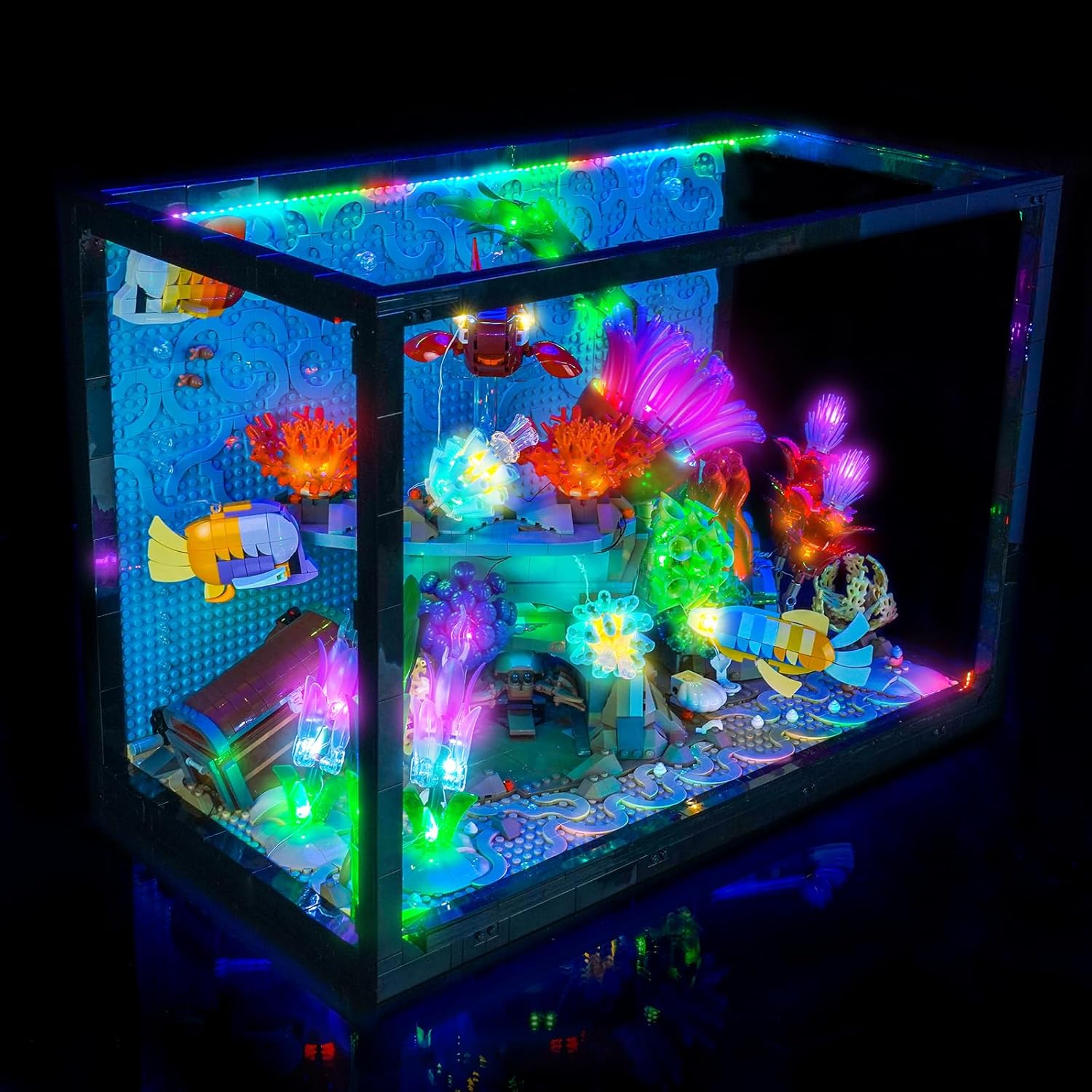
Image: The LEGO Tropical Aquarium model 10366, showcasing the light kit with blue illumination, highlighting the intricate details of the aquarium.

Image: The LEGO Tropical Aquarium model 10366, illuminated with red LED lights, demonstrating another color option for the lighting effects.
Operating Instructions
The LocoLee LED Light Kit is designed for simple operation once installed.
- Power Source: The light kit is powered via a USB connection. Use a standard USB power adapter (not included) or a USB port on a computer or power bank. The voltage must be less than 5V.
- Brightness: For optimal brightness, ensure a stable and sufficient USB power supply.
- Control: Depending on the specific version of your kit, control options may include:
- USB Connectivity: Plug into any compatible USB power source to turn on.
- Remote Control: Some versions may include a remote control for adjusting brightness, color, or lighting modes. Refer to specific remote control instructions if applicable.
- Multiple Play Modes: Certain kits offer various lighting effects or patterns.
- Dimmable: Adjust the light intensity if your kit supports this feature.
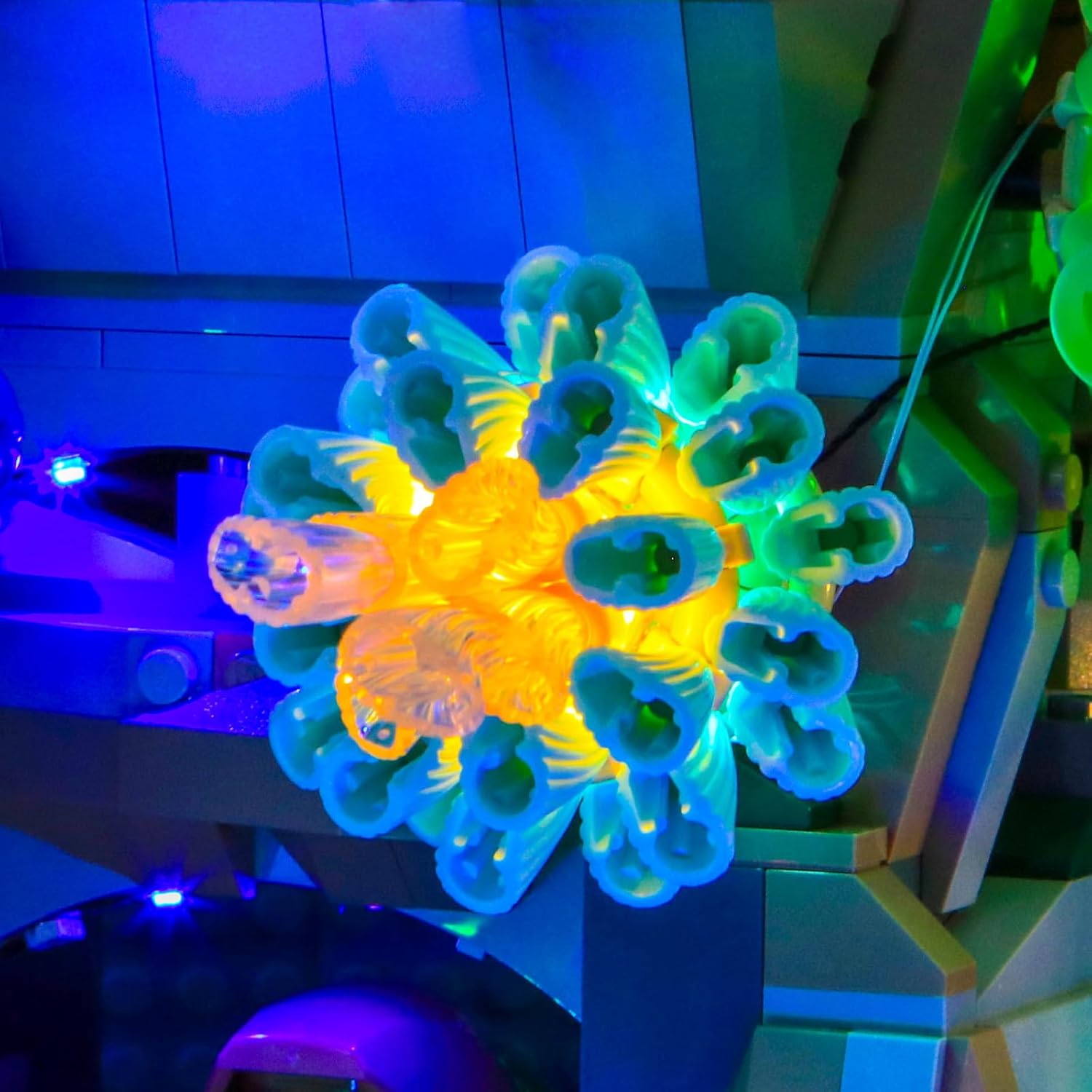
Image: A detailed view of a yellow and blue coral element in the LEGO aquarium, highlighted by the integrated LED lighting.
Maintenance
To ensure the longevity and optimal performance of your light kit:
- Cleaning: Gently dust the lights and wires with a soft, dry cloth. Avoid using liquids or abrasive cleaners.
- Wire Integrity: Periodically inspect wires for any signs of wear or damage. Ensure they remain securely tucked within the LEGO structure.
- Power Source: Always use a stable and appropriate USB power source (less than 5V).
- Storage: If disassembling the LEGO model and light kit for storage, carefully remove the lights and wires to prevent damage. Store components in a dry, cool place.

Image: A close-up of vibrant purple coral elements within the LEGO aquarium, enhanced by the LED lighting.
Troubleshooting
If you encounter issues with your LocoLee LED Light Kit, refer to the following common solutions:
| Problem | Possible Cause | Solution |
|---|---|---|
| Lights do not turn on. |
|
|
| Lights are dim. |
|
|
| Some lights are not working. |
|
|
If you continue to experience issues, please contact LocoLee customer support for assistance.
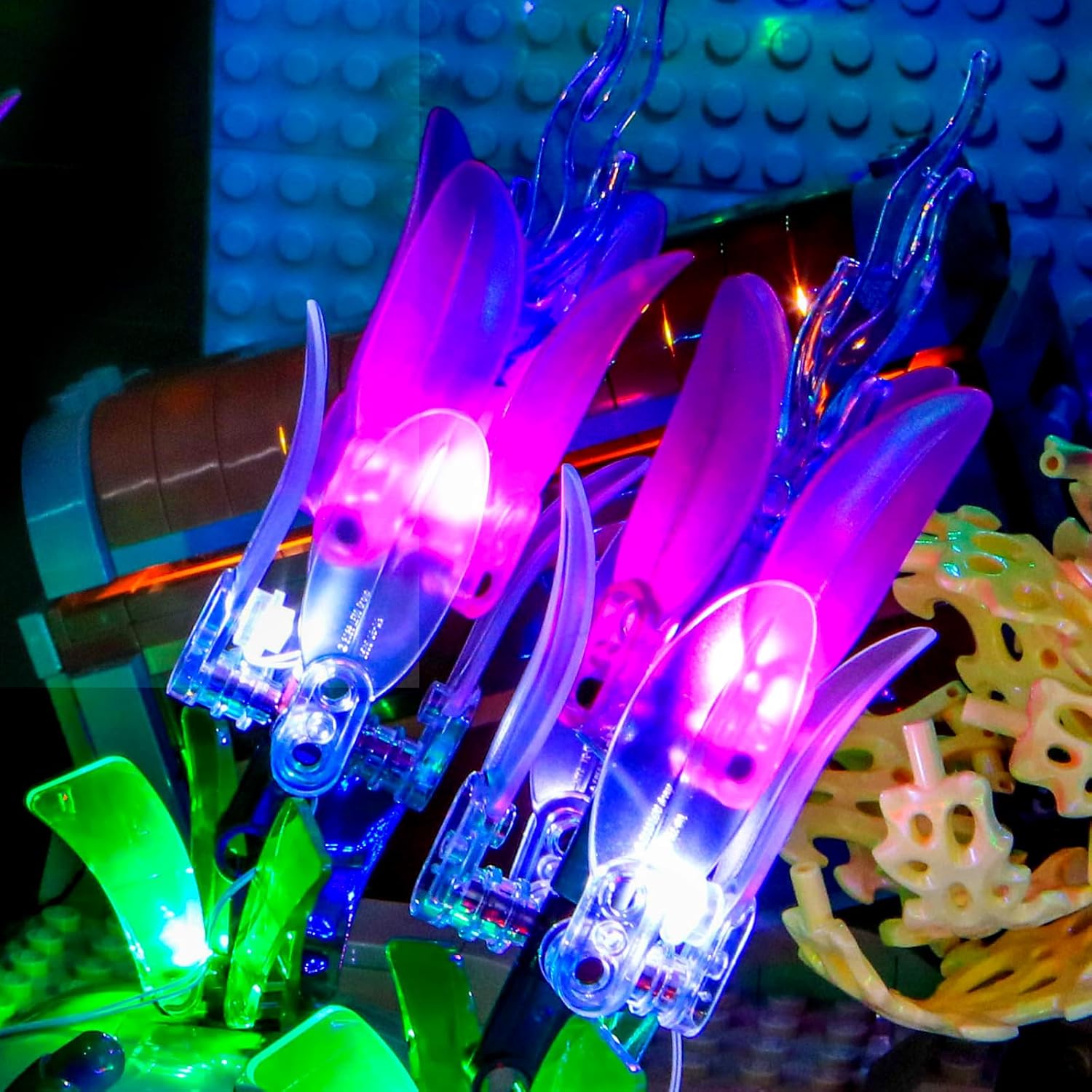
Image: A close-up view of plant-like structures in the LEGO aquarium, featuring purple and blue illumination from the light kit.
Specifications
| Feature | Detail |
|---|---|
| Brand | LocoLee |
| Model Compatibility | LEGO Icons Tropical Aquarium 10366 |
| Color Version | Colorful Version |
| Material | Plastic (ABS), Copper Lines |
| Light Source Type | Light Emitting Diode (LED) |
| Power Source | DC adapter (USB, Voltage less than 5V) |
| Mounting Type | Built-in (within LEGO model) |
| Special Features | USB connectivity, Remote control compatible, Multiple play modes, Dimmable |
| Number of Light Sources | 5 (as per product specifications, may vary by kit) |
| Batteries Included | No |
Customer Support
LocoLee is committed to providing quality products. If you have any questions, concerns, or require assistance with your light kit, please do not hesitate to contact our customer support team. We are available to help with product inquiries, installation guidance, and troubleshooting.
For detailed video/PDF installation instructions, please refer to the online resources provided at the time of purchase or contact support for direct links.
Note: This light kit is an accessory and does not include the LEGO 10366 Tropical Aquarium model.