Introduction
The Hisense S5 DécoTV is designed to integrate seamlessly into your home environment while delivering a high-quality viewing experience. This manual provides essential information for setting up, operating, maintaining, and troubleshooting your television.
This model features vivid Hi-QLED Color, immersive DTS Virtual:X sound, and convenient streaming capabilities through Fire TV with Alexa voice control. Its compact size and art-inspired design make it a versatile addition to any room.
What's in the Box
Upon unboxing your Hisense S5 DécoTV, please ensure all the following components are present:
- TV
- Power Cable
- Remote Control
- User Manual
Setup
Setting up your Hisense S5 DécoTV is a straightforward process. Follow these steps to get your TV ready for use.
Physical Placement and Connections
The TV is designed for versatile placement, fitting well in various room settings such as bedrooms, dining rooms, or offices. Its fluid central stand provides stability and an elegant appearance.

Image: Diagram showing the dimensions of the Hisense S5 DécoTV with its stand, measuring 29.1 inches in width, 18.3 inches in height, and 6.8 inches in depth. The product weight with the stand is 11.2 lbs.

Image: Close-up of the rear panel of the Hisense S5 DécoTV, highlighting the various input ports including DC Input, USB for flash drives, multiple HDMI ports, an ANT (antenna) input, and a Digital Audio Out for soundbars.
Connect the power cable to the TV and a power outlet. For external devices, use the available HDMI or USB ports. The TV also includes an antenna input for live TV.
Initial Software Setup
The Fire TV operating system guides you through the initial setup process with clear on-screen instructions. This typically involves connecting to your Wi-Fi network and signing into your Fire TV account.
Video: A user demonstrates the unboxing and initial setup of the Hisense S5 DécoTV, highlighting its ease of installation and integration into a bedroom setting. The video showcases the TV's picture quality for various content types and the functionality of the Fire TV interface and Alexa voice control.
Video: An in-depth review of the Hisense 32-Inch S5 DécoTV, covering its QLED FHD display, smart Fire TV features, and art-inspired design. The video demonstrates the TV's picture quality, sound, and user-friendly interface, including Alexa voice commands and app navigation.
Operating the TV
Your Hisense S5 DécoTV is powered by Fire TV, offering a user-friendly interface and smart features.
Fire TV Interface
The Fire TV home screen provides easy access to your favorite streaming apps, live channels, and personalized recommendations. You can navigate using the included remote control.

Image: The Hisense S5 DécoTV screen showing the Fire TV interface with multiple user profiles and icons for popular streaming services like Prime Video, Netflix, YouTube, and Disney+.
Voice Control with Alexa
The remote control features a dedicated Alexa button. Press and hold this button to use voice commands for finding content, launching apps, controlling playback, checking sports scores, setting timers, and more.

Image: A close-up of the Hisense Fire TV remote control, emphasizing the blue microphone button used to activate Alexa voice commands.
Personalized Profiles
Create up to six user profiles to customize viewing experiences. Each profile can have its own watchlist and receive tailored recommendations.
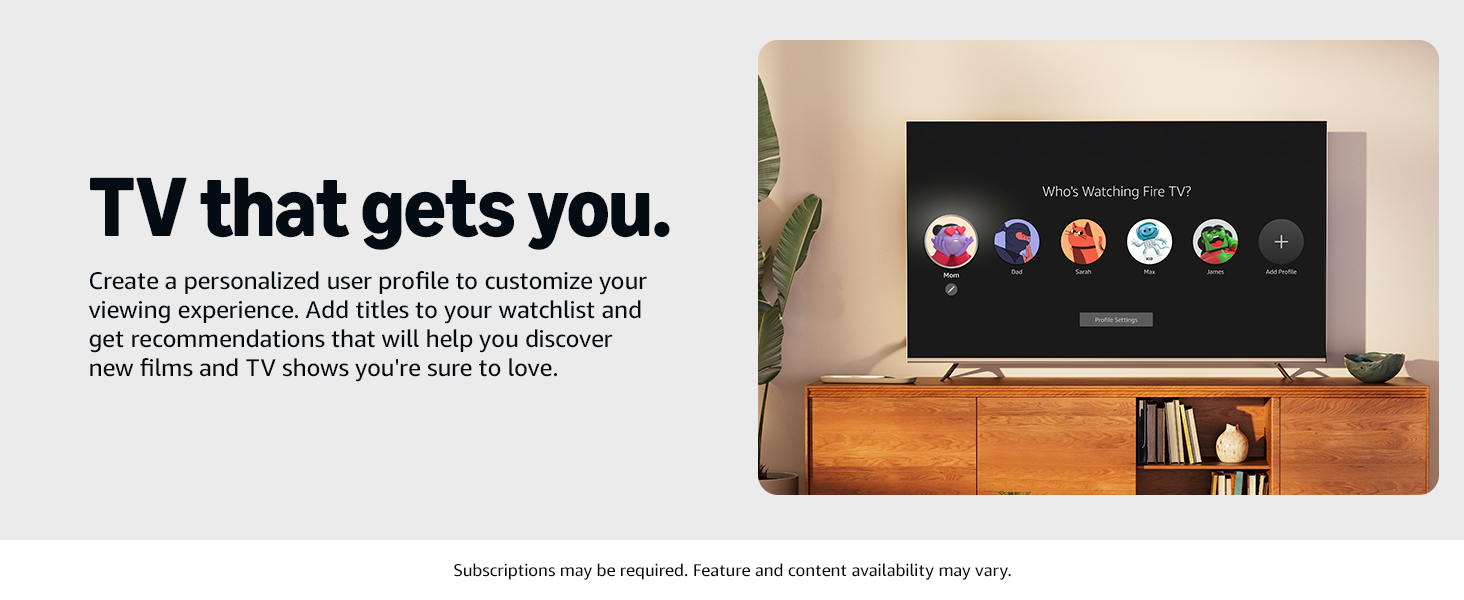
Image: The TV screen showing the Fire TV interface with multiple user profiles, illustrating the personalized viewing experience feature.
Live TV and Smart Home Integration
Fire TV seamlessly integrates live channels and apps. You can also use Alexa to control compatible smart home devices, view camera feeds, and manage other smart home functions directly from your TV.
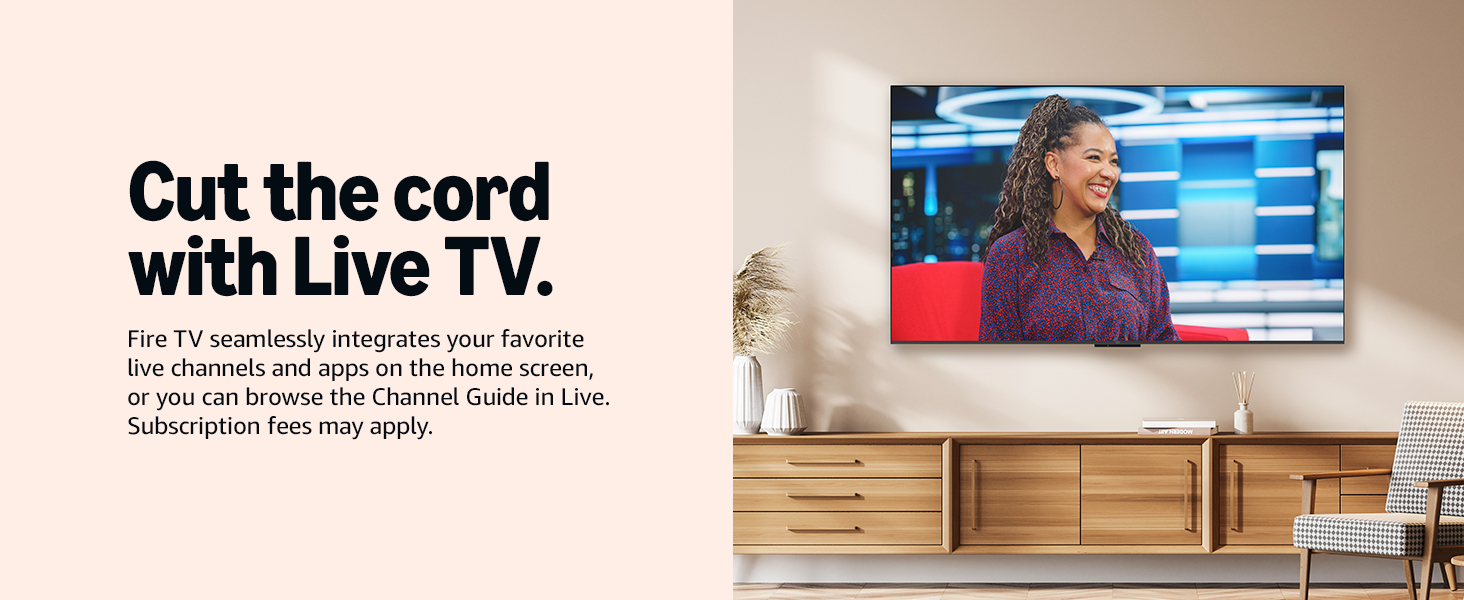
Image: The TV screen showing a live TV broadcast, demonstrating Fire TV's integration of live channels.
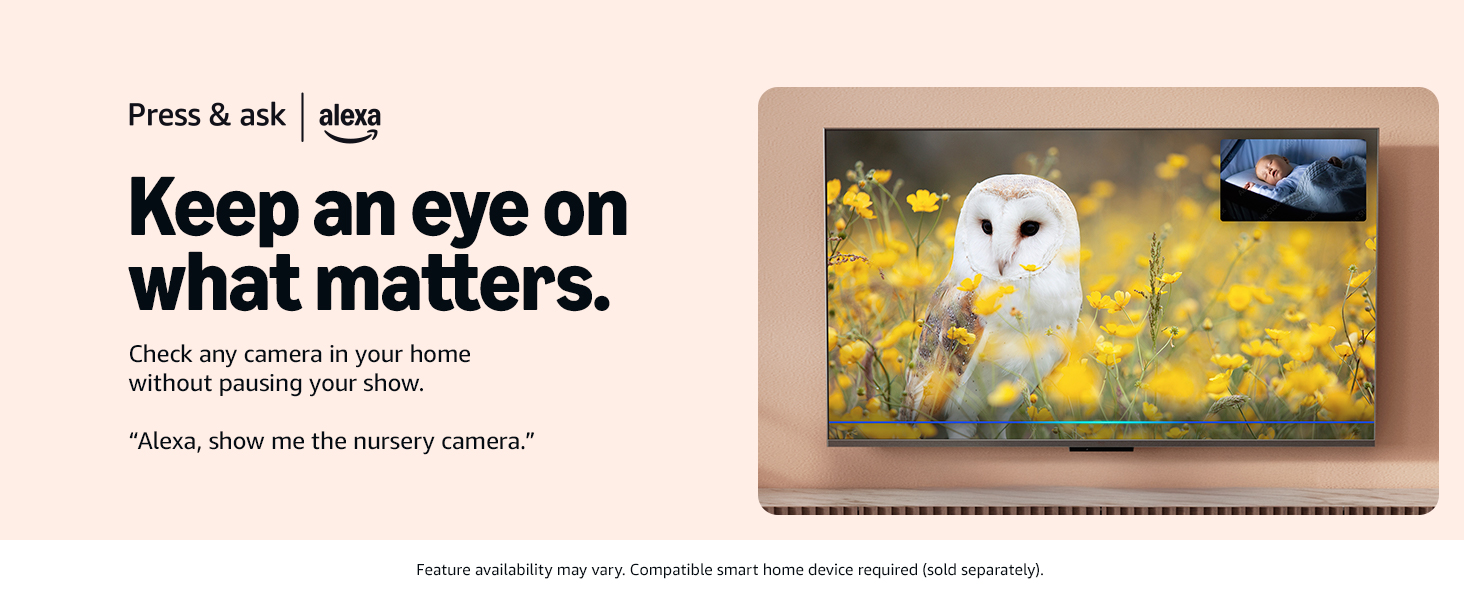
Image: The TV screen showing a smart home camera feed, demonstrating how users can monitor their home without interrupting their viewing.
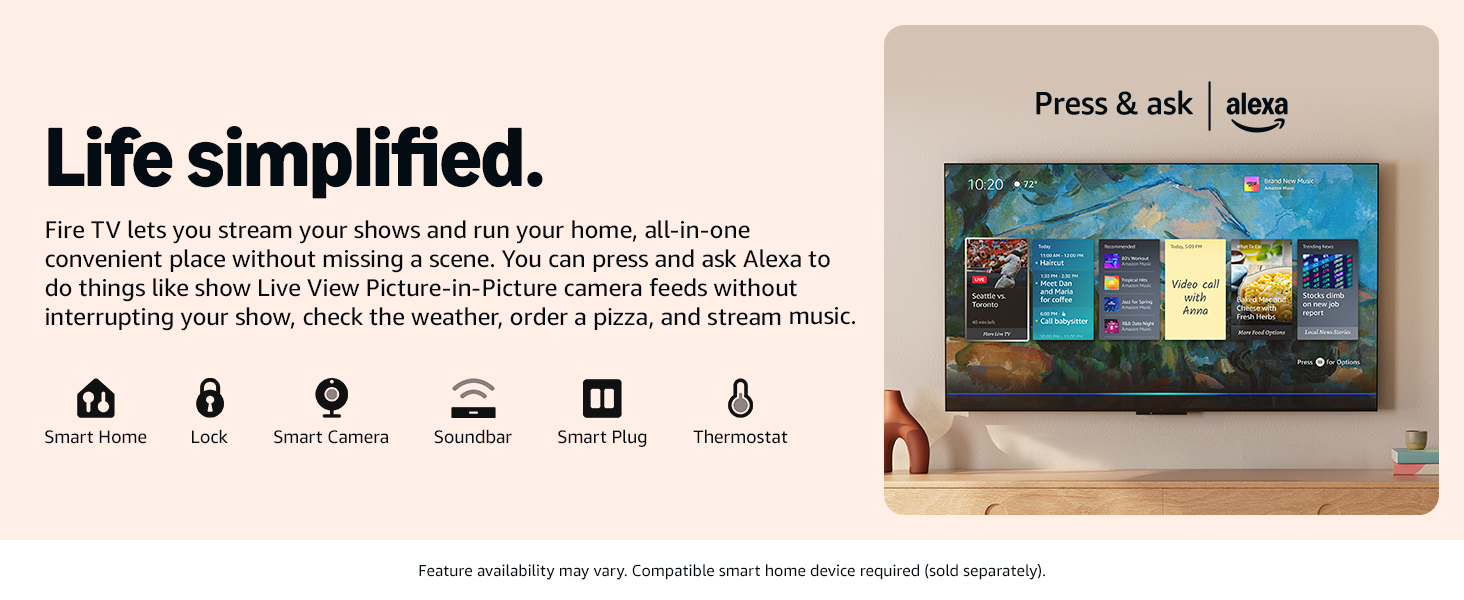
Image: The TV screen showing a dashboard with smart home controls and information, emphasizing the convenience of managing home devices through Fire TV.
Key Features
Versatile Fit
The Morandi white TV is designed to blend effortlessly into various home environments, offering a gentle presence without compromising on style. It is suitable for bedrooms, dining rooms, or any cozy corner.
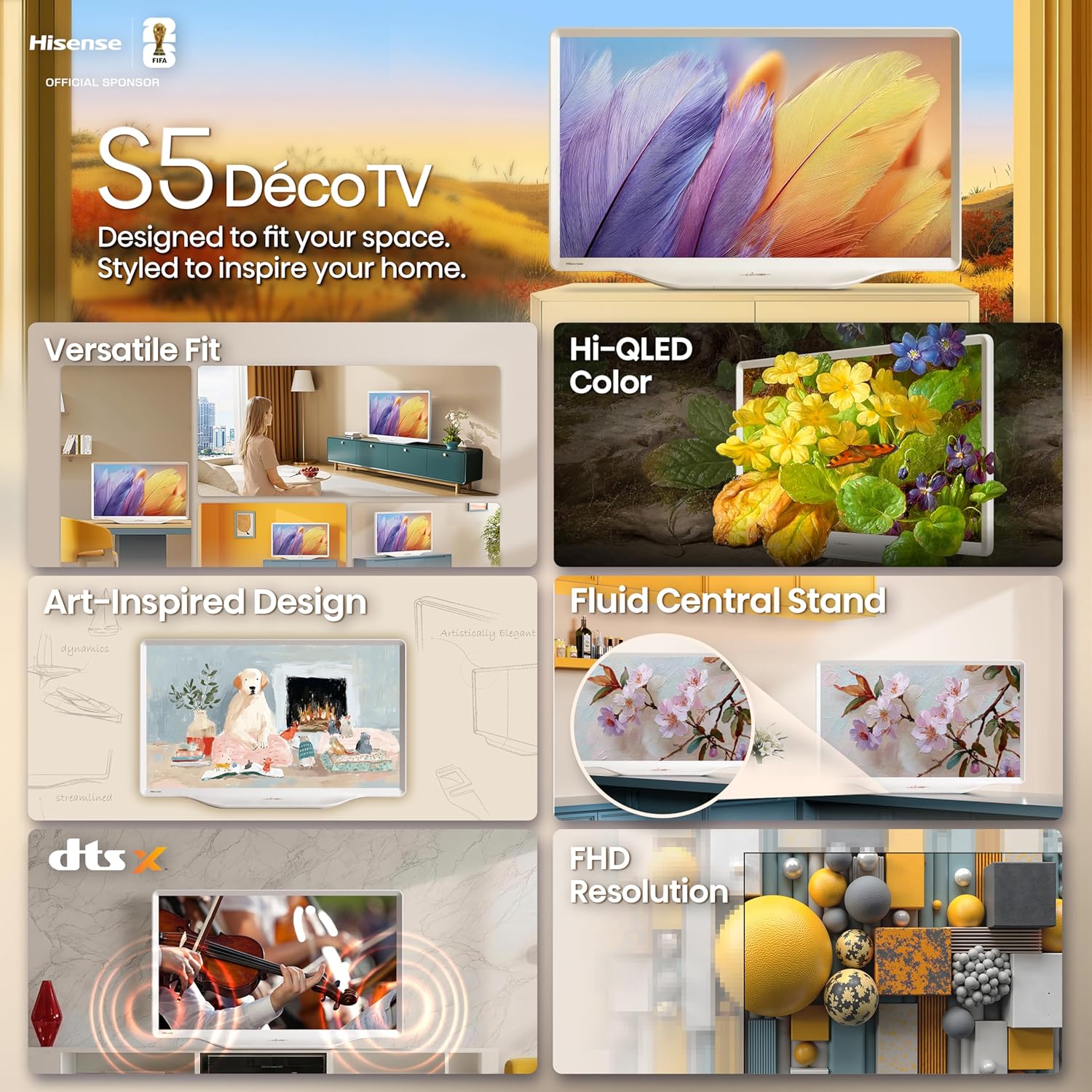
Image: A collage of four images showing the Hisense S5 DécoTV placed in different home settings, including a living room, dining area, bedroom, and office, demonstrating its versatile fit.
Hi-QLED Color
Experience rich, vibrant, and true-to-life visuals with Hi-QLED Color technology. Every shade is rendered with precision, enhancing your viewing experience.
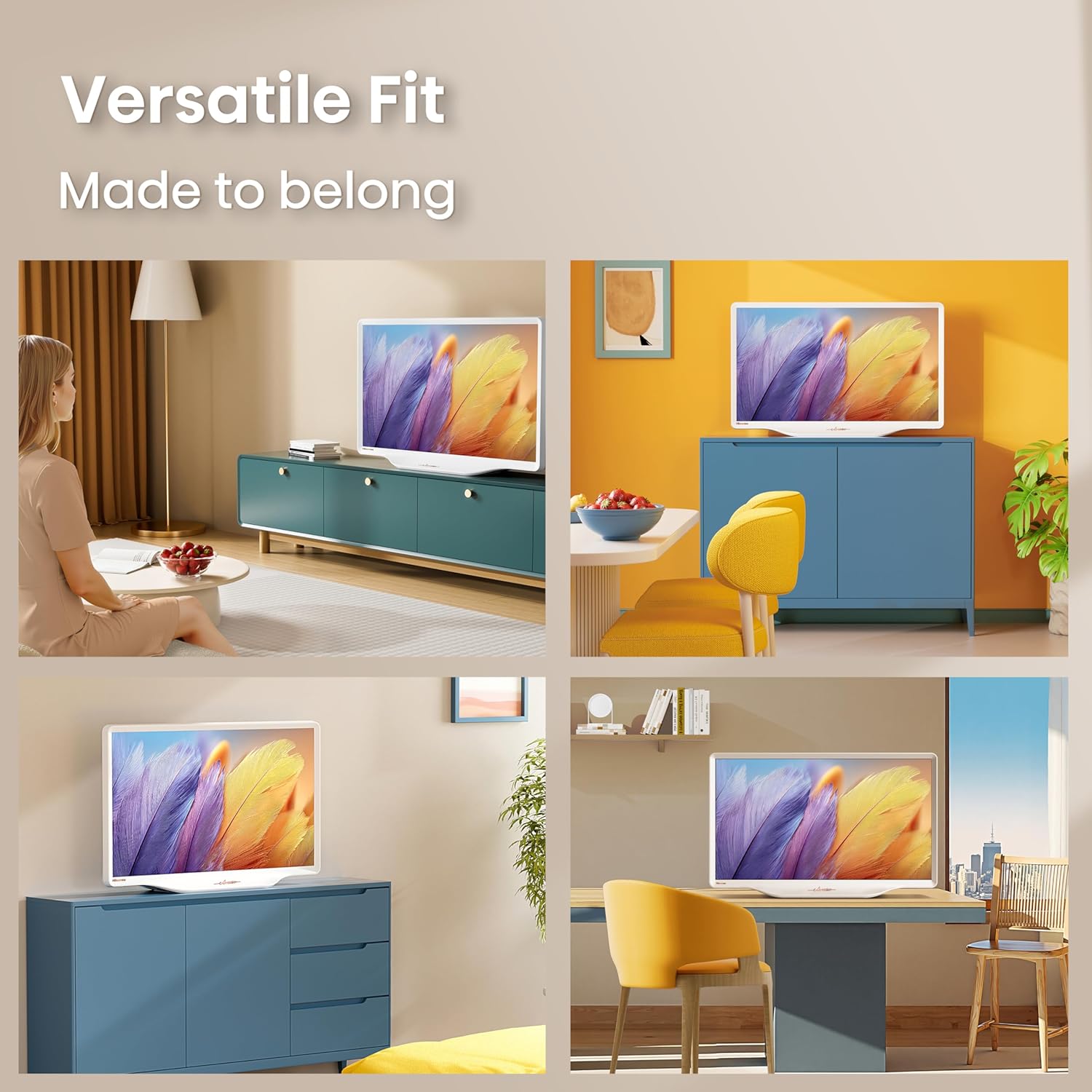
Image: The Hisense S5 DécoTV screen displaying a colorful image of flowers and a butterfly, illustrating the vividness of Hi-QLED Color.
Art-Inspired Design
Unlike conventional black TVs, this model features a Morandi white finish with smooth, flowing curves, adding an artistic touch to your space. The design balances style and practicality.

Image: The Hisense S5 DécoTV showcasing its art-inspired design with a Morandi white finish and smooth, curved lines, blending into a room with a painting of a dog.
Fluid Central Stand
The uniquely sculpted central stand flows seamlessly into the TV body, creating a sleek silhouette. This design saves space and allows for easy repositioning.
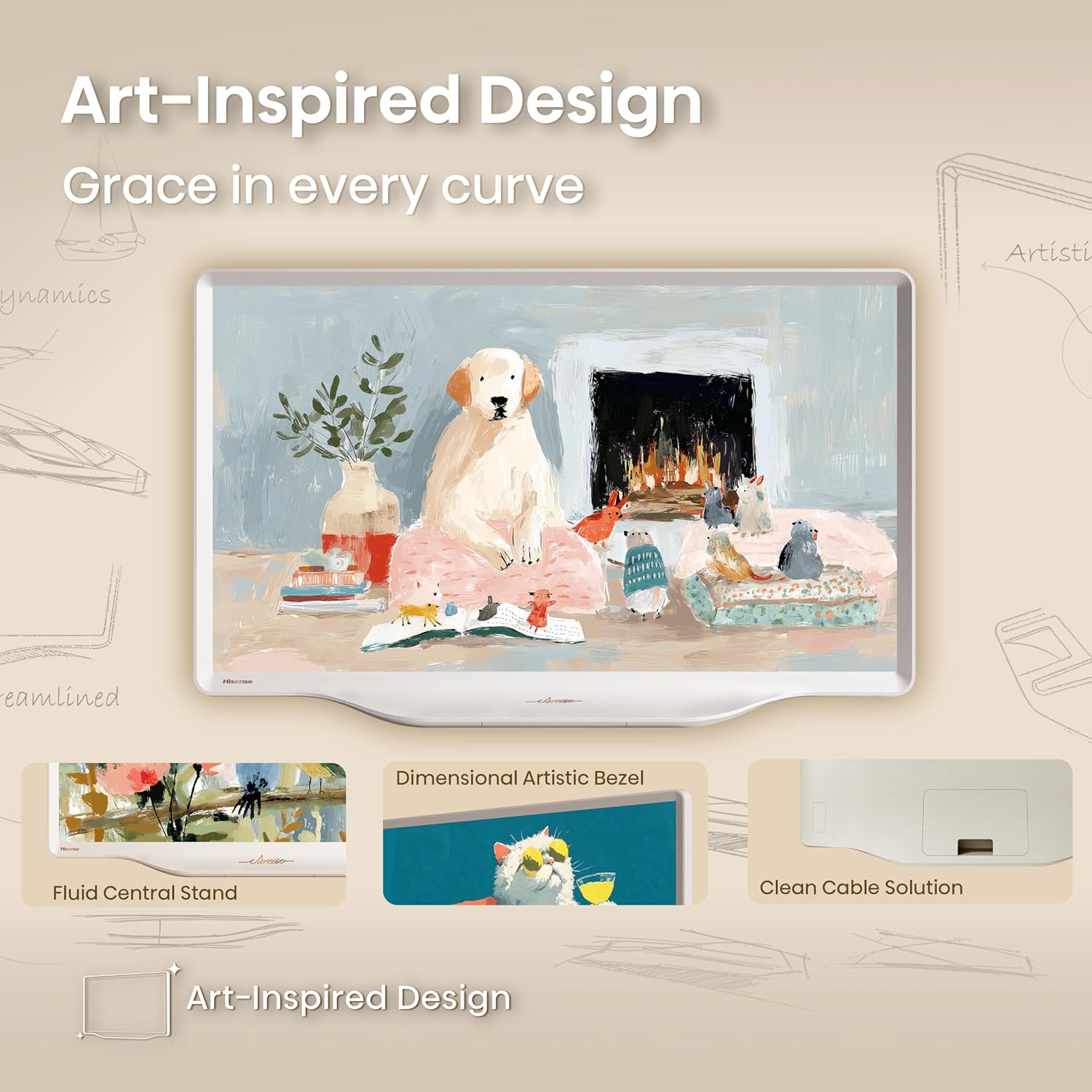
Image: The Hisense S5 DécoTV on a countertop, highlighting its fluid central stand and how it integrates with the TV's overall design.
DTS Virtual:X
Enhance your audio experience with DTS Virtual:X, delivering crystal-clear dialogue, rich detail, and realistic surround sound without the need for additional speakers.

Image: The Hisense S5 DécoTV screen showing a violinist, with visual effects indicating immersive DTS Virtual:X audio.
FHD Resolution
The 1080p High-Definition LCD screen combined with a Full Array LED backlight ensures a sharper, brighter picture with crisp, clear content.

Image: The TV screen displaying a detailed image of yellow and grey geometric shapes, highlighting the clarity of FHD resolution.
High Contrast
Enjoy deep blacks and luminous whites that converge to create clear silhouettes and highlights, capturing every scene with its intended intensity.

Image: The TV screen showing a night scene of a city with illuminated buildings and a pyramid, demonstrating the high contrast capabilities.
Noise Reduction
The TV's noise reduction technology scans and filters every frame, providing exceptional clarity for both high-speed action and low-light scenes, ensuring spotless visuals.

Image: The TV screen showing a clear image of a slice of cake and lemons on a striped tablecloth, highlighting the effect of noise reduction for spotless visuals.
Share to TV (Apple AirPlay)
Easily stream content from your Apple devices directly to your TV using Apple AirPlay. This feature allows for seamless switching between devices.

Image: The TV screen showing content mirrored from an iPhone, demonstrating the 'Share to TV' feature with Apple AirPlay.
Maintenance
To ensure the longevity and optimal performance of your Hisense S5 DécoTV, follow these maintenance guidelines:
Cleaning the Screen
- Turn off the TV and unplug it from the power outlet.
- Gently wipe the screen with a soft, dry microfiber cloth.
- For stubborn smudges, lightly dampen the cloth with distilled water or a specialized screen cleaner (avoid harsh chemicals).
- Never spray liquid directly onto the screen.
Cleaning the TV Body and Stand
- Use a soft, dry cloth to wipe dust from the TV's frame and stand.
- Avoid using abrasive cleaners or solvents that could damage the finish.
Ventilation
- Ensure adequate airflow around the TV by keeping ventilation openings clear.
- Do not block the vents with cloths, curtains, or other objects.
Troubleshooting
If you encounter issues with your Hisense S5 DécoTV, refer to the following common troubleshooting tips:
No Power
- Check if the power cable is securely connected to both the TV and the power outlet.
- Verify that the power outlet is functioning by plugging in another device.
- Press the power button on the TV itself, not just the remote.
No Picture/Sound
- Ensure the correct input source is selected (e.g., HDMI 1, HDMI 2).
- Check all cable connections between the TV and external devices.
- Adjust the volume on both the TV and any connected audio devices.
- Try restarting the TV by unplugging it for a few minutes and then plugging it back in.
Remote Control Not Working
- Replace the batteries in the remote control.
- Ensure there are no obstructions between the remote and the TV.
- Pair the remote control with the TV again if necessary (refer to the on-screen instructions during initial setup or in the TV's settings menu).
Network Connectivity Issues
- Check your Wi-Fi router to ensure it is powered on and functioning correctly.
- Restart your router and modem.
- Go to the TV's network settings and try reconnecting to your Wi-Fi network.
- Ensure the TV is within range of your Wi-Fi signal.
Specifications
| Feature | Specification |
|---|---|
| Product Dimensions (with stand) | 6.8"D x 29.1"W x 18.3"H |
| Item Weight (with stand) | 11.2 pounds |
| Item Model Number | 32S5QF |
| Screen Size | 32 Inches |
| Display Technology | FHD, QLED |
| Resolution | 1080p |
| Refresh Rate | 60 Hz |
| Aspect Ratio | 16:9 |
| Voltage | 120 Volts |
| Wattage | 45 watts |
| Connectivity Technology | Bluetooth, HDMI, USB |
| Special Features | Art Mode, DTS Virtual:X, Fluid Central Stand, Hi-QLED Color, Versatile Fit |
| Included Components | Power Cable, Remote Control, TV, User Manual |
| Batteries Required | 2 AAA batteries (for remote) |
Warranty and Support
Your Hisense S5 DécoTV comes with a manufacturer's warranty. Please refer to the warranty card included in your product packaging for specific terms and conditions.
For technical support, service inquiries, or additional information, please visit the official Hisense support website or contact their customer service. The full user manual is included in the box for detailed instructions.


