
Rulefiss X27
Rulefiss X27 Wireless Sport Earbuds User Manual
Model: X27
Introduction
This manual provides detailed instructions for the proper use and maintenance of your Rulefiss X27 Wireless Sport Earbuds. Please read this manual thoroughly before using the product to ensure optimal performance and longevity.
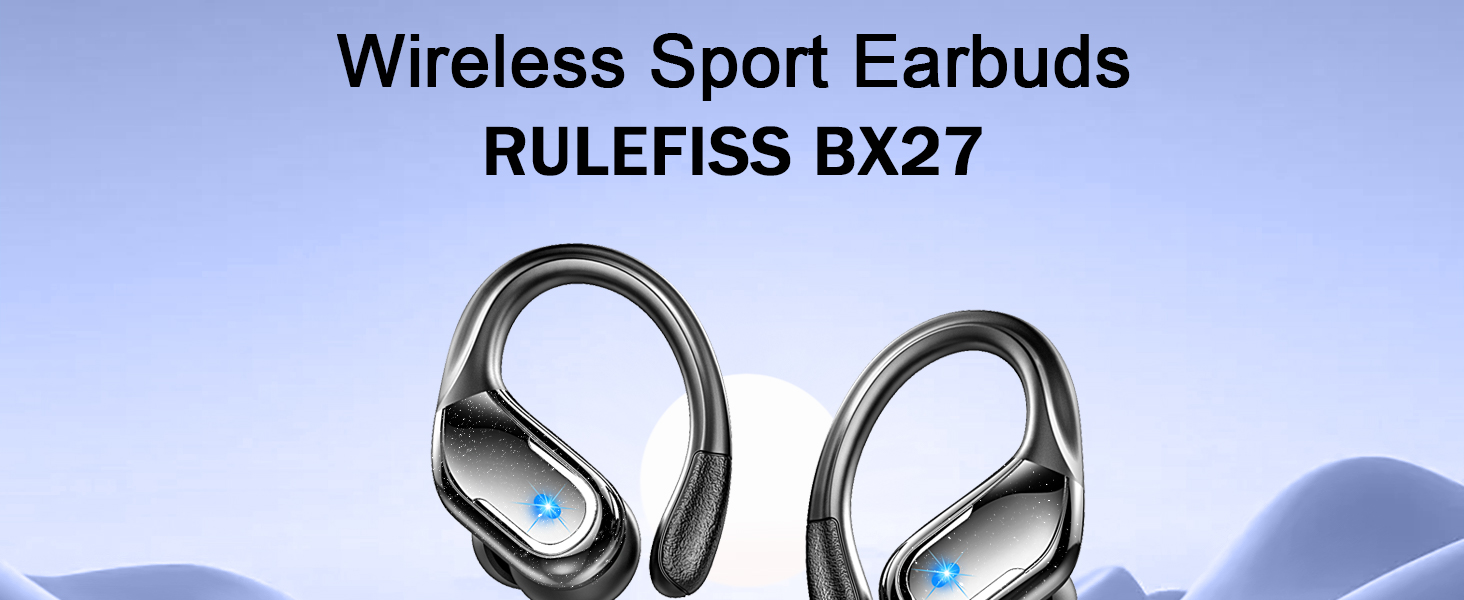
Image: Rulefiss X27 Wireless Sport Earbuds and their charging case.
What's in the Box
Verify that all items are present in the package:
- Rulefiss X27 Wireless Sport Earbuds (Left and Right)
- Charging Case
- USB-C Charging Cable
- User Manual (this document)
- Ear Tips (S, M, L sizes; M size pre-installed)

Image: All components included in the Rulefiss X27 package.
Setup
1. Initial Charging
Before first use, fully charge the earbuds and the charging case.
- Place both earbuds into the charging case.
- Connect the USB-C charging cable to the charging port on the case and to a power source.
- The LED display on the case will show the charging status. A full charge takes approximately 1 hour.

Image: Earbuds in charging case displaying battery levels.
2. Pairing with a Device
The earbuds feature one-step automatic pairing.
- Ensure Bluetooth is enabled on your device (smartphone, tablet, computer, etc.).
- Open the charging case. The earbuds will automatically enter pairing mode.
- On your device, search for Bluetooth devices and select "Rulefiss X27" from the list.
- Once connected, the earbuds will automatically reconnect to the last paired device when removed from the case.
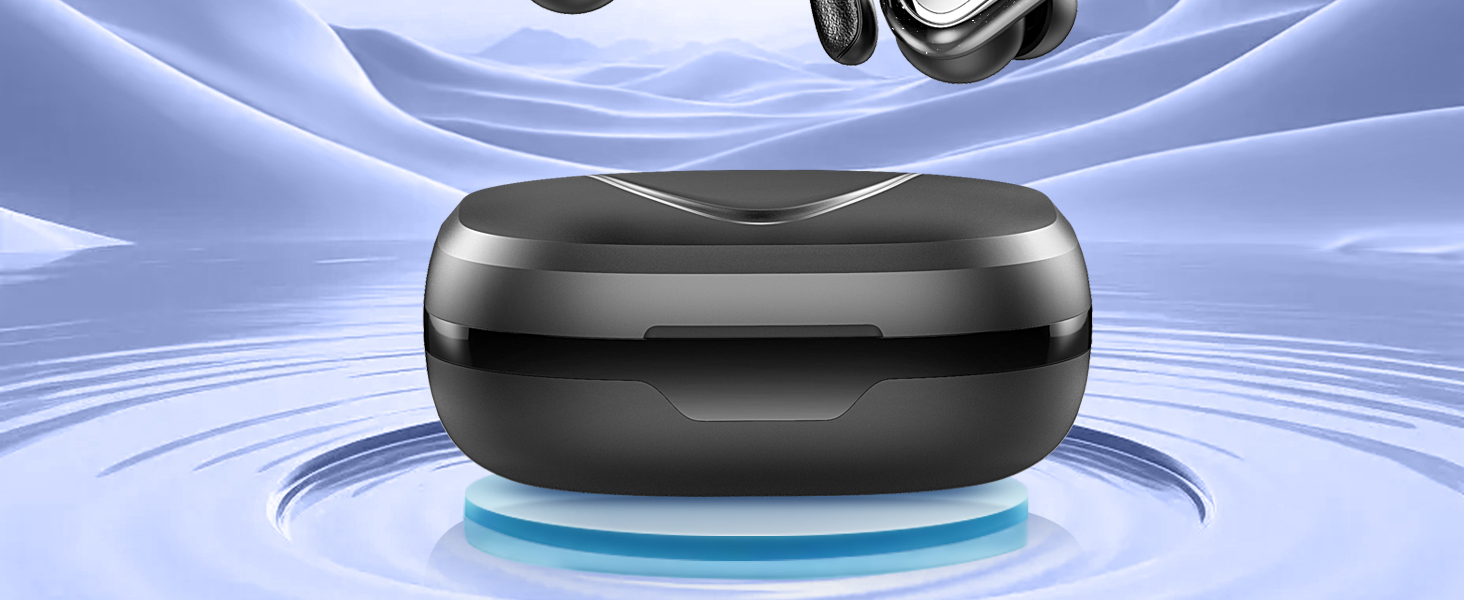
Image: Bluetooth 5.4 technology and automatic pairing process.
3. Wearing the Earbuds
Choose the ear tips that provide the best fit and comfort for optimal sound quality and secure placement, especially during physical activity.
- Gently insert the earbud into your ear canal.
- Adjust the flexible earhook over your ear to secure the earbud in place.
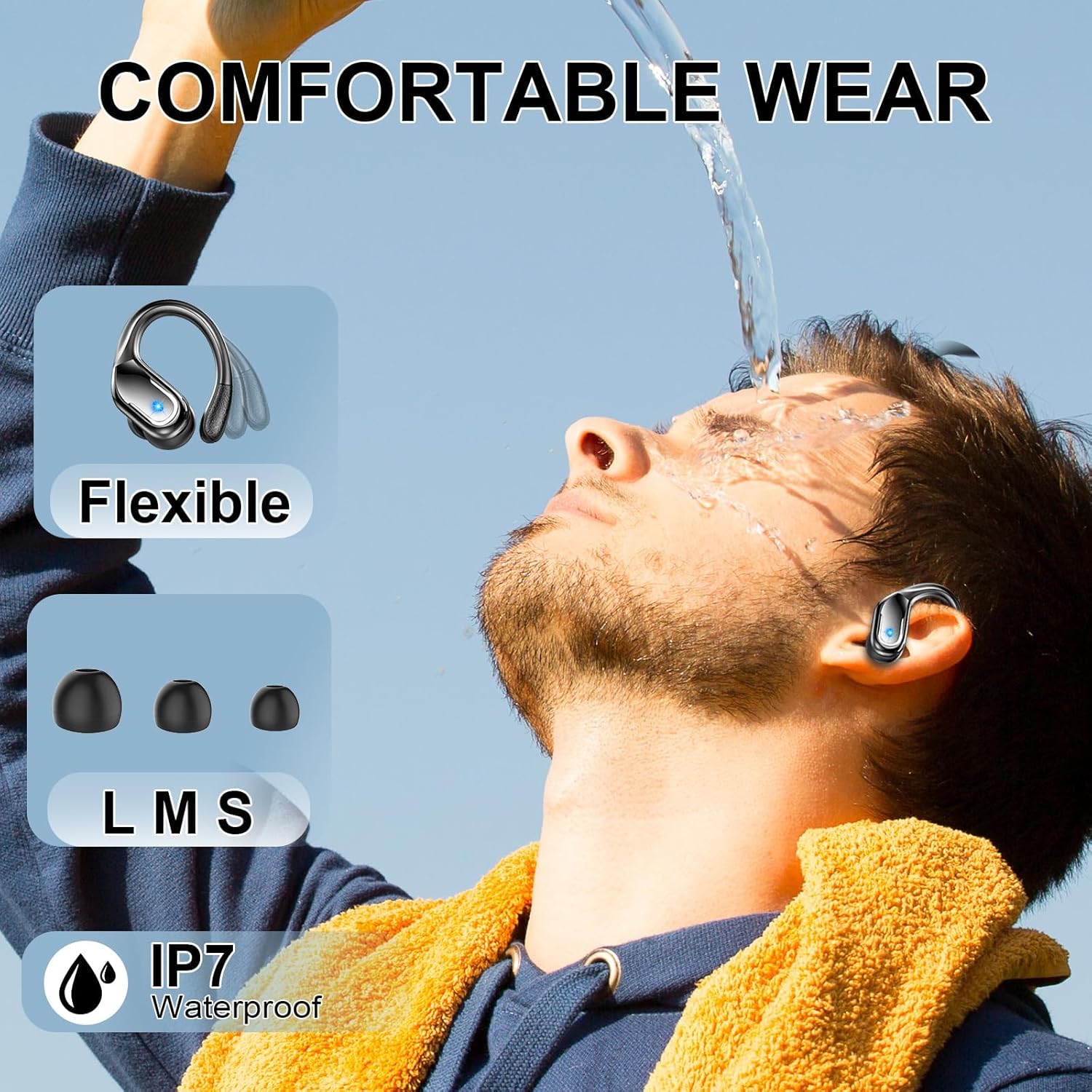
Image: Proper wearing of the earbuds with earhooks and ear tip options.
Operating Instructions
The Rulefiss X27 earbuds feature sensitive touch controls for managing audio and calls.
Touch Control Functions
| Action | Left Earbud (L) | Right Earbud (R) |
|---|---|---|
| Play/Pause | Click Once | Click Once |
| Next Track | Click Twice | Click Twice |
| Previous Track | Hold for 2 seconds | Hold for 2 seconds |
| Volume Up | N/A | Click Once |
| Volume Down | Click Once | N/A |
| Answer/End Call | Click Once | Click Once |
| Reject Call | Hold for 2 seconds | Hold for 2 seconds |
| Activate Voice Assistant (Siri) | Click Three Times | Click Three Times |
| Power On/Off | Hold for 5 seconds | Hold for 5 seconds |

Image: Detailed touch control functions for the earbuds.
Environmental Noise Cancellation (ENC)
The earbuds are equipped with ENC technology and four microphones to reduce external noise during calls, ensuring clear communication.
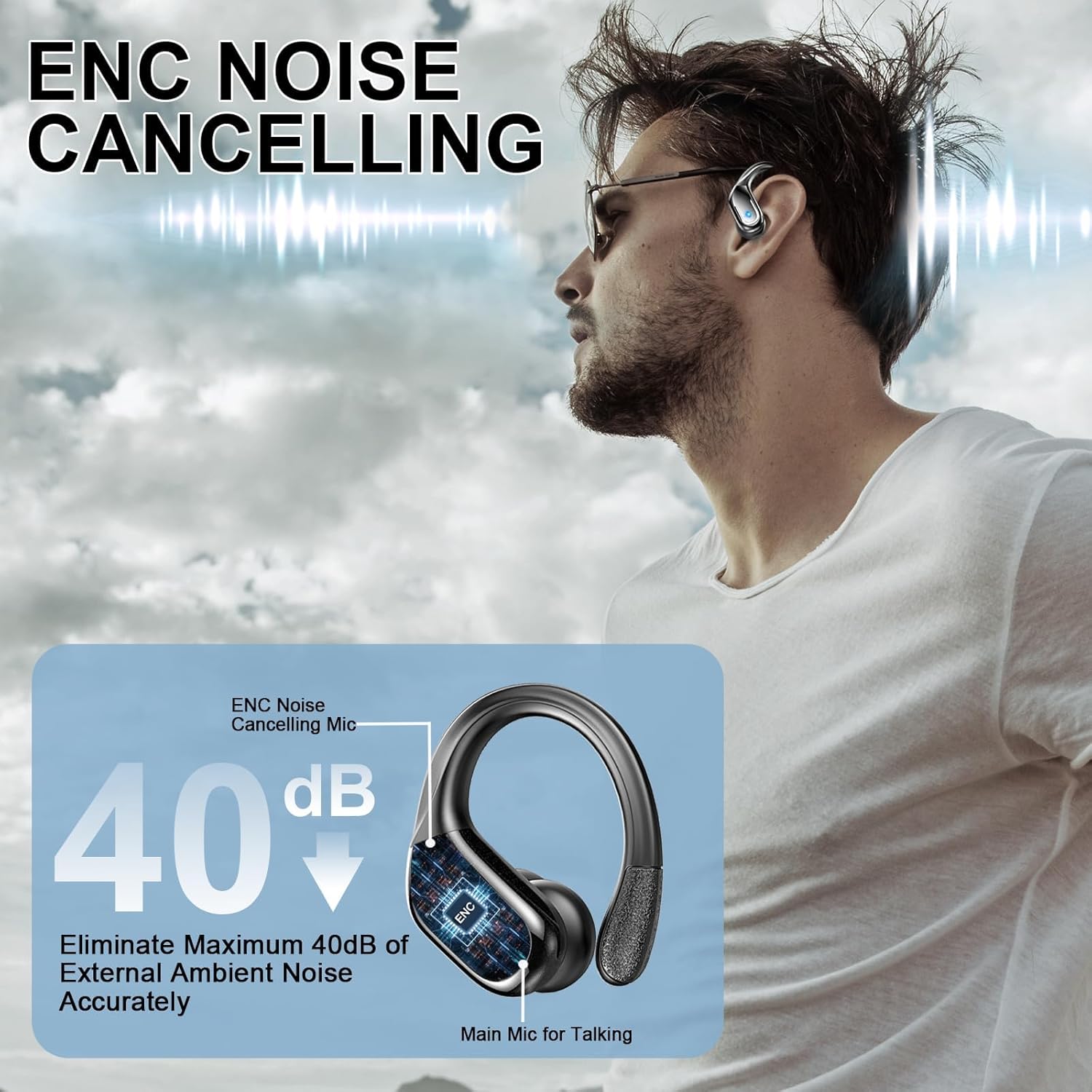
Image: Illustration of ENC noise cancellation in action.
Maintenance
Proper maintenance ensures the longevity and optimal performance of your earbuds.
- Cleaning: Regularly clean the earbuds, ear tips, and charging contacts with a soft, dry, lint-free cloth. Avoid using abrasive materials or harsh chemicals.
- Storage: When not in use, store the earbuds in their charging case to protect them from dust and damage.
- Water Resistance: The earbuds are IPX7 waterproof, meaning they are resistant to sweat and splashes. Do not submerge them in water or expose them to high-pressure water jets. Ensure they are dry before placing them back in the charging case.

Image: Rulefiss X27 earbuds demonstrating IPX7 water resistance.
Troubleshooting
If you encounter issues with your earbuds, refer to the following common solutions:
- Earbuds not pairing:
- Ensure both earbuds are fully charged.
- Place earbuds back in the case, close the lid, then open it again to re-enter pairing mode.
- Disable and re-enable Bluetooth on your device.
- Forget "Rulefiss X27" from your device's Bluetooth list and attempt to pair again.
- No sound from one earbud:
- Ensure both earbuds are charged.
- Try placing both earbuds back in the case and taking them out again.
- Check your device's audio balance settings.
- Earbuds not charging:
- Ensure the charging cable is securely connected to both the case and the power source.
- Verify that the charging contacts on the earbuds and inside the case are clean and free of debris.
- Try a different USB-C cable or power adapter.
- Poor sound quality:
- Ensure the ear tips provide a secure seal in your ear canal. Try different sizes.
- Clean any earwax or debris from the earbud nozzles.
- Ensure your device is within the Bluetooth range (up to 15 meters).
Specifications
| Feature | Detail |
|---|---|
| Model Name | X27 |
| Brand | Rulefiss |
| Connectivity Technology | Wireless (Bluetooth) |
| Bluetooth Version | 5.4 |
| Bluetooth Range | Up to 15 meters (49 feet) |
| Audio Driver Size | 14.2 mm |
| Audio Driver Type | Dynamic Driver |
| Noise Control | Sound Isolation (ENC for calls) |
| Battery Life (Earbuds) | Up to 15 hours per charge |
| Total Playtime (with Case) | Up to 75 hours |
| Charging Time | Approximately 1 hour |
| Charging Interface | USB-C |
| Water Resistance Level | IPX7 (Sweat-resistant, splash-proof) |
| Control Method | Touch Control |
| Earpiece Shape | Hook (Over-ear) |
| Material | Silicone |
| Item Weight | 5 ounces (total package) |
| Product Dimensions | 1.97 x 0.98 x 1.18 inches (earbud) |
| Compatible Devices | Smartphones, TVs, Computers, Laptops |
Warranty and Support
For warranty information and customer support, please refer to the contact details provided with your purchase documentation or visit the official Rulefiss website. Standard return policy is 30 days from purchase.
Manufacturer: Rulefiss
For further assistance, please contact Rulefiss customer service.
Related documentsX27

Ask a question about this manual
Ask about setup, troubleshooting, compatibility, parts, safety, or missing instructions. Manuals+ will review the question and use this page’s manual context to help answer it.