
1. Introduction
Thank you for choosing the GOBOULT Mustang Thunder Bluetooth Headphones. This manual will guide you through the features, setup, and operation of your new headphones, ensuring an optimal audio experience. Please read these instructions carefully before use.

Image 1.1: GOBOULT Mustang Thunder Bluetooth Headphones in Silver Black.
2. Package Contents
Ensure all items are present in your package:
- GOBOULT Mustang Thunder Bluetooth Headphones
- USB Type-C Charging Cable
- 3.5mm Audio Cable (for wired connection)
- User Manual
3. Product Overview
Familiarize yourself with the main components and controls of your headphones.

Image 3.1: Illustration of tactile controls and AI Voice Assistant feature on the headphone.
Key Features:
- 40mm Bass Drivers: For powerful and immersive sound.
- Zen ENC Mic: Environmental Noise Cancellation for clear calls.
- Bluetooth v5.4: Stable and low-latency wireless connectivity.
- Type-C Fast Charging: Efficient power replenishment.
- 70 Hours Playtime: Extended battery life for prolonged use.
- 4 EQ Sound Modes: Customizable audio profiles (Rock, Pop, Vocal, Bass).
- 3 Brightness LED Modes: Adjustable LED lighting on the earcups.
4. Setup and Initial Use
4.1 Charging the Headphones
Before first use, fully charge your headphones.
- Connect the USB Type-C charging cable to the charging port on the headphones.
- Connect the other end of the cable to a USB power adapter (not included) or a computer's USB port.
- The LED indicator will show charging status. It will turn off or change color once fully charged.
A full charge provides up to 70 hours of playtime without LED lights, or 50 hours with LED lights active.
4.2 Powering On/Off
- To Power On: Press and hold the Power button for approximately 3 seconds until the LED indicator lights up.
- To Power Off: Press and hold the Power button for approximately 3 seconds until the LED indicator turns off.
4.3 Bluetooth Pairing
Pair your headphones with a Bluetooth-enabled device.
- Ensure the headphones are powered off.
- Press and hold the Power button for 5-7 seconds until the LED indicator flashes red and blue alternately, indicating pairing mode.
- On your device (smartphone, tablet, computer), enable Bluetooth and search for available devices.
- Select "GOBOULT Mustang Thunder" from the list of found devices.
- Once connected, the LED indicator will flash blue slowly or remain solid blue.
The headphones support Bluetooth v5.4 for a stable connection up to 10 meters.
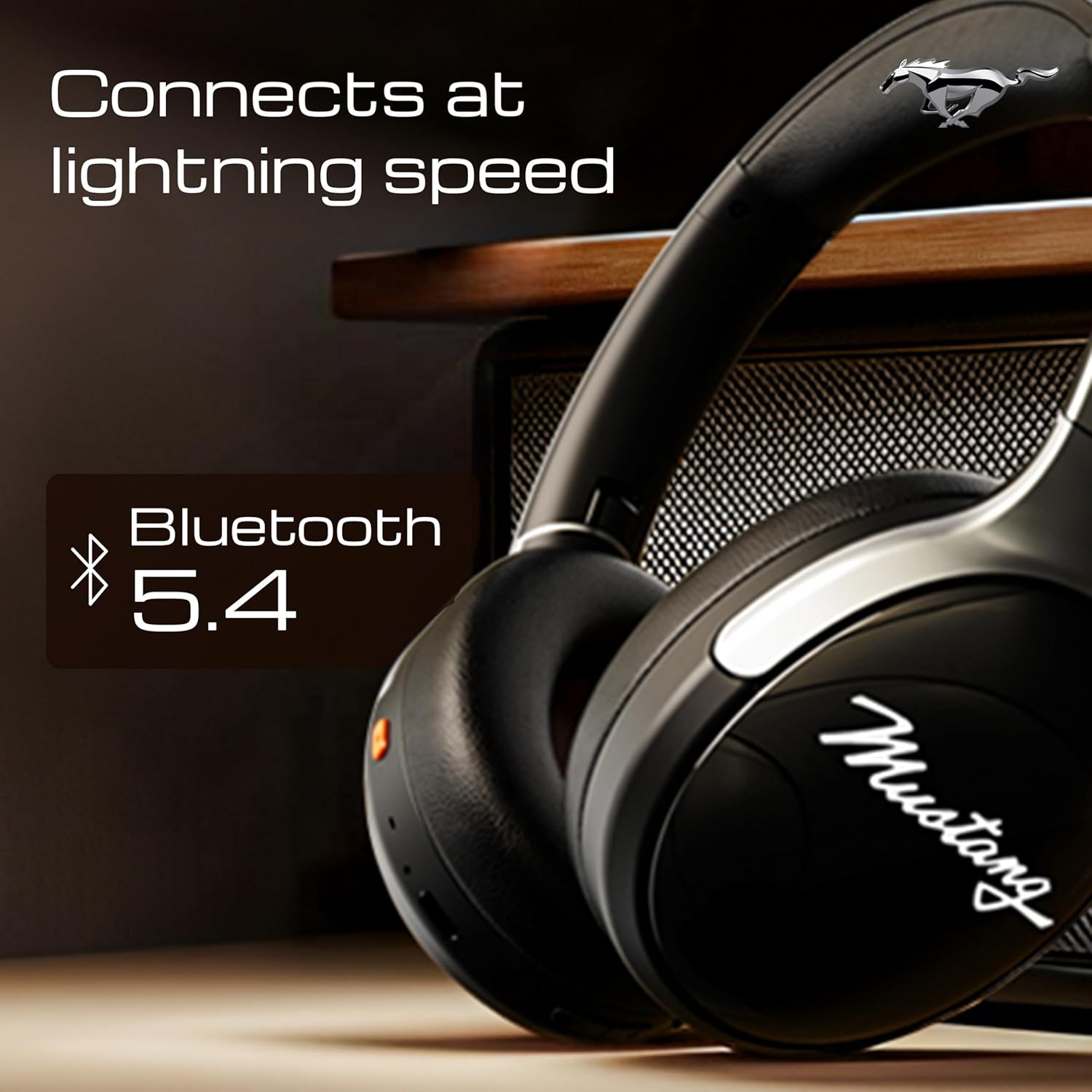
Image 4.1: Bluetooth 5.4 connectivity for fast and stable pairing.
5. Operating Instructions
5.1 Music Playback
- Play/Pause: Press the Multi-function button once.
- Next Track: Press and hold the Volume Up button.
- Previous Track: Press and hold the Volume Down button.
- Volume Up: Short press the Volume Up button.
- Volume Down: Short press the Volume Down button.
5.2 Call Management
The integrated Zen ENC Mic ensures clear communication.
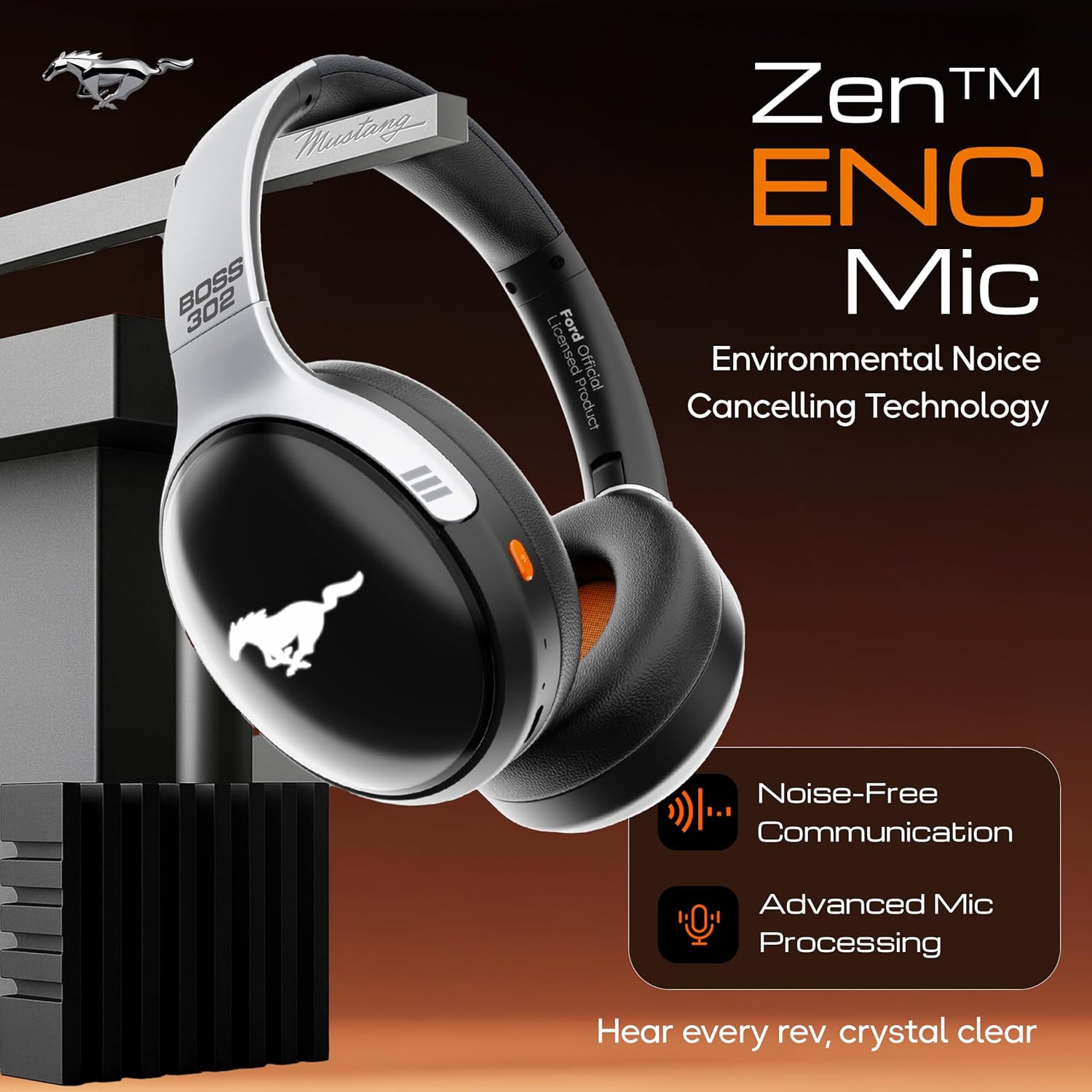
Image 5.1: Zen ENC Mic technology for noise-free communication.
- Answer/End Call: Press the Multi-function button once.
- Reject Call: Press and hold the Multi-function button for 2 seconds.
- Redial Last Number: Double-press the Multi-function button.
5.3 EQ Sound Modes
Customize your audio experience with 4 distinct EQ modes.
- Switch Modes: Press the EQ button (refer to product diagram for location) to cycle through Rock, Pop, Vocal, and Bass modes.
5.4 LED Lighting Modes
Activate and change the dynamic LED lights on your earcups.

Image 5.2: Dynamic LED lights and glowing Mustang emblem on the headphones.
- Activate/Change Modes: Press the LED button (refer to product diagram for location) to cycle through the 3 brightness LED modes.
5.5 AI Voice Assistant
Access your device's voice assistant directly from the headphones.
- Activate: Triple-press the Multi-function button to activate Google Assistant or your device's default voice assistant.
5.6 Wired Connection (AUX Mode)
Use the included 3.5mm audio cable for a wired connection, conserving battery or connecting to non-Bluetooth devices.
- Plug one end of the 3.5mm audio cable into the AUX port on the headphones.
- Plug the other end into the 3.5mm audio jack of your device.
- The headphones will automatically switch to AUX mode.
6. Maintenance and Care
Proper care ensures the longevity and performance of your headphones.
- Cleaning: Use a soft, dry cloth to clean the headphones. Do not use harsh chemicals or abrasive materials.
- Storage: Store the headphones in a cool, dry place, away from direct sunlight and extreme temperatures. The foldable design allows for compact storage.
- Water Resistance: The headphones are water resistant. Avoid submerging them in water or exposing them to heavy rain.
- Battery: To preserve battery life, charge the headphones at least once every three months if not in regular use.
7. Troubleshooting
If you encounter issues, refer to the following common solutions:
| Problem | Possible Cause | Solution |
|---|---|---|
| Headphones do not power on | Low battery | Charge the headphones fully using the provided Type-C cable. |
| Cannot pair with device | Headphones not in pairing mode; Bluetooth off on device; device too far | Ensure headphones are in pairing mode (flashing red/blue). Turn on Bluetooth on your device. Move device closer to headphones (within 10m). |
| No sound during playback | Volume too low; incorrect audio source; headphones not connected | Increase volume on headphones and device. Check if headphones are properly connected via Bluetooth or AUX. Ensure correct audio output is selected on your device. |
| Poor call quality | Environmental noise; weak Bluetooth connection | Move to a quieter environment. Ensure a stable Bluetooth connection. |
8. Specifications
Detailed technical specifications for the GOBOULT Mustang Thunder Bluetooth Headphones:
| Feature | Specification |
|---|---|
| Model Name | Airbass |
| Connectivity Technology | Wireless (Bluetooth v5.4) |
| Bluetooth Range | 10 Metres |
| Audio Driver Size | 40 Millimetres |
| Frequency Response | 20 Hz |
| Sensitivity | 118 dB |
| Headphones Jack | 3.5 mm Jack |
| Battery Life (Playtime) | Up to 70 Hours (without LEDs), 50 Hours (with LEDs) |
| Battery Composition | Lithium Polymer |
| Charging Port | USB Type-C |
| Item Weight | 234 Grams |
| Product Dimensions | 18 x 5 x 19.5 cm |
| Water Resistance Level | Water Resistant |
| Control Type | Button Control, Google Assistant |
9. Warranty and Support
9.1 Warranty Information
The GOBOULT Mustang Thunder Bluetooth Headphones come with a 1-year manufacturer's warranty from the date of purchase. This warranty covers manufacturing defects and ensures trusted performance and premium build quality.
Please retain your proof of purchase for warranty claims.
9.2 Customer Support
For any questions, technical assistance, or warranty claims, please contact GOBOULT customer support through their official website or the retailer where the product was purchased.


