
1. Introduction
Welcome to the LIGE DM6 Smartwatch user manual. This document provides essential information for the proper setup, operation, and maintenance of your new smartwatch. The LIGE DM6 is designed to enhance your daily life with features such as integrated GPS, a vibrant AMOLED display, Bluetooth calling, extensive sports tracking, and comprehensive health monitoring.
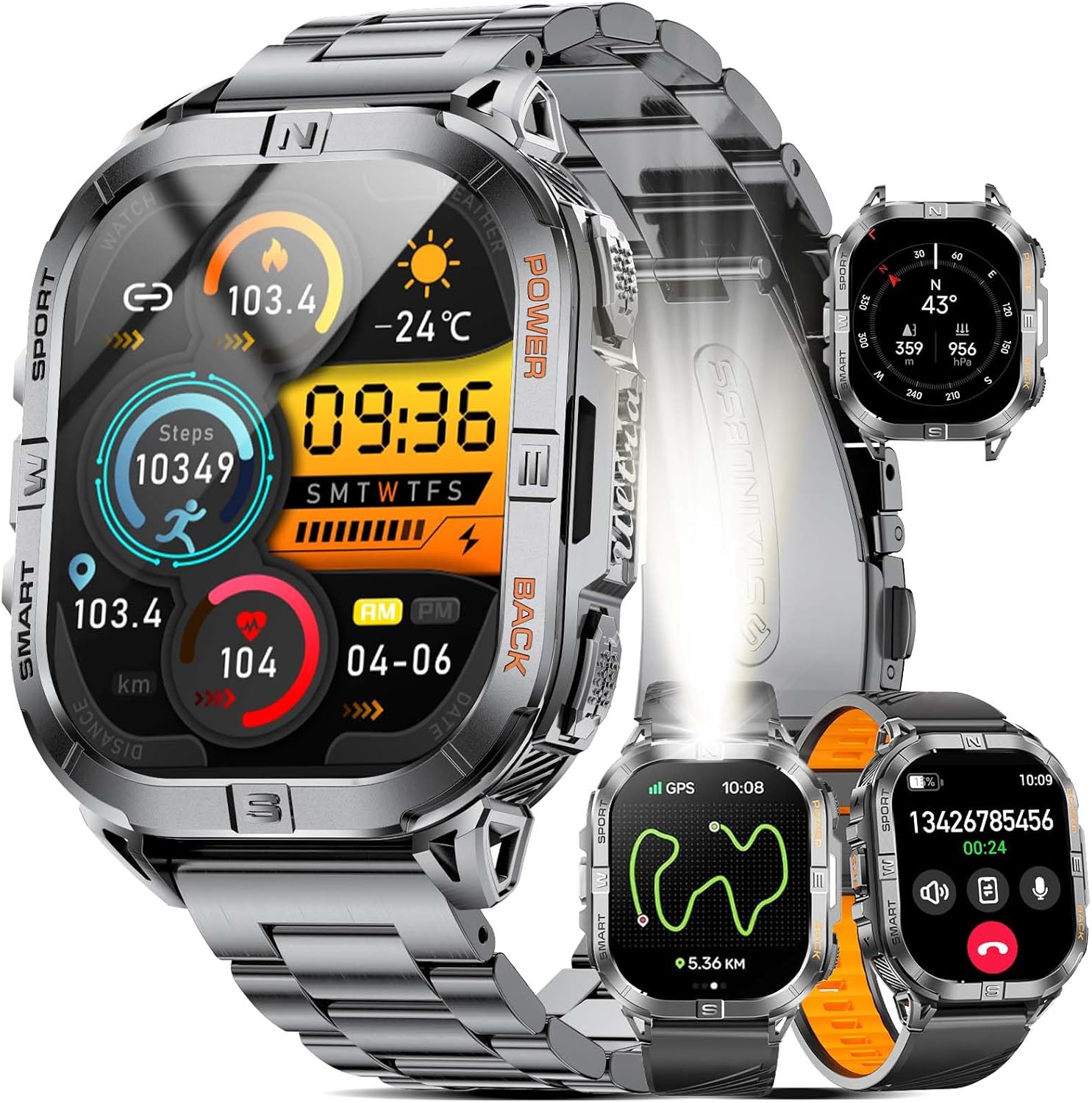
Image 1.1: LIGE DM6 Smartwatch showcasing its design and display capabilities.
2. Setup
2.1. Unboxing and Components
Upon opening the package, ensure all the following components are present:
- LIGE DM6 Smartwatch
- Stainless Steel Strap
- Silicone Strap
- USB Charging Cable
- Type-C Charging Cable
- Accessory Tools (for strap adjustment)
- User Manual
2.2. Charging the Smartwatch
Before initial use, fully charge your LIGE DM6 smartwatch. Connect either the USB or Type-C charging cable to the charging port on the back of the watch and to a compatible power source (e.g., computer USB port, wall adapter). A full charge typically takes approximately 2.5 hours.

Image 2.1: Charging the LIGE DM6 Smartwatch using the provided USB and Type-C cables.
2.3. App Installation and Pairing
To unlock the full potential of your LIGE DM6, download and install the companion application on your smartphone. The app is compatible with iOS 11.0 and above (iOS 13+ for calls) and Android 5.0 and above.
- Scan the QR code in the included manual or search for the app name (usually specified in the manual) in your phone's app store.
- Install the application and create an account if prompted.
- Enable Bluetooth on your smartphone.
- Open the app, navigate to the device pairing section, and follow the on-screen instructions to connect your LIGE DM6 smartwatch.
- Grant all necessary permissions to the app for optimal functionality, including notifications and location services.
3. Operating Instructions
3.1. Basic Navigation
The LIGE DM6 features a 2.13-inch AMOLED touchscreen and physical buttons for navigation:
- Touchscreen: Swipe up, down, left, or right to access different menus, notifications, and quick settings. Tap to select items.
- Physical Buttons: Typically, one button serves as a power/back button, while others may provide quick access to sports modes or other functions. Refer to the specific button layout in your manual for exact functions.
3.2. Display Features and Watch Faces
The 2.13-inch AMOLED HD display offers a resolution of 410x502 pixels. You can customize your watch face through the companion app or directly on the watch to suit your style and display preferred information.

Image 3.1: Customizable watch faces and app interface on the LIGE DM6 AMOLED display.
3.3. Bluetooth Calling and Notifications
With Bluetooth 5.3, the LIGE DM6 allows for stable and fast connections, enabling you to make and receive calls directly from your wrist. It also displays smart notifications from your connected smartphone.
- Making Calls: Access the dialer or contacts list on your watch to initiate a call.
- Receiving Calls: When a call comes in, you can answer or reject it directly from the watch screen.
- Notifications: Incoming messages and alerts from various applications will be displayed on your watch. Swipe down from the top of the screen to view your notification history.
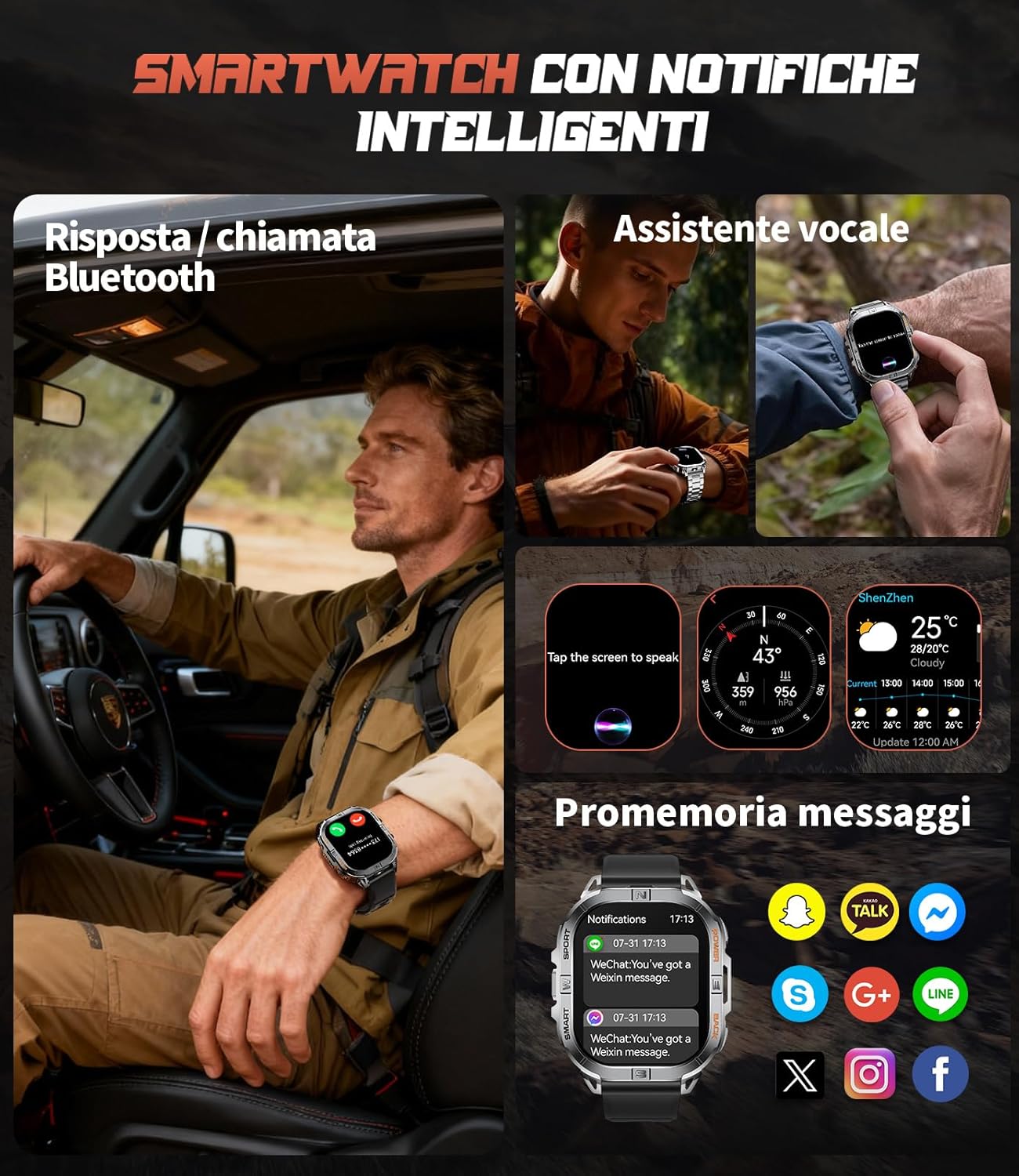
Image 3.2: Bluetooth calling and smart notification features in use.
3.4. GPS and Electronic Compass
The integrated GPS provides accurate positioning for outdoor activities, while the electronic compass helps you maintain direction. These features are particularly useful for trail running, hiking, and other adventures.
- GPS Tracking: When starting an outdoor sport mode, the watch will automatically activate GPS to record your route, distance, and pace.
- Compass: Access the compass function from the main menu to view your current heading.
- Barometer & Altimeter: The watch also includes a barometer to track atmospheric pressure changes and an altimeter to measure current altitude, providing comprehensive outdoor data.

Image 3.3: GPS tracking and compass functionality for outdoor activities.

Image 3.4: Outdoor assistant features including compass, altimeter, and barometer.
3.5. LED Flashlight
The LIGE DM6 includes a built-in LED flashlight for convenience in low-light conditions. To activate, press and hold the designated button (refer to your specific manual for button assignment) for approximately 3 seconds. This feature is useful during night runs, camping, or power outages.
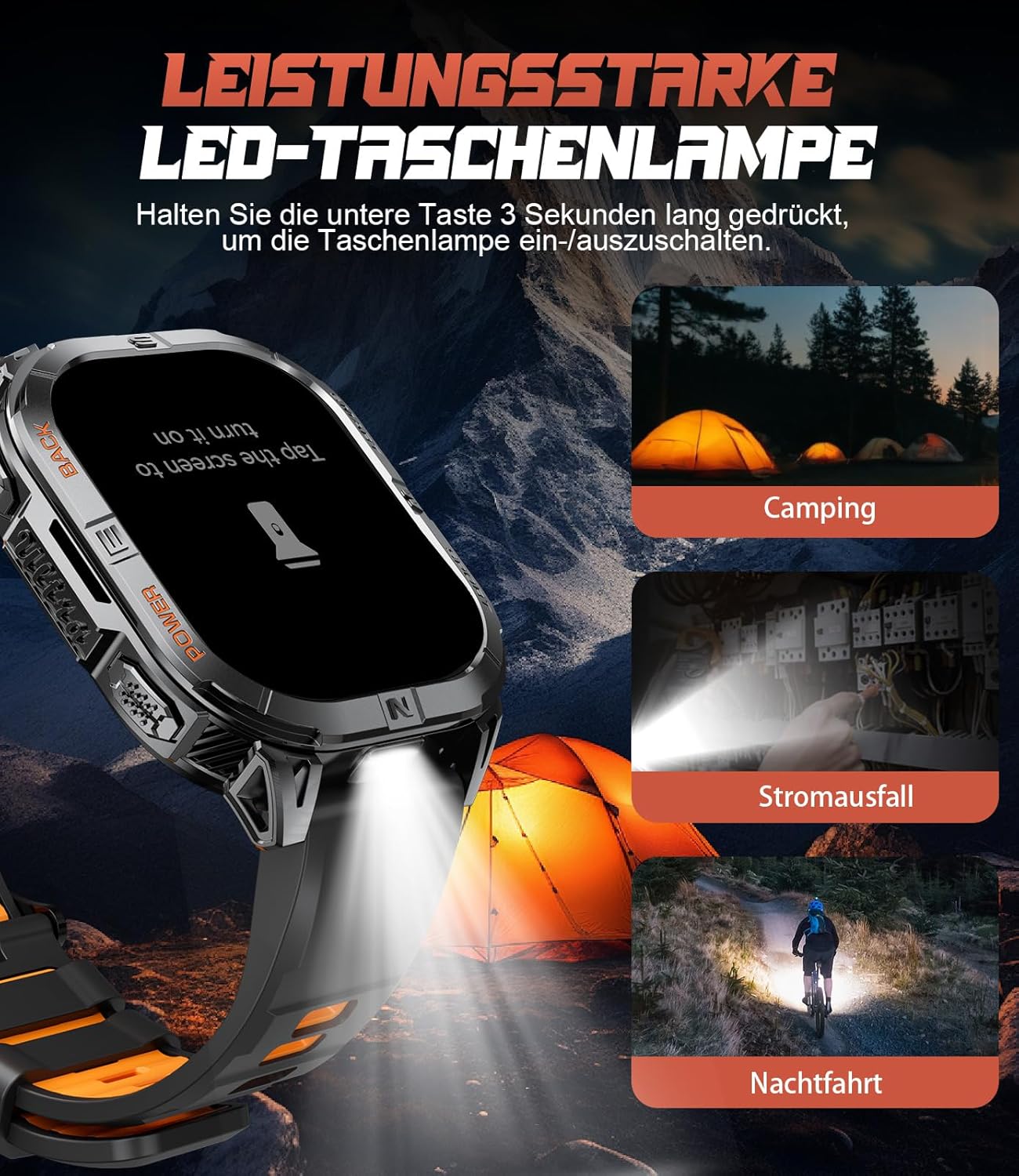
Image 3.5: The integrated LED flashlight in action.
3.6. Sports Modes
The smartwatch supports over 170 sports modes, allowing you to accurately track various activities. Data such as steps, distance, calories burned, and heart rate are recorded and can be reviewed in the companion app.
- Activating a Sport Mode: Navigate to the sports menu on your watch, select your desired activity, and tap to start.
- Data Review: After completing an activity, save the data. You can view detailed statistics on the watch or in the companion app.

Image 3.6: Tracking multiple sports activities with the LIGE DM6.
3.7. Health Monitoring
The LIGE DM6 provides continuous health monitoring features to help you stay informed about your well-being:
- Heart Rate Monitoring: Tracks your heart rate throughout the day and during workouts.
- Sleep Tracking: Monitors your sleep patterns, including deep sleep, light sleep, and awake times.
- Stress Monitoring: Provides insights into your stress levels.
- Blood Oxygen (SpO2): Measures your blood oxygen saturation levels.
- Sedentary Reminders: Alerts you to move if you've been inactive for too long.
- Drink Water Reminders: Prompts you to stay hydrated.

Image 3.7: Health and fitness management features of the smartwatch.
4. Maintenance
4.1. Water Resistance (IP68)
The LIGE DM6 smartwatch is IP68 waterproof, meaning it is resistant to dust and can withstand immersion in water up to 1.5 meters for up to 30 minutes. It is suitable for daily use, hand washing, and light rain. However, it is not recommended for hot showers, saunas, or diving, as steam and high water pressure can compromise the seals.
4.2. Cleaning
To keep your smartwatch clean and functioning optimally:
- Wipe the screen and body with a soft, damp, lint-free cloth.
- Avoid using harsh chemicals, abrasive materials, or strong detergents.
- Clean the charging contacts regularly to ensure proper charging.
4.3. Battery Care
To prolong the life of your 600mAh battery:
- Avoid extreme temperatures.
- Do not let the battery completely drain for extended periods.
- Charge the watch regularly, even if not in constant use.
5. Troubleshooting
If you encounter issues with your LIGE DM6 smartwatch, refer to the following common solutions:
| Problem | Possible Solution |
|---|---|
| Watch not turning on | Ensure the watch is fully charged. Press and hold the power button for several seconds. |
| Unable to pair with phone | Ensure Bluetooth is enabled on your phone. Restart both the watch and phone. Check app permissions. |
| Notifications not appearing | Verify notification permissions in the app and your phone's settings. Ensure the watch is connected via Bluetooth. |
| Inaccurate GPS data | Ensure you are in an open area with a clear view of the sky. Allow the watch to acquire a GPS signal before starting an activity. |
| Short battery life | Reduce screen brightness, disable unnecessary features (e.g., always-on display), and limit frequent GPS use. |
If the problem persists, please contact customer support.
6. Specifications
Key technical specifications for the LIGE DM6 Smartwatch:
| Feature | Detail |
|---|---|
| Model | DM6-A-FR |
| Display | 2.13-inch AMOLED Touch Screen (410x502 resolution) |
| Connectivity | Bluetooth 5.3 |
| GPS | Integrated GPS |
| Battery Capacity | 600 mAh Lithium Polymer |
| Typical Battery Life | Up to 5 days |
| Charging Time | Approx. 2.5 hours |
| Water Resistance | IP68 |
| Memory | 512 MB |
| Compatibility | iOS 11.0+ (iOS 13+ for calls), Android 5.0+ |
| Weight | 90 g |
| Special Features | LED Flashlight, Electronic Compass, Barometer, Altimeter, 170+ Sports Modes, Heart Rate, Sleep, Stress, SpO2 Monitoring, Bluetooth Calls, Smart Notifications, Find Phone, Alarm Clock, Camera Control, Calculator, Sedentary/Drink Reminders, Do Not Disturb Mode, Weather Forecast, Stopwatch, Pedometer, Timer, Music Control, Voice Assistant. |
7. Warranty and Support
The LIGE DM6 smartwatch comes with a 24-month warranty from the date of purchase. This warranty covers manufacturing defects and issues arising from normal use.
For any questions regarding accessories, quality issues, operational problems, or charging concerns, please contact our customer support. We offer 24-hour online support and aim to provide a solution within 24 hours of your inquiry.
Please refer to the contact information provided in your product packaging or on the official LIGE website for support.


