
1. Introduction
The TIMMKOO Q8 is an 80GB Kids MP3 Player designed for audio and video entertainment with integrated parental controls. It features Bluetooth and Wi-Fi connectivity, a 4-inch full-touch LCD screen, and comes with popular streaming applications pre-installed. This manual provides detailed instructions for setting up, operating, maintaining, and troubleshooting your device.

Image: The TIMMKOO Q8 MP3 Player displaying its user interface with various application icons.
2. What's in the Box
Verify that all items are present in the package:
- Digital MP3 Player (TIMMKOO Q8) x 1
- USB-C Cable x 1
- Wired Headphones x 1
- User Manual x 1
3. Setup
3.1 Charging the Device
Before first use, fully charge the MP3 player. Connect the provided USB-C cable to the device's charging port and the other end to a USB power adapter (not included) or a computer's USB port.
3.2 Powering On/Off
- To Power On: Press and hold the power button on the side of the device until the screen illuminates.
- To Power Off: Press and hold the power button, then select "Power Off" from the options displayed on the screen.
3.3 Initial Setup
Upon first power-on, follow the on-screen prompts to select your preferred language, time zone, and connect to a Wi-Fi network. A stable Wi-Fi connection is required for downloading apps, streaming content, and software updates.
3.4 Inserting a Micro SD Card
The device supports Micro SD, Micro SDHC, and Micro SDXC cards for expanded storage. Locate the Micro SD card slot on the device, insert the card gently until it clicks into place. Ensure the card is inserted in the correct orientation.
3.5 Transferring Files
- Via USB-C Cable: Connect the device to a computer using the USB-C cable. The device will appear as a removable storage drive. Drag and drop music, video, or e-book files into the appropriate folders on the device.
- Via Wi-Fi/Bluetooth: Utilize the built-in Wi-Fi or Bluetooth functionality to transfer files from compatible devices. Refer to the "Operating Instructions" section for more details on Bluetooth and Wi-Fi connectivity.
4. Operating Instructions
4.1 Basic Navigation
The TIMMKOO Q8 features a 4-inch full-touch LCD screen. Navigate by tapping icons, swiping left/right for different screens, and swiping down from the top for quick settings and notifications.
4.2 Music Playback
The device comes with pre-installed music streaming apps such as Spotify, Spotify Kids, Amazon Music, and Deezer. Tap on the desired app icon to launch it. Log in with your account credentials to access an extensive library of songs, create playlists, and enjoy personalized recommendations.

Image: The TIMMKOO Q8 MP3 Player screen showing the Spotify application interface.
4.3 Video Playback
The Q8 supports 720p and 1080p HD video playback without requiring format conversion. Access your video files through the device's video player application. Ensure video files are stored in a compatible format for optimal performance.
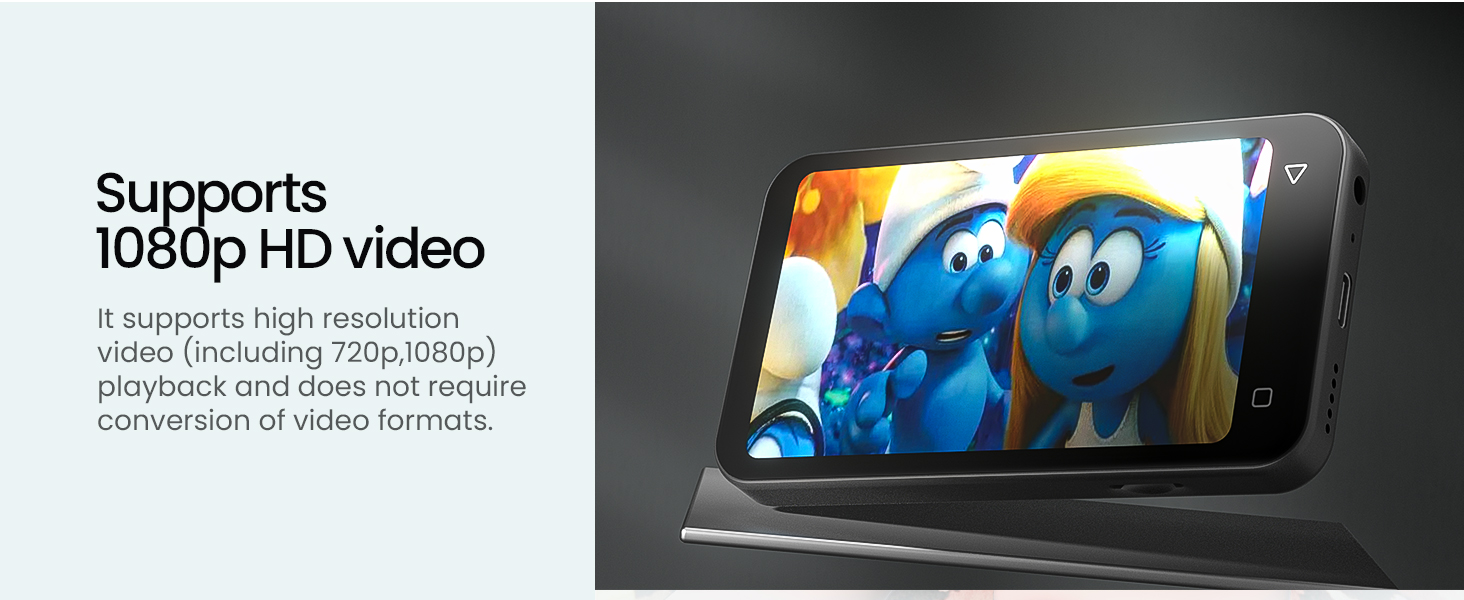
Image: The TIMMKOO Q8 MP3 Player displaying a video, highlighting its video playback capability.
4.4 E-reader Functionality
With pre-installed Audible and Kindle apps, the Q8 functions as a portable e-reader. Listen to audiobooks or read e-books without distractions from phone calls or messages. Launch the respective app and log in to access your library.
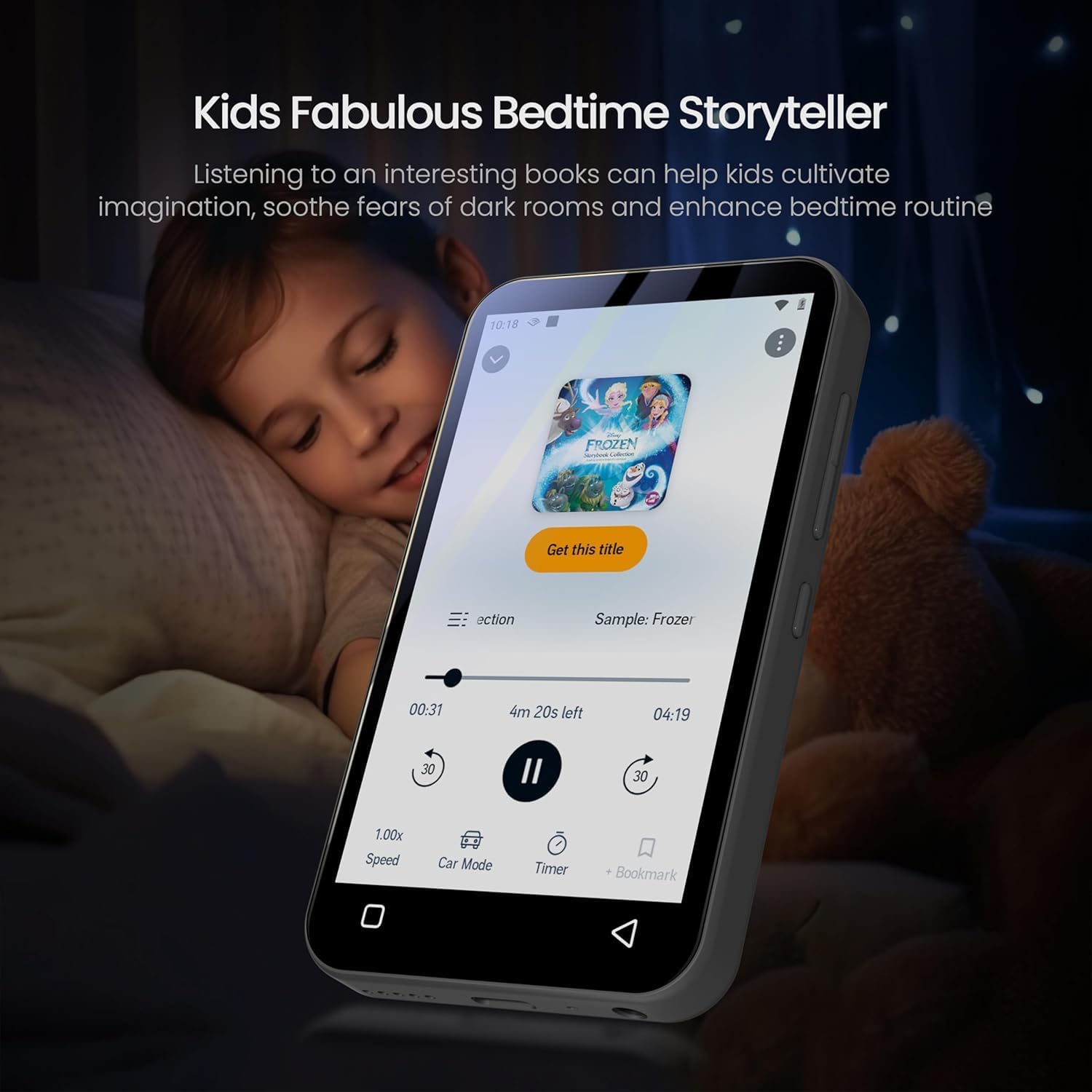
Image: The TIMMKOO Q8 MP3 Player displaying an audiobook, with a child sleeping in the background, illustrating its e-reader function.
4.5 Bluetooth Connectivity
The Q8 supports Bluetooth for connecting to wireless headphones, speakers, or car stereos. To pair a Bluetooth device:
- Go to Settings > Bluetooth.
- Turn on Bluetooth.
- Ensure your Bluetooth accessory is in pairing mode.
- Select your accessory from the list of available devices to pair.
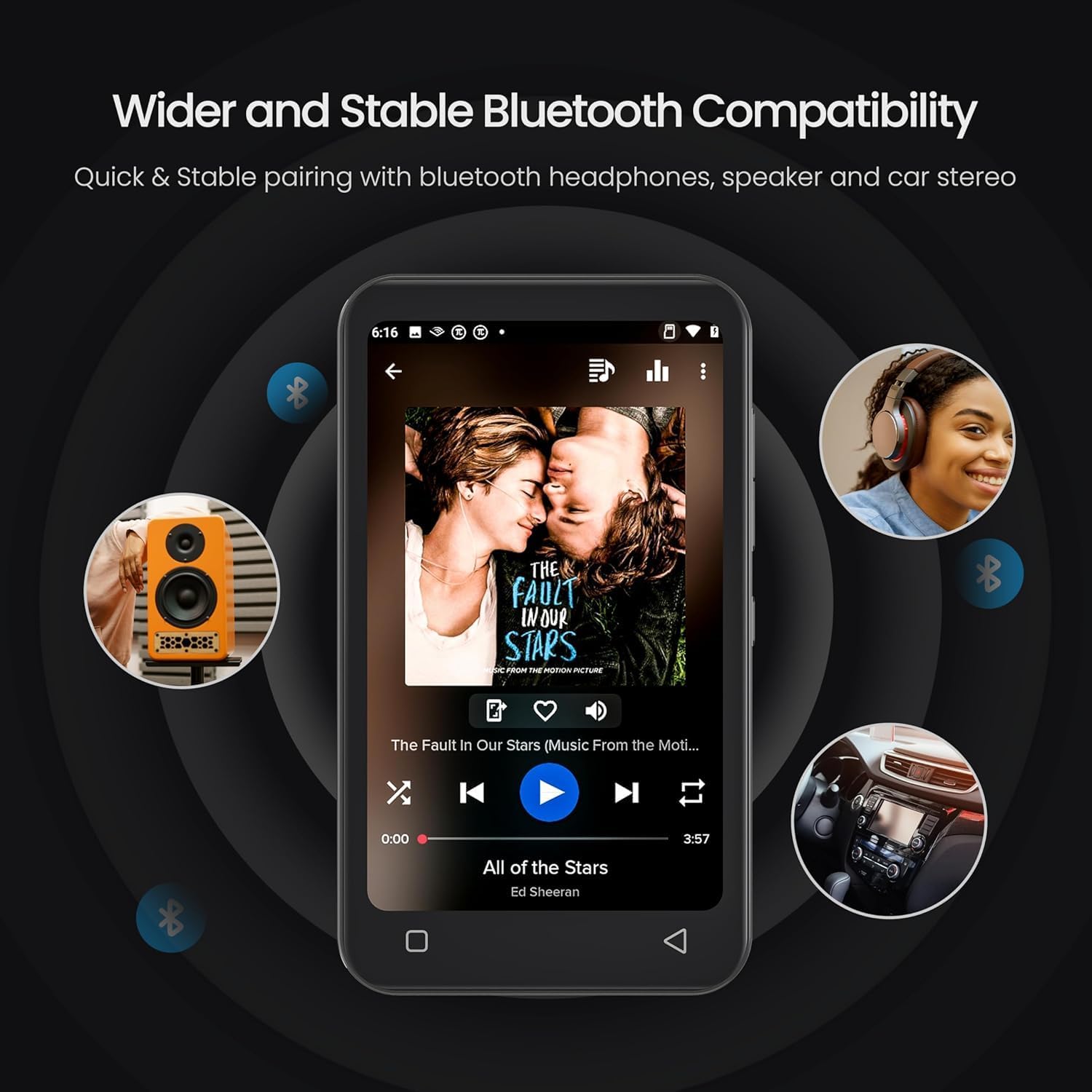
Image: The TIMMKOO Q8 MP3 Player demonstrating its Bluetooth connectivity with various audio devices.
4.6 Wi-Fi Connectivity
Connect to Wi-Fi for internet access, app downloads, and streaming. To connect:
- Go to Settings > Wi-Fi.
- Turn on Wi-Fi.
- Select your desired network from the list and enter the password if prompted.
4.7 Parental Controls
The Q8 includes parental control features to manage usage and content. These controls prevent the installation of additional apps and allow you to uninstall pre-installed apps. You can also set a reset lock to prevent unauthorized restoration and define internet usage duration.

Image: The TIMMKOO Q8 MP3 Player screen showing the parental control interface, including options for setting timers.
4.8 App Management
You can uninstall pre-installed applications that are not desired. Additionally, existing apps can be upgraded to their latest versions to optimize performance, enhance efficiency, and reduce bugs.
4.9 FM Radio
The device features a built-in FM radio with channel capture capability. Access the FM Radio app to listen to news, sports, and music stations.

Image: The TIMMKOO Q8 MP3 Player screen showing the FM radio interface with frequency display.
4.10 Voice Recorder
Use the portable voice recorder function to record meetings, lectures, interviews, or personal notes. Access the Voice Recorder app to start and manage recordings.
5. Maintenance
5.1 Cleaning the Device
Use a soft, dry, lint-free cloth to clean the screen and body of the MP3 player. Avoid using abrasive cleaners or solvents that may damage the surface.
5.2 Battery Care
The device has a built-in 1800mAh lithium battery. To prolong battery life:
- Avoid extreme temperatures.
- Do not allow the battery to fully discharge frequently.
- Charge the device regularly, even if not in use for extended periods.

Image: The TIMMKOO Q8 MP3 Player screen illustrating its battery life for video (5 hours) and music (35 hours).
5.3 Software Updates
Regularly check for and install software updates to ensure optimal performance, security, and access to new features. Updates can be found in the device's settings menu under "System Updates" or similar.
5.4 Storage Management
Periodically review and delete unnecessary files or applications to free up internal storage. Utilize a Micro SD card for additional storage capacity for media files.
6. Troubleshooting
6.1 Device Will Not Turn On
- Ensure the device is fully charged. Connect it to a power source for at least 30 minutes.
- Try performing a soft reset by pressing and holding the power button for 10-15 seconds.
6.2 Cannot Connect to Wi-Fi/Bluetooth
- Verify that Wi-Fi/Bluetooth is enabled in the device settings.
- Ensure the network password is correct for Wi-Fi.
- For Bluetooth, ensure the accessory is in pairing mode and within range.
- Restart both the MP3 player and the Wi-Fi router/Bluetooth accessory.
6.3 Apps Not Functioning Correctly
- Check for app updates in the device settings or within the app itself.
- Clear the app's cache and data via Settings > Apps > [App Name] > Storage.
- If issues persist, uninstall and reinstall the app (if applicable).
6.4 Poor Audio/Video Quality
- Ensure the media files are of good quality.
- Check headphone connections or Bluetooth pairing.
- Adjust equalizer settings if available.
6.5 Factory Reset
If persistent issues occur, a factory reset may resolve them. Warning: This will erase all data on the device. Back up important files before proceeding. Go to Settings > System > Reset options > Erase all data (factory reset).
7. Specifications
| Brand | TIMMKOO |
| Model Number | Q8 |
| Memory Storage Capacity | 80 GB (Internal) |
| Expandable Storage | Micro SD, Micro SDHC, Micro SDXC (up to 1TB) |
| Screen Size | 4 Inches |
| Display Technology | LCD, Full-Touch |
| Connectivity Technology | Bluetooth, Wi-Fi |
| Supported Standards | MP3, 720p/1080p HD Video |
| Special Features | Built-In Speaker, Equalizer, FM Radio, Touch Screen, Video Playback, Parental Controls |
| Battery Capacity | 1800mAh Lithium Battery |
| Battery Life (Approx.) | 35 hours (music), 5 hours (video) |
| Item Weight | 108 Grams |
| Item Dimensions (D x W x H) | 0.5"D x 2.4"W x 4.2"H |
8. Warranty and Support
8.1 Warranty Information
The TIMMKOO Q8 MP3 Player comes with a 1-year warranty from the date of purchase. This warranty covers manufacturing defects and malfunctions under normal use. It does not cover damage caused by misuse, accidents, unauthorized repairs, or normal wear and tear. Please retain your proof of purchase for warranty claims.
8.2 Customer Support
For technical assistance, warranty claims, or any questions regarding your TIMMKOO Q8 MP3 Player, please contact TIMMKOO customer support. Refer to the contact information provided on the product packaging or the official TIMMKOO website.
