
Introduction
This manual provides detailed instructions for the Apple AirPods Pro 3, designed to help you understand and utilize all features of your device. From initial setup to advanced functions and troubleshooting, this guide aims to enhance your listening experience.
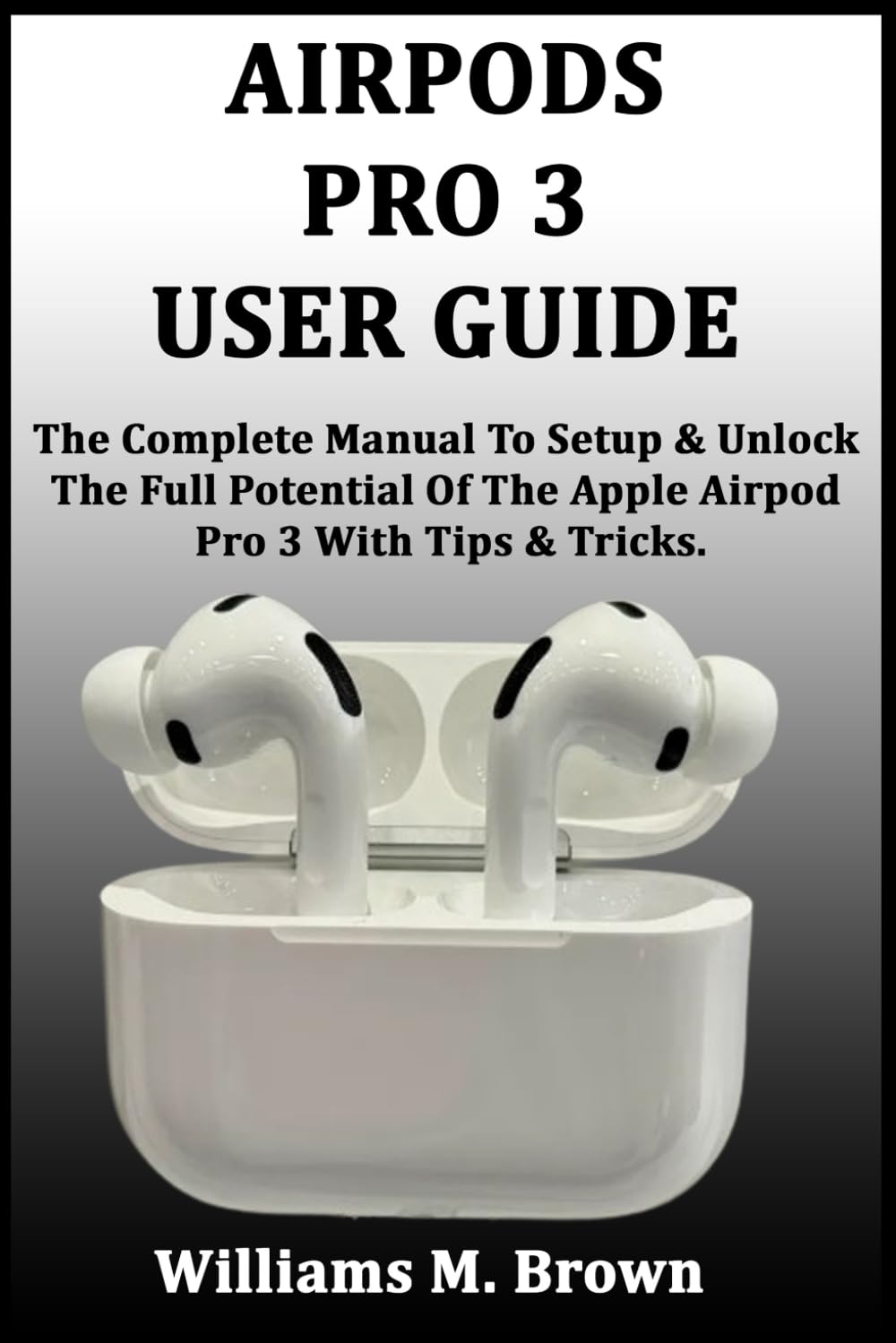
Image: Front cover of the user guide book for Apple AirPods Pro 3. This image represents the instructional material for the product.
1. Setup and Initial Pairing
Follow these steps to set up your AirPods Pro 3 and pair them with your Apple devices.
- Charge Your AirPods: Place your AirPods Pro 3 in their charging case and connect the case to a power source using a Lightning to USB-C cable or a compatible wireless charger. Ensure they are fully charged before first use.
- Open the Case: With your AirPods Pro 3 in the charging case, open the lid and hold the case near your unlocked iPhone or iPad.
- Connect: A setup animation will appear on your device's screen. Tap "Connect" and follow any on-screen instructions. If you have an iCloud account, your AirPods Pro 3 will automatically pair with all your supported devices signed in with the same Apple ID.
- Fit Test: After pairing, you may be prompted to perform an Ear Tip Fit Test to ensure optimal sound quality and noise cancellation.
2. Operating Your AirPods Pro 3
Understand the various controls and advanced features of your AirPods Pro 3 for an optimized listening experience.
2.1. Touch Controls
- Press once: Play, pause, or answer a phone call.
- Press twice: Skip forward.
- Press three times: Skip back.
- Press and hold: Switch between Active Noise Cancellation, Transparency mode, or Adaptive Audio (customizable in Settings).
- Swipe up or down: Adjust volume.
2.2. Advanced Features
- Active Noise Cancellation (ANC): Blocks out external noise for immersive listening.
- Transparency Mode: Allows you to hear your surroundings while listening to audio.
- Adaptive Audio: Automatically adjusts noise control based on your environment.
- Conversation Awareness: Lowers media volume and enhances voices when you start speaking.
- Personalized Spatial Audio: Creates a three-dimensional sound experience.
- Siri Integration: Activate Siri by saying "Hey Siri" or by customizing a press-and-hold action.
3. Maintenance and Battery Life
Proper care and understanding of battery management will extend the life and performance of your AirPods Pro 3.
- Cleaning: Regularly clean your AirPods Pro 3 and their charging case with a soft, dry, lint-free cloth. Avoid using abrasive materials or liquids.
- Ear Tips: Remove the silicone ear tips and rinse them with water if necessary. Ensure they are completely dry before reattaching.
- Battery Optimization:
- Keep your AirPods in the charging case when not in use to ensure they are always ready.
- Avoid extreme temperatures, which can degrade battery performance.
- Enable Optimized Battery Charging in your iPhone settings to reduce battery aging.
4. Troubleshooting Common Issues
If you encounter problems with your AirPods Pro 3, try these common troubleshooting steps.
| Issue | Solution |
|---|---|
| AirPods not connecting | Ensure Bluetooth is enabled on your device. Place AirPods in case, close lid, wait 15 seconds, then open. If issue persists, reset AirPods. |
| Poor sound quality | Check ear tip fit using the Ear Tip Fit Test in Bluetooth settings. Clean AirPods and ear tips. Ensure no obstructions. |
| One AirPod not working | Place both AirPods in the charging case, close the lid, and open it again. Check battery levels for both AirPods. |
| Battery draining quickly | Ensure AirPods are properly seated in the charging case. Avoid extreme temperatures. Check for firmware updates. |
| Resetting AirPods Pro 3 | Place AirPods in case, close lid. Open lid, press and hold the setup button on the back of the case for about 15 seconds until the status light flashes amber, then white. Re-pair with your device. |

Image: Back cover of the user guide book for Apple AirPods Pro 3, displaying the ISBN barcode and publication details. This image provides additional product identification.
5. Specifications
Key technical specifications for the AirPods Pro 3 (based on typical product information for this model).
- Audio Technology: Active Noise Cancellation, Transparency mode, Adaptive Audio, Conversation Awareness, Personalized Spatial Audio with dynamic head tracking, Adaptive EQ.
- Chip: H2 headphone chip, U1 chip in MagSafe Charging Case.
- Sensors: Dual beamforming microphones, Inward-facing microphone, Skin-detect sensor, Motion-detecting accelerometer, Speech-detecting accelerometer, Touch control.
- Sweat and Water Resistant: IPX4 (AirPods and charging case).
- Battery Life: Up to 6 hours listening time (ANC on), up to 30 hours total listening time with charging case.
- Connectivity: Bluetooth 5.3.
- Charging Case: MagSafe Charging Case with speaker and lanyard loop.
6. Warranty and Support
For detailed warranty information and official support, please refer to the manufacturer's official website or the documentation included with your AirPods Pro 3.
- Warranty: Apple products typically come with a one-year limited warranty. Specific terms and conditions apply.
- Online Support: Visit the official Apple Support website for FAQs, troubleshooting guides, and contact options.
- Service and Repair: Information on service options, including battery service and accidental damage coverage (e.g., AppleCare+), can be found on the Apple website.


