
Introduction
Welcome to the Cubitt AURA Pro 2 Smartwatch user manual. This guide provides essential information for setting up, operating, maintaining, and troubleshooting your new smartwatch. The Cubitt AURA Pro 2 is designed to enhance your daily life with advanced health monitoring, built-in GPS, and smart features.

Setup
1. Charging the Device
Before first use, fully charge your Cubitt AURA Pro 2 Smartwatch. Connect the charging cable to the charging port on the back of the watch and to a USB power adapter. A full charge typically takes approximately 2 hours.

2. Installing the Companion App
Download the official Cubitt companion app from your smartphone's app store (iOS App Store or Google Play Store). Search for "Cubitt" or "Cubitt Tracking Technologies".
3. Pairing with Your Smartphone
- Ensure Bluetooth is enabled on your smartphone.
- Open the Cubitt app and follow the on-screen instructions to create an account or log in.
- Select "Add Device" or "Pair New Device" within the app.
- Select "AURA Pro 2" from the list of available devices.
- Confirm the pairing request on both your smartphone and the smartwatch.

Operating Instructions
Display and Navigation
The Cubitt AURA Pro 2 features a 1.48” AMOLED HD display with 24-Bit True Color. Navigate through menus by swiping left, right, up, or down. Tap to select items. The physical buttons provide quick access to functions and the action button can be customized for sports modes.

Key Features
- Built-In GPS with Offline Maps & Compass: Navigate confidently with precise route tracking, barometer, and support for 5 GNSS systems. Access offline maps directly from your watch for navigation without a phone connection.
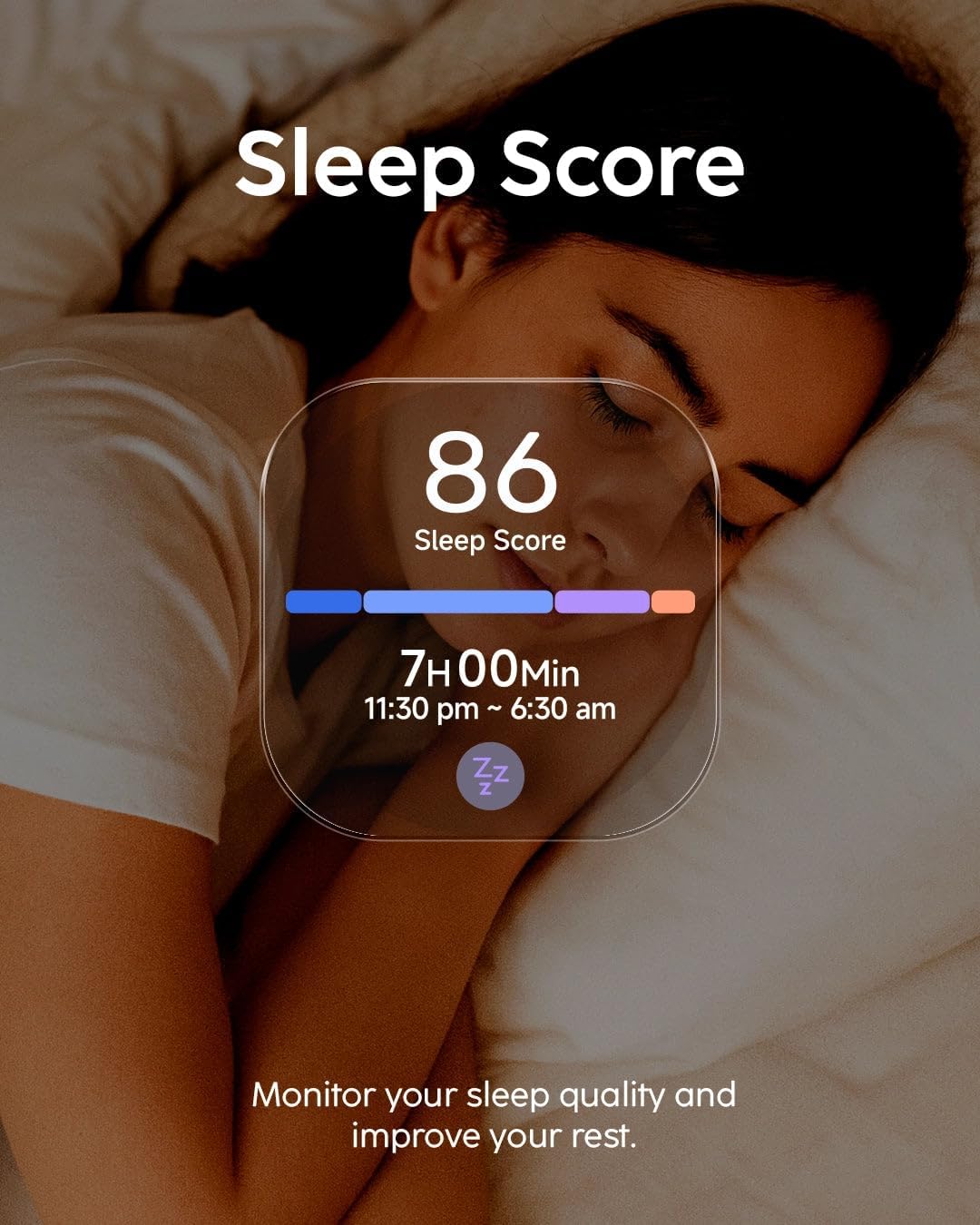
- Advanced Health Monitoring: Track Heart Rate (HR), Blood Oxygen (SpO₂), VO₂ Max, body temperature, stress levels, and menstrual cycles. Comprehensive sleep analysis with a detailed Sleep Score helps monitor and improve your rest.
- VITA AI Coach, Readiness Score & Health Snap: Benefit from personalized training insights and recovery recommendations. The Readiness Score provides daily insights into your body's recovery. Perform quick Health Snaps to check HR, HRV, stress, and SpO₂ in just 90 seconds.
- Smart Features & Connectivity: Enjoy Bluetooth calling, receive smart notifications from your paired smartphone, and listen to offline music with TWS (True Wireless Stereo) support.



Maintenance
Cleaning Your Smartwatch
- Wipe the watch and strap regularly with a soft, damp, lint-free cloth.
- Avoid using harsh chemicals, abrasive cleaners, or aerosol sprays.
- Ensure the charging contacts are clean and dry before charging to prevent corrosion.
Water Resistance (5ATM)
The Cubitt AURA Pro 2 is rated 5ATM, meaning it is water-resistant up to 50 meters. It is suitable for swimming and showering but not for scuba diving or high-speed water sports. Avoid pressing buttons underwater.
Troubleshooting
| Issue | Possible Solution |
|---|---|
| Watch not turning on | Ensure the watch is fully charged. Press and hold the power button for at least 10 seconds. |
| Cannot pair with smartphone |
|
| Inaccurate health data | Ensure the watch is worn snugly on your wrist, about one finger's width above the wrist bone. Keep the sensor clean. |
| Notifications not appearing |
|
| GPS not locking on | Ensure you are in an open outdoor area with a clear view of the sky. Wait a few moments for the watch to acquire a signal. |
Specifications
| Feature | Detail |
|---|---|
| Model Name | Cubitt AURA Pro 2 |
| Display | 1.48" AMOLED HD, 24-Bit True Color |
| GPS | Built-In GPS, 5 GNSS systems, Offline Maps |
| Health Monitoring | HR, SpO₂, VO₂ Max, Body Temperature, Stress, Menstrual Cycle, Sleep Score |
| AI Assistant | VITA AI, AI Coach, Readiness Score, Health Snap |
| Water Resistance | 5ATM (up to 50 meters) |
| Battery Life | Up to 10 days (450 mAh battery) |
| Connectivity | Bluetooth Calling, Smart Notifications, Offline Music (TWS support) |
| Sensors | 6-axis motion sensor, Barometer |
| Dimensions (Item width) | 3 inches |
Warranty Information
Cubitt Tracking Technologies provides a limited warranty for the Cubitt AURA Pro 2 Smartwatch against defects in materials and workmanship under normal use. The specific duration and terms of the warranty may vary by region. Please refer to the warranty card included in your product packaging or visit the official Cubitt website for detailed warranty information and registration.
This warranty does not cover damage caused by accidents, misuse, unauthorized repairs, or normal wear and tear.
Customer Support
For further assistance, technical support, or to view frequently asked questions, please visit the official Cubitt Tracking Technologies website or contact our customer service team.
- Official Website: Cubitt Tracking Technologies Store
- Email Support: Refer to the contact section on the official website.
- Phone Support: Refer to the contact section on the official website.


