
1. Introduction
This manual provides essential information for setting up, operating, and maintaining your Cubitt Terra Rugged Smartwatch. Please read it thoroughly to ensure optimal performance and longevity of your device.

Figure 1: Front view of the Cubitt Terra Rugged Smartwatch.
2. Setup
2.1 Unboxing
Carefully remove all components from the packaging. The box should contain the Cubitt Terra Smartwatch, a charging cable, and an additional strap.

Figure 2: Side view of the smartwatch with the included strap.
2.2 Initial Charge
Before first use, fully charge your smartwatch. Connect the charging cable to the designated port on the watch and to a USB power source. The watch display will indicate charging status.
2.3 App Download and Pairing
Download the official Cubitt companion app from your smartphone's app store. Follow the on-screen instructions within the app to pair your smartwatch via Bluetooth. Ensure Bluetooth is enabled on your smartphone.
3. Key Features
3.1 Rugged Design
The Cubitt Terra is built to withstand extreme conditions. It is MIL-STD-810H certified for durability against heat, cold, shocks, and everyday wear. With 5ATM water resistance, it is suitable for swimming and water sports. The 1.48-inch AMOLED display is protected by Gorilla Glass for enhanced scratch resistance.

Figure 3: Smartwatch highlighting military-grade durability.
3.2 Advanced Navigation
Equipped with Dual-Band GPS (L1 + L5) and support for 5 GNSS systems (GPS, BDS, GLONASS, GALILEO, QZSS), the watch offers unmatched precision for location tracking. It supports offline maps and includes a built-in compass for reliable navigation during outdoor activities.

Figure 4: Smartwatch displaying GPS tracking and offline map capabilities.
3.3 Vibrant AMOLED Display
The 1.48-inch AMOLED ultra-bright display features 24-Bit True Color, delivering vivid visuals and smooth gradients. Auto-brightness functionality adapts to various lighting conditions for optimal visibility.
3.4 Comprehensive Health Monitoring
The Cubitt Terra provides 24/7 health monitoring, including heart rate (HR), blood oxygen (SpO₂), VO₂ Max, body temperature, stress levels, menstrual cycle tracking, and sleep analysis with a Sleep Score.
3.5 Intelligent Training Partner
Enhance your workouts with the VITA AI voice assistant, AI Coach, and Readiness Score. The watch offers animated workout guides and supports over 170 sport modes to track diverse physical activities.

Figure 5: VITA AI voice assistant on the smartwatch display.
3.6 Enhanced Connectivity and Power
A 530 mAh battery provides up to 14 days of typical use or 26 hours with continuous GPS. Bluetooth 5.3 enables calling directly from the watch, smart notifications, and offline music playback with direct TWS (True Wireless Stereo) connection. A built-in flashlight offers convenience in low-light conditions.
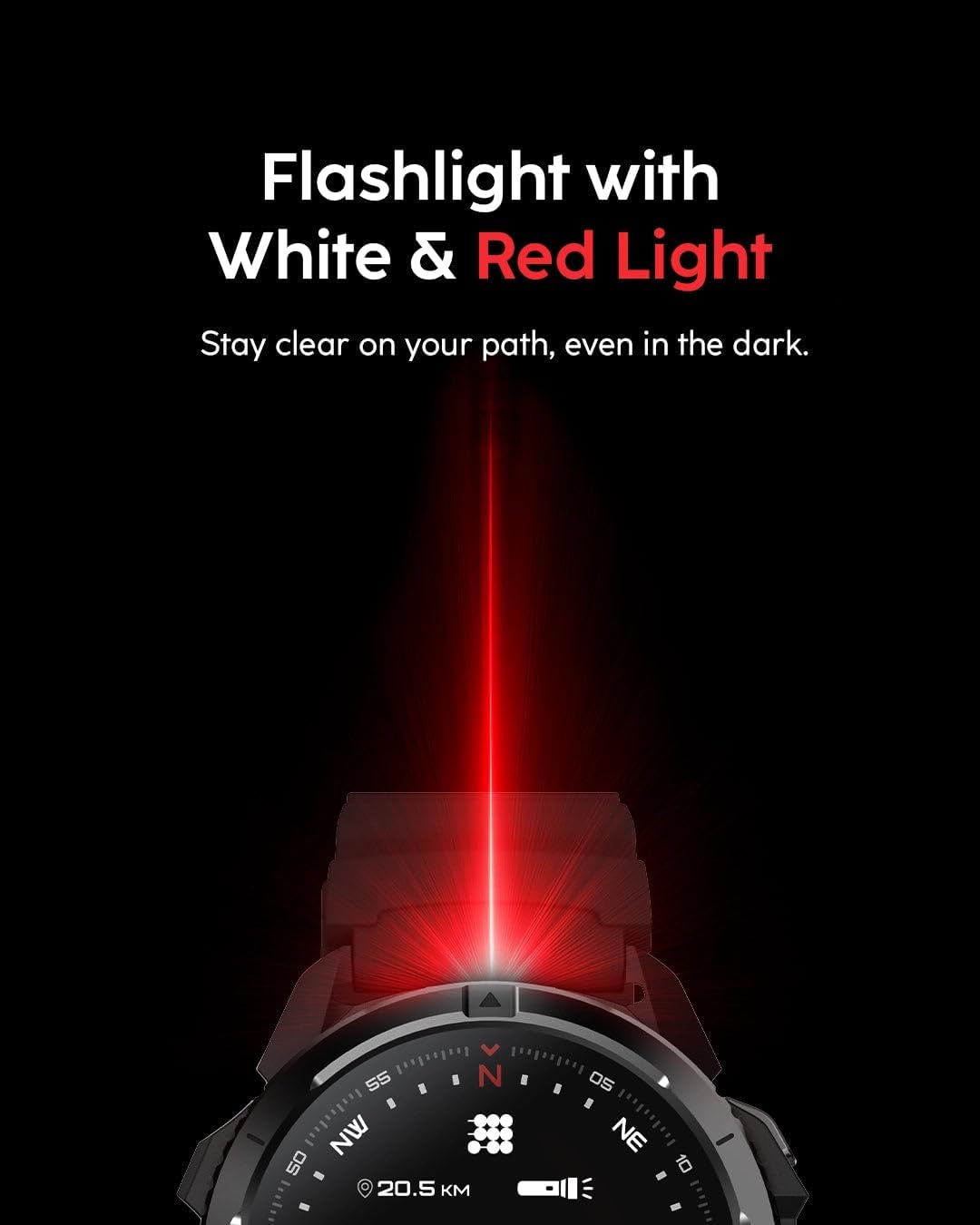
Figure 6: Smartwatch demonstrating its built-in flashlight feature.
4. Operating Instructions
4.1 Basic Navigation
The smartwatch features a responsive touchscreen for intuitive navigation. Swipe left, right, up, or down to access different menus and widgets. Tap to select options. The physical buttons on the side provide additional control, with one button being customizable for quick access to a preferred function.

Figure 7: Smartwatch showing the action button and various workout modes.
4.2 Watch Faces
Customize your watch's appearance by selecting from a variety of watch faces available through the companion app. Some watch faces allow for further customization of displayed information.
4.3 Health Tracking
Access your heart rate, SpO₂, sleep data, stress levels, and other health metrics directly from the watch's interface or through the companion app for detailed analysis.
4.4 Workout Modes
Select your desired sport mode from the extensive list. The watch will track relevant metrics such as distance, pace, calories burned, and heart rate. For outdoor activities, the Dual-Band GPS will accurately record your route.
4.5 Smart Functions
- Bluetooth Calling: Make and receive calls directly from your wrist when connected to your smartphone.
- Smart Notifications: Receive alerts for calls, messages, and app notifications.
- Music Control: Control music playback on your smartphone or play offline music directly from the watch to TWS earbuds.
- Flashlight: Activate the built-in flashlight for quick illumination.
5. Maintenance
5.1 Charging
Use the provided magnetic charging cable. Ensure the charging pins align correctly with the watch's charging contacts. A full charge typically takes a few hours.
5.2 Cleaning
Wipe the watch and straps regularly with a soft, dry cloth. For stubborn dirt, use a slightly damp cloth and mild soap, then rinse thoroughly and dry. Avoid harsh chemicals or abrasive materials.
5.3 Water Resistance
The watch is 5ATM water resistant, suitable for swimming and showering. However, avoid prolonged exposure to hot water, steam, or high-velocity water jets, as this can compromise the water seal. Do not operate buttons underwater.
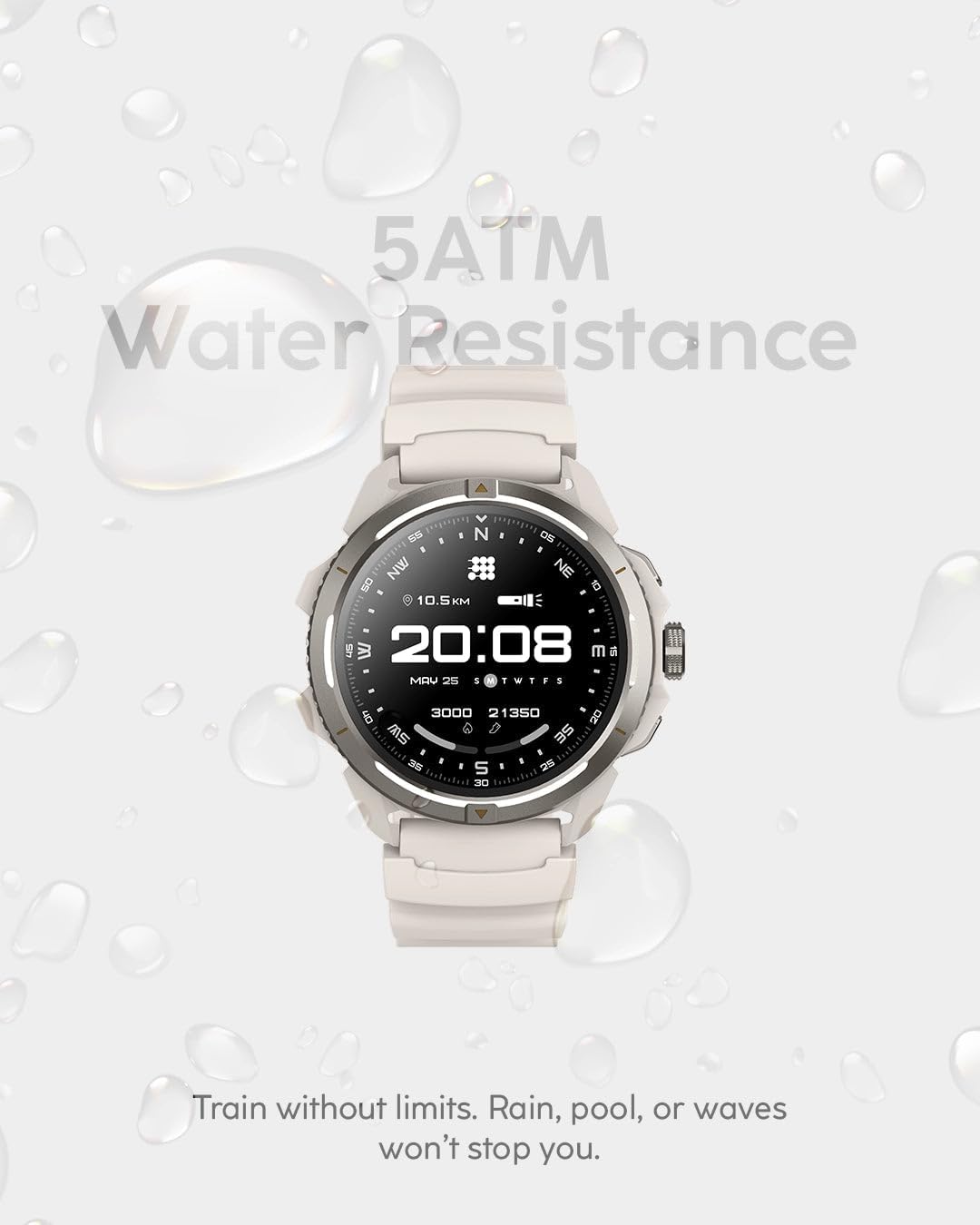
Figure 8: Smartwatch demonstrating 5ATM water resistance.
6. Troubleshooting
6.1 Connectivity Issues
If the watch fails to connect to your smartphone, ensure Bluetooth is enabled on both devices. Try restarting both the watch and your phone. If the issue persists, unpair the device from the app and re-pair it.
6.2 Inaccurate Readings
For heart rate or SpO₂ readings, ensure the watch is worn snugly on your wrist, not too tight or too loose. Clean the sensor area regularly. For GPS accuracy, ensure you are in an open area with a clear view of the sky.
6.3 Display Not Responding
If the touchscreen is unresponsive, try restarting the watch by pressing and holding the power button. Ensure the screen is clean and dry.
7. Specifications
- Brand: Cubitt Tracking Technologies
- Model: Terra
- Product Dimensions: 4 x 3 x 7 inches
- Item Weight: 7.8 ounces
- Display: 1.48 Inches AMOLED
- Operating System: AsteroidOS
- Connectivity: Bluetooth 5.3
- GPS: Dual-Band (L1 + L5), Built-in GPS (5 GNSS systems)
- Water Resistance: 5ATM
- Battery Capacity: 530 Milliamp Hours (up to 14 days typical use)
- Memory Storage Capacity: 4 GB
- Special Features: Multisport Tracker, Shockproof, Voice Control (VITA AI), Weather Forecast, Offline Maps, Flashlight
- Screen Material: Gorilla Glass
- Color: Desert Sand
- Manufacturer: Cubitt
8. Warranty and Support
For warranty information and customer support, please refer to the documentation included in your product packaging or visit the official Cubitt Tracking Technologies website. Keep your proof of purchase for warranty claims.