
Introduction
This manual provides essential instructions for setting up, operating, and maintaining your LIGE EF21-J Smart Watch. Please read this guide thoroughly to ensure proper use and to fully utilize all features of your device. This smart watch is designed to be a versatile companion for both business and sports activities, offering advanced health monitoring, communication, and fitness tracking capabilities.
Package Contents
Verify that all items are present in your package:
- 1 x LIGE EF21-J Smart Watch
- 1 x Stainless Steel Strap
- 1 x Silicone Strap
- 1 x USB Magnetic Charging Cable
- 1 x Type-C Charging Cable
- 1 x Instruction Manual (this document)
Product Overview
The LIGE EF21-J Smart Watch features a 1.43-inch AMOLED display, a durable metal case, and interchangeable straps to suit various occasions. It integrates advanced sensors for comprehensive health and fitness tracking.

Image: The LIGE EF21-J Smart Watch shown in different lifestyle scenarios, highlighting its adaptability for business, casual, and active use.
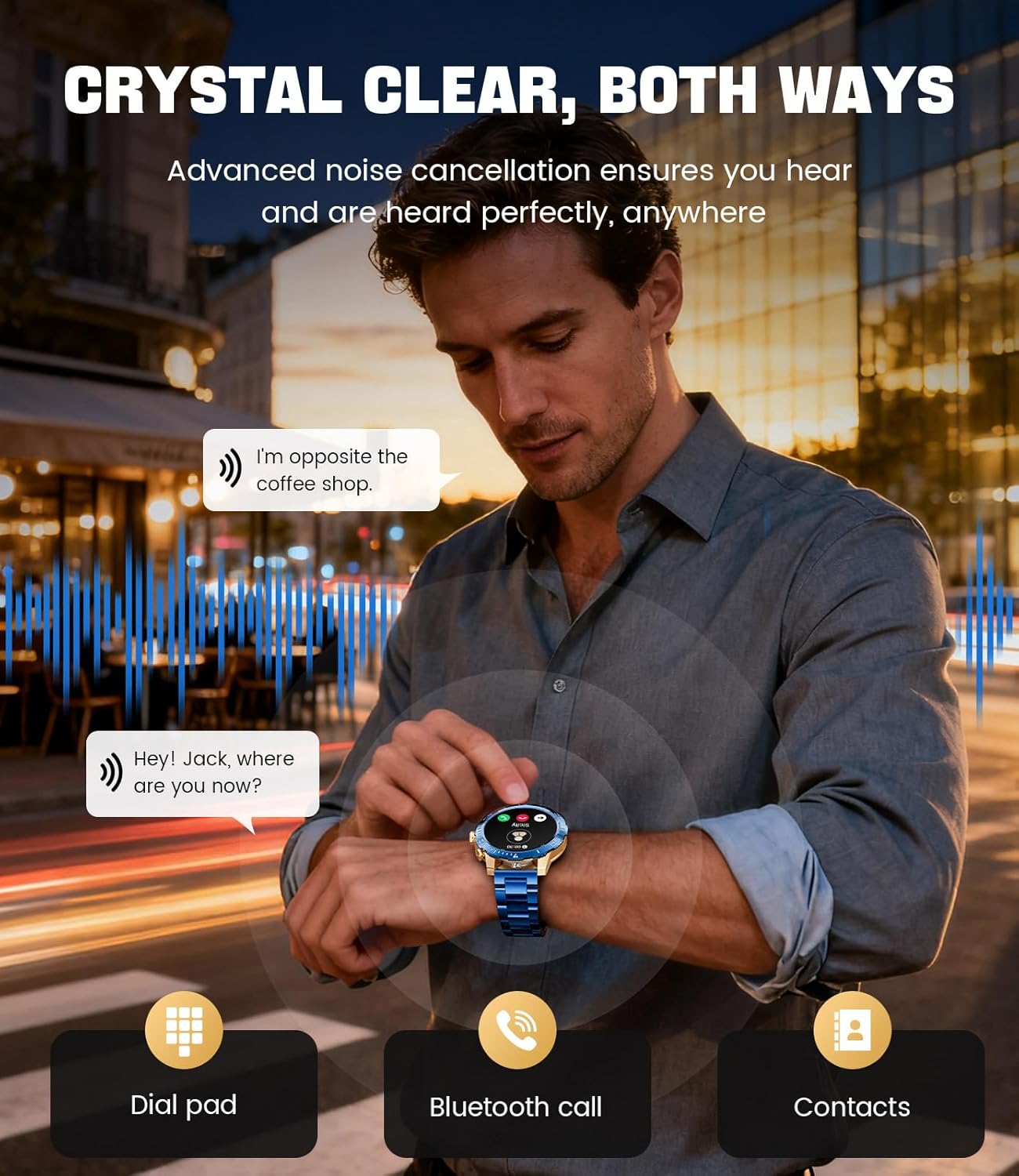
Image: A close-up of the LIGE EF21-J Smart Watch screen showing an incoming call, demonstrating its Bluetooth calling capability with clear audio.

Image: The LIGE EF21-J Smart Watch interface showing a selection of sports modes, including golf, climbing, and running, indicating its extensive activity tracking features.

Image: The LIGE EF21-J Smart Watch screen displaying heart rate, blood oxygen, and sleep data, illustrating its 24/7 health monitoring capabilities.
Video: An official product video showcasing the LIGE EF21-J Smart Watch's key features, including its AMOLED display, rotary encoder crown, charging capabilities, compatibility, sports modes, health monitoring, and various smart functions.
Setup
1. Charging the Smart Watch
Before first use, fully charge your LIGE EF21-J Smart Watch. The watch comes with both a USB magnetic charging cable and a Type-C charging cable for convenience.
- Connect the magnetic end of the charging cable to the charging points on the back of the watch. Ensure it snaps securely into place.
- Connect the USB or Type-C end of the cable to a compatible power adapter (not included) or a computer's USB port.
- The watch display will indicate charging status. A full charge typically takes approximately 2-3 hours.

Image: The LIGE EF21-J Smart Watch connected to its magnetic charging cable, illustrating the charging process and the inclusion of both USB and Type-C cable options.
2. App Installation
To unlock the full functionality of your smart watch, download and install the companion application on your smartphone.
- The LIGE EF21-J Smart Watch uses the FitCloudPro App.
- Search for "FitCloudPro" in the Apple App Store (for iOS 12.0+ devices) or Google Play Store (for Android 8.0+ devices).
- Download and install the app.
3. Device Pairing
Pair your smart watch with the FitCloudPro app via Bluetooth to synchronize data and enable smart features.
- Ensure Bluetooth is enabled on your smartphone.
- Open the FitCloudPro app and create an account or log in.
- Follow the in-app instructions to add a new device. The app will search for available devices.
- Select "EF21-J" or the corresponding device name from the list.
- Confirm the pairing request on both your smartphone and the watch.
- Once paired, the watch will synchronize time and data with your phone.
Operating Instructions
Basic Navigation
- Touchscreen: Swipe left, right, up, or down to navigate through menus and functions. Tap to select.
- Rotary Encoder Crown: Rotate the crown to scroll through lists or adjust settings. Press the crown to return to the home screen or confirm selections.
- Side Button: Typically used for quick access to sports modes or as a back button.
Bluetooth Calling
Make and receive calls directly from your wrist when connected to your smartphone.
- Ensure your watch is paired with your phone via Bluetooth.
- To make a call: Access the dial pad or contacts list on your watch.
- To answer a call: When a call comes in, tap the green answer icon on the watch screen.
- To reject a call: Tap the red reject icon.
Smart Notifications
Receive alerts for calls, messages, and app notifications directly on your watch.
- Enable notification permissions for the FitCloudPro app in your phone's settings.
- Configure which app notifications you wish to receive through the FitCloudPro app.
- Swipe down from the watch face to view recent notifications.
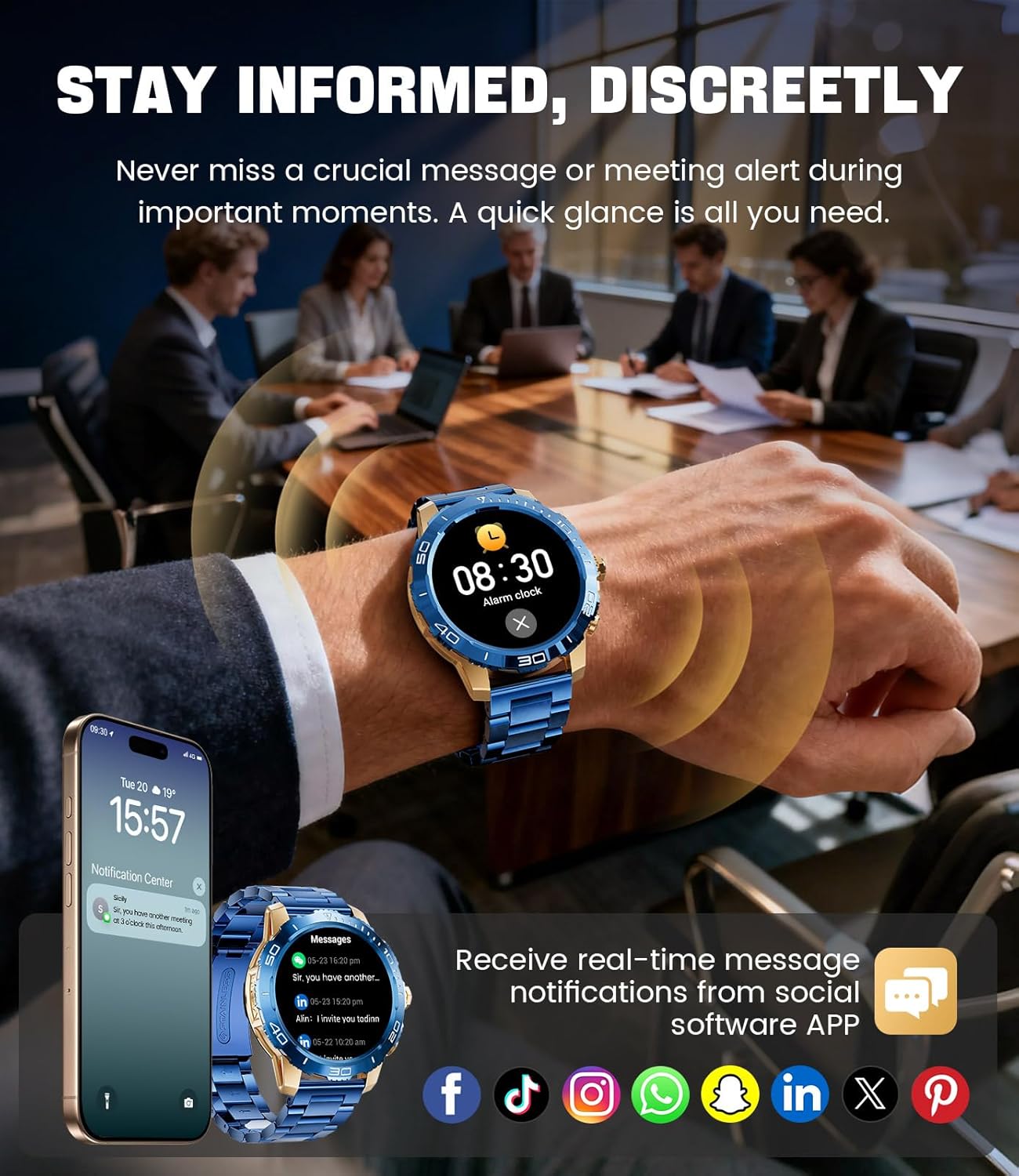
Image: The LIGE EF21-J Smart Watch screen showing incoming message notifications from various social media applications, demonstrating its ability to keep users informed discreetly.
Sports Modes
The watch supports over 200 sports modes to accurately track your physical activities.
- Access the sports mode menu from the main interface.
- Select your desired activity (e.g., running, cycling, yoga, basketball).
- The watch will begin tracking metrics such as distance, steps, calories burned, and heart rate.
- End your workout by following the on-screen prompts. Data will sync to the FitCloudPro app for detailed analysis.
Health Monitoring
Monitor your heart rate, blood oxygen, and sleep patterns throughout the day.
- Heart Rate: The watch continuously monitors your heart rate. View real-time data on the watch or historical trends in the app.
- Blood Oxygen (SpO2): Measure your blood oxygen levels on demand.
- Sleep Tracking: Wear the watch to bed to track your sleep duration and quality. Data includes deep sleep, light sleep, and awake times.
- Stress Monitoring: The watch can also provide insights into your daily stress levels.
Important: The LIGE EF21-J Smart Watch is not a medical device. Health data provided is for reference only and should not be used for medical diagnosis or treatment. Consult a healthcare professional for any health concerns.
Other Functions
The watch offers a variety of additional features to enhance your daily life:
- Voice Assistant: Interact with your phone's voice assistant directly from your watch.
- Music Player Control: Control music playback on your smartphone (play, pause, skip tracks).
- Weather Forecast: Get real-time weather updates.
- Alarm Clock: Set alarms to wake you up or remind you of tasks.
- Sedentary Reminder: Receive alerts to move after periods of inactivity.
- Drink Water Reminder: Set reminders to stay hydrated.
- Flashlight: Use the watch screen as a small flashlight.
- Find My Phone: Locate your paired smartphone.
- Password Protection: Enhance security with a screen lock password.

Image: The LIGE EF21-J Smart Watch interface showcasing a range of smart functions, including music control, weather, breath training, drink reminders, flashlight, and health monitoring summaries.
Battery Management
The LIGE EF21-J Smart Watch is equipped with an 800mAh battery, designed for extended use.
- Typical Usage: Expect over 10 days of battery life with regular use.
- Standby Time: The watch can last over 30 days in standby mode.
- Charging: Use the provided USB magnetic or Type-C charging cables. Always use a compatible 5V/1A power adapter.
- Battery Optimization: To extend battery life, reduce screen brightness, limit background app refresh, and disable unnecessary notifications.
Maintenance
- Cleaning: Regularly wipe the watch screen and body with a soft, dry cloth. For stubborn dirt, use a slightly damp cloth and dry thoroughly.
- Water Resistance: The watch has an IP68 water resistance rating, meaning it is protected against dust and can withstand immersion in water up to 1.5 meters for up to 30 minutes. It is suitable for daily use, hand washing, and light rain. Avoid hot water, saunas, or diving, as steam and high pressure can compromise the seal.
- Strap Care: Clean silicone straps with mild soap and water. For stainless steel straps, use a soft brush and mild cleaning solution, then dry completely.
- Storage: Store the watch in a cool, dry place when not in use. Avoid extreme temperatures.
Troubleshooting
| Problem | Solution |
|---|---|
| Watch does not turn on | Ensure the watch is fully charged. Connect it to the charger for at least 30 minutes. |
| Cannot pair with phone |
|
| Notifications not received |
|
| Inaccurate health data | Ensure the watch is worn snugly on your wrist, about one finger's width from your wrist bone. Avoid excessive movement during measurements. Remember, this is not a medical device. |
| Short battery life |
|
Specifications
| Feature | Detail |
|---|---|
| Model Number | EF21-J |
| Display | 1.43-inch AMOLED, 466x466 pixels |
| Battery Capacity | 800mAh Lithium Polymer |
| Battery Life (Typical) | 10+ days |
| Standby Time | 30+ days |
| Connectivity | Bluetooth |
| Water Resistance | IP68 |
| Operating System Compatibility | Android 8.0+ or iOS 12.0+ |
| Companion App | FitCloudPro |
| Health Monitoring | Heart Rate, Blood Oxygen, Sleep Tracking, Stress Monitoring |
| Sports Modes | 200+ modes |
| Special Features | Bluetooth Call, Voice Assistant, Music Control, Weather, Alarm, Sedentary Reminder, Drink Reminder, Flashlight, Find My Phone, Password Protection, AMOLED Always On Display |
| Item Weight | 7.1 ounces (201 grams) |
| Package Dimensions | 6 x 4 x 0.9 inches (15.24 x 10.16 x 2.29 cm) |
Warranty and Support
LIGE provides customer support for your EF21-J Smart Watch. If you encounter any issues or have questions regarding your device, please contact us through the Amazon messaging system. Our professional customer service team is available to assist you.
Please refer to your purchase documentation for specific warranty terms and conditions.


