
1. Introduction
Thank you for choosing the Baseus Bass BP1 NC Hybrid Active Noise Cancelling Wireless Earbuds. This manual provides essential information for setting up, operating, and maintaining your earbuds to ensure optimal performance and longevity. Please read it thoroughly before use.
2. What's in the Box
Verify that all items are present in your package:
- Baseus Bass BP1 NC Wireless Earbuds
- Wireless Charging Case
- Eartips (S/M/L sizes)
- User Manual

Image: Contents of the Baseus Bass BP1 NC Earbuds package.
3. Product Overview
Familiarize yourself with the components of your Baseus Bass BP1 NC earbuds and charging case.
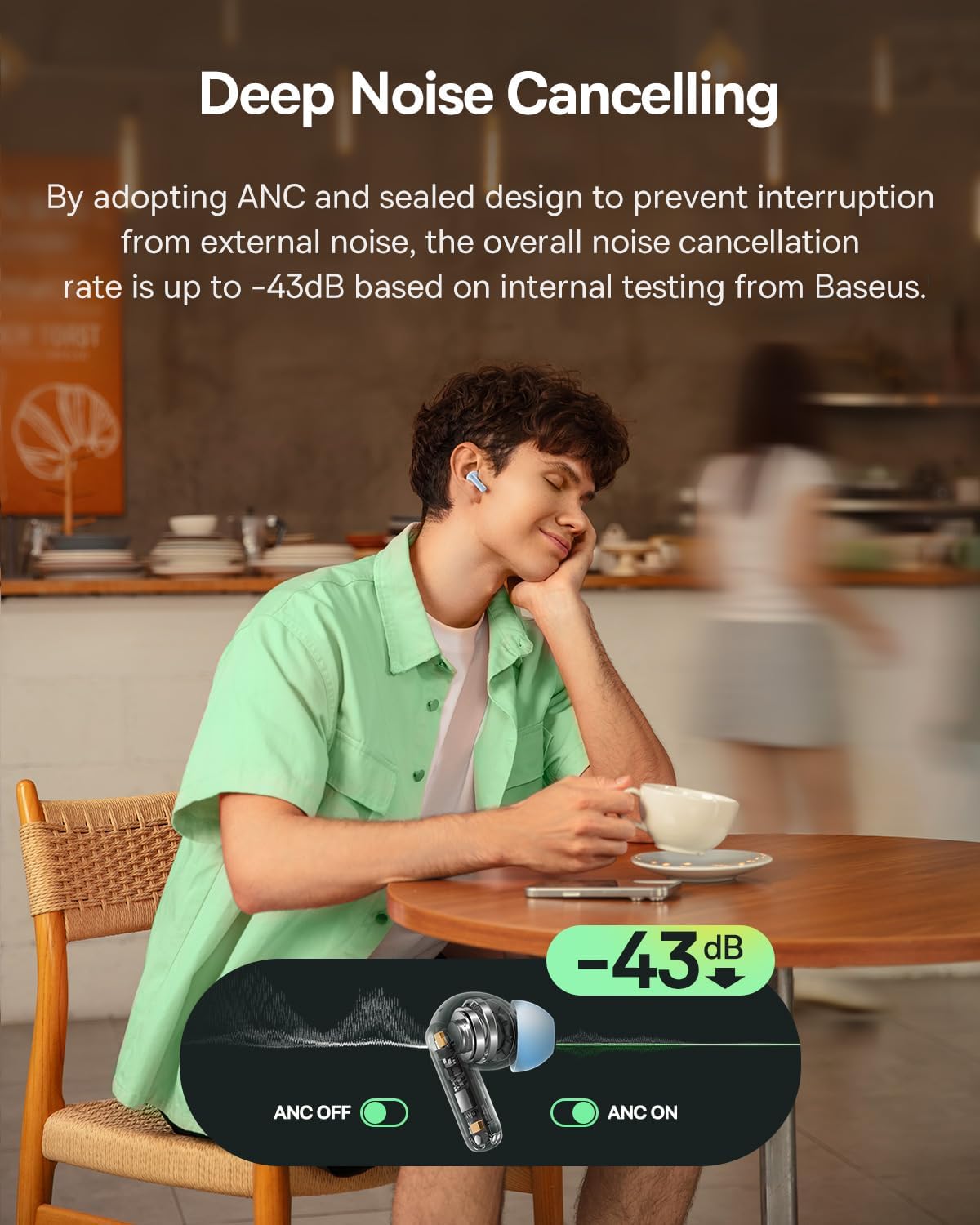
Image: Baseus Bass BP1 NC Earbuds and Charging Case.
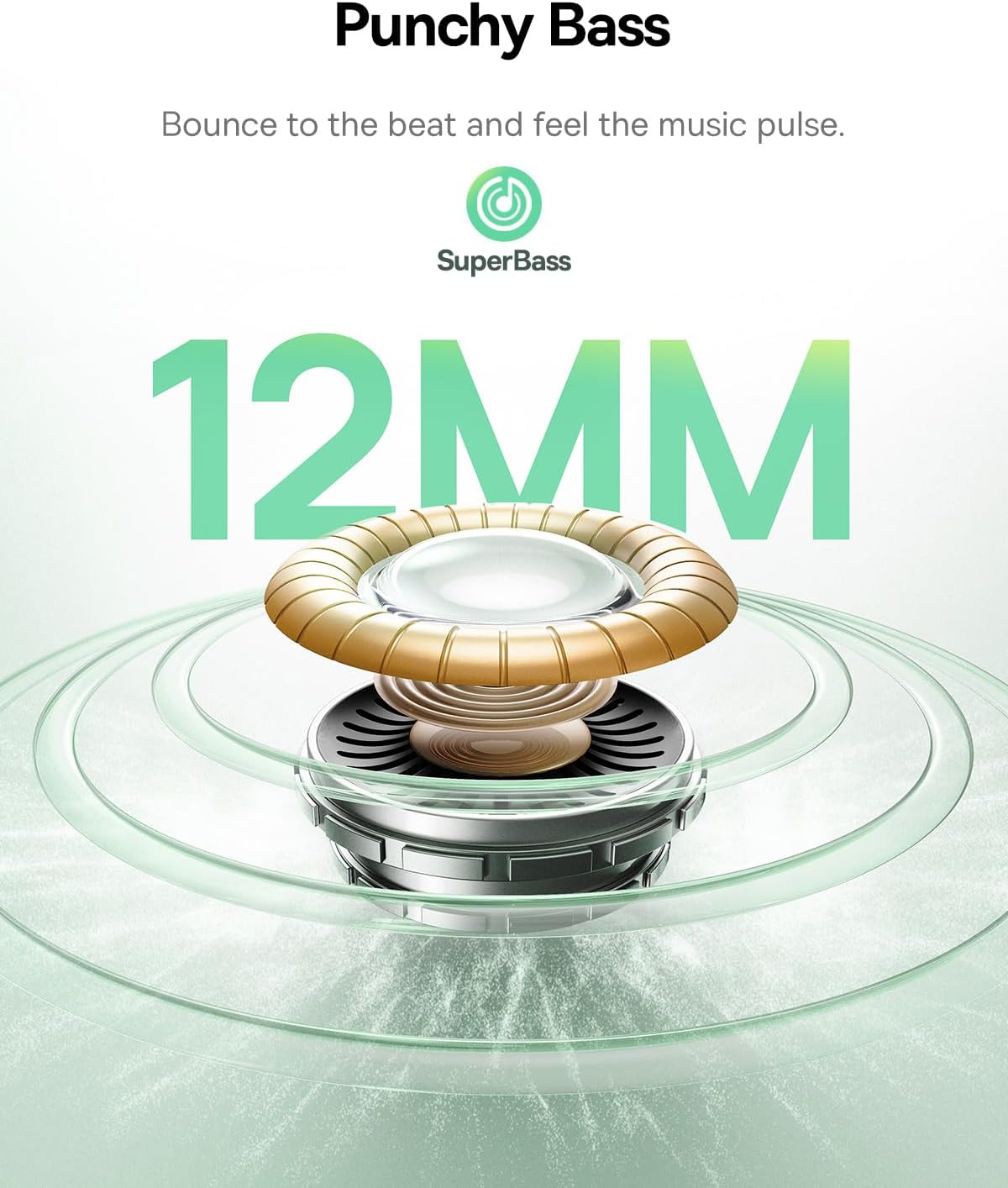
Image: Detailed view of a single earbud.
4. Setup
4.1 Charging the Earbuds and Case
Before first use, fully charge the earbuds and charging case. Place the earbuds into the charging case. Connect the charging case to a power source using a USB-C cable. The indicator lights on the case will show the charging status.
A 10-minute charge provides approximately 2 hours of playtime.

Image: Battery life and charging information.
4.2 Bluetooth Pairing
- Open the charging case. The earbuds will automatically enter pairing mode, indicated by a flashing light.
- On your device (smartphone, tablet, etc.), enable Bluetooth.
- Search for "Baseus Bass BP1 NC" in the list of available Bluetooth devices and select it to connect.
- Once connected, the indicator light on the earbuds will turn off or show a steady light, depending on the model.
The earbuds feature Bluetooth 6.0 for lower latency, more stable connectivity, and increased transmission range.

Image: Bluetooth 6.0 technology overview.
4.3 Fitting the Earbuds
For optimal sound quality and noise cancellation, ensure a proper fit. Choose the eartips that provide a snug seal in your ear canal. Insert the earbuds gently and twist them slightly until they feel secure and comfortable.

Image: Earbuds properly fitted in ear.
5. Operating Instructions
5.1 Power On/Off
- Power On: Open the charging case, and the earbuds will automatically power on.
- Power Off: Place the earbuds back into the charging case and close the lid. They will automatically power off and begin charging.
5.2 Touch Controls
The Baseus Bass BP1 NC earbuds feature intuitive touch controls on each earbud. The 'Pinch Area' on the stem of the earbud is where touch gestures are registered.

Image: Touch control functions.
| Action | Function |
|---|---|
| Double Tap (x2) | Play/Pause music; Answer/End calls |
| Triple Tap (x3) | Play Previous Track (Left earbud); Play Next Track (Right earbud) |
| Press and Hold (2s) | Reject calls; Switch Noise Reduction / Transparency Mode |
5.3 Active Noise Cancellation (ANC) and Transparency Mode
The earbuds feature Hybrid ANC technology, reducing external noise by up to -43dB. You can switch between ANC On, ANC Off, and Transparency modes by pressing and holding the touch area for 2 seconds.
- ANC On: Blocks out ambient noise for an immersive listening experience.
- ANC Off: Standard audio mode without noise cancellation.
- Transparency Mode: Allows you to hear your surroundings while still enjoying your audio, useful for awareness in busy environments.

Image: Deep Noise Cancelling feature in action.
5.4 Call Management
The 4-Mic AI ENC technology ensures clear calls by isolating your voice from background noise.

Image: 4-Mic AI ENC for clear calls.
5.5 Customizable Audio Performance (EQ)
Utilize the Baseus app to personalize your listening experience with 24 customizable EQ settings. This allows you to tailor the sound profile to your preferences for various music genres or content types.

Image: Baseus app EQ customization interface.
5.6 Low Latency Gaming
The earbuds offer a low latency of 58ms, providing a synchronized audio-visual experience ideal for gaming.
Video: Demonstrating the low latency feature for gaming.
6. Maintenance
6.1 Cleaning
- Regularly clean the earbuds, especially the eartips and charging contacts, with a soft, dry, lint-free cloth.
- Remove eartips and clean them with mild soap and water if necessary. Ensure they are completely dry before reattaching.
- Do not use abrasive cleaners or solvents.
6.2 Storage
When not in use, always store the earbuds in their charging case to protect them from dust, damage, and to keep them charged.
6.3 Water Resistance
The earbuds are IP55 water-resistant, protecting them from sweat, splashes, and light rain. Do not submerge them in water or expose them to strong jets of water.

Image: IP55 Water & Dust Resistant feature.
7. Troubleshooting
If you encounter issues, refer to the following common problems and solutions:
| Problem | Possible Solution |
|---|---|
| Earbuds not pairing | Ensure earbuds are charged. Turn off and on Bluetooth on your device. Place earbuds back in case, close, then reopen to re-enter pairing mode. |
| No sound from one earbud | Check if both earbuds are charged. Try resetting the earbuds (refer to manufacturer's specific reset instructions if available). Re-pair with your device. |
| Poor sound quality / Weak bass | Ensure eartips provide a snug seal. Try different sized eartips. Check EQ settings in the Baseus app. |
| ANC not effective | Ensure earbuds are properly seated in your ears. Verify ANC mode is active via touch control or the Baseus app. |
| Earbuds not charging | Clean charging contacts on both earbuds and case. Ensure charging cable is securely connected and power source is active. |
8. Specifications
Detailed technical specifications for the Baseus Bass BP1 NC Earbuds:
- Model Name: Baseus Bass BP1 NC
- Noise Control: Adaptive Noise Cancellation (Hybrid ANC up to -43dB)
- Audio Driver Type: Dynamic Driver
- Audio Driver Size: 12 mm
- Frequency Response: 20 KHz
- Impedance: 16 Ohms
- Connectivity Technology: Wireless
- Wireless Communication Technology: Bluetooth
- Bluetooth Version: 6.0
- Bluetooth Range: 10 Meters
- Audio Latency: 58 Milliseconds
- Battery Life (Earbuds): Up to 7 hours (ANC off)
- Total Playtime (with Charging Case): Up to 41 hours (ANC off)
- Charging Time (Rapid Charge): 10 minutes for 2 hours playtime
- Water Resistance Level: IP55 (Water Resistant)
- Control Type: Touch Control
- Microphones: 4-Mic AI ENC
- Customizable EQ: 24 settings via Baseus App
- Material: Acrylonitrile Butadiene Styrene (ABS), Polycarbonate (PC)
- Item Weight (per earbud): 4.1 Grams (approx. 0.145 ounces)
- Product Dimensions: 1.2 x 0.8 x 0.9 inches
- Carrying Case Dimensions: 5.7 x 4.9 x 2.8 Centimeters
- UPC: 810196183469
9. Safety Information
- Do not disassemble or modify the product.
- Keep away from extreme temperatures, direct sunlight, and open flames.
- Avoid exposing the product to water beyond its IP55 rating.
- Do not use the earbuds at excessively high volumes for prolonged periods to prevent hearing damage.
- Keep out of reach of children and pets.
10. Warranty and Support
Baseus products are covered by a limited warranty. For specific warranty terms, registration, or technical support, please refer to the warranty card included in your package or visit the official Baseus website. Please retain your proof of purchase for warranty claims.


