
Introduction
Thank you for choosing the Baseus Bass BS1 NC Semi-in-Ear True Wireless Noise Cancelling Earbuds. This manual provides essential information for setting up, operating, and maintaining your new earbuds to ensure optimal performance and longevity. Please read this guide thoroughly before use.
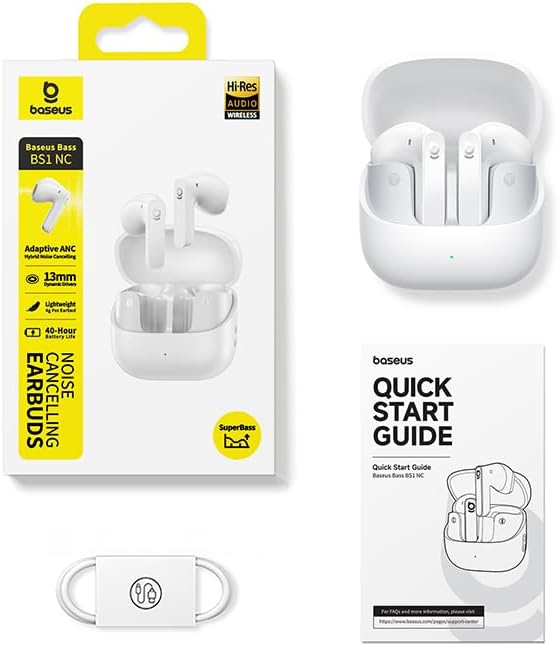
What's in the Box
- Baseus Bass BS1 NC Semi-in-Ear Earbuds
- Charging Case
- USB-A to USB-C Charging Cable
- Quick Start Guide
Product Overview
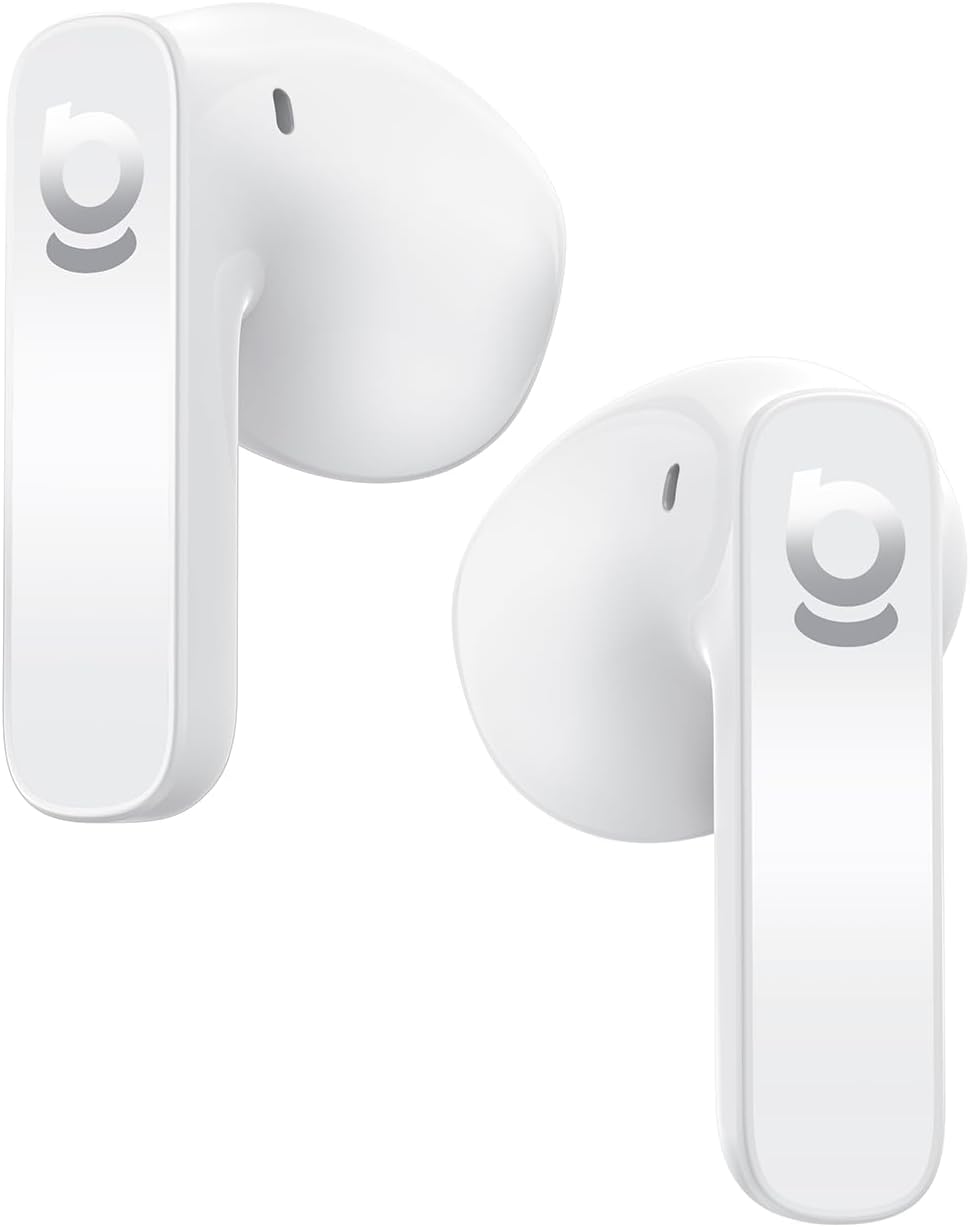
The Baseus Bass BS1 NC earbuds are designed for a comfortable audio experience with advanced features.
Key Features:
- Adaptive Hybrid ANC: Intelligent noise cancellation that adjusts to your environment for a natural, pressure-free fit.
- Hi-Res Audio Certified with LDAC: Supports LDAC codec for high-resolution audio transmission, delivering lossless-quality sound through 13mm dynamic drivers and SuperBass 2.0 technology.
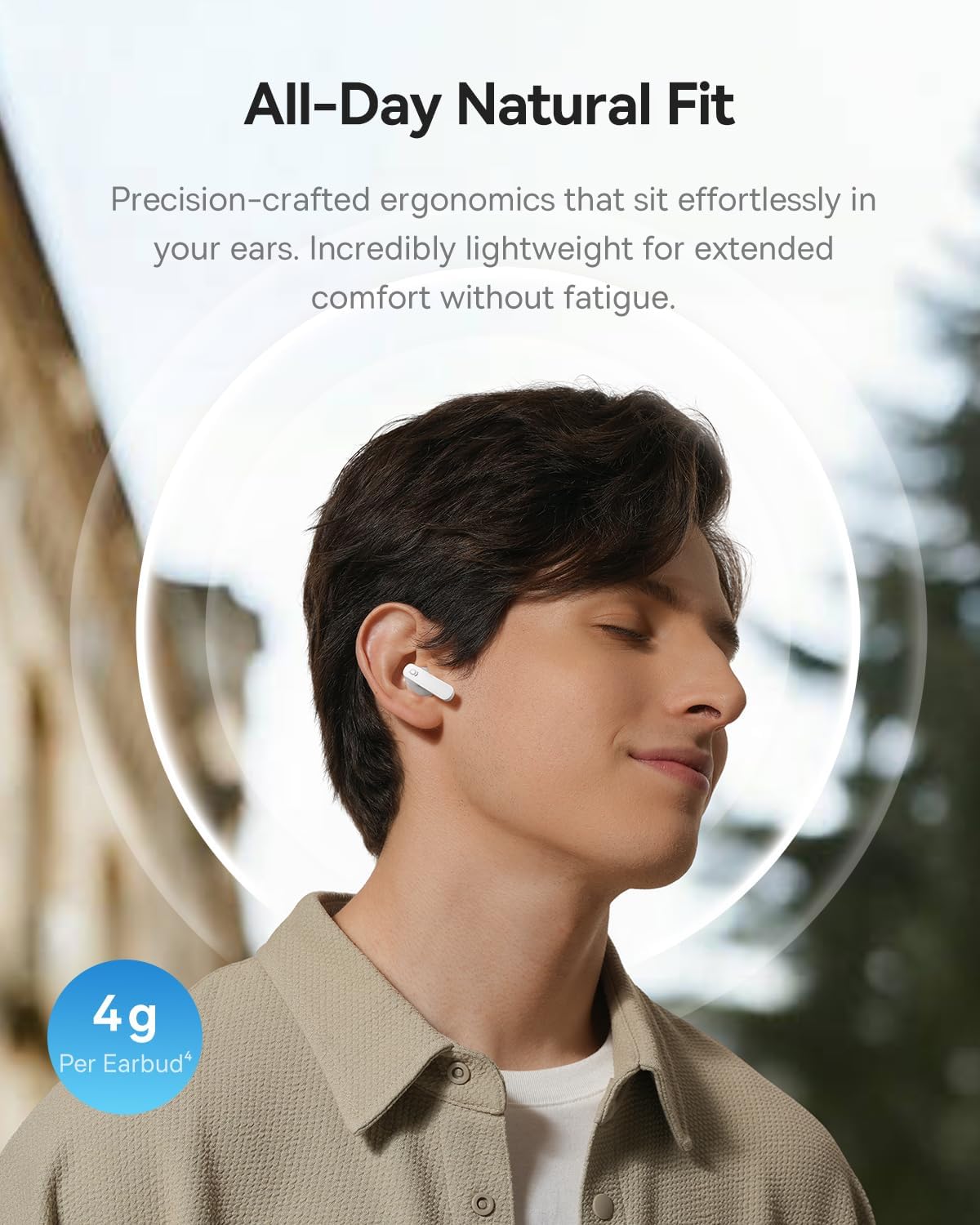
- 4g Ultra-Lightweight & Semi-In-Ear Design: Ergonomic design with soft skin-fit material for extended comfort.
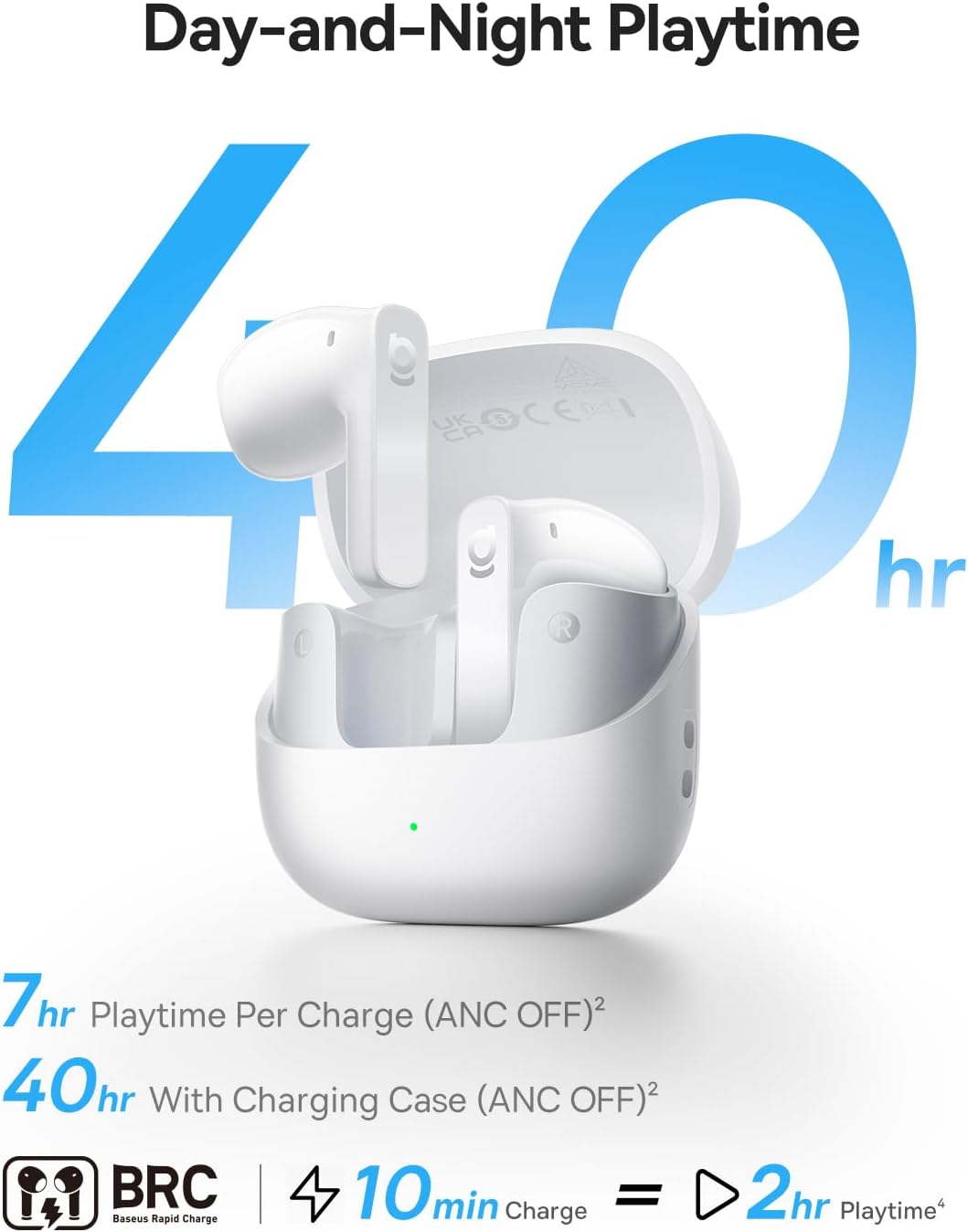
- Extended Playtime: Up to 7 hours per charge (ANC off) and 40 hours with the compact charging case. Fast charging provides 2 hours of playback from a 10-minute charge.
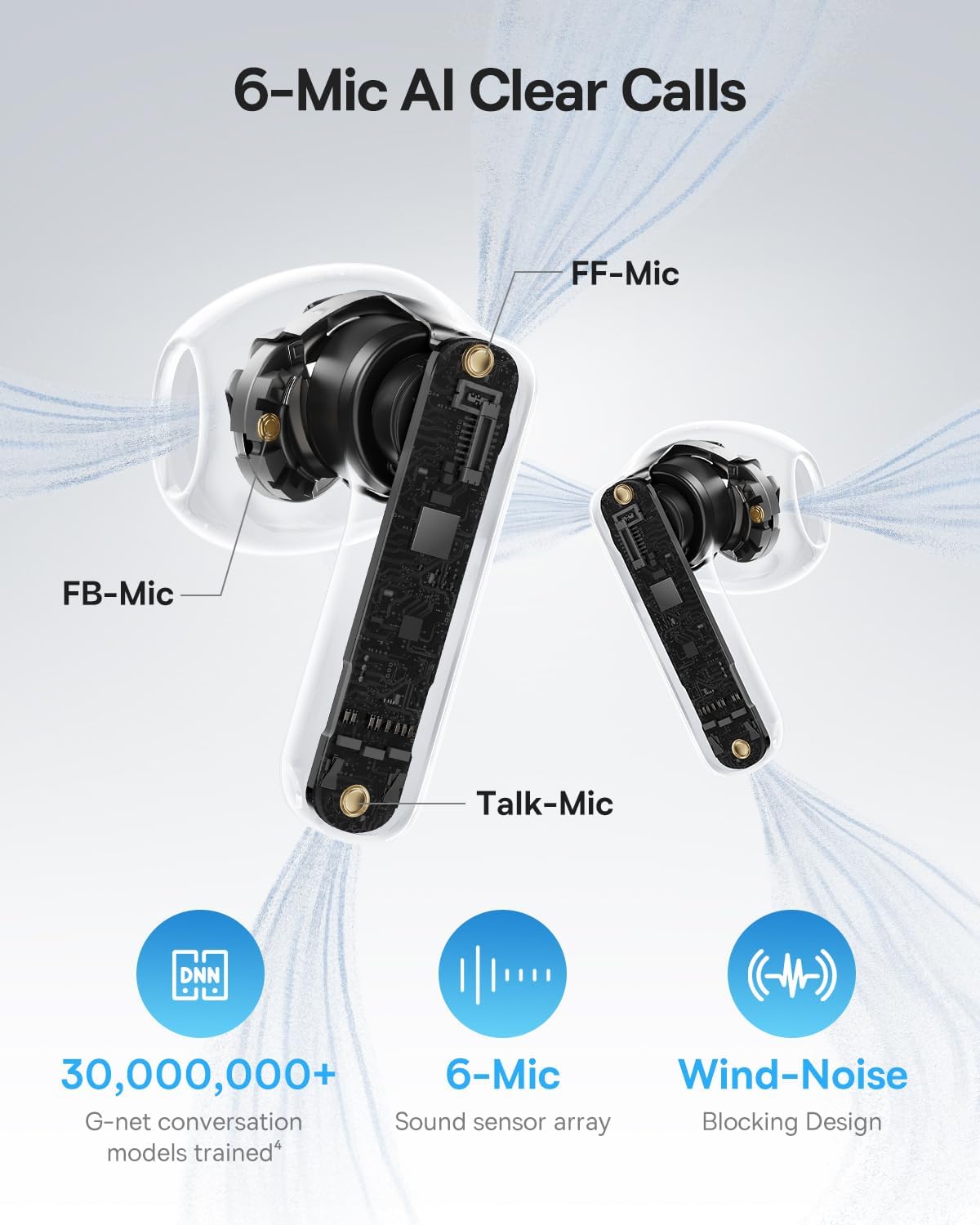
- 6-Mic AI Clear Calls: Environmental Noise Cancellation (ENC) with AI voice isolation and wind-noise blocking for clear conversations.
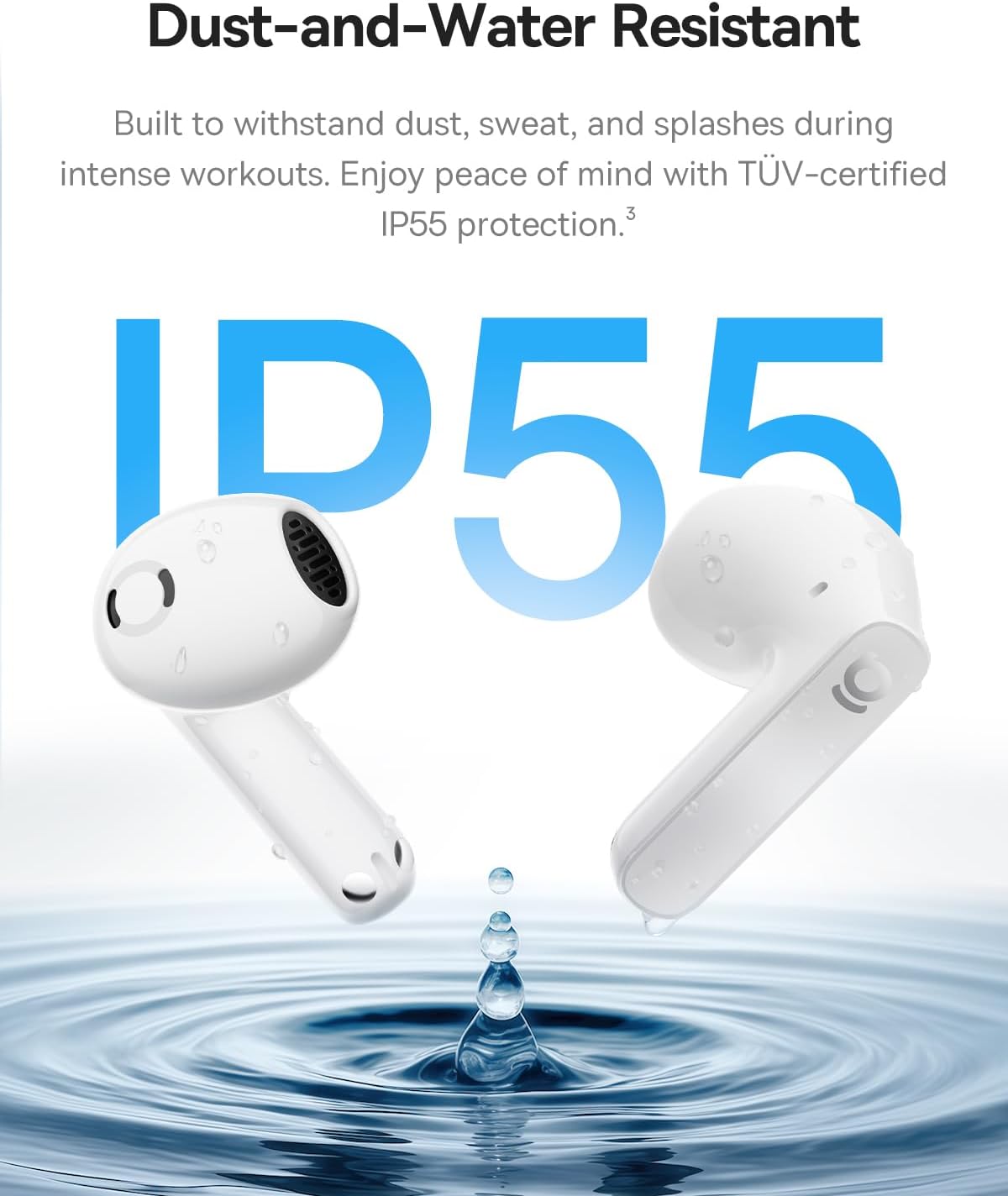
- IP55 Water-Resistant: Built to withstand sweat, rain, and dust, suitable for workouts and outdoor use.


Setup
1. Charging the Earbuds and Case
- Place the earbuds into the charging case. Ensure they are correctly seated.
- Connect the charging case to a power source using the provided USB-A to USB-C charging cable.
- The LED indicator on the case will show charging status. A green light indicates a charge level between 75% and 100%.
- Allow sufficient time for a full charge before first use. A 10-minute charge provides approximately 2 hours of playback.
2. Pairing with a Device
- Open the charging case. The earbuds will automatically enter pairing mode.
- On your device (smartphone, tablet, laptop), enable Bluetooth.
- Search for available Bluetooth devices and select "Baseus Bass BS1 NC" from the list.
- Once connected, you will hear an audible confirmation. The earbuds are now ready for use.
Operating Instructions
Power On/Off
- Power On: Open the charging case, and the earbuds will automatically power on and connect to the last paired device.
- Power Off: Place the earbuds back into the charging case and close the lid. They will automatically disconnect and power off.
Touch Controls
The Baseus Bass BS1 NC earbuds feature intuitive touch controls on each earbud. The specific functions can often be customized via the Baseus app.
| Action | Function |
|---|---|
| Double Tap (Left/Right Earbud) | Play/Pause music; Answer/End call |
| Triple Tap (Left/Right Earbud) | Reject call; Activate voice assistant |
| Press and Hold (2 seconds) | Switch between Noise Reduction (ANC) and Normal/Transparency Mode |
Using the Baseus App
For a personalized listening experience, download the official Baseus app. The app allows you to:
- Customize touch controls.
- Adjust EQ modes and Bass Boost.
- Enable Spatial Acoustics (Note: On Android devices, LDAC and Spatial Acoustics cannot be used simultaneously due to system limitations).
- Locate your earbuds (requires OPS access).
Maintenance
Cleaning
- Regularly clean the earbuds and charging case with a soft, dry, lint-free cloth.
- Do not use abrasive cleaners, solvents, or aerosol sprays.
- Ensure charging contacts on both earbuds and case are free from dust and debris.
Storage
When not in use, store the earbuds in their charging case to protect them and ensure they remain charged.
Water Resistance (IP55)
The earbuds are IP55 water-resistant, meaning they are protected against dust and low-pressure water jets from any direction. This makes them suitable for workouts and light rain. However, they are not designed for submersion in water or exposure to high-pressure water. The charging case is not water-resistant.
Troubleshooting
- Earbuds not pairing: Ensure both earbuds are in the charging case, then open the lid to re-enter pairing mode. Check your device's Bluetooth settings to ensure it's discoverable and try re-pairing.
- No sound or low volume: Check the volume levels on both your device and the earbuds. Ensure the earbuds are properly seated in your ears.
- Charging issues: Verify the charging cable is securely connected to both the case and the power source. Clean the charging contacts if necessary.
- ANC not working effectively: Ensure the earbuds are properly fitted in your ears. Switch between ANC modes using the touch controls or the Baseus app.
- Intermittent connection: Ensure your device is within the Bluetooth range (up to 10 meters) and there are no significant obstructions.
Specifications
| Feature | Detail |
|---|---|
| Model Name | Baseus Bass BS1 NC |
| Connectivity Technology | Bluetooth 6.0, Wireless |
| Noise Control | Adaptive Noise Cancellation, Environmental Noise Cancellation, Hybrid Noise Cancellation |
| Audio Driver Type | Dynamic Driver |
| Audio Driver Size | 13 Millimeters |
| Frequency Response | 40 KHz |
| Battery Life (Earbuds) | 7 Hours (ANC off) |
| Total Playtime (with Case) | Up to 40 Hours (ANC off) |
| Charging Time (Fast Charge) | 10 minutes for 2 hours playback |
| Microphones | 6-Mic AI Clear Calls (ENC) |
| Water Resistance Level | IP55 Water Resistant |
| Control Type | Touch Control |
| Earpiece Shape | Semi-in-Ear |
| Item Weight | 3.52 ounces (total) |
| Product Dimensions | 1.2 x 0.7 x 0.7 inches (earbud) |
| Material | Acrylonitrile Butadiene Styrene (ABS), Polycarbonate (PC) |
| UPC | 810196183124 |
Warranty and Support
For warranty information and customer support, please refer to the official Baseus website or contact your retailer. Keep your purchase receipt for warranty claims.


