
Krysenix KGH2
Krysenix KGH2 Wireless Gaming Headset Instruction Manual
Brand: Krysenix | Model: KGH2
Introduction
This manual provides comprehensive instructions for the setup, operation, and maintenance of your Krysenix KGH2 Wireless Gaming Headset. Designed for an immersive audio experience, this headset features versatile connectivity, a noise-canceling microphone, and comfortable design for extended use.
What's in the Box
- Wireless Gaming Headset (1)
- 2.4GHz Dongle (1)
- Type-C Charging Cable (1)
- User Manual (1)

Image: Contents of the Krysenix KGH2 Wireless Gaming Headset package, including the headset, 2.4GHz dongle, and Type-C charging cable.
Product Features
50mm Titanium-Coated Drivers
Experience clear highs and deep lows with the 50mm titanium-coated drivers, designed for precise audio in gaming environments.

Image: An internal view highlighting the 50mm dynamic drivers within the headset, emphasizing high-fidelity audio.
Adjustable Noise-Canceling Microphone
The sensitive, adjustable microphone features noise-canceling technology to eliminate background noise, ensuring clear communication. It can be adjusted up to 120° for optimal positioning.

Image: A user wearing the headset, demonstrating the adjustable noise-canceling microphone's effectiveness in reducing ambient sound for clear voice calls.
Cool RGB Lighting
Dynamic RGB lighting on the earcups enhances your gaming setup and provides a visually appealing experience.
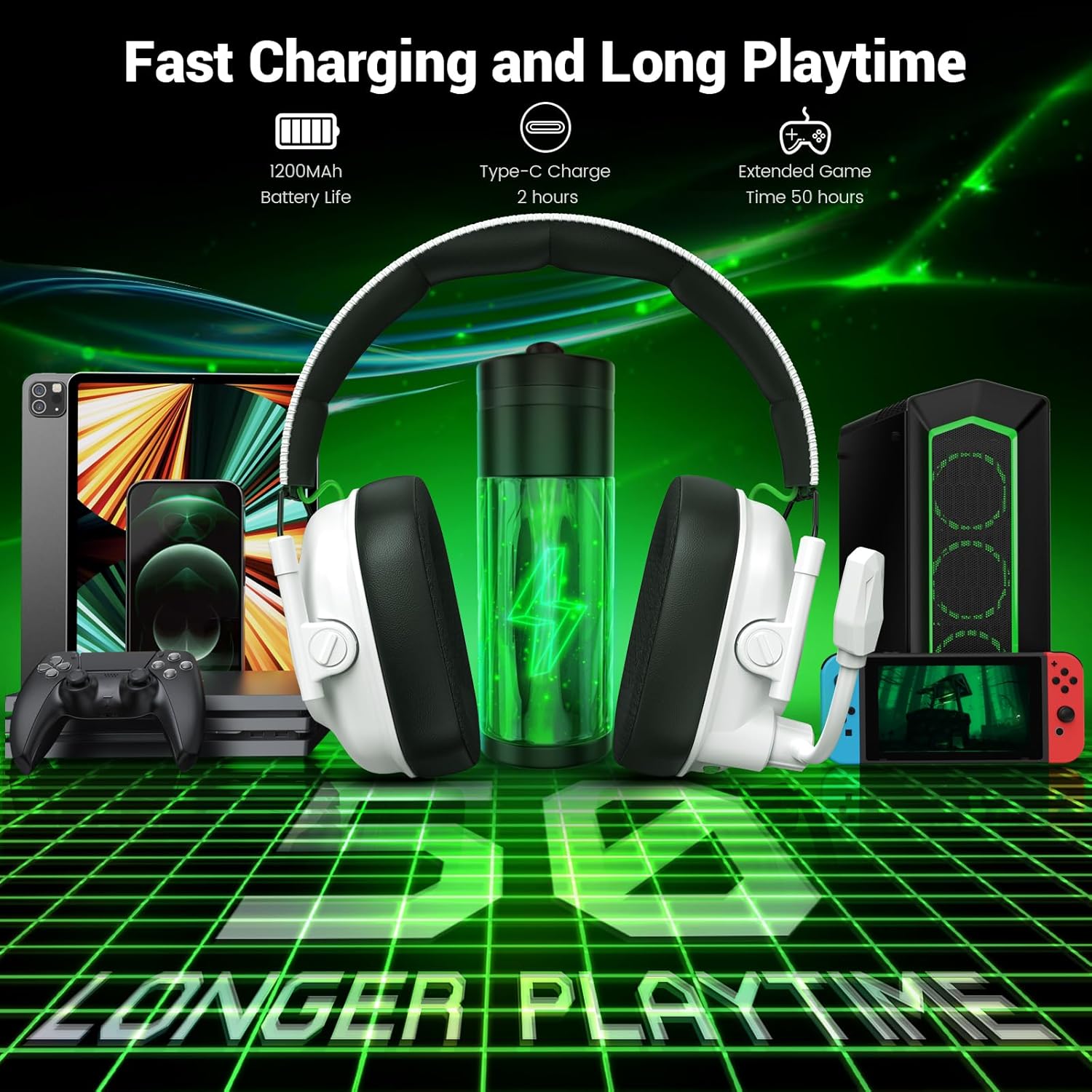
Image: The headset showcasing its cool RGB lighting, along with callouts for its foldable design and ultra-soft ear cups.
Foldable Design & Comfortable Earmuffs
The headset features a foldable design for easy storage and portability. Soft, high-quality imitation protein earmuffs and an adjustable headband ensure optimal comfort during long gaming sessions.
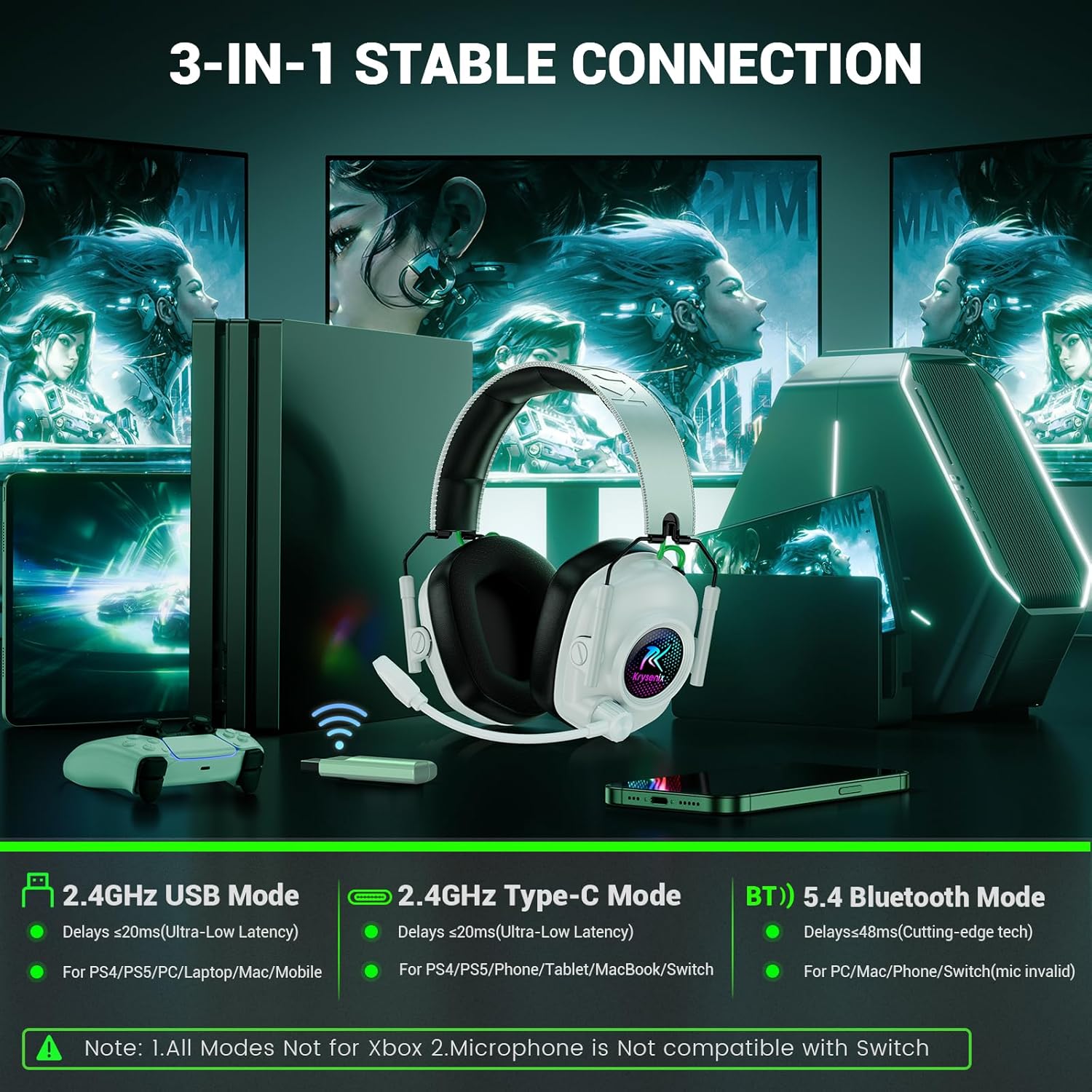
Image: The headset in its folded, compact state, ideal for travel and storage, shown alongside compatible devices.
Setup and Connectivity
Charging the Headset
The headset is equipped with a 1200mAh battery. Use the provided Type-C charging cable to charge the headset. A full charge takes approximately 2.5 to 3 hours. A full charge provides 30-35 hours of playtime with RGB lighting on, or up to 50 hours with RGB lighting off.
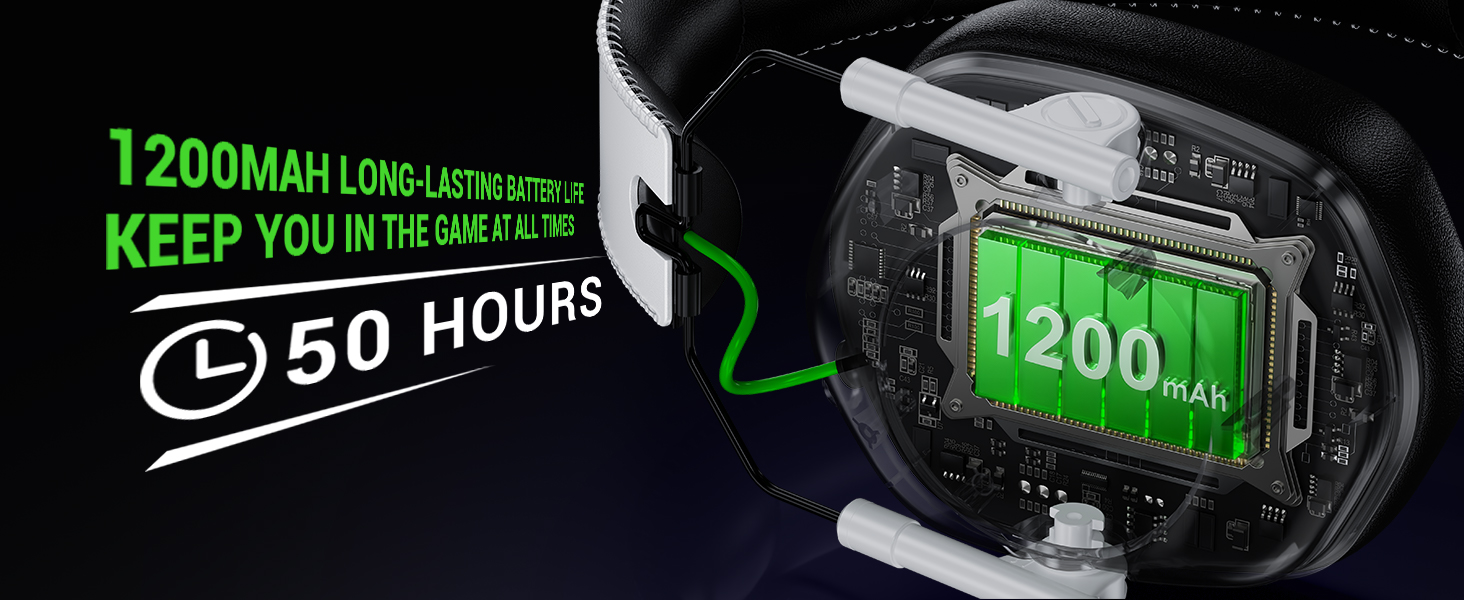
Image: Visual representation of the headset's 1200mAh battery, highlighting its 50-hour battery life.
Connecting to Devices
The Krysenix KGH2 headset offers two primary wireless connection modes: 2.4GHz wireless via dongle and Bluetooth 5.4.
- 2.4GHz Wireless Mode: For ultra-low latency audio (≤20ms), plug the 2.4GHz dongle into your PC, PS4, PS5, Mac, or Laptop. For PS4/PS5, combine the 2-in-1 transmitter before connecting.
- Bluetooth 5.4 Mode: For wireless connection to mobile devices like smartphones, tablets, and Nintendo Switch.
Important Compatibility Notes:
- The microphone is not available when connected to Nintendo Switch.
- Bluetooth modes are incompatible with PS4 and PS5.
- The headset is not compatible with any Xbox series consoles in any mode.
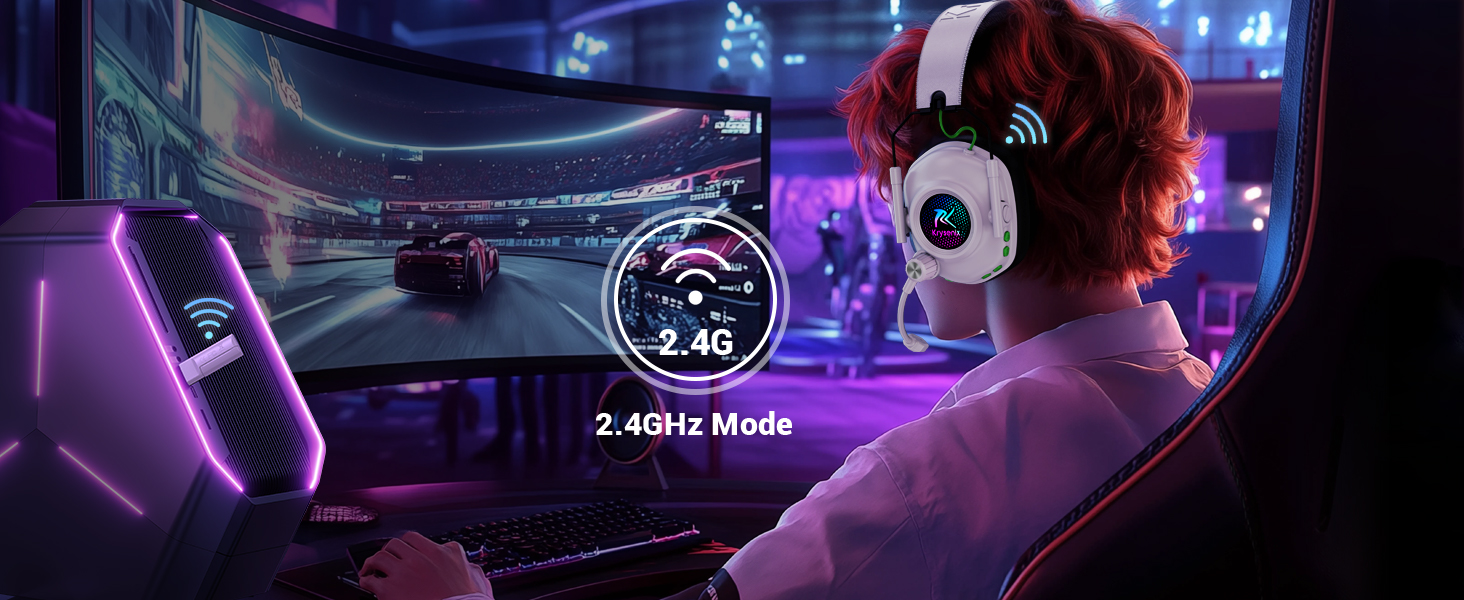
Image: An illustration detailing the two wireless connectivity options: 2.4GHz mode and Bluetooth 5.4 mode, with the headset shown in a gaming setup.

Image: A detailed compatibility table indicating audio and microphone functionality for 2.4GHz and Bluetooth modes across PC, PS4/PS5, Laptop, Switch, Phone/Pad, and Xbox Series.
Operating Instructions
The headset features intuitive button controls located on the left earcup.

Image: A detailed view of the headset's control buttons, including power, volume up/down, mode switch, and microphone on/off.
- Power On/Off: Long press the Power button (1) for 3 seconds to power on, 4 seconds to power off.
- Play/Pause: Single click the Power button (1).
- Answer/End Call: Single click the Power button (1).
- Reject Call: Long press the Power button (1) for 2 seconds.
- Redial Last Call: Double click the Power button (1).
- Volume Up: Single click the '+' button (3).
- Volume Down: Single click the '-' button (2).
- Next Track: Long press the '+' button (3) for 2 seconds.
- Previous Track: Long press the '-' button (2) for 2 seconds.
- RGB On/Off: Single click the 'M' button (4).
- Game Mode/Music Mode: Double click the 'M' button (4).
- Re-Pair (Bluetooth Mode): Long press the 'M' button (4) for 3 seconds.
- Mic On/Off: Single click the Mic button (5).
- BT/2.4G Switch: Long press the Mic button (5) for 2 seconds.
Maintenance
- Cleaning: Use a soft, dry cloth to clean the headset. Avoid using harsh chemicals or abrasive materials.
- Storage: Store the headset in a cool, dry place. Utilize its foldable design for compact storage when not in use.
- Battery Care: To prolong battery life, avoid fully discharging the headset frequently. Charge it regularly, especially if not used for extended periods.
- Microphone Care: Handle the adjustable microphone gently to prevent damage.
Troubleshooting
- No Audio/Microphone:
- Ensure the headset is powered on and fully charged.
- Verify correct connection mode (2.4GHz dongle or Bluetooth) for your device.
- Check device compatibility (e.g., microphone invalid for Switch, Bluetooth incompatible with PS4/PS5).
- Confirm volume levels on both the headset and the connected device.
- For 2.4GHz, ensure the dongle is securely plugged in and recognized by the device.
- Connectivity Issues:
- For Bluetooth, ensure the headset is in pairing mode and visible to your device.
- Move closer to the connected device to rule out range issues.
- Restart both the headset and the connected device.
- RGB Lighting Not Working:
- Ensure the headset is powered on.
- Single click the 'M' button to toggle RGB lighting.
Specifications
| Brand | Krysenix |
| Model Name | KGH2 |
| Connectivity Technology | Wireless (2.4GHz & Bluetooth 5.4) |
| Wireless Communication Technology | Bluetooth |
| Audio Driver Type | Dynamic Driver (50mm) |
| Noise Control | Sound Isolation, Noise Cancellation (Microphone) |
| Battery Life | Up to 50 Hours (RGB off), 30-35 Hours (RGB on) |
| Charging Time | 3 Hours |
| Headphones Jack | Type-C (for charging) |
| Material | Leather (earmuffs) |
| Special Features | Foldable, Microphone Included, Noise Cancellation, Noise Isolation, Volume Control |
| Item Weight | 12 ounces |
Official Product Videos
Krysenix KGH2 Wireless Gaming Headset Unboxing
Video: An unboxing of the Krysenix KGH2 Wireless Gaming Headset, showing the contents of the package and initial impressions of the headset's design and features.
Overview of Krysenix KGH2 Wireless Gaming Headset Features
Video: A detailed overview of the Krysenix KGH2 Wireless Gaming Headset, covering its design, comfort, controls, and connectivity options.
Krysenix KGH2 Wireless Gaming Headset Demonstration
Video: A demonstration of the Krysenix KGH2 Wireless Gaming Headset in use, highlighting its comfort, microphone flexibility, and RGB lighting.
Warranty and Support
For warranty information and customer support, please refer to the official Krysenix website or contact your retailer. Keep your purchase receipt for any warranty claims.
Related Documents - KGH2
 |
Krysenix KGH2 Upgraded Wireless Gaming Headset User Manual Comprehensive user manual for the Krysenix KGH2 Upgraded Wireless Gaming Headset, covering package contents, features, charging, operation modes (Bluetooth, 2.4GHz Dongle), connection setup for various devices, specifications, warranty, troubleshooting, and FCC compliance. |
 |
SKYSHALO ZT-50HR Magnetic Base Drill User Manual This user manual provides essential safety warnings, operating instructions, model specifications, and troubleshooting tips for the SKYSHALO ZT-50HR Magnetic Base Drill. Learn how to safely and effectively use this industrial tool. |
 |
TOWILD TL05 Smart Brake Sensing Bike Tail Light User Manual User manual for the TOWILD TL05 smart brake sensing bike tail light, detailing features, installation, and operation for enhanced cycling safety. |
 |
日立變頻窗型冷氣機 使用說明書 - 安裝、操作與保養指南 本使用說明書提供HITACHI日立變頻窗型冷氣機的詳細安裝、操作、保養與安全注意事項指南,確保使用者能安全有效地使用設備,延長產品壽命,並維持最佳運作效能。 |
 |
Metos Master Premium 50HR DA Undercounter Commercial Dishwasher | Heat Recovery Discover the Metos Master Premium 50HR DA, a high-performance undercounter commercial dishwasher featuring advanced heat recovery technology for significant energy savings. Ideal for restaurants and hotels, it offers efficient cleaning, multiple wash programs, and robust specifications. |
 |
Metos Master Premium 50HR Undercounter Dishwasher with Heat Recovery Detailed overview of the Metos Master Premium 50HR undercounter dishwasher, featuring heat recovery technology for significant energy savings, multiple washing programs, and optimal cleaning results for professional kitchens. |
Ask a question about this manual
Ask about setup, troubleshooting, compatibility, parts, safety, or missing instructions. Manuals+ will review the question and use this page’s manual context to help answer it.