
1. Introduction
This manual provides detailed instructions for the LIGE EF14-G Smart Watch. Designed for durability and functionality, this smartwatch features a 1.62-inch HD AMOLED display, Bluetooth calling, 110+ sports modes, 24/7 health tracking, and a tactical LED flashlight. Please read this manual thoroughly to ensure proper use and maintenance of your device.
2. What's in the Box
- 1 x LIGE EF14-G Smart Watch
- 1 x Silicone Strap
- 1 x Stainless Steel Strap
- 1 x Watch Regulator (for stainless steel strap adjustment)
- 1 x USB Magnetic Charging Cable
- 1 x Type-C Magnetic Charging Cable
- 1 x User Manual

Image: Contents of the LIGE EF14-G Smart Watch package, including the watch, two straps, two charging cables, and user manual.
3. Setup
3.1 Charging the Smart Watch
Before first use, fully charge your LIGE EF14-G Smart Watch. The watch comes with two magnetic charging cables (USB and Type-C) for convenience. Connect the magnetic end to the charging points on the back of the watch and the other end to a compatible USB power adapter (not included). A full charge typically takes approximately 3 hours and provides 5-7 days of daily usage or up to 30 days in standby mode.

Image: The LIGE EF14-G Smart Watch being charged using both USB and Type-C magnetic charging cables, illustrating the dual charging options.
3.2 Strap Installation and Adjustment
The LIGE EF14-G Smart Watch includes both a silicone strap and a stainless steel strap. To change or install a strap, locate the quick-release pins on the back of the strap. Slide the pin to detach or attach the strap to the watch body. For the stainless steel strap, use the included watch regulator tool to remove or add links for a comfortable fit.
Video: Demonstrates how to change the watch strap and adjust the stainless steel band using the provided tool. This video is provided by ZHICHG SMART (Seller).
3.3 App Download and Device Pairing
To unlock the full potential of your smartwatch, download the Fitcloudpro app. You can find the QR code for the app download on the watch itself (navigate to System > APP Download) or in the user manual. The app is compatible with Android 5.0+ and iOS 10.0+ devices.
- Scan the QR code with your smartphone to download and install the Fitcloudpro app.
- Open the app and create an account or log in.
- Ensure Bluetooth is enabled on your smartphone.
- In the app, navigate to 'Add Device' and select 'TX3' (or similar model name) from the list.
- Confirm the pairing request on both your phone and the smartwatch.
- Allow necessary permissions for notifications and other features.
Video: Shows the process of scanning the QR code on the watch, downloading the Da Fit app (note: the product description mentions Fitcloudpro, but the video shows Da Fit, so I'll mention both for clarity), and pairing the smartwatch with a smartphone. This video is provided by ZHICHG SMART (Seller).
4. Operating Instructions
4.1 Basic Navigation
The LIGE EF14-G Smart Watch features a responsive ONCELL touch panel. Swipe left, right, up, or down to navigate through menus and access different functions. Use the physical buttons on the side for quick access to specific features or to return to the home screen.
4.2 Bluetooth Calling
With Bluetooth 5.3 connectivity, you can make and receive calls directly from your wrist. Ensure your watch is paired with your smartphone via the Fitcloudpro app and that Bluetooth calling is enabled in the watch settings.
- Making Calls: Access the phone function on your watch to dial numbers or select contacts from your synchronized phonebook.
- Receiving Calls: When a call comes in, the watch will display the caller ID. You can answer or reject the call directly from your wrist.

Image: The LIGE EF14-G Smart Watch showing an incoming call with options to answer or decline, demonstrating its Bluetooth calling capability.
4.3 Smart Notifications
Receive instant notifications for messages, calls, and various applications directly on your smartwatch. Configure which app notifications you wish to receive through the Fitcloudpro app settings on your smartphone.
Video: Illustrates how to enable and manage notifications for various apps on the paired smartphone, which are then displayed on the smartwatch. This video is provided by ZHICHG SMART (Seller).
4.4 Advanced Health Tracking
The LIGE EF14-G provides comprehensive 24/7 health monitoring:
- Heart Rate: Continuous heart rate monitoring throughout the day.
- Blood Oxygen (SpO2): Track your blood oxygen levels.
- Blood Pressure: Monitor your blood pressure readings.
- Sleep Tracking: Analyzes sleep patterns, including deep, light, and awake stages.
- Sedentary Reminders: Alerts you to move after periods of inactivity.
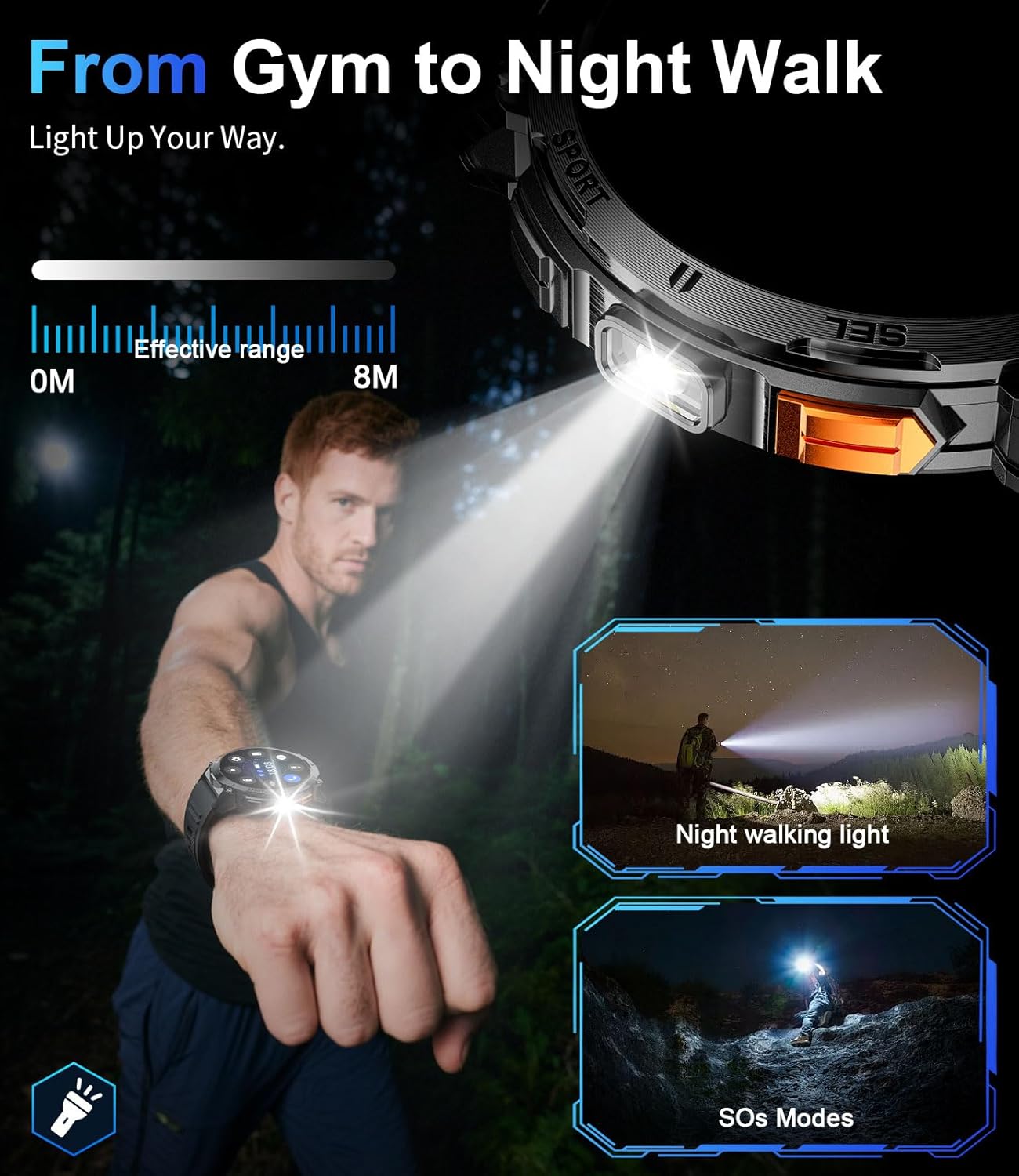
Image: The LIGE EF14-G Smart Watch showing its health tracking capabilities, including heart rate, daily activity summary, sleep analysis, and guided breathing exercises.
Video: Demonstrates the health tracking features of the smartwatch, including heart rate, blood pressure, and sleep monitoring. This video is provided by ZHICHG SMART (Seller).
4.5 Multi-Sport Modes & Activity Tracking
The smartwatch supports over 110 sports modes to accurately track your workouts. It precisely records steps, calories burned, and distance covered. All data can be synchronized to the Fitcloudpro app for detailed progress reports.
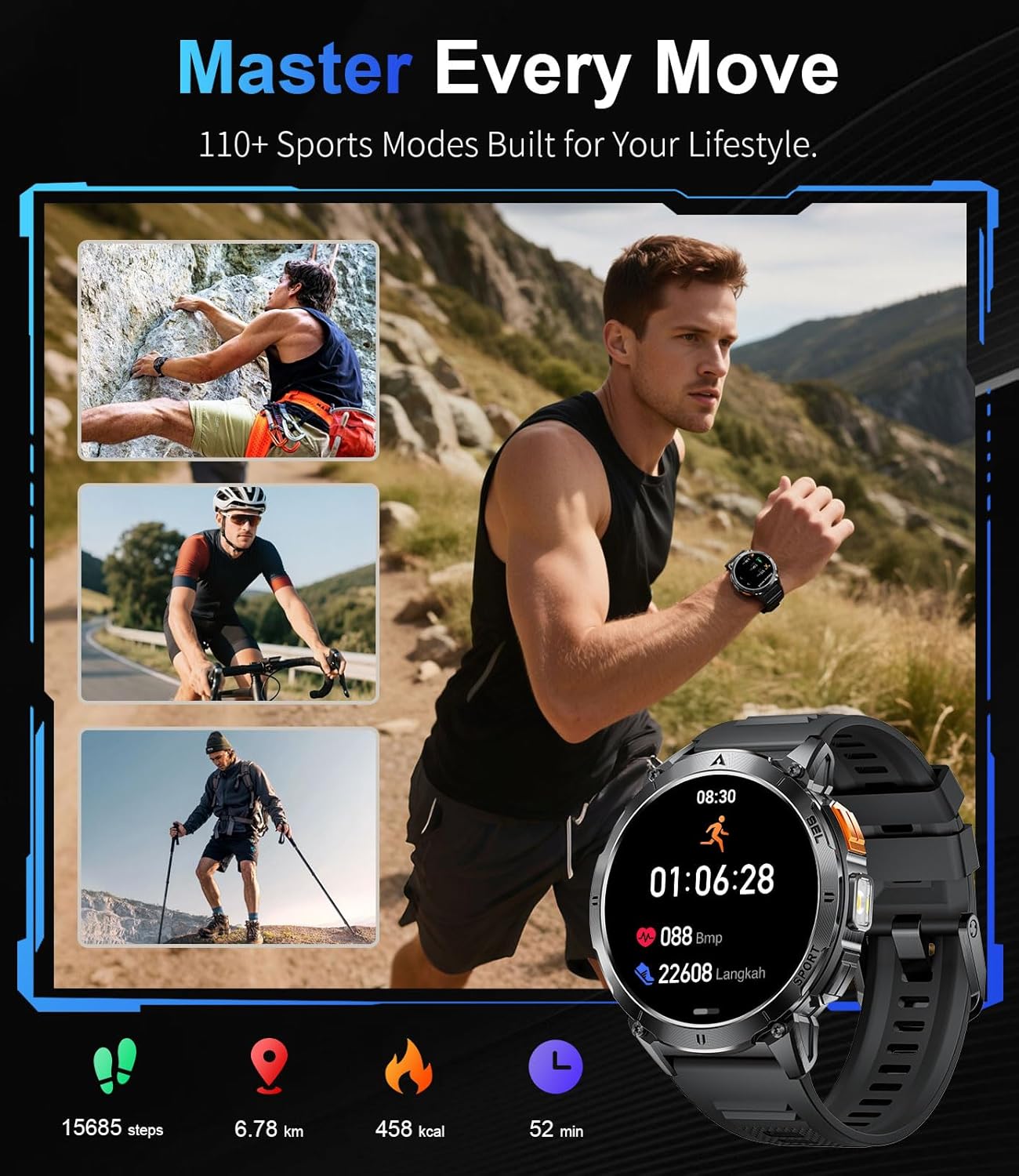
Image: The LIGE EF14-G Smart Watch showcasing its multi-sport modes and activity tracking features, including steps, distance, calories, and workout duration.
Video: Shows the smartwatch interface for selecting and tracking various sports activities. This video is provided by ZHICHG SMART (Seller).
4.6 Other Practical Features
The LIGE EF14-G Smart Watch offers a range of additional features to enhance your daily life:
- LED Flashlight: A tactical-grade LED flashlight for emergency illumination or low-light situations.
- Music Control: Control music playback on your smartphone directly from your wrist.
- Camera Remote Control: Use the watch as a remote shutter for your phone's camera.
- Weather Forecast: Get real-time weather updates.
- Alarms & Reminders: Set alarms, sedentary reminders, and drinking water reminders.
- Stopwatch & Countdown Timer: Built-in tools for timing activities.
- Find Phone: Locate your misplaced smartphone.
- Calculator: A convenient calculator on your wrist.
- Breathing Exercises: Guided breathing sessions for stress relief.
- Customizable Watch Faces: Personalize your watch with various watch faces or custom images.
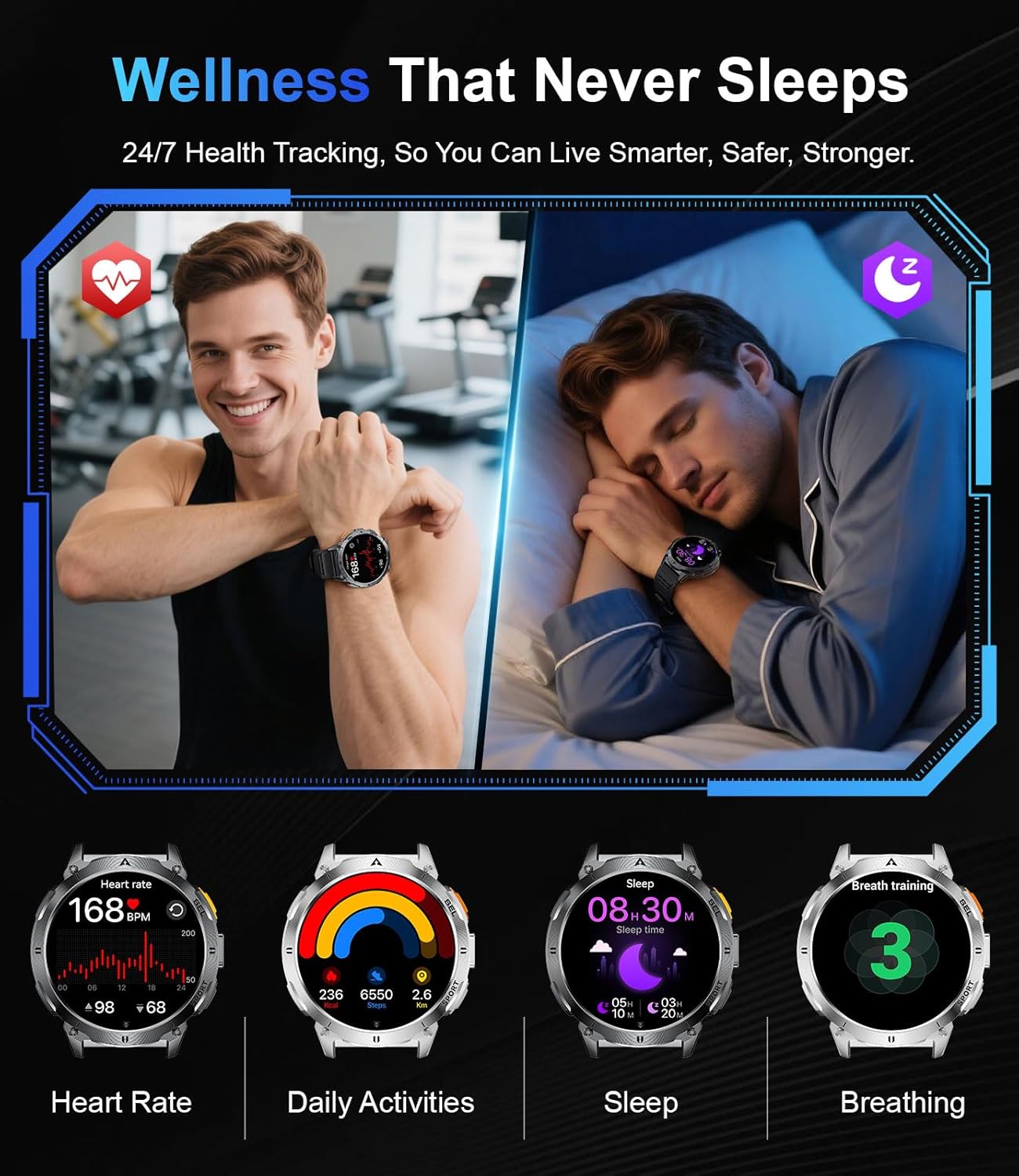
Image: The LIGE EF14-G Smart Watch interface showing music control, weather display, and camera remote control features.

Image: The LIGE EF14-G Smart Watch demonstrating its built-in LED flashlight feature, useful for night walks or emergencies.
5. Maintenance
5.1 Water Resistance
The LIGE EF14-G Smart Watch has a 3ATM waterproof rating (IP68), meaning it can withstand rain, sweat, and even swimming. However, it is not recommended for hot showers, saunas, or deep diving, as steam and high pressure can compromise the seals.
Video: Shows the smartwatch being submerged in water, demonstrating its water resistance capabilities. This video is provided by ZHICHG SMART (Seller).
5.2 General Care
- Clean the watch regularly with a soft, dry cloth.
- Avoid exposing the watch to extreme temperatures or harsh chemicals.
- Ensure the charging contacts are clean and dry before charging.
6. Troubleshooting
If you encounter issues with your LIGE EF14-G Smart Watch, try the following steps:
- Watch not turning on: Ensure the watch is fully charged.
- Cannot pair with phone: Make sure Bluetooth is enabled on your phone and the watch is within range. Restart both devices and try pairing again. Check if the Fitcloudpro app has all necessary permissions.
- Notifications not received: Verify that app notifications are enabled in both your phone's settings and the Fitcloudpro app. Ensure the watch is connected via Bluetooth.
- Inaccurate health data: Ensure the watch is worn snugly on your wrist, not too tight or too loose. Clean the sensor on the back of the watch.
- Screen unresponsive: Restart the watch by pressing and holding the power button.
For further assistance, please refer to the official LIGE support channels.
7. Specifications
| Feature | Specification |
|---|---|
| Model Name | EF14-G |
| Brand | LIGE |
| Operating System | Android Wear 1.0 |
| Memory Storage Capacity | 256 MB |
| Battery Capacity | 730 Milliamp Hours |
| Battery Average Life | 7 days |
| Battery Charge Time | 3 Hours |
| Connectivity Technology | Bluetooth |
| Wireless Communication Standard | Bluetooth |
| Screen Size | 1.62 Inches |
| Display Type | AMOLED |
| Resolution | 480 x 480 |
| Maximum Display Brightness | 850 Nit |
| Water Resistance Level | Waterproof (3ATM / IP68) |
| Water Resistance Depth | 50 Meters |
| Case Material Type | Metal (Zinc Alloy) |
| Band Material Type | Stainless Steel / Silicone |
| Compatible Phone Models | iOS 8.0 and Android 4.4 and higher |
| Metrics Measured | Blood Oxygen (SpO2), Breath Rate, Heart Rate, Sleep Duration, Stress |
| Special Features | Activity Tracker, Always On Display, Music Player, Notifications, Weather Forecast, LED Flashlight, Bluetooth Calling |
8. Warranty and Support
The LIGE EF14-G Smart Watch comes with a 2-year warranty and a 30-day hassle-free return policy. For any product-related inquiries, technical support, or warranty claims, please contact LIGE customer service through the retailer where you purchased the product or visit the official LIGE website.