
Blackview Active 5
Blackview Active 5 AI Rugged Tablet User Manual
1. Introduction
This manual provides detailed instructions for the Blackview Active 5 AI Rugged Tablet. It covers initial setup, operational guidance for its various features, maintenance procedures, troubleshooting common issues, and a comprehensive list of technical specifications. The Blackview Active 5 is designed for durability and performance, featuring advanced AI capabilities, a robust display, efficient processing, and a long-lasting battery.

Image 1.1: Front and back view of the Blackview Active 5 AI Rugged Tablet, showcasing its design and camera module.

Image 1.2: Overview of the Blackview Active 5 tablet highlighting its 8.68-inch screen, Android 15, 6600mAh battery, Unisoc T615 processor, Doke AI, 24GB RAM + 128GB ROM, and 16MP + 13MP AI cameras.
Video 1.1: An official video demonstrating the Blackview Active 5 AI Rugged Tablet's features, including its ruggedness, display, and performance capabilities.
2. Getting Started
2.1 Package Contents
Verify that your package contains the following items:
- Blackview Active 5 Tablet
2.2 SIM Card and TF Card Installation
To install your SIM card(s) and/or TF (microSD) card:
- Locate the SIM/TF card tray on the side of the tablet.
- Use the provided SIM ejector tool to gently push into the small hole next to the tray until it pops out.
- Place your Nano-SIM card(s) and/or TF card into the designated slots on the tray. Ensure the cards are correctly oriented as indicated on the tray.
- Carefully reinsert the tray back into the tablet until it clicks into place.

Image 2.1: The Blackview Active 5 tablet highlighting its dual SIM slots, indicating where to insert SIM and TF cards.
2.3 Initial Power On and Setup
Follow these steps for the first-time use of your tablet:
- Press and hold the Power button until the Blackview logo appears.
- Follow the on-screen prompts to select your language, connect to a Wi-Fi network, and set up your Google account.
- Complete any additional setup steps as guided by the Android 15 operating system.
3. Operating Your Tablet
3.1 AI Features
The Blackview Active 5 Rugged Tablet integrates three AI models (Deepseek, Gemini, and ChatGPT) for AI voice activation and app control. It supports real-time multilingual conversations and full-screen assistance. Creative tools include ImageX for AI photo editing, VidGen for video creation, and Soundle for audio. Google Lens is also integrated.

Image 3.1: The Blackview Doke AI interface, illustrating the integration of AI models and various applications.
3.2 Display and Visuals
The Blackview Active 5 features an 8.68-inch IPS display with an 800x1340 resolution. The screen is protected by Panda MN228 toughened glass, offering scratch and impact resistance. A 90Hz AI refresh rate provides smooth visuals and energy efficiency. Five blue light modes are available for visual comfort. The tablet supports Glove Mode 2.0 for operation with gloves and Widevine L1 for HD streaming on compatible platforms.

Image 3.2: The 8.68-inch Compact IPS Screen, detailing its 800x1340 resolution, 90Hz Smart Refresh Rate, 360 nits brightness, and 85% screen-to-body ratio.

Image 3.3: The tablet's display and the location of its dual Smart-K BOX speakers.
3.3 Performance and Storage
The Blackview Active 5 tablet is equipped with a Unisoc T615 octa-core chipset. It features 24GB RAM (8GB physical + 16GB virtual expansion) and 128GB UFS 2.1 internal storage, expandable up to 2TB with a TF card. This configuration supports smooth operation and efficient multitasking.
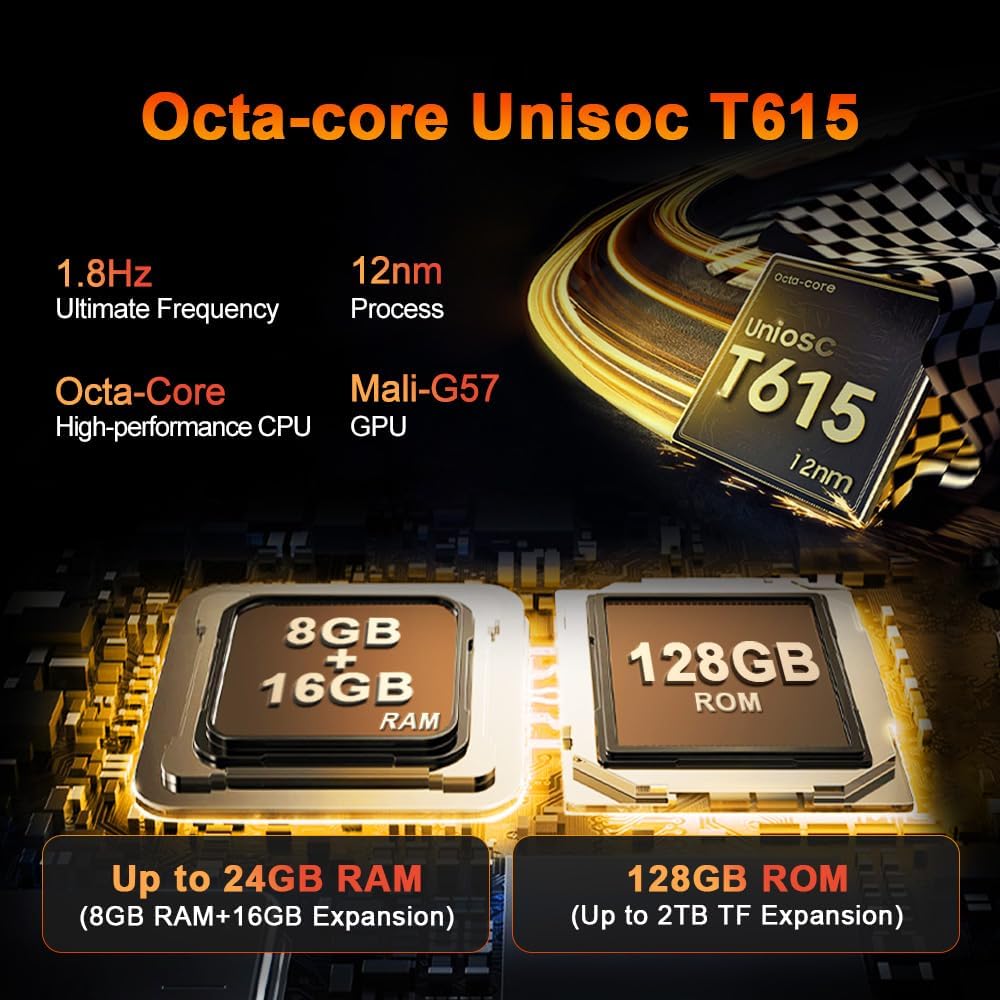
Image 3.4: Details of the Octa-core Unisoc T615 processor, 24GB RAM (8GB + 16GB expansion), and 128GB ROM (up to 2TB TF expansion).

Image 3.5: Visual representation of the Unisoc T615 processor, 8GB + 16GB RAM, and 128GB ROM components.
3.4 Battery Management
The Blackview Active 5 includes a 6600mAh battery with AI-optimized power management and fast charging. It provides up to 22 hours of voice calls, 15 hours of music playback, 7 hours of video streaming, and 360 hours of standby time. An advanced cooling system helps maintain optimal temperature during use.

Image 3.6: The 6600mAh Mega Battery, showing estimated usage times for gaming, video, calls, web browsing, music, and standby.

Image 3.7: An internal view of the Blackview Active 5 tablet, illustrating the large 6600mAh battery component.
3.5 Camera Features
The Blackview Active 5 features a 16MP main camera and a 13MP front camera, both supporting 1080P video recording. AI camera features include Magic Eraser for object removal, AI Portrait Light, and Sky Replacement for scene optimization.
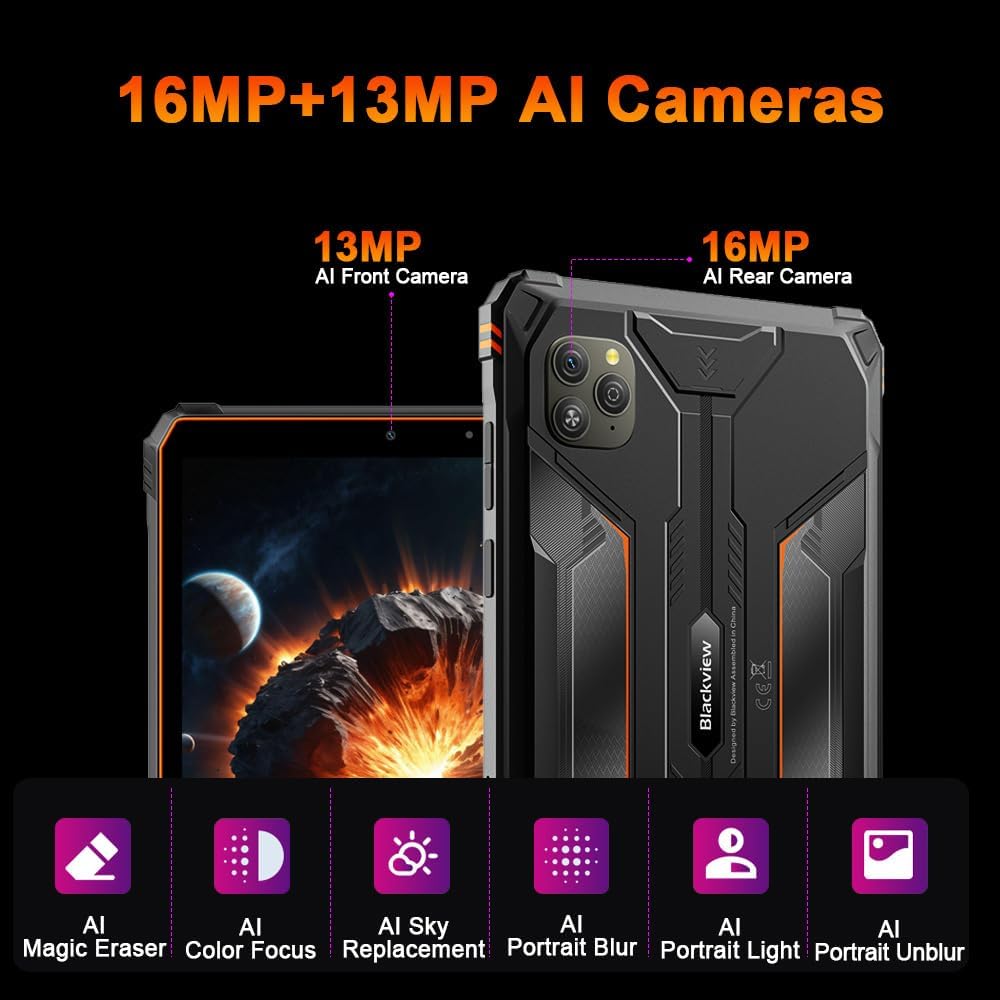
Image 3.8: The 16MP rear and 13MP front AI cameras, highlighting features like Magic Eraser, Color Focus, Sky Replacement, Portrait Blur, Portrait Light, and Portrait Unblur.

Image 3.9: A detailed view of the Blackview Active 5 tablet's camera system and its AI-powered photography capabilities.
3.6 Connectivity
The Blackview Active 5 supports dual-SIM 4G LTE connectivity across GSM, WCDMA, and LTE networks. It is compatible with major carriers such as T-Mobile and Metro by T-Mobile, and supports 2G/3G/4G communication in many countries. Please note, it is not compatible with CDMA carriers including AT&T, Cricket Wireless, Sprint, Straight Talk, Boost Mobile Cellular, and Net10. The tablet also features Bluetooth 5.2 for wireless accessory connections.
3.7 Audio
The tablet is equipped with Dual Smart-K BOX Speakers for enhanced audio output.
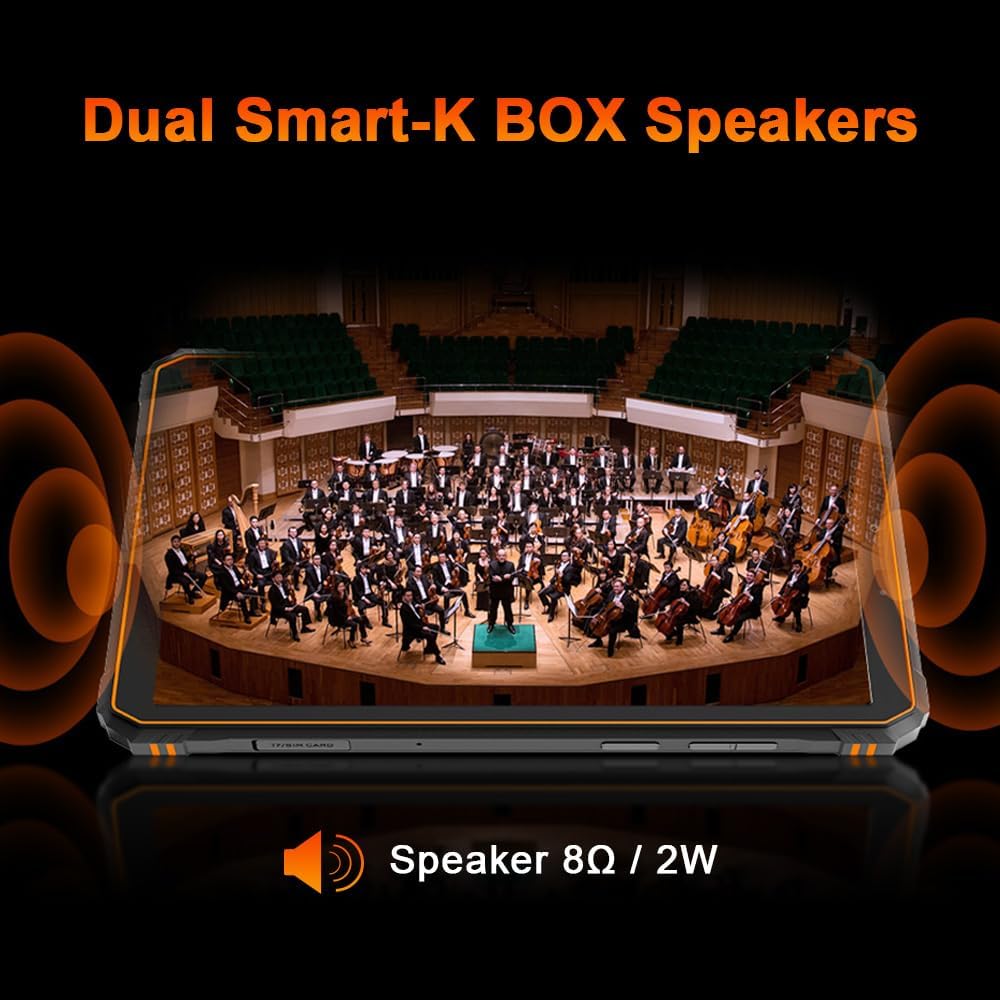
Image 3.10: The Dual Smart-K BOX Speakers, indicating their placement and audio capabilities.
3.8 Navigation
The Blackview Active 5 supports multiple global navigation satellite systems, including GPS, Galileo, Glonass, and Beidou, for accurate positioning.
3.9 Security
For secure access, the tablet offers both Fingerprint and Face Unlock features.
3.10 Operating System
The tablet runs on DokeOS P 4.2, which is based on Android 15, providing a user-friendly interface and access to the latest Android features.
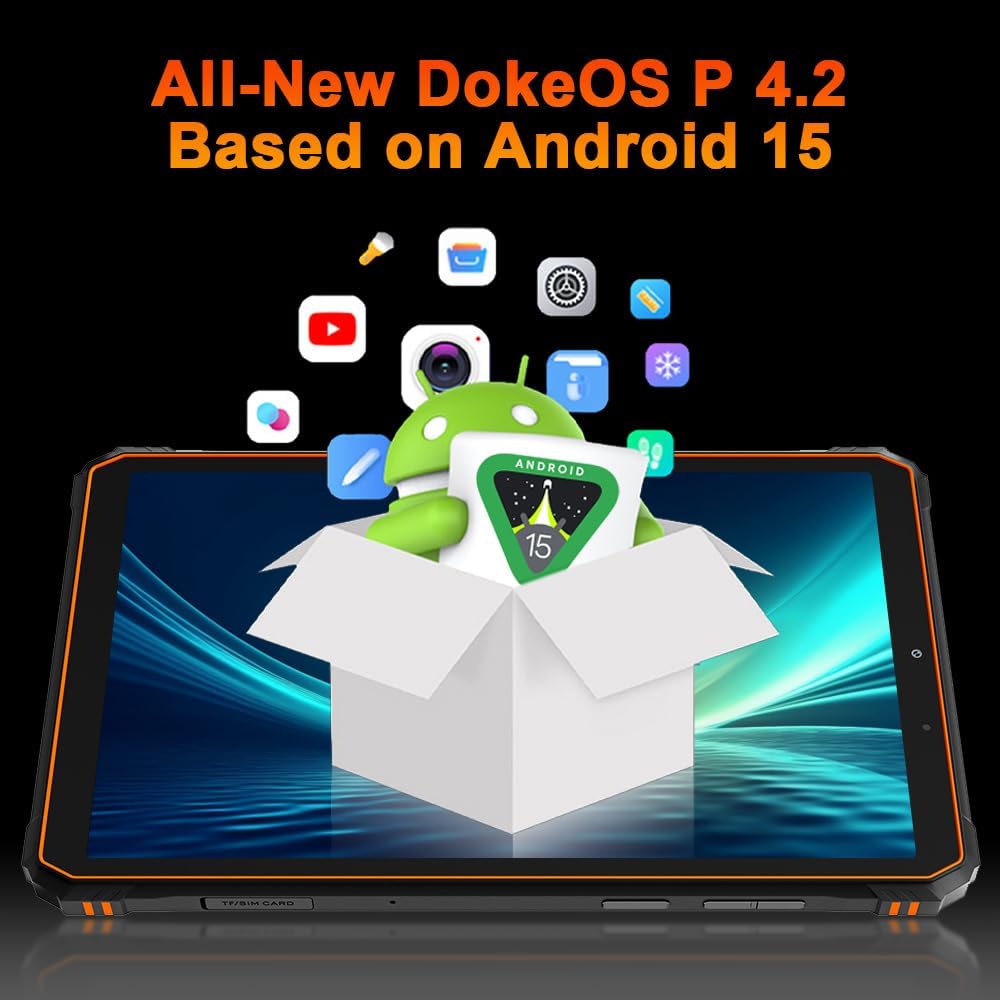
Image 3.11: The tablet's operating system, All-New DokeOS P 4.2 based on Android 15, with various app icons.
4. Care and Maintenance
4.1 Ruggedness and Protection
The Blackview Active 5 tablet is designed to be rugged, complying with IP68, IP69K, and MIL-STD-810H standards for water, dust, and shock resistance. The screen is protected by Panda MN228 toughened glass. It can withstand immersion in water up to 1.5 meters for 30 minutes. Ensure all ports are securely closed before exposing the tablet to water or dust.
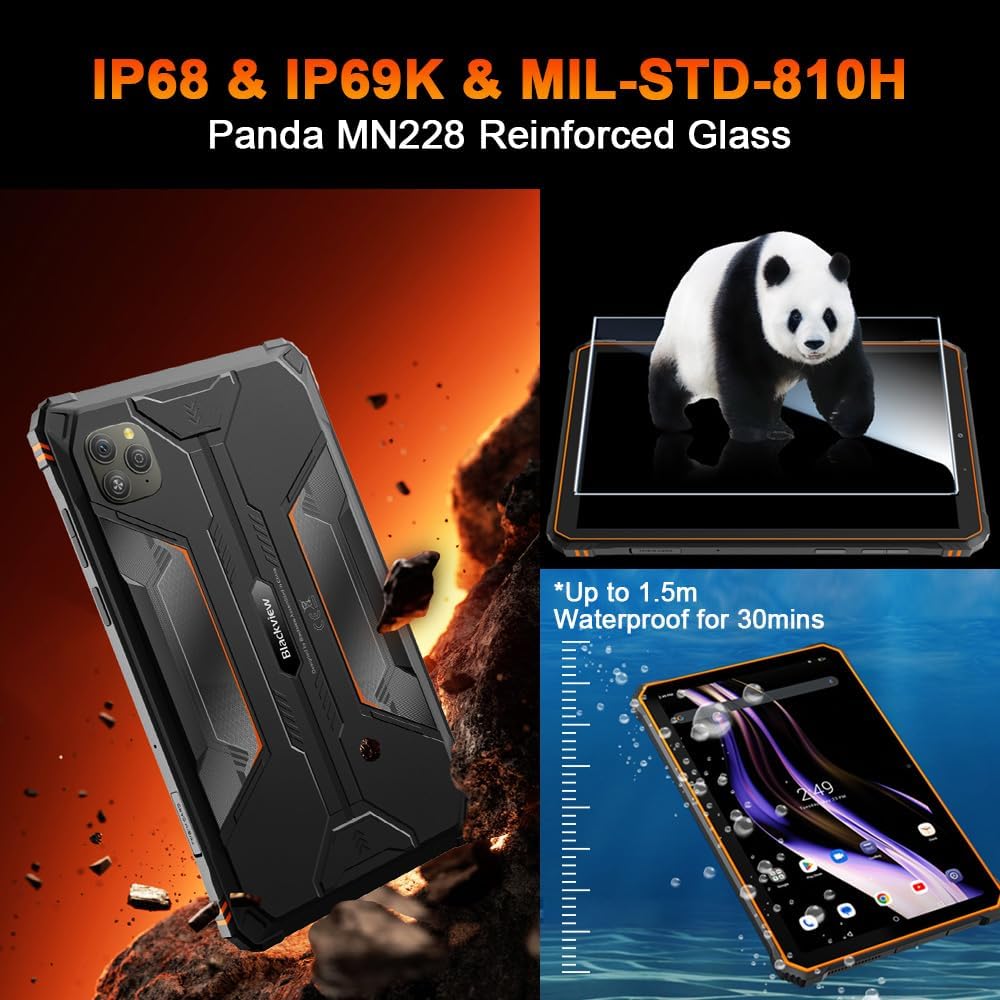
Image 4.1: Visual representation of the tablet's IP68, IP69K, and MIL-STD-810H certifications, including water resistance and Panda MN228 Reinforced Glass.
4.2 Cleaning Your Tablet
To clean your tablet, use a soft, lint-free cloth. For stubborn marks, slightly dampen the cloth with water or a screen cleaner. Avoid using harsh chemicals, abrasive materials, or aerosol sprays directly on the tablet.
4.3 Battery Care
To prolong the lifespan of your tablet's battery:
- Avoid exposing the tablet to extreme temperatures.
- Do not fully discharge the battery regularly.
- Use the original charger or a certified compatible charger.
- If storing the tablet for an extended period, charge it to about 50% before turning it off.
5. Troubleshooting Common Issues
5.1 Tablet Not Powering On
- Ensure the battery is charged. Connect the tablet to its charger and wait a few minutes before attempting to power it on.
- Press and hold the Power button for at least 10-15 seconds to perform a forced restart.
5.2 Screen Unresponsive
- Restart the tablet by holding the Power button.
- If the screen is physically damaged, contact customer support.
5.3 Connectivity Problems (Wi-Fi/4G)
- Toggle Wi-Fi or Mobile Data off and on in the settings.
- Restart your Wi-Fi router or ensure your mobile data plan is active.
- Check if the SIM card is properly inserted.
5.4 Apps Crashing or Freezing
- Clear the cache and data for the problematic app in Settings > Apps.
- Ensure all apps and the operating system are updated to the latest versions.
- If the issue persists, consider uninstalling and reinstalling the app.
5.5 Slow Performance
- Close unnecessary background applications.
- Clear temporary files and free up storage space.
- If performance remains slow, a factory reset may be considered (back up your data first).
6. Technical Specifications
| Feature | Specification |
|---|---|
| Brand | Blackview |
| Model Name | blackview active 5 |
| Operating System | Android 15 |
| Standing Screen Display Size | 8.68 Inches |
| Screen Resolution | 1340x800 Pixels |
| Processor Brand | Unisoc |
| Memory Storage Capacity | 24 GB (RAM) |
| Flash Memory Size | 128 GB (ROM) |
| Card Description | Dedicated (for TF card expansion) |
| Average Battery Life (in hours) | 7 Hours (video streaming) |
| Item Weight | 10.4 ounces |
| Product Dimensions (LxWxH) | 8.6 x 5.12 x 0.47 inches |
| Color | Black |
| Batteries | 1 12V battery required (included) |
7. Warranty and Customer Support
7.1 Warranty Information
The Blackview Active 5 tablet comes with a 24-month warranty from the date of purchase, covering manufacturing defects and hardware malfunctions under normal use. Please retain your proof of purchase for warranty claims.
7.2 Technical Support
For technical assistance, troubleshooting, or any questions regarding your Blackview Active 5 tablet, please contact Blackview customer support. Refer to the official Blackview website or your purchase documentation for the most current contact information.
Related documentsActive 5


Ask a question about this manual
Ask about setup, troubleshooting, compatibility, parts, safety, or missing instructions. Manuals+ will review the question and use this page’s manual context to help answer it.