
1. Introduction
The Anker SOLIX C1000 Gen 2 Portable Power Station is a versatile power solution designed for home backup, power outages, and outdoor activities like camping. This manual provides essential information for safe and efficient operation of your device.
What's Included:
- Anker SOLIX C1000 Gen 2 Portable Power Station
- AC Charging Cable
- Car Charging Cable
- Quick Start Guide
- Safety and Warranty Card
- Anker SOLIX PS100 Solar Panel (100W) (if purchased as a bundle)
- 2x 9.8 ft (3 m) Solar Charging Cable (if purchased as a bundle)
- 1.6 ft (0.5 m) XT60 Solar Charging Cable (if purchased as a bundle)
- XT60 to 7909 Cable (if purchased as a bundle)
- Safety Manual (for solar panel, if purchased as a bundle)
Note: If purchased as a bundle, items may be dispatched in separate packages.
2. Product Overview
2.1. Physical Description
The Anker SOLIX C1000 Gen 2 is designed for portability and durability. It features a compact gray casing with integrated handles for easy transport. The front panel includes a display screen and various output ports. Ventilation grilles are located on the sides to ensure proper heat dissipation.
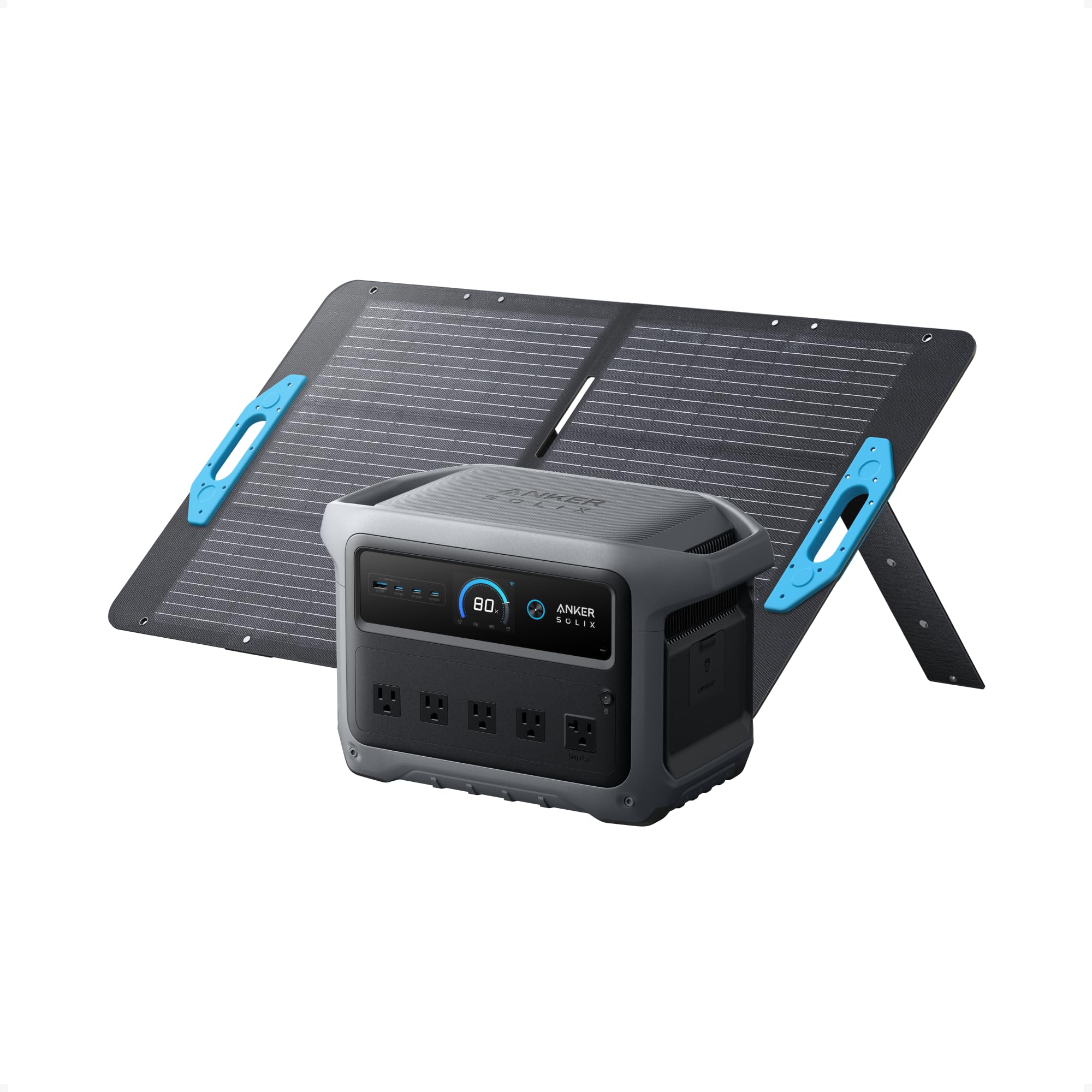
Figure 1: Anker SOLIX C1000 Gen 2 Portable Power Station, front view.
2.2. Ports and Display
The power station is equipped with 10 output ports to accommodate various devices:
- 5x AC Ports: Provide up to 2,000W continuous output (3,000W peak).
- 2x 140W USB-C Ports: High-power output for fast charging compatible devices.
- 1x 15W USB-C Port: Standard USB-C output.
- 1x 12W USB-A Port: Standard USB-A output.
- 1x 120W Car Port: For 12V DC devices.
The integrated display provides real-time information on battery percentage, input/output wattage, and remaining runtime. It also indicates active ports and charging status.

Figure 2: Detailed view of the power station's output ports.
3. Setup
3.1. Initial Charging
Before first use, fully charge the Anker SOLIX C1000 Gen 2 using the provided AC charging cable. Plug the cable into a standard wall outlet and connect it to the AC input port on the power station. The display will indicate charging progress.
3.2. Solar Panel Connection (if applicable)
If using the Anker SOLIX PS100 Solar Panel, connect it to the DC input port on the power station using the provided solar charging cables. Ensure the solar panel is placed in direct sunlight for optimal charging efficiency. The power station supports up to 600W solar input (60V max).

Figure 3: Anker SOLIX C1000 Gen 2 connected to a solar panel for charging.
4. Operating Instructions
4.1. Powering On/Off
To power on the device, press and hold the main power button for approximately 3 seconds. The display will illuminate. To power off, press and hold the same button until the display turns off.
4.2. Using AC/DC/USB Ports
Once the power station is on, simply plug your devices into the desired output ports. For AC outlets, press the dedicated AC power button to activate them. USB ports (USB-A and USB-C) will activate automatically upon device connection. The display will show the wattage being drawn by connected devices.
4.3. HyperFlash Technology (UltraFast Recharging)
The Anker SOLIX C1000 Gen 2 features HyperFlash technology for ultra-fast recharging. This allows the unit to fully recharge in just 49 minutes at 1,600W. This feature can be enabled via the Anker app. Use only the standard Anker SOLIX AC charging cable to prevent damage.
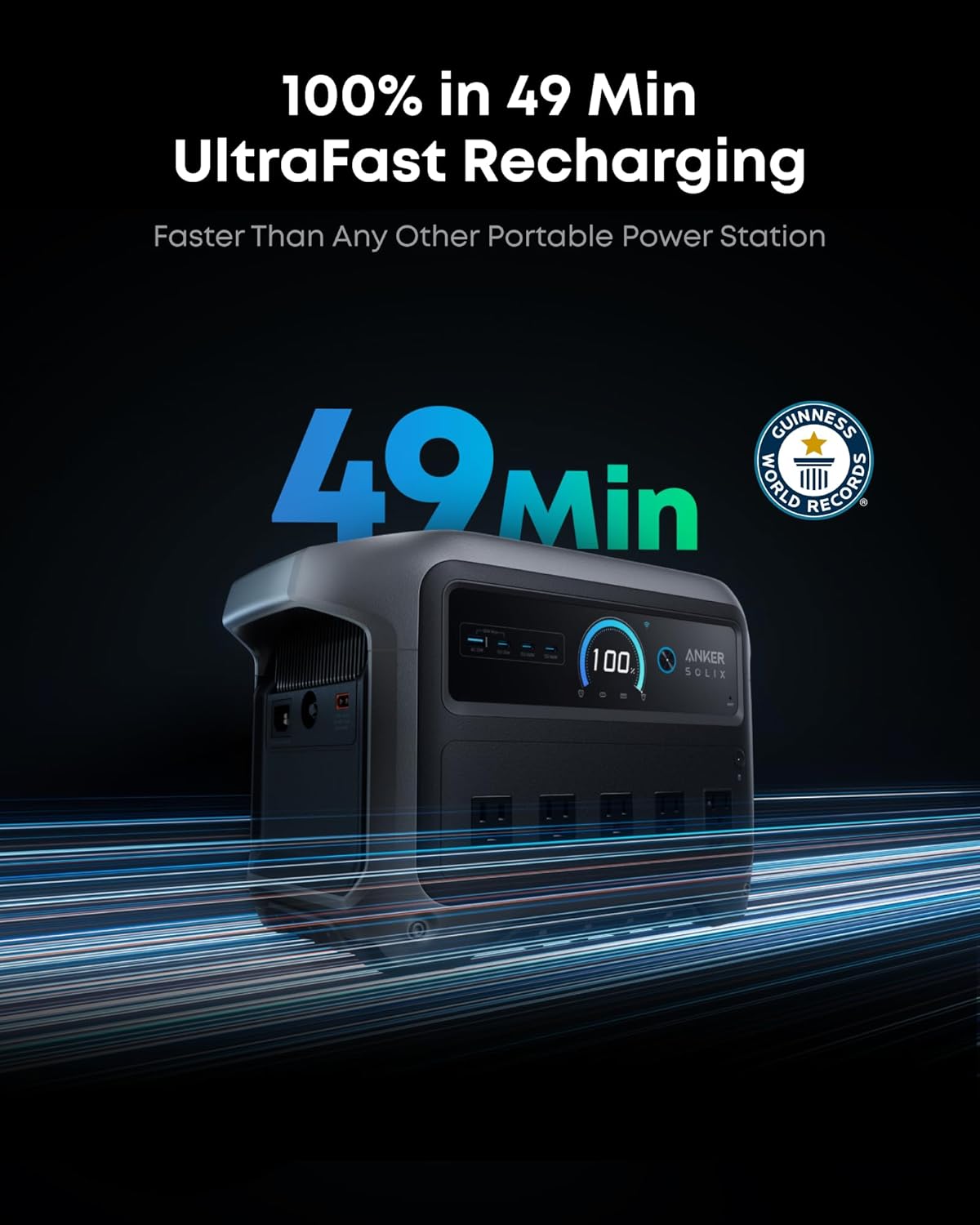
Figure 4: Power station demonstrating HyperFlash ultra-fast recharging.
4.4. TOU Mode (Time of Use)
Utilize the Anker app to activate TOU Mode. This feature allows the power station to charge itself during off-peak electricity rate hours and automatically switch to battery power during peak hours, potentially saving on electricity costs.
4.5. Uninterruptible Power Supply (UPS) Function
The C1000 Gen 2 provides a seamless 10ms UPS function. When connected to a wall outlet and powering devices, it can automatically switch to battery power within 10 milliseconds if the main power fails, ensuring continuous operation for sensitive electronics.

Figure 5: Power station providing seamless UPS functionality during an outage.
5. Charging Options
The Anker SOLIX C1000 Gen 2 offers multiple ways to recharge:
- AC Input: Full recharge in 49 minutes using HyperFlash technology (1,600W).
- Solar Input: Full recharge in 1.8 hours with 600W solar input (using compatible solar panels).
- Car Input: Full recharge in 12.3 hours via a 100W car charger.
- AC + Solar Input: Combined charging can achieve a full recharge in 0.8 hours.
- AC Generator Input: Full recharge in 49 minutes.
- Alternator Charger: Estimated full recharge in 1.8 hours (with upcoming Anker SOLIX Alternator Charger).

Figure 6: Overview of available recharging methods.
6. Battery Information
The Anker SOLIX C1000 Gen 2 utilizes a durable LiFePO4 (Lithium Iron Phosphate) battery. This battery chemistry is known for its longevity and safety.
- Lifespan: Rated for 4,000 charge cycles, maintaining at least 80% capacity after 10 years of daily use.
- Capacity: 1,024Wh (Watt-hours).
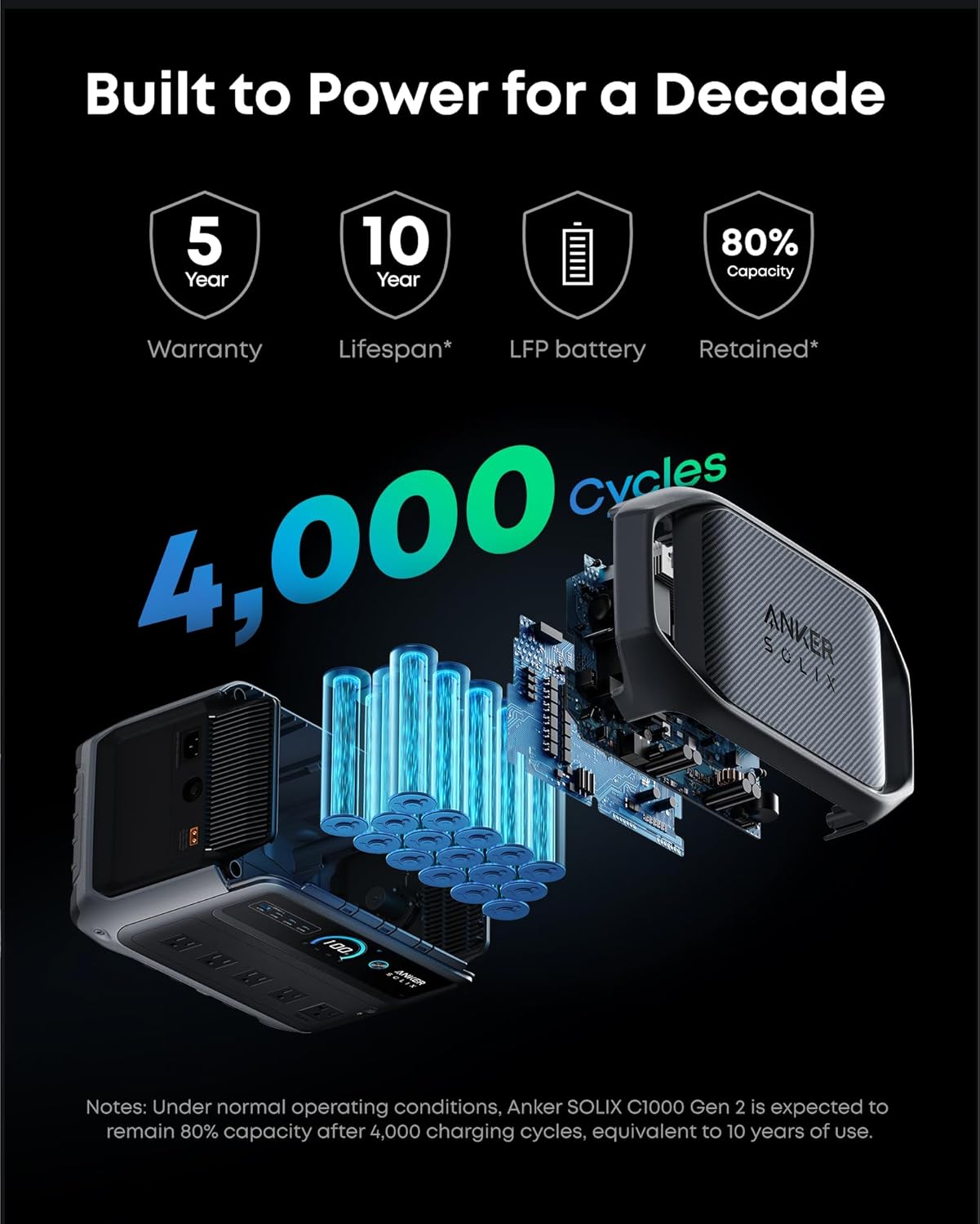
Figure 7: Battery longevity details for the Anker SOLIX C1000 Gen 2.
7. Maintenance
To ensure optimal performance and longevity of your power station:
- Store in a cool, dry place away from direct sunlight and extreme temperatures.
- Avoid dropping or subjecting the device to strong impacts.
- Keep ventilation areas clear of obstructions to prevent overheating.
- For the solar panel, its IP67 waterproof design protects it from rain, but avoid prolonged submersion.
8. Troubleshooting
If you encounter issues with your Anker SOLIX C1000 Gen 2, consider the following:
- Device not powering on: Ensure the battery is charged. Press and hold the power button for 3 seconds.
- No output from ports: Check if the specific output (AC) is activated. Ensure devices are properly connected.
- Slow charging: Verify that HyperFlash technology is enabled in the app for AC charging. For solar charging, ensure panels are in direct sunlight and correctly connected.
- Overload protection: If the device shuts down due to overload, disconnect some devices and restart. The power station can handle 2,000W continuous output and 3,000W peak.
- App connectivity issues: Ensure Bluetooth and Wi-Fi are enabled on your mobile device and the power station. Follow in-app instructions for pairing.
9. Specifications
| Feature | Specification |
|---|---|
| Brand | Anker |
| Model Name | Anker SOLIX C1000 Gen 2 |
| Battery Type | LiFePO4 |
| Capacity | 1,024Wh |
| Running Wattage | 2,000 Watts |
| Starting/Peak Wattage | 3,000 Watts |
| Total Power Outlets | 10 |
| AC Charging Time (HyperFlash) | 49 minutes (1,600W) |
| Solar Charging Time (600W) | 1.8 hours |
| Dimensions (L x W x H) | 15.1"L x 8.2"W x 9.6"H |
| Item Weight | 24.9 lbs (approx.) |
| Battery Lifespan | 4,000 cycles to 80% capacity |
| Solar Panel Efficiency (PS100) | Up to 23% |
| Solar Panel Waterproof Rating (PS100) | IP67 |
10. Warranty and Support
The Anker SOLIX C1000 Gen 2 Portable Power Station comes with a 5-year warranty. For technical support, troubleshooting, or warranty claims, please refer to the contact information provided in your Safety and Warranty Card or visit the official Anker website.
11. Official Product Videos
Anker SOLIX C1000 Gen2 - Fastest Charge-Up, Longest Backup
This video highlights the ultra-fast charging capabilities and extended backup duration of the Anker SOLIX C1000 Gen 2 Portable Power Station.
Anker SOLIX Brand Manifesto
This video presents the brand vision and commitment of Anker SOLIX to providing reliable and innovative power solutions.


