
Introduction
Thank you for choosing the Keenstone Electric Heated Blanket. This luxurious faux fur blanket is designed to provide warmth and comfort with advanced safety features. Please read this manual thoroughly before use to ensure proper operation and to maintain the product's longevity.
Key features include 8 temperature settings, a 10-hour automatic shut-off timer, overheat protection, and OEKO-TEX, CE, and ISO9001 certifications. The blanket provides uniform heating and is machine washable for convenient care.
Important Safety Instructions
When using electrical appliances, basic precautions should always be followed to reduce the risk of fire, electric shock, and injury to persons, including the following:
- Read all instructions before using this heated blanket.
- Do not use this blanket with an infant, a child, an invalid, or any person insensitive to heat.
- Do not use this blanket on an adjustable bed. If used on an adjustable bed, ensure the blanket or cord does not become pinched or kinked.
- Do not use if wet.
- Do not use pins or other metallic objects with this blanket. They may damage the wiring.
- Do not use the blanket if the power cord or controller is damaged.
- Always unplug the blanket from the electrical outlet when not in use.
- This blanket is equipped with an automatic shut-off feature and overheat protection for enhanced safety.
- The blanket is certified OEKO-TEX, CE, and ISO9001, ensuring high quality and safety standards.

Figure 1: Safety features and certifications of the Keenstone Electric Heated Blanket.
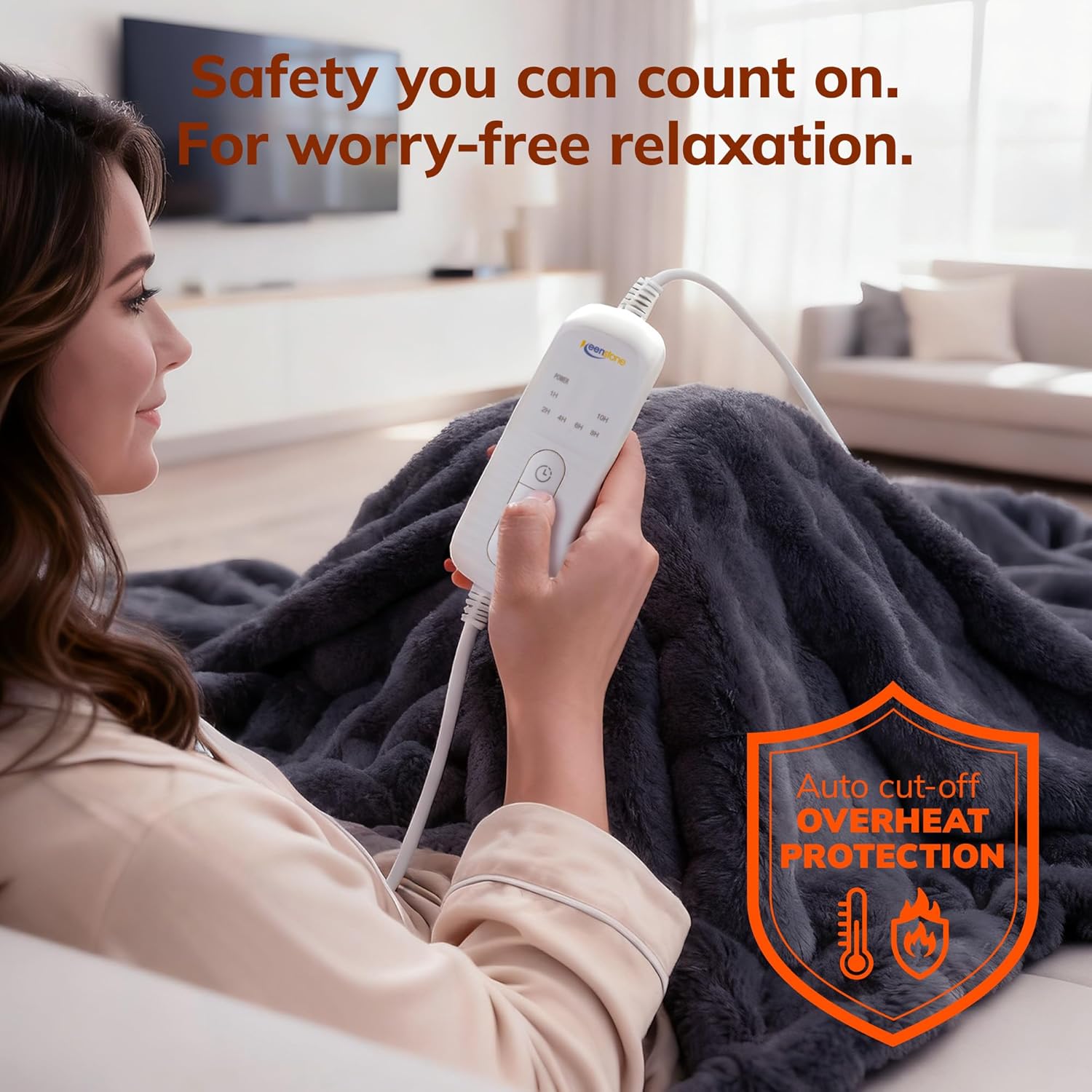
Figure 2: User operating the blanket with the controller, demonstrating the auto cut-off overheat protection.
Setup
- Unpack: Carefully remove the heated blanket and controller from its packaging.
- Inspect: Check the blanket and power cord for any signs of damage. Do not use if damaged.
- Connect Controller: Ensure the controller cable is securely plugged into the blanket's connector.
- Position: Place the blanket on your bed or sofa as desired. Ensure it lies flat and is not bunched or folded.
- Plug In: Plug the power cord into a standard electrical outlet.
Operating Instructions
The Keenstone Electric Heated Blanket features an easy-to-use controller for adjusting heat and timer settings.

Figure 3: Overview of blanket features and heating element design.
Power On/Off
- To turn on, press the power button on the controller. The indicator light will illuminate.
- To turn off, press the power button again.
Temperature Settings
- The blanket offers 8 distinct temperature levels.
- Use the temperature control buttons (usually marked with '+' and '-') to increase or decrease the heat level.
- The current temperature setting will be displayed on the controller's LED indicator.
Timer Function
- The integrated timer allows you to set the blanket to operate for up to 10 hours.
- Press the timer button to cycle through available time settings.
- The blanket will automatically shut off once the set time has elapsed.
Automatic Shut-off
For safety and energy conservation, the blanket will automatically turn off after the set timer duration (up to 10 hours) or if an overheat condition is detected.
Maintenance
Proper care will ensure the longevity and performance of your Keenstone Electric Heated Blanket.
Washing Instructions
- Disconnect: Always disconnect the controller from the blanket and unplug the power cord from the wall outlet before washing.
- Machine Wash: Machine wash on a delicate cycle at 30°C (86°F). Use a mild detergent.
- Rinse: Rinse thoroughly.
- Drying: Tumble dry on low heat or line dry. Ensure the blanket is completely dry before reconnecting the controller and using it again. Do not iron.
- Do Not Dry Clean: Dry cleaning solvents may damage the insulation of the heating elements.
Storage
When not in use, store the blanket in a cool, dry place. Avoid folding it tightly or placing heavy objects on it, which could damage the internal wiring.
Troubleshooting
If you experience issues with your heated blanket, please refer to the following common problems and solutions:
| Problem | Possible Cause | Solution |
|---|---|---|
| Blanket does not heat up. |
|
|
| Blanket heats unevenly. | Blanket is bunched or folded. | Lay the blanket flat and ensure there are no folds or bunches. |
| Controller indicator light is off. | Blanket is off or power issue. | Press the power button. Check power connection and outlet. |
If the problem persists after trying these solutions, please contact customer support.
Specifications
| Feature | Detail |
|---|---|
| Model Number | EB006DG12NBA |
| Dimensions (L x W) | 180L x 130W centimeters (approximately 70.8 x 51.2 inches) |
| Material | 100% Polyester Faux Fur |
| Color | Eclipse Grey (Gris Nuit Polaire) |
| Temperature Settings | 8 levels |
| Timer | Up to 10 hours automatic shut-off |
| Safety Features | Overheat Protection, Automatic Shut-off, Flame-Retardant Design, Leakage Prevention, Low Electromagnetic Waves |
| Certifications | OEKO-TEX, CE, ISO9001 |
| Care Instructions | Machine washable (delicate cycle 30°C) |
| Weight | 1.99 Kilograms |
| GTIN (UPC) | 810142340403 |
Warranty and Support
Keenstone products are manufactured to high-quality standards. For any questions, concerns, or warranty claims, please contact Keenstone customer support through the retailer where the product was purchased or visit the official Keenstone website for contact information.
Please retain your proof of purchase for warranty purposes.