
Redkey S100
Redkey S100 Cordless Robotic Pool Cleaner User Manual
Model: S100
1. Introduction
Welcome to the Redkey S100 Cordless Robotic Pool Cleaner. This manual provides essential information for the safe and efficient operation, maintenance, and troubleshooting of your new pool cleaner. Please read it thoroughly before first use and retain it for future reference.

Image: The Redkey S100 Cordless Robotic Pool Cleaner, showing its compact, white and dark gray design with a handle, alongside its charger and retrieval hook.
2. Safety Information
To ensure safe operation and prevent damage, please observe the following safety guidelines:
- Read all instructions carefully before use.
- The product is designed to work only when placed in water. Do not operate it out of water.
- Ensure the product is fully charged before its first use.
- Designed specifically for flat-bottom pools. Not suitable for pools with steps or slopes exceeding 18 degrees.
- Keep children and pets away from the pool cleaner during operation.
- Do not attempt to repair the unit yourself. Contact customer service for assistance.
- Always disconnect the charger before cleaning or performing maintenance.
- Ensure the charging port is completely dry before connecting the charger.
- Do not use the cleaner if the battery or charger appears damaged.
3. Product Overview & Components
Familiarize yourself with the components included with your Redkey S100 pool cleaner:
- Redkey S100 Robotic Pool Cleaner Unit
- Filter Basket
- Charger
- Retrieval Hook
- 2 x Brushes
- User Manual
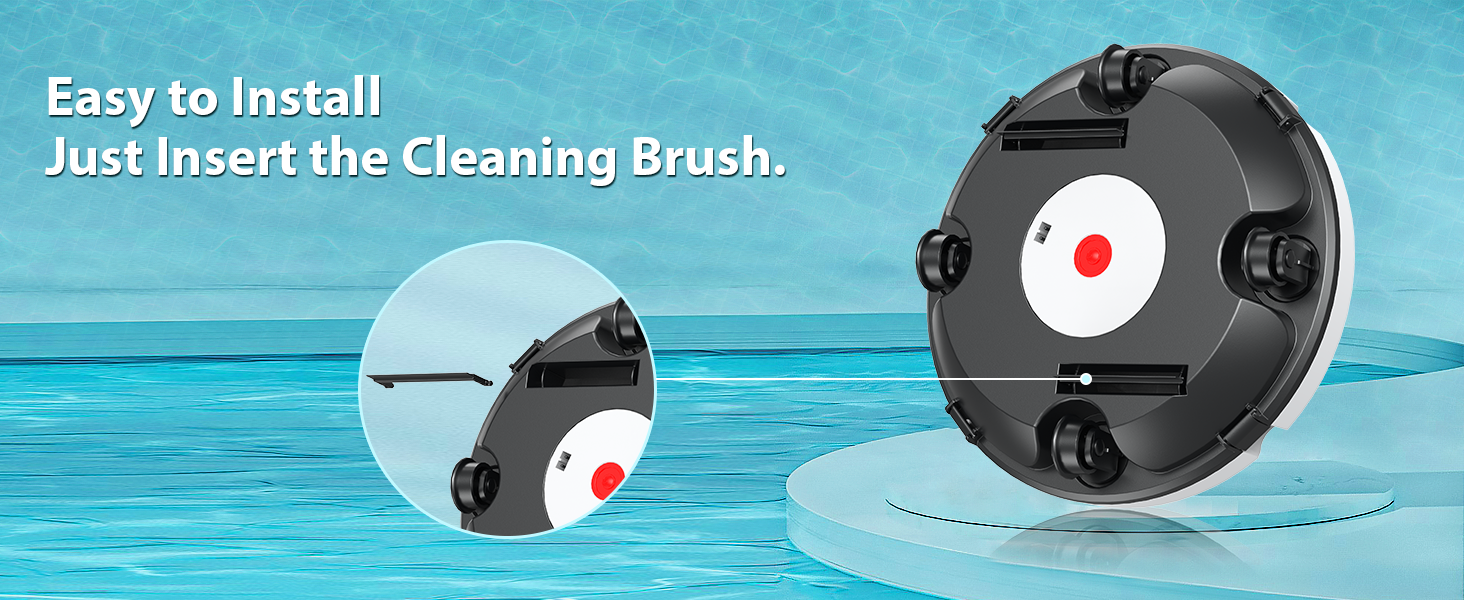
Image: An illustration displaying all components included with the Redkey S100 Robotic Pool Cleaner: the main cleaner unit, filter basket, charger, retrieval hook, two brushes, and the user manual, each numbered for identification.
4. Setup
4.1 Charging the Unit
Before the first use, and after each cleaning cycle, ensure your Redkey S100 is fully charged.
- Ensure the charging port on the cleaner is completely dry.
- Connect the charger to the cleaner's charging port and then plug it into a power outlet.
- Charging typically takes 3-4 hours for a full charge.

Image: An illustration showing the Redkey S100 pool cleaner connected to its charger, indicating a fast charging time of 3-4 hours compared to other models.
4.2 Brush Installation
Attach the cleaning brushes to the underside of the cleaner:
- Locate the designated slots on the bottom of the cleaner.
- Insert the cleaning brushes firmly into these slots until they click into place.
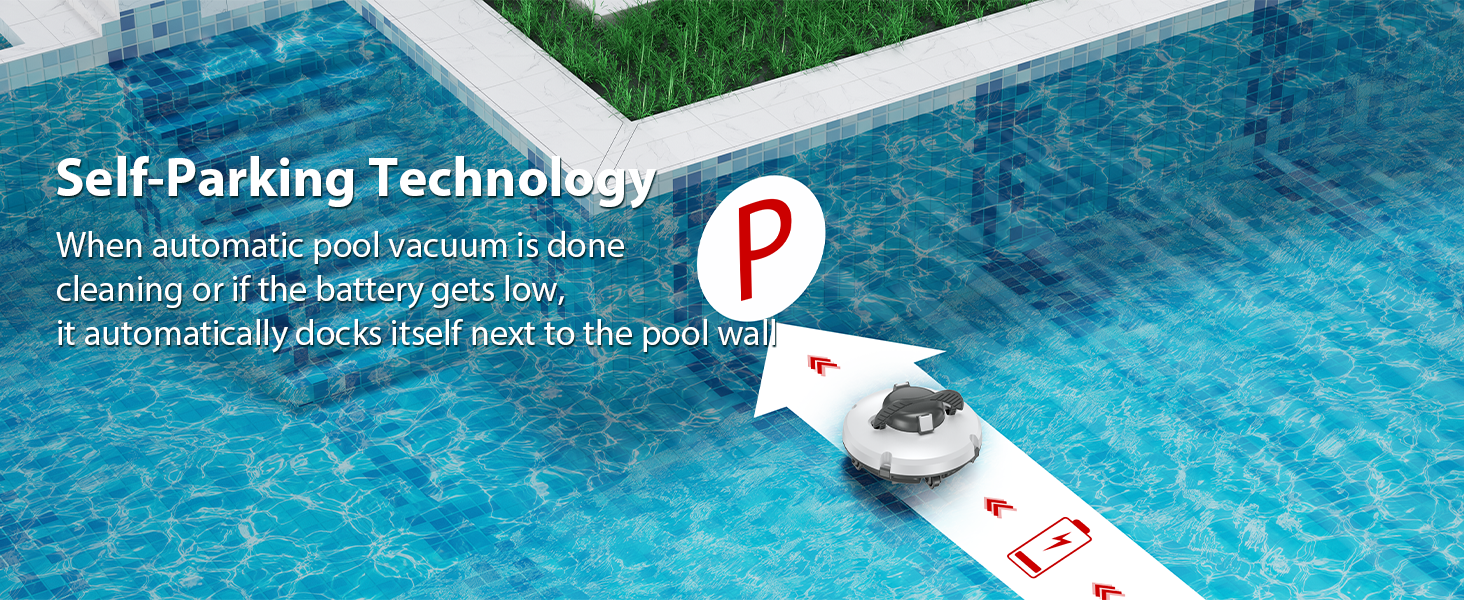
Image: A close-up image demonstrating how to easily insert the cleaning brush into the designated slot on the underside of the Redkey S100 pool cleaner.
5. Operating Instructions
5.1 Placing the Cleaner in the Pool
- After charging, press the power button located on the underside of the cleaner to activate it.
- Gently lower the Redkey S100 into your pool. The automatic cleaning function will commence once the unit is fully submerged.
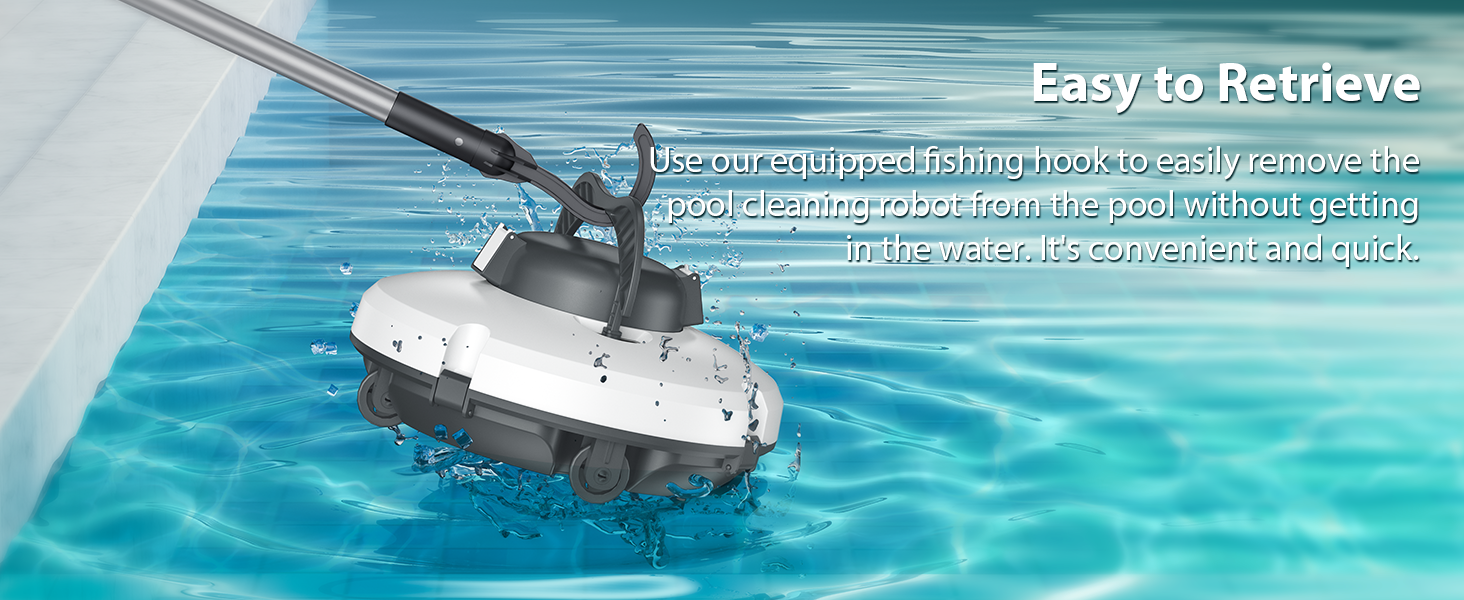
Image: A hand pressing the red power button on the underside of the Redkey S100 pool cleaner, indicating easy activation before placing it in the water.
5.2 Cleaning Cycle
The Redkey S100 will autonomously navigate the pool bottom, collecting debris. It is designed for efficient cleaning with the following features:
- Runtime: Up to 130 minutes on a full charge, capable of cleaning pools up to 1100 sq.ft.
- Climbing Ability: Features an 18° obstacle-crossing capability, allowing it to navigate minor creases and uneven surfaces on the pool bottom.
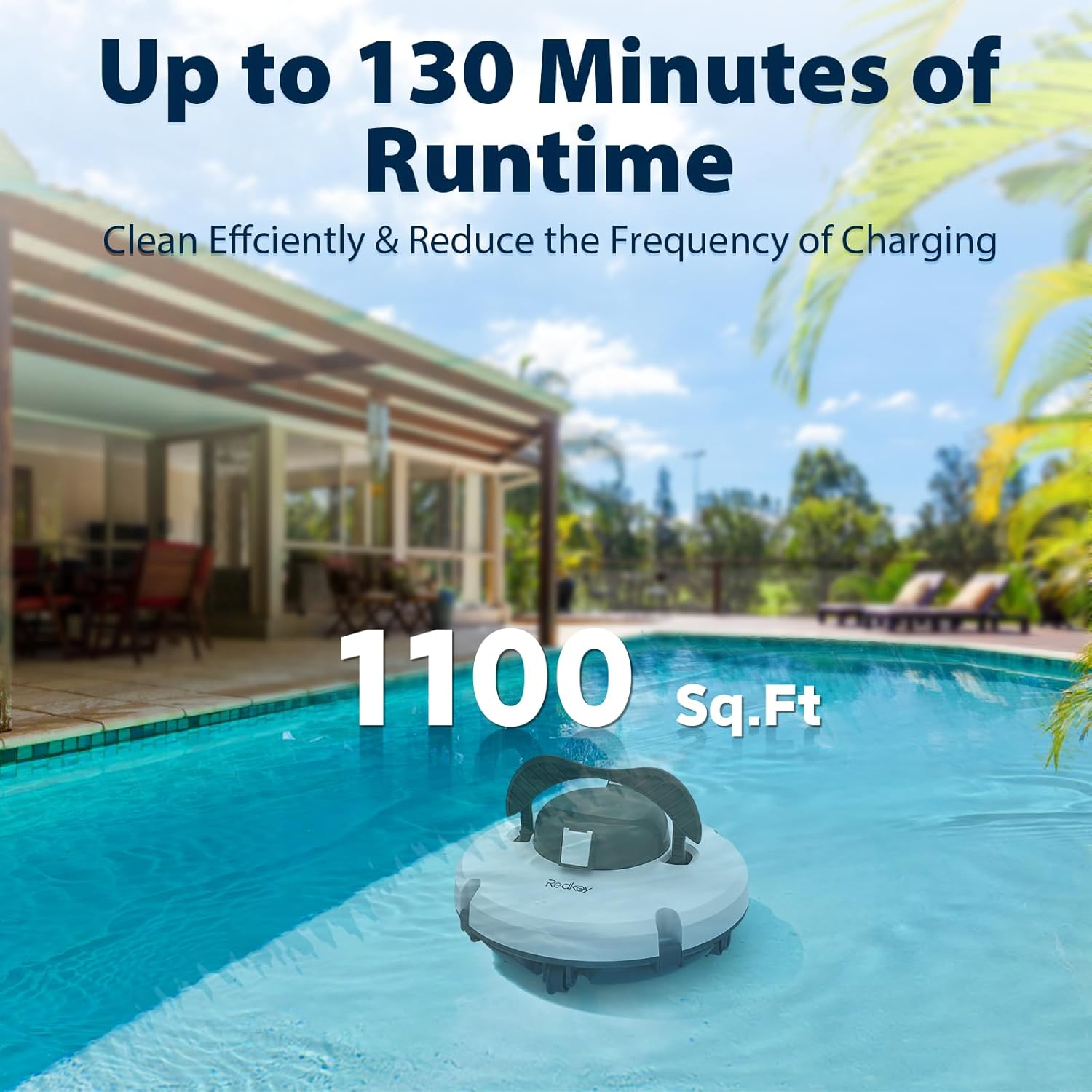
Image: The Redkey S100 pool cleaner operating in a swimming pool, illustrating its capability to clean up to 1100 sq.ft. for 130 minutes on a single charge.

Image: A side view of the Redkey S100 pool cleaner demonstrating its 18-degree climbing angle, designed to help it navigate small creases and avoid getting stuck.
5.3 Self-Parking Technology
The Redkey S100 is equipped with advanced water sensor technology:
- Upon completion of its cleaning cycle or when the battery level is low, the cleaner will automatically dock itself next to the pool wall.
- This feature simplifies retrieval, as the unit will be easily accessible at the edge of the pool.

Image: An illustration showing the Redkey S100 pool cleaner automatically moving towards the pool wall, indicated by a battery low icon and a 'P' for parking, demonstrating its self-parking feature.
5.4 Retrieval
To remove the cleaner from the pool:
- Use the provided retrieval hook to safely lift the cleaner out of the water.
- Allow excess water to drain from the unit before placing it on a dry surface.
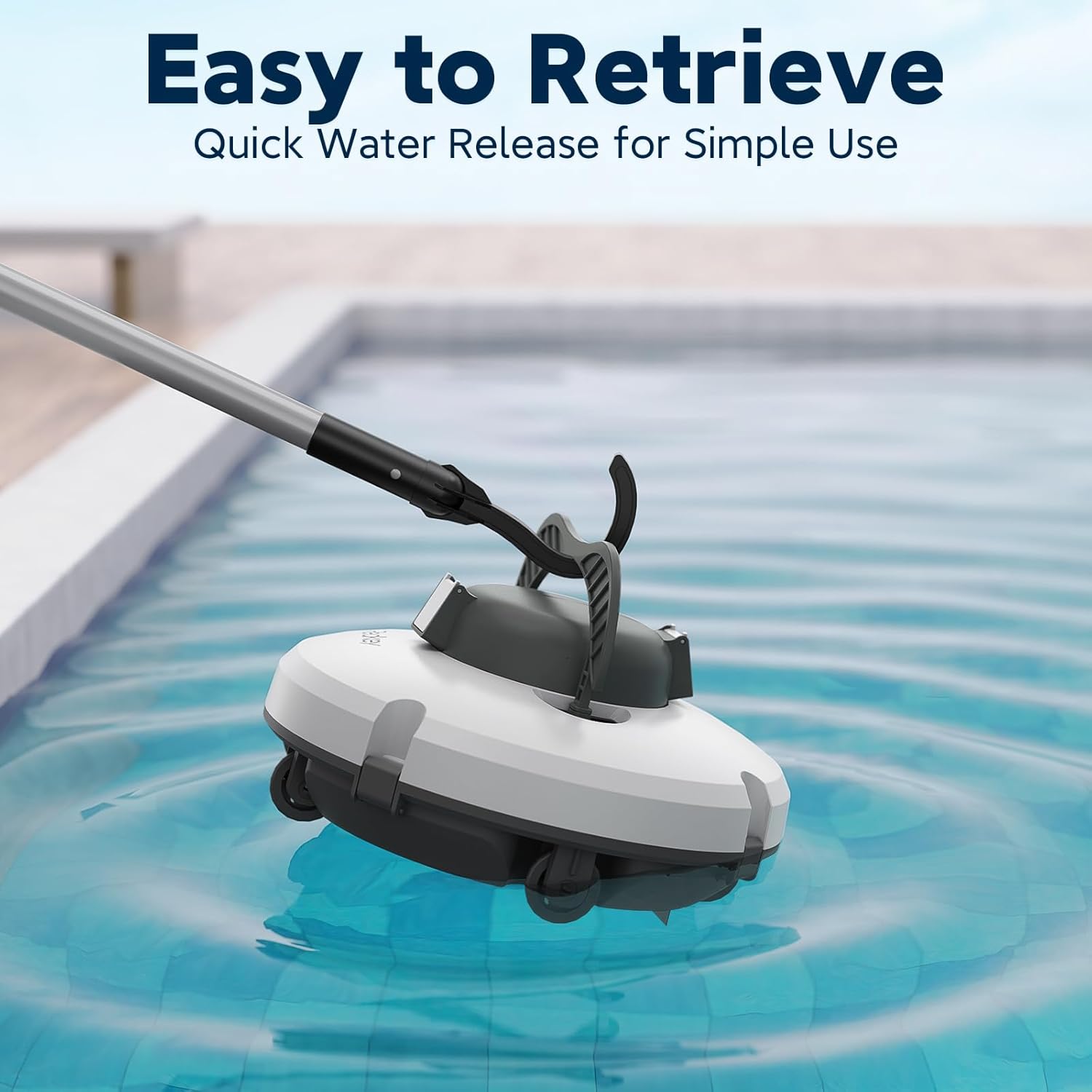
Image: A person using the retrieval hook attached to a pole to lift the Redkey S100 pool cleaner from the water, highlighting its easy retrieval design.
6. Maintenance
6.1 Filter Basket Cleaning
Regular cleaning of the filter basket is crucial for maintaining optimal cleaning performance.
- After each use, or if you notice reduced cleaning efficiency, remove the filter basket from the cleaner.
- Rinse the filter basket thoroughly with a hose to remove all collected debris, such as sand, leaves, and dirt.
- Ensure the filter basket is completely clean before reinserting it into the cleaner.

Image: An exploded view diagram of the Redkey S100 pool cleaner, highlighting its internal components including the 180um filter and 1.5L basket, demonstrating the advanced filtration system.
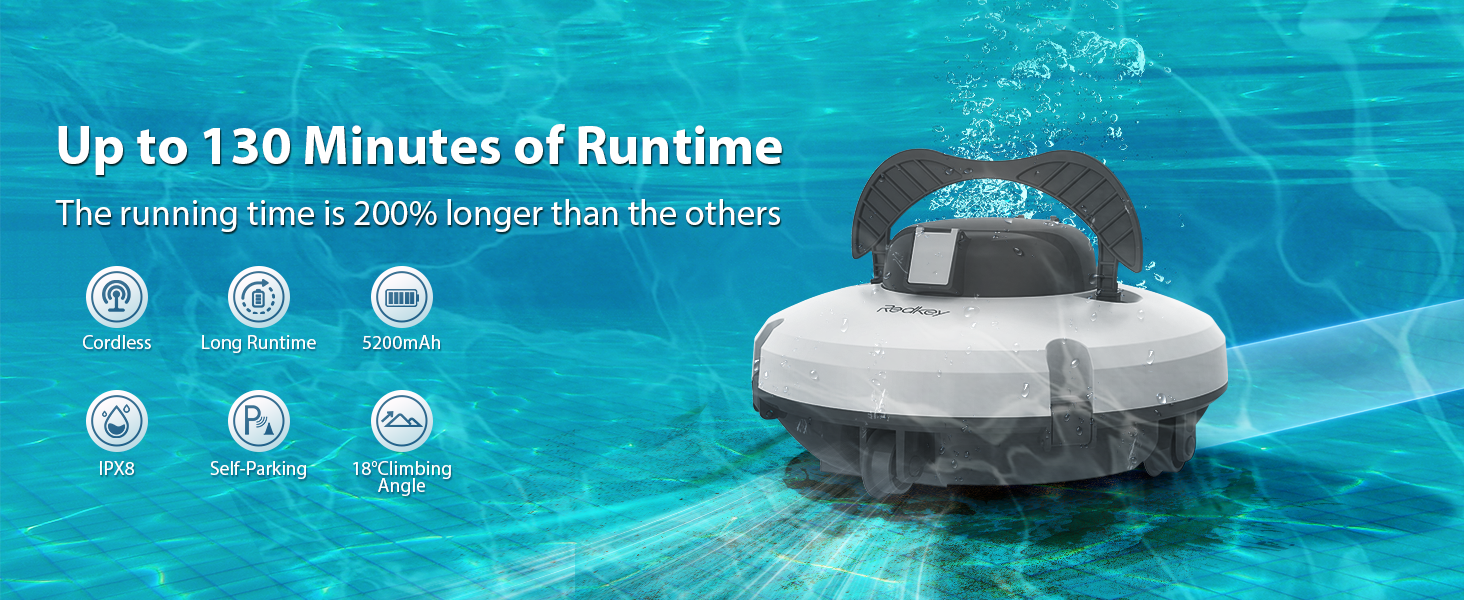
Image: A two-part image showing a hand rinsing the filter basket with a hose and another hand holding the underside of the cleaner, illustrating the ease of disassembly and cleaning of the filter system.
7. Troubleshooting
If you encounter issues with your Redkey S100, refer to the following common problems and solutions:
| Problem | Possible Cause | Solution |
|---|---|---|
| Cleaner not starting | Low battery; Power button not pressed; Not submerged in water. | Ensure the battery is fully charged. Verify the power button is pressed. Confirm the cleaner is fully submerged in water. |
| Reduced cleaning efficiency | Clogged filter basket; Obstructions in suction ports/brushes. | Clean the filter basket thoroughly. Check for and remove any debris blocking suction ports or brushes. |
| Cleaner getting stuck | Incompatible pool type (e.g., steep slopes, complex steps); Product too light for pool depth. | Ensure your pool is a flat-bottom type. The cleaner is designed for slopes up to 18°. If the cleaner is too light, consider draining a portion of the pool water before use as recommended. |
| Battery not holding charge | Improper charger connection; Faulty charger/battery. | Ensure the charger is properly connected and the power outlet is functional. If the issue persists, contact customer service. |
8. Specifications
| Feature | Detail |
|---|---|
| Brand | Redkey |
| Model Name | S100 |
| Power Source | Battery Powered |
| Battery Type | 1 Lithium Ion battery (included), 5200mAh high-capacity |
| Lithium Battery Energy Content | 57.72 Watt Hours |
| Number of Lithium-ion Cells | 1 |
| Charging Time | 3-4 hours |
| Runtime | Up to 130 minutes |
| Max. Cleaning Area | Up to 1100 sq.ft |
| Max. Climbing Ability | 18° slope angle |
| Product Dimensions | 15"L x 9.99"W x 12"H |
| Item Weight | 9.11 pounds |
| Material | Plastic |
| Color | White |
| Voltage | 120 Volts |
| Assembly Required | Yes |
| UPC | 765452710555 |
| Year of Manufacture | 2023 |
9. Warranty Information
The Redkey S100 Cordless Robotic Pool Cleaner comes with a stated "Lifetime Warranty Type" and a 2-year product protection plan. For specific terms, conditions, and coverage details, please refer to the warranty card included with your product or contact Redkey customer support directly.
10. Customer Support
For any questions, concerns, or technical assistance regarding your Redkey S100 Robotic Pool Cleaner, please contact our dedicated customer service team.
- Online Support: If purchased through Amazon, you can typically reach support via your order details: Account > Orders > Order Detail > by: JS-Damai > Ask a question.
- Service Availability: Redkey offers 12-hour fast support with 24/7 availability.
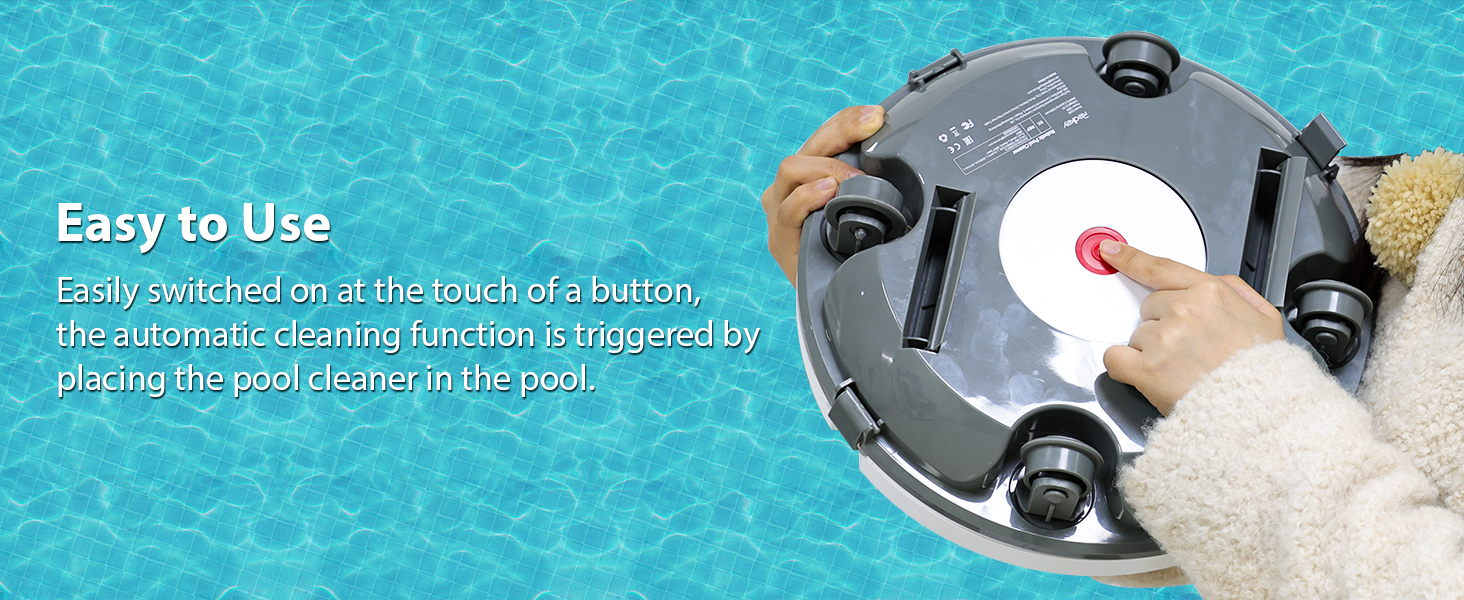
Image: An image showing a customer service representative with text detailing how to reach Redkey support and highlighting 12-hour fast support and 2-year product protection.
Related documentsS100


Ask a question about this manual
Ask about setup, troubleshooting, compatibility, parts, safety, or missing instructions. Manuals+ will review the question and use this page’s manual context to help answer it.