
1. Introduction
Welcome to the user manual for your new Lava Play Ultra 5G smartphone. This guide provides essential information on setting up, operating, maintaining, and troubleshooting your device. Please read this manual carefully to ensure optimal performance and longevity of your smartphone.
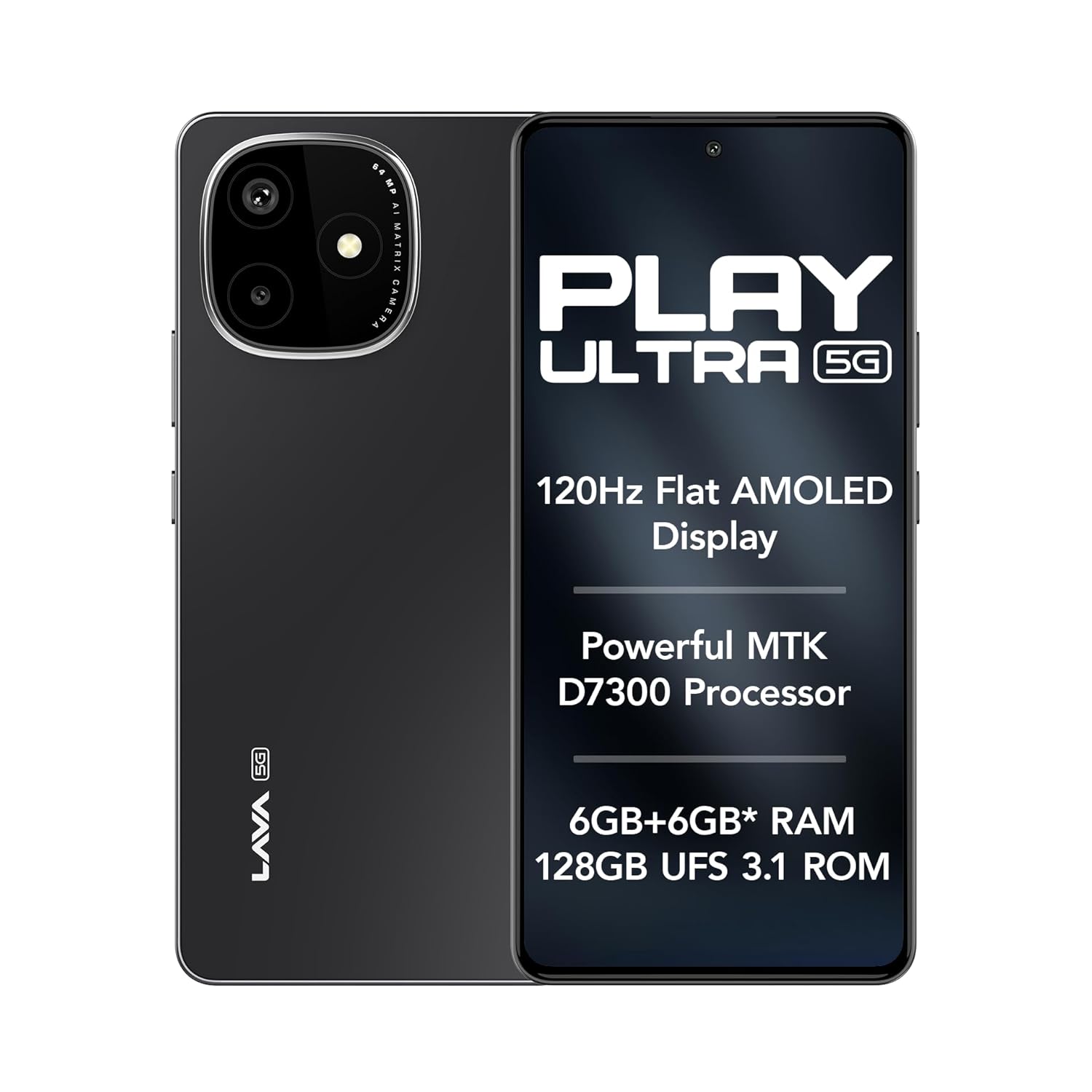
Image: The Lava Play Ultra 5G smartphone, showcasing its sleek design and key display features.
2. What's in the Box
Upon unboxing your Lava Play Ultra 5G, please verify that all the following items are included:
- Lava Play Ultra 5G Smartphone
- Power Adapter
- USB Cable
- SIM Tray Ejector
- Phone Case
- Headset
3. Setup
3.1. Inserting SIM Card and microSD Card
- Locate the SIM tray on the side of your device.
- Insert the SIM tray ejector tool into the small hole next to the tray and press gently until the tray pops out.
- Place your Nano-SIM card(s) and/or microSD card into the designated slots on the tray. Ensure the gold contacts face downwards.
- Carefully reinsert the tray into the phone until it clicks into place.
3.2. Charging the Battery
Before first use, fully charge your Lava Play Ultra 5G. Connect the USB cable to the power adapter and then to the phone's charging port. Plug the power adapter into a wall outlet. The device supports 33W fast charging.
3.3. Powering On/Off
- To power on: Press and hold the Power button until the Lava logo appears.
- To power off: Press and hold the Power button, then select 'Power off' from the options on the screen.
3.4. Initial Setup Wizard
Upon first power-on, follow the on-screen instructions to complete the initial setup. This includes selecting your language, connecting to Wi-Fi, setting up your Google account, and configuring security features.
4. Operating Your Device
4.1. Navigation
- Touchscreen Gestures: Tap, swipe, pinch-to-zoom, and long-press are standard gestures for interacting with the display.
- Buttons: The Power button controls power and screen lock. Volume buttons adjust audio levels.
4.2. Connectivity
- Wi-Fi: Connect to wireless networks via Settings > Network & internet > Wi-Fi.
- Bluetooth: Pair with other Bluetooth devices via Settings > Connected devices > Bluetooth.
- Mobile Hotspot: Share your phone's internet connection via Settings > Network & internet > Hotspot & tethering.
5. Camera Features
The Lava Play Ultra 5G is equipped with a versatile camera system to capture your moments.
- Rear Camera: 64MP Sony IMX682 main sensor with Electronic Image Stabilization (EIS) for steady shots.
- Macro Lens: 5MP dedicated macro lens for detailed close-up photography.
- Front Camera: 13MP selfie camera for clear self-portraits and video calls.
Available camera modes include:
- Time-Lapse
- Portrait Mode
- HDR Mode

Image: Detailed view of the Lava Play Ultra 5G's 64MP camera system.
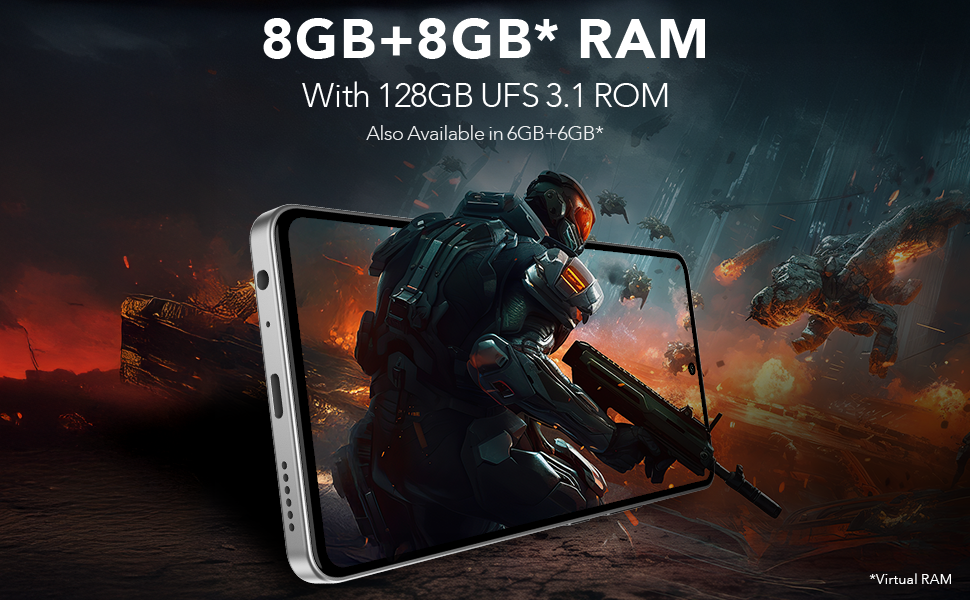
Image: Overview of the Lava Play Ultra 5G's camera capabilities and modes.
6. Performance and Display
Experience smooth performance and vibrant visuals with the Lava Play Ultra 5G.
- Processor: Powered by the MTK D7300 processor, built on 4nm technology, offering efficient and powerful performance.
- RAM & Storage: Up to 12GB expandable RAM (6GB physical + 6GB virtual) paired with 128GB UFS 3.1 storage for fast app loading and multitasking.
- Display: Features a 6.67" FHD+ AMOLED display with a 120Hz refresh rate and 1200 nits peak brightness, ensuring vivid colors and smooth scrolling. The display supports 100% DCI-P3 Colour Gamut.
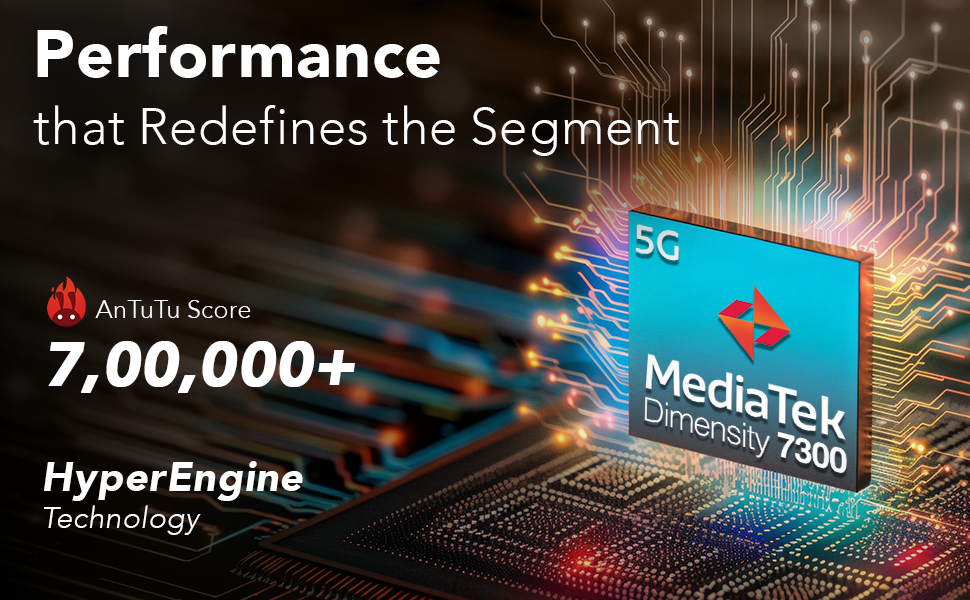
Image: Illustration of the MediaTek Dimensity 7300 processor's performance capabilities.
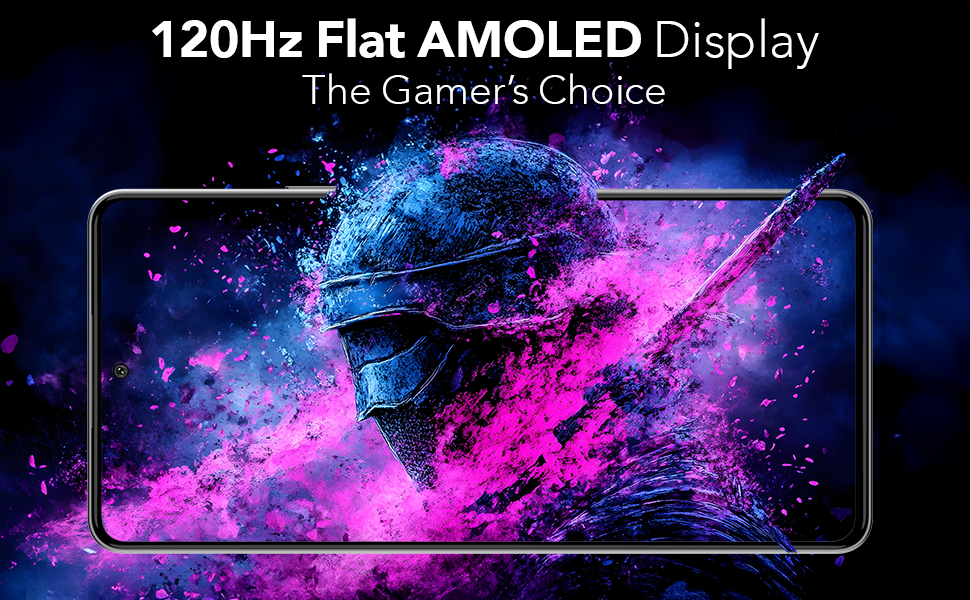
Image: The 120Hz Flat AMOLED Display in action, highlighting its visual quality.
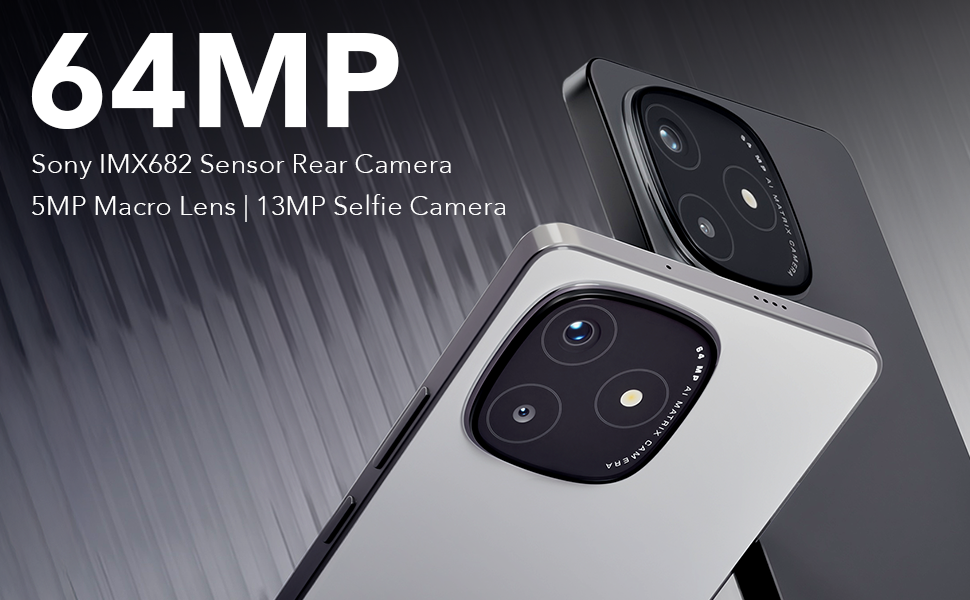
Image: Representation of the phone's RAM and storage capabilities for smooth performance.
7. Audio Features
The Lava Play Ultra 5G provides an enhanced audio experience:
- Dual Stereo Speakers: Delivers rich and immersive sound for media consumption.
- Noise-Cancelling Dual Microphones: Ensures clear audio during calls and recordings by reducing background noise.
- Audio Jack: Includes a 3.5 mm audio jack for traditional wired headsets.
8. Durability
The Lava Play Ultra 5G is designed with durability in mind:
- IP64 Rated: Provides protection against dust ingress and splashes of water, making it suitable for various environments.

Image: The Lava Play Ultra 5G demonstrating its IP64 dust and water resistance.
9. Software and Updates
Your Lava Play Ultra 5G runs on a clean and optimized Android experience:
- Operating System: Android 15, offering a near-stock Android experience with no bloatware or unwanted apps.
- Software Upgrades: Assured Android upgrades for 2 years.
- Security Updates: Regular security updates for 3 years to keep your device protected.
10. Specifications
Detailed technical specifications for the Lava Play Ultra 5G:
| Feature | Specification |
|---|---|
| Operating System | Android 15 |
| Product Dimensions | 16.87 x 0.83 x 7.81 cm; 196 g |
| Batteries | 1 Lithium Polymer (included) |
| Connectivity Technologies | Bluetooth, USB, Wi-Fi |
| GPS | True |
| Special Features | Always On Display, Dual SIM, Fast Charging Support, Mobile Hotspot Capability, Water Resistant (IP64) |
| Resolution | 1080 x 2400 |
| Other Camera Features | Front, Rear |
| Audio Jack | 3.5 mm |
| Form Factor | Bar |
| Colour | Arctic Slate |
| Battery Power Rating | 5000 Milliamp Hours |
| RAM Memory Installed Size | 6 GB |
| Memory Storage Capacity | 128 GB |
| Screen Size | 6.67 Inches |
| Manufacturer | Lava, Lava International Ltd. |
| Country of Origin | India |
11. Maintenance
To ensure the longevity and optimal performance of your Lava Play Ultra 5G, follow these maintenance guidelines:
- Cleaning: Use a soft, lint-free cloth to clean the screen and body. Avoid abrasive materials or harsh chemicals.
- Software Updates: Regularly check for and install system updates to benefit from the latest features, security patches, and performance improvements.
- Battery Care: Avoid extreme temperatures. Do not let the battery fully drain frequently. For long-term storage, charge the battery to around 50%.
- Storage Management: Periodically clear unnecessary files, cache, and unused apps to free up storage space and maintain device speed.
12. Troubleshooting
This section addresses common issues you might encounter with your Lava Play Ultra 5G.
12.1. Device Not Responding
- Restart: Press and hold the Power button for about 10-15 seconds to force a restart.
- Charge: Ensure the device has sufficient battery. Connect to the charger and wait a few minutes before attempting to power on.
12.2. Poor Battery Life
- Background Apps: Close unused applications running in the background.
- Screen Brightness: Reduce screen brightness or enable adaptive brightness.
- Connectivity: Turn off Wi-Fi, Bluetooth, or GPS when not in use.
- Power Saving Mode: Activate Battery Saver mode in Settings.
12.3. Network Connectivity Issues
- Restart Device: A simple restart can often resolve temporary network glitches.
- Check SIM: Ensure the SIM card is correctly inserted and activated.
- Network Settings: Reset network settings via Settings > System > Reset options > Reset Wi-Fi, mobile & Bluetooth.
12.4. Camera Issues
- Clean Lens: Ensure the camera lens is clean and free from smudges.
- Restart Camera App: Close and reopen the camera application.
- Clear Cache: Go to Settings > Apps & notifications > Camera > Storage & cache > Clear cache.
13. Warranty and Support
Lava provides comprehensive support for your Play Ultra 5G device.
- Warranty: Refer to the warranty card included in your product packaging for detailed terms and conditions.
- Home Repair Service: Lava offers a convenient home repair service for eligible issues. Please contact customer support for more details.
- Customer Support: For further assistance, technical support, or service requests, please visit the official Lava website or contact their customer service hotline.


