
Soundcore Q20i
Soundcore by Anker Q20i Hybrid Active Noise Cancelling Headphones
Model: Q20i
Introduction
The Soundcore Q20i headphones are designed to provide a superior audio experience with advanced noise-cancelling capabilities. Featuring hybrid active noise cancellation, these headphones effectively reduce ambient sounds, allowing you to focus on your music or calls. With long-lasting battery life and dual-device connectivity, the Q20i offers convenience and high-fidelity sound for everyday use.
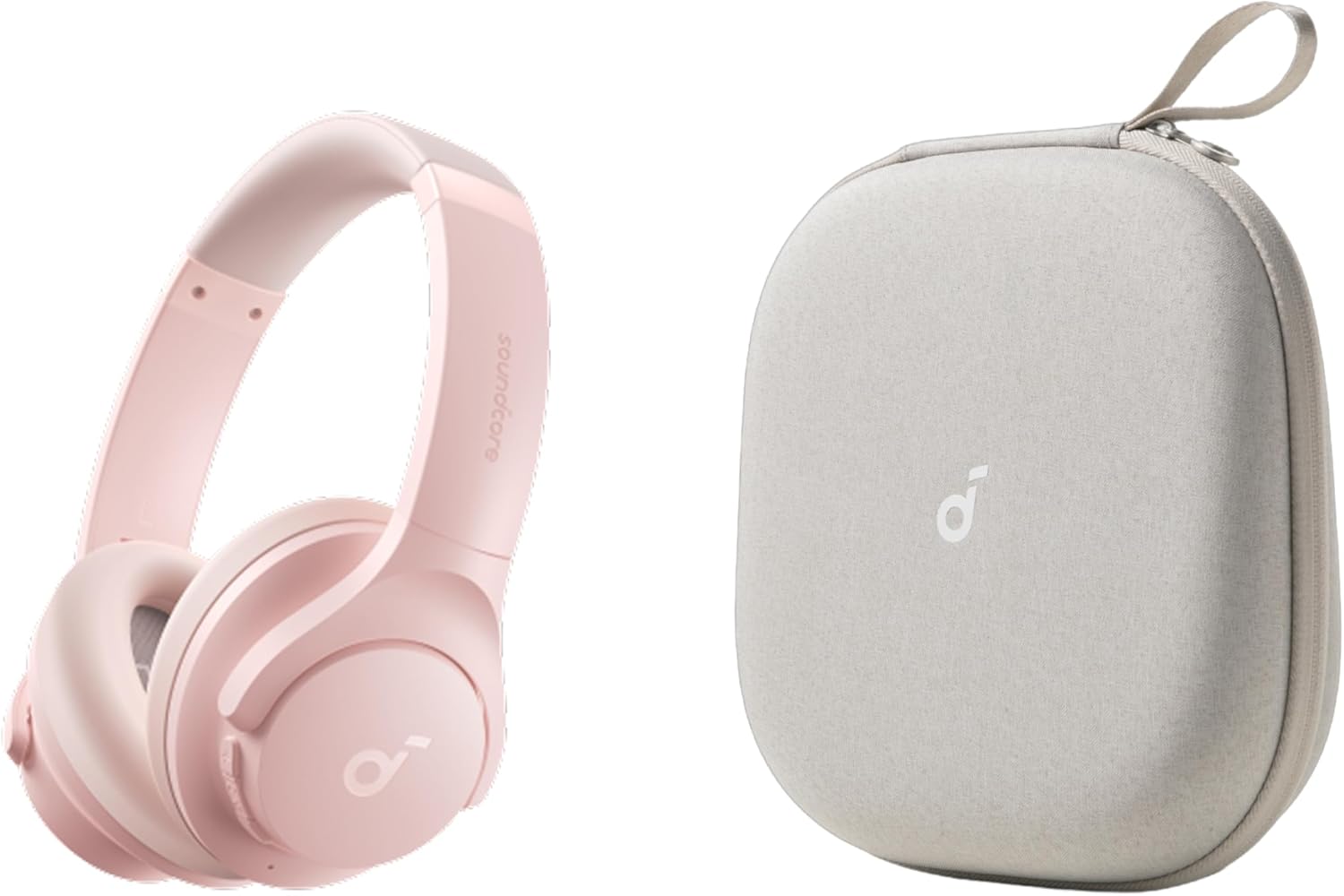
Image: Soundcore Q20i headphones in pink, alongside their protective grey carrying case. The headphones are over-ear style with the Soundcore logo on the earcups. The case is compact and designed for portability.
Setup
Charging the Headphones
Before first use, fully charge your Soundcore Q20i headphones. A full charge provides up to 40 hours of playtime with Active Noise Cancellation (ANC) enabled, or up to 60 hours in normal mode. A quick 5-minute charge can provide an additional 4 hours of playtime.
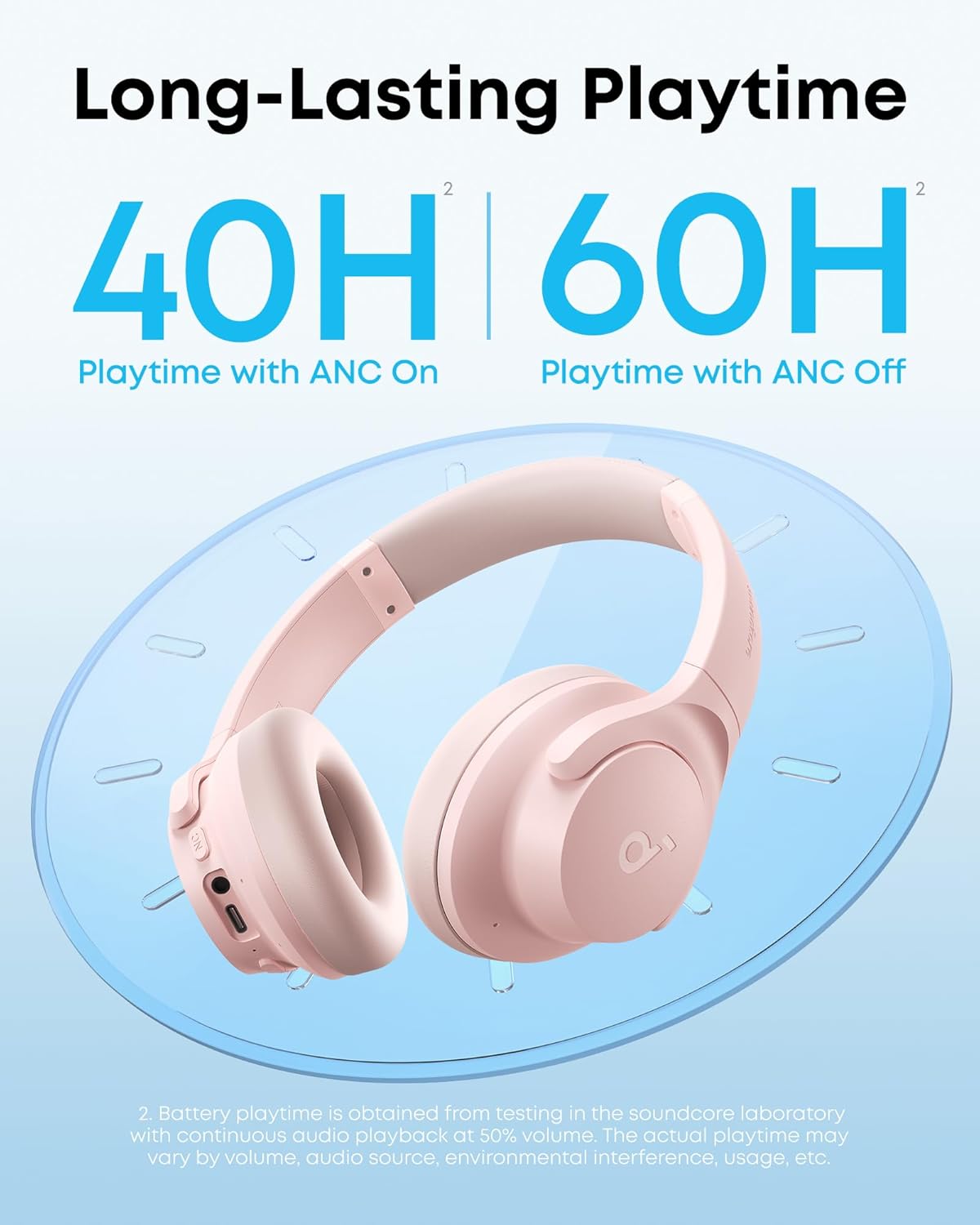
Image: A graphic illustrating the long-lasting playtime of the Soundcore Q20i headphones. It shows '40H Playtime with ANC On' and '60H Playtime with ANC Off' with a large clock-like graphic in the background, emphasizing extended battery life.
Bluetooth Pairing
- Ensure the headphones are charged and powered on.
- Activate Bluetooth on your device (smartphone, laptop, etc.).
- Select 'Soundcore Q20i' from the list of available Bluetooth devices.
- Once connected, a voice prompt will confirm successful pairing.
Operating Instructions
Hybrid Active Noise Cancelling (ANC)
The Q20i headphones feature hybrid active noise cancellation, utilizing two internal and two external microphones to detect and reduce up to 90% of ambient noise, such as airplane engines or car sounds. This allows for a more immersive listening experience.

Image: A woman wearing pink Soundcore Q20i headphones while seated on an airplane, looking out the window. The text overlay reads 'Enjoy Noise-Free Travel' and 'Filter out 90% of sounds, such as cars and airplane engines,' illustrating the noise-cancelling feature.
Transparency Mode
Stay aware of your surroundings by activating Transparency mode. This mode allows ambient sounds to pass through, ensuring you can hear important announcements or engage in conversations without removing your headphones.

Image: A woman wearing pink Soundcore Q20i headphones, smiling and walking on a city street with cars and buildings in the background. The text overlay reads 'Hear The Outside' and 'Stay aware of your surroundings in Transparency mode,' demonstrating the feature.
Dual-Connections
The Soundcore Q20i supports simultaneous connection to two devices via Bluetooth 5.0. This allows you to seamlessly switch between audio sources, for example, from watching a video on your laptop to taking a call on your smartphone, without needing to re-pair.

Image: A graphic illustrating the dual-connection feature, showing the Soundcore Q20i headphones positioned between a smartphone displaying a Bluetooth connection and a laptop. Dotted lines indicate simultaneous connection to both devices, with the text 'Dual-Connection' and 'Connect to two devices simultaneously, and quickly switch between them.'
Hi-Res Audio and BassUp Technology
Experience detailed sound and powerful bass thanks to the oversized 40mm dynamic drivers and BassUp technology. The headphones are compatible with Hi-Res certified audio when connected via the AUX cable, providing an even richer audio experience.
Maintenance
Cleaning
- Wipe the headphones and earcups with a soft, dry cloth.
- Avoid using abrasive cleaners or solvents.
Storage
When not in use, store the headphones in their provided protective case to prevent damage from dust, scratches, and impacts. The case is designed with four layers of protection: water-resistant exterior (excluding zipper and strap), anti-scratch and dust-resistant layer, impact-resistant layer, and a protective soft fleece-lined interior.

Image: A cutaway diagram illustrating the 'FOUR-LAYER FULL PROTECTION' of the Soundcore headphone case. Labels point to 'Water-Resistant', 'Anti-Scratch and Dust-Resistant', 'Impact-Resistant', and 'Protective and Soft Fleece-Lined' layers.

Image: A person's hand placing the grey Soundcore headphone case, which features an ergonomic recessed handle, into a beige backpack, demonstrating its portability and ease of storage.
Troubleshooting
No Power
- Ensure the headphones are fully charged.
- Check the charging cable and power source.
Cannot Pair via Bluetooth
- Make sure Bluetooth is enabled on your device.
- Ensure the headphones are in pairing mode (refer to device-specific instructions if needed).
- Move the headphones closer to your device.
- Forget the device from your Bluetooth list and try pairing again.
Poor Sound Quality or No Sound
- Check the volume levels on both the headphones and your connected device.
- Ensure there are no obstructions between the headphones and your device.
- If using the AUX cable, ensure it is securely connected.
- Try restarting both the headphones and the connected device.
Specifications
| Model Name | Soundcore Q20i |
| ASIN | B0FM3KSY9F |
| Connectivity | Bluetooth 5.0, AUX |
| Driver Size | 40mm Dynamic Drivers |
| ANC Playtime | Up to 40 hours |
| Normal Mode Playtime | Up to 60 hours |
| Fast Charging | 5 mins charge for 4 hours playtime |
| Noise Cancellation | Hybrid Active Noise Cancelling (reduces up to 90% of noise) |
| Audio Certification | Hi-Res Audio (via AUX cable) |
| Case Dimensions (Approx.) | 8.1 inches (W) x 8.5 inches (H) x 2.8 inches (D) |
| Date First Available | June 30, 2025 |

Image: A grey Soundcore headphone case shown with its approximate dimensions: 8.1 inches wide, 8.5 inches high, and 2.8 inches deep, providing a clear visual reference for its size.
Warranty and Support
Soundcore products typically come with a limited warranty. For detailed warranty information, product support, or to download the Soundcore app for customization options, please visit the official Soundcore website or their store on Amazon.
Visit the Soundcore Store on Amazon.
Related documentsQ20i


Ask a question about this manual
Ask about setup, troubleshooting, compatibility, parts, safety, or missing instructions. Manuals+ will review the question and use this page’s manual context to help answer it.