
1. Introduction
This manual provides instructions for the DEWALT Heavy Duty True Wireless Earbuds, model DXMA1902092. These earbuds are designed for robust performance in various environments, offering wireless audio connectivity and extended battery life.

Image 1.1: DEWALT Heavy Duty True Wireless Earbuds and Charging Case.
2. Package Contents
Verify that all items listed below are included in your package:
- DEWALT True Wireless Earbuds (Left and Right)
- Ruggedized Charging Case
- Type-C USB Charging Cable
- S/M/L Ear Cushions (8 sets total)
- User Manual (this document)
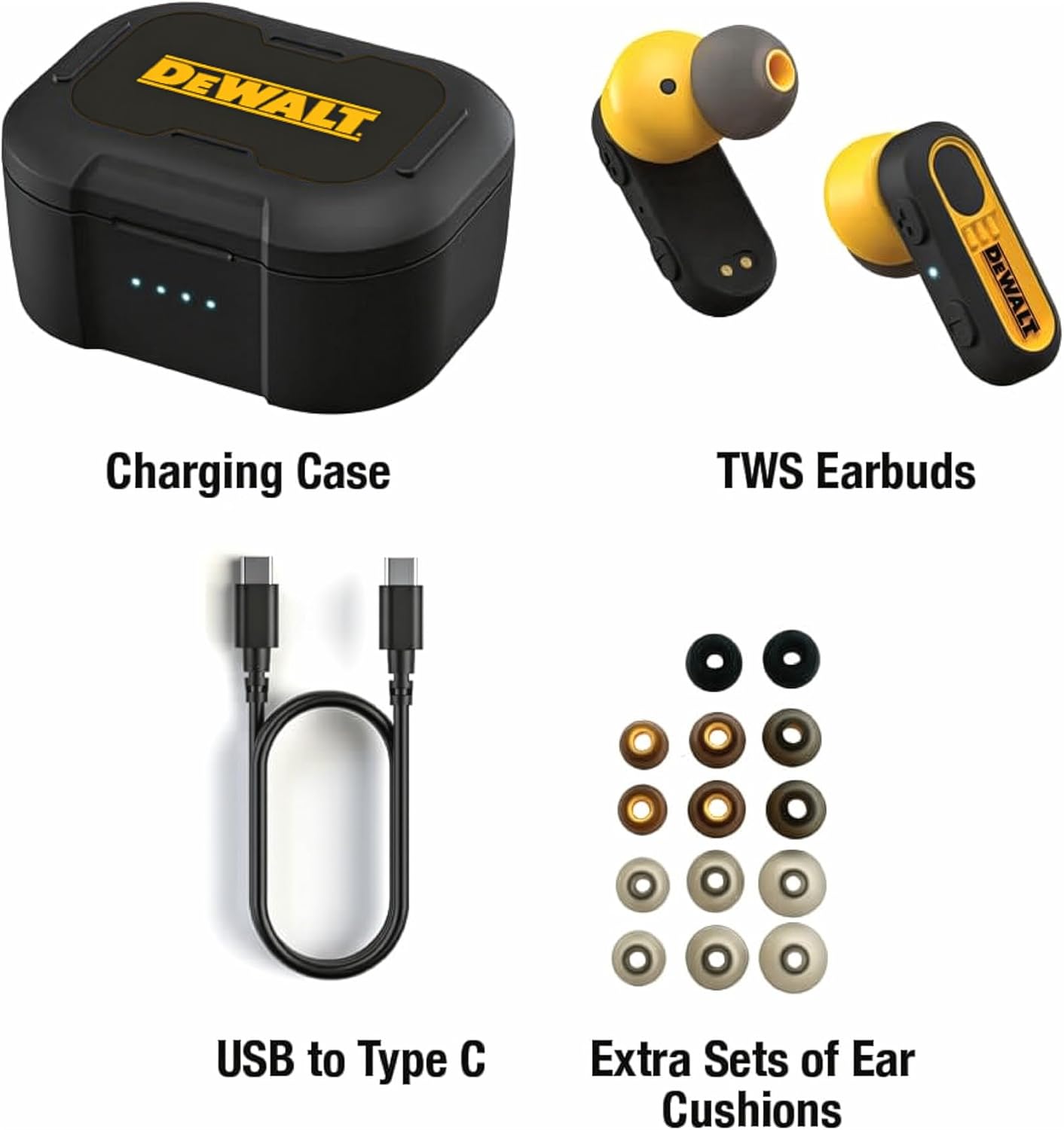
Image 2.1: Included components: Charging Case, TWS Earbuds, USB to Type C Cable, and Extra Sets of Ear Cushions.
3. Setup
3.1 Initial Charging
- Place both earbuds into the charging case.
- Connect the Type-C USB charging cable to the charging port on the case and to a compatible USB power source.
- Allow the earbuds and case to fully charge before first use. The charging case provides multiple recharges for the earbuds.

Image 3.1: Earbuds placed inside the charging case for charging.
3.2 Bluetooth Pairing
- Ensure the earbuds are charged and removed from the charging case. They will automatically enter pairing mode.
- On your device (e.g., smartphone), enable Bluetooth and search for available devices.
- Select "DEWALT Earbuds" from the list of found devices to establish a connection.
- A confirmation sound will indicate successful pairing.
3.3 Selecting Ear Cushions
The earbuds come with 8 sets of S/M/L ear cushions to ensure a secure and comfortable fit. Experiment with different sizes to find the best fit for your ears. A proper fit enhances sound quality and noise isolation.
4. Operating Instructions
4.1 Power On/Off
- Power On: Remove the earbuds from the charging case. They will power on automatically.
- Power Off: Place the earbuds back into the charging case. They will power off automatically and begin charging.
4.2 Music Playback and Calls
The earbuds feature intuitive touch controls for managing audio and calls:
- Play/Pause: Single tap on either earbud.
- Next Track: Double tap on the right earbud.
- Previous Track: Double tap on the left earbud.
- Answer/End Call: Single tap on either earbud during an incoming call.
- Reject Call: Press and hold either earbud for 2 seconds during an incoming call.
- Activate Voice Assistant: Triple tap on either earbud.
In-Ear Smart Sensors: The earbuds are equipped with smart sensors that automatically pause audio playback when an earbud is removed from your ear and resume playback when re-inserted.

Image 4.1: In-Ear Smart Sensor functionality, which auto-pauses audio when an earbud is removed.
4.3 Battery Life
The earbuds provide over 10 hours of playback on a single charge. The charging case extends the total battery life to approximately 37 hours, allowing for multiple recharges on the go. The Type-C fast charging design enables quick replenishment of power.
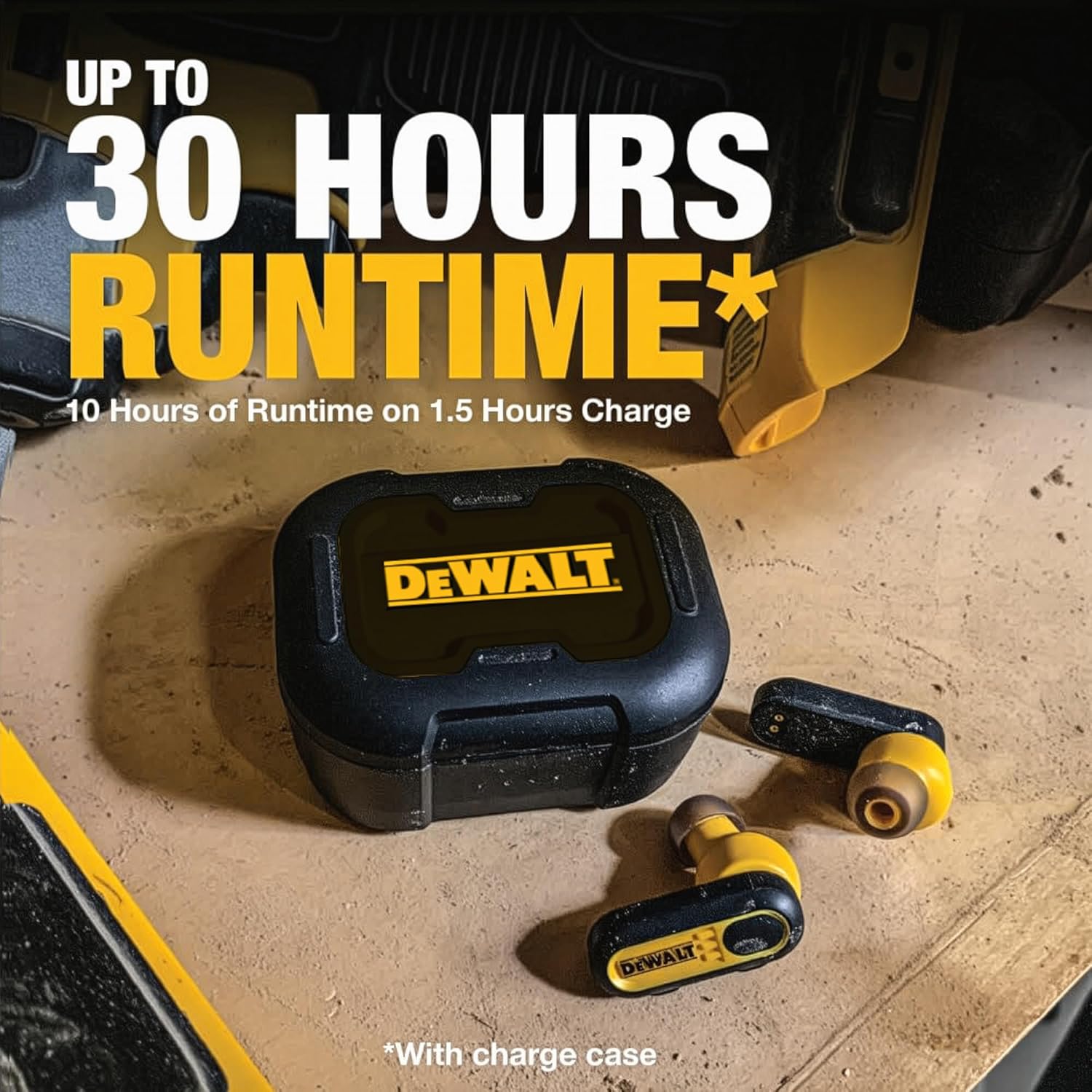
Image 4.2: The earbuds and charging case offer extended runtime.
5. Maintenance
5.1 Cleaning
To maintain optimal performance and hygiene, regularly clean your earbuds and charging case. Use a soft, dry cloth to wipe down the surfaces. For ear cushions, they can be gently removed and cleaned with a mild soap solution, then thoroughly dried before reattaching.
5.2 Water and Dust Resistance
The DEWALT earbuds are IP56-rated, providing protection against water splashes, heavy sweat, and airborne dust. This rating ensures durability in demanding work or outdoor conditions. However, they are not designed for submersion in water.

Image 5.1: IP56 rating indicates resistance to rust and water.
6. Troubleshooting
If you encounter issues with your DEWALT earbuds, refer to the following common solutions:
- Earbuds not pairing with each other or device:
Ensure both earbuds are removed from the case and have sufficient charge. Try placing them back in the case for 5 seconds, then remove them again. If the issue persists, perform a factory reset (refer to specific instructions if available in a separate quick start guide, or try holding the touch controls on both earbuds for 10-15 seconds while out of the case). - No sound or poor sound quality:
Check the volume level on both your connected device and the earbuds. Ensure the earbuds are properly seated in your ears and that the correct size ear cushions are used. Clean any debris from the earbud speakers. Re-pair the earbuds with your device. - Earbuds not charging:
Verify that the charging cable is securely connected to both the case and the power source. Ensure the charging contacts on the earbuds and inside the case are clean and free of obstruction. Try a different charging cable or power adapter. - Intermittent connection:
Ensure your device is within the Bluetooth range (typically 10 meters/33 feet) and there are no significant obstructions between the earbuds and your device. Avoid environments with high Wi-Fi or other wireless interference.
7. Specifications
| Feature | Specification |
|---|---|
| Model Name | DEWALT True Wireless Bluetooth Earbuds |
| Item Model Number | DXMA1902092 |
| Connectivity Technology | Wireless (Bluetooth 5.0) |
| Ear Placement | In Ear |
| Noise Control | Active Noise Cancellation (ENC for calls) |
| Battery Life | Up to 37 Hours (with charging case) |
| Water Resistance Level | IP56 (Water Resistant) |
| Frequency Range | 20 Hz - 20 KHz |
| Impedance | 16 Ohm |
| Control Method | Touch |
| Material | Acrylonitrile Butadiene Styrene (ABS) |
| Item Weight | 0.15 Kilograms (5.3 ounces) |
| Product Dimensions | 2.1 x 3 x 1.75 inches |
| UPC | 826341056632 |

Image 7.1: Exploded view illustrating the internal components of a DEWALT earbud.
8. Warranty and Support
8.1 Warranty Information
The DEWALT Heavy Duty True Wireless Earbuds are backed by a Lifetime Warranty, as indicated on the product packaging. For detailed terms and conditions of the warranty, please refer to the official DEWALT website or contact customer support.
8.2 Customer Support
For further assistance, technical support, or warranty claims, please visit the official DEWALT support website or contact their customer service department. Contact information can typically be found on the product packaging or the brand's official website.


