
Introduction
Thank you for choosing the Tayogo W26-SWIM Waterproof MP3 Player and Bone Conduction Headphones. This device is designed to provide high-quality audio for various activities, including swimming, running, and other sports. Featuring IPX8 waterproofing, 32GB of internal storage, and Bluetooth 5.4 connectivity, it offers a versatile audio experience. Please read this manual carefully to ensure proper use and maintenance of your device.
Package Contents
Verify that all items are present in your package:
- 1x Waterproof Bone Conduction Headset
- 1x Sets of Earbuds
- 1x Magnetic Charging Cable
- 1x Adjustable Strap
- 1x USB to Type-C Plug
- 1x Instruction Manual

Image: Contents of the Tayogo W26-SWIM product box.
Key Features
- IPX8 Waterproof Certification: Designed for full submersion, this headset is suitable for swimming, snorkeling, and other water sports, ensuring no water damage down to 3 meters (10 feet).
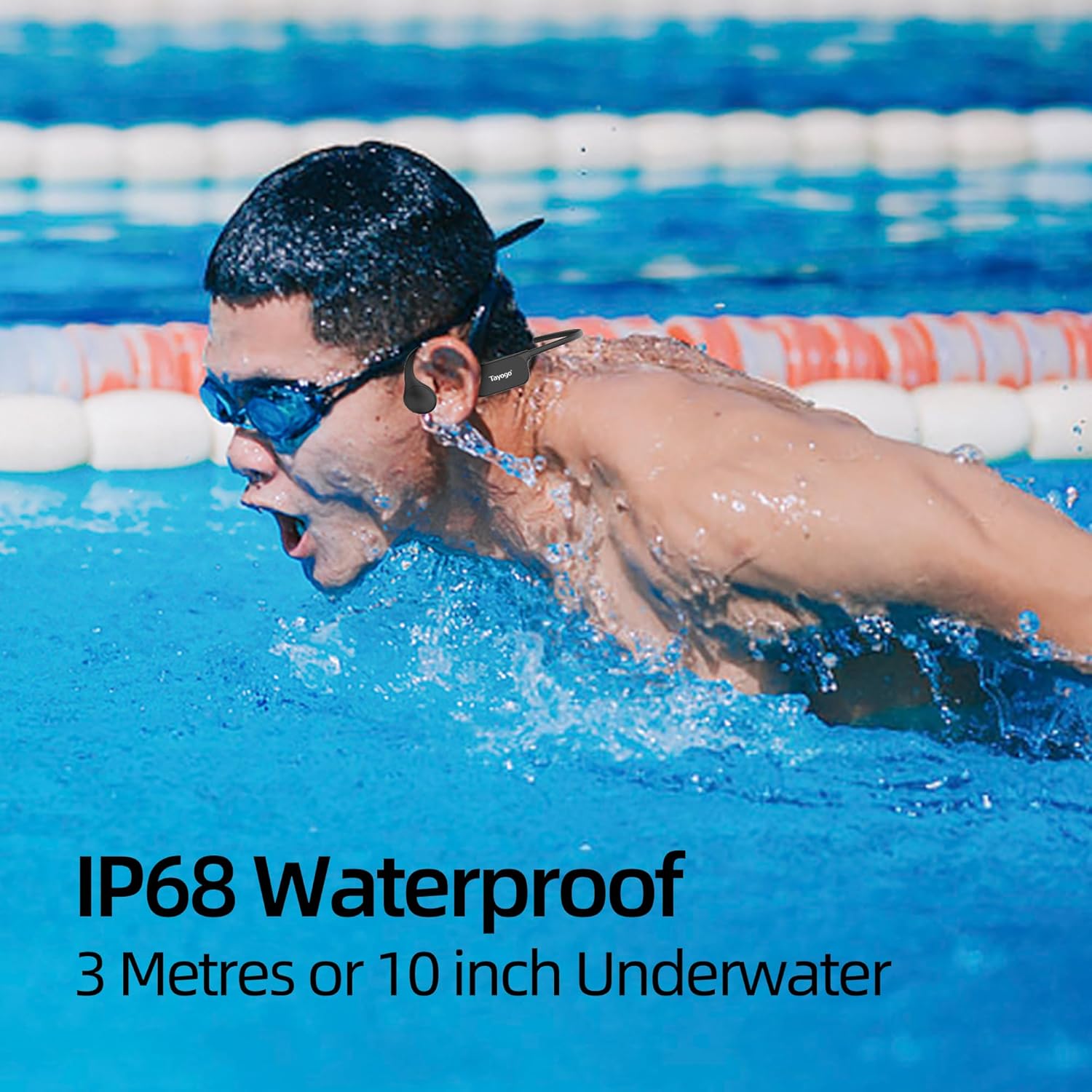
Image: A swimmer using the Tayogo W26-SWIM headphones, demonstrating its waterproof capability.
- Bone Conduction Audio: Delivers sound directly to the inner ear, bypassing the eardrum. This technology provides clear audio both in and out of water, overcoming the limitations of traditional earbuds in aquatic environments.
Video: Demonstrates the Tayogo swimming headphones in use, highlighting bone conduction audio.
- 32GB Internal Storage: Store over 8,000 songs directly on the device, eliminating the need for a phone during activities. Supports MP3, WMA, WAV, APE, and M4A formats.

Image: Illustrates the 32GB MP3 storage and Bluetooth 5.4 connectivity for phone calls.
- Secure Open-Ear Design: Lightweight, wraparound design ensures a secure fit during vigorous movement. The open-ear style allows awareness of surroundings, fitting comfortably under swimming goggles or caps.

Image: A person cycling while wearing the headphones, demonstrating the open-ear design.
- Long Battery Life: Up to 8 hours of continuous playtime on a single charge, supporting extended training sessions. Quick charging capabilities are included.

Image: Visual representation of the headphone's battery capacity and charging time.
- Patented 2-Layer Waterproof Design: Enhanced internal sealing for superior water resistance and durability.
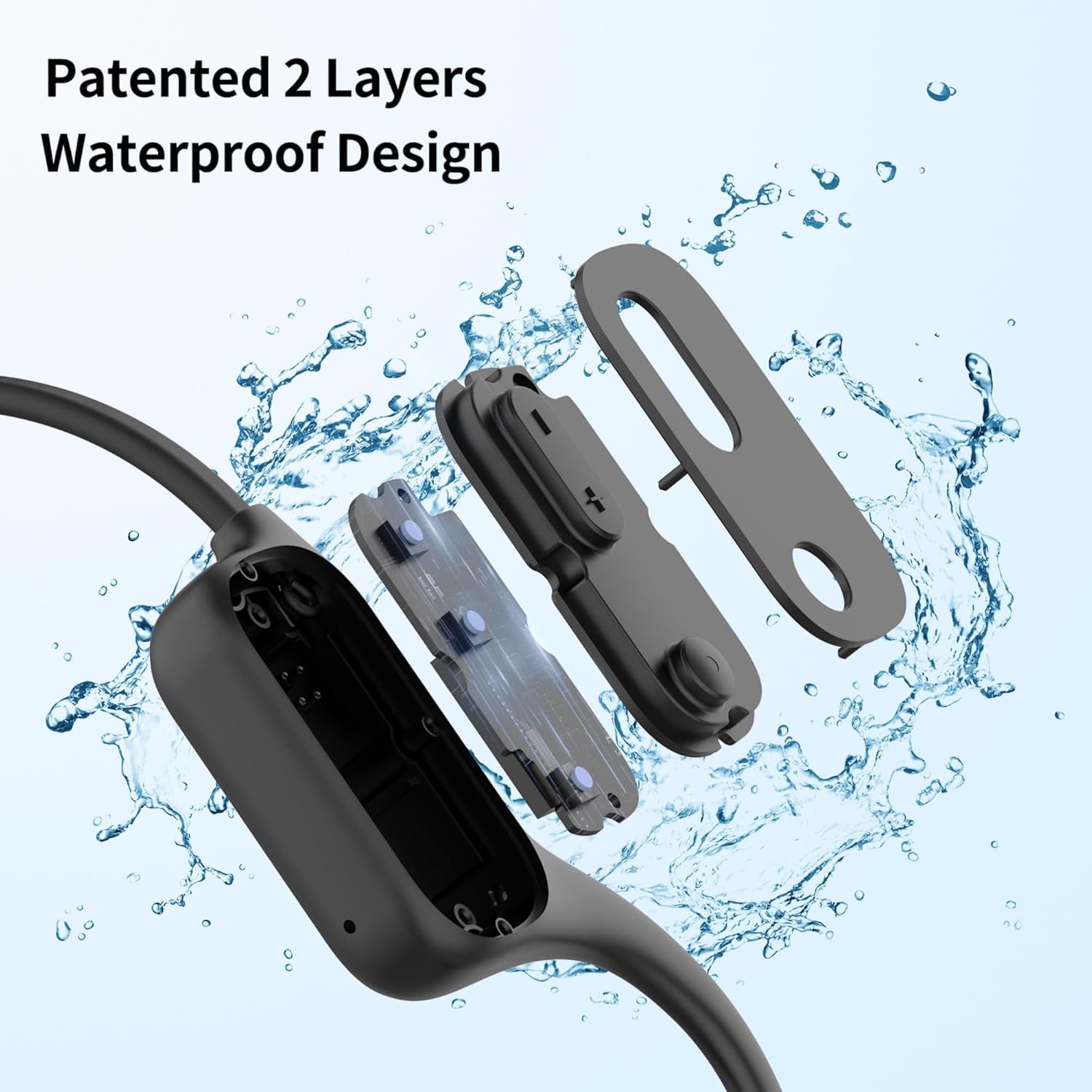
Image: An illustration of the internal waterproof layers of the headphones.
- Adjustable Silicone Strap: For a tighter and more secure fit, especially for users with smaller head sizes or during intense activities.
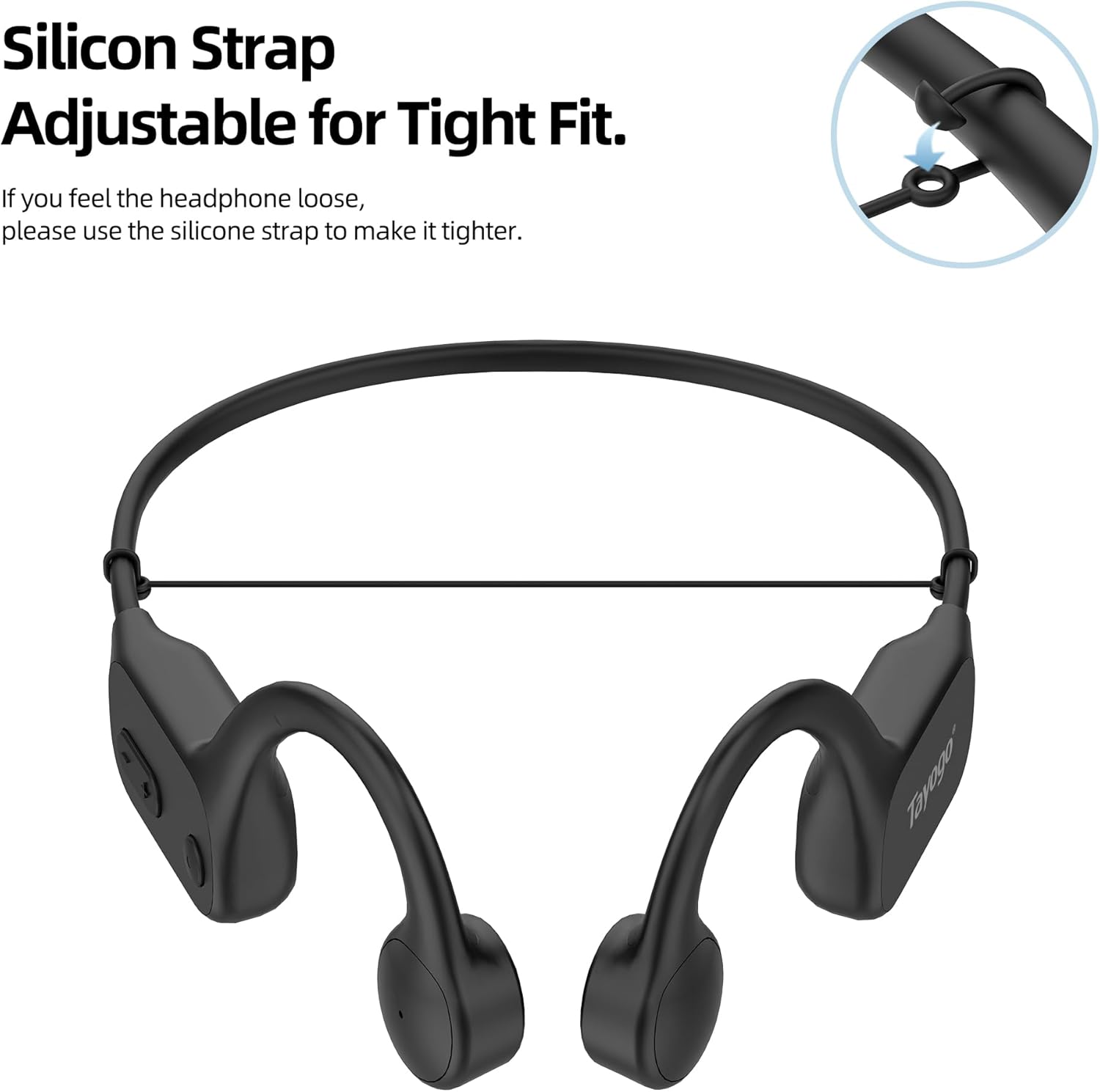
Image: The adjustable silicone strap feature for a customized fit.
Setup Guide
1. Charging the Device
Connect the magnetic charging cable to the charging port on the headphones and the other end to a USB power source. The device will indicate when it is charging and when it is fully charged. A full charge takes approximately 2 hours.
2. Transferring Music Files (MP3 Mode)
To transfer music to the 32GB internal storage:
- Connect the magnetic charging cable to the headphones.
- Connect the USB end of the cable to your computer. If using a Mac, an adapter may be required.
- A pop-up window may appear on your computer; select to trust the device.
- The headphone's storage folder will appear on your desktop.
- Open the folder and drag your desired music files (MP3, WMA, WAV, APE, M4A) directly into it.
Video: Instructions on how to download music files to the Tayogo W26-SWIM headphones.
3. Bluetooth Pairing
To connect via Bluetooth 5.4:
- Ensure the headphones are powered on and in Bluetooth mode.
- On your smartphone or other Bluetooth-enabled device, go to Bluetooth settings.
- Search for "Tayogo W26-SWIM" (or similar model name) in the list of available devices.
- Select the device to pair. A confirmation sound will indicate successful pairing.
Operating Instructions
Power On/Off
Press and hold the power button for a few seconds to turn the device on or off.
Switching Modes (MP3 / Bluetooth)
The device supports both MP3 playback from internal storage and Bluetooth streaming. Use the mode button to switch between these two modes. MP3 mode is recommended for underwater use as Bluetooth signals do not transmit effectively through water.
Music Playback and Volume Control
Use the dedicated buttons on the headset to:
- Play/Pause music.
- Skip to the next/previous track.
- Adjust volume up or down.
Voice Assistant Activation
In Bluetooth mode, long-press the designated button to activate your device's voice assistant (e.g., Siri, Google Assistant).
Maintenance and Care
- Cleaning: After use, especially in chlorinated or saltwater, rinse the headphones with fresh water and wipe them dry with a soft cloth.
- Storage: Store the device in a cool, dry place away from direct sunlight and extreme temperatures.
- Charging Port: Ensure the magnetic charging contacts are clean and dry before charging to prevent corrosion.
- Avoid Impact: Do not drop or subject the headphones to strong impacts, as this may damage internal components.
Troubleshooting
| Problem | Solution |
|---|---|
| Device does not power on. | Ensure the device is fully charged. Connect to the charger and wait for the charging indicator. |
| Cannot connect via Bluetooth. | Ensure the headphones are in Bluetooth mode and within range of your device. Forget the device on your phone and try pairing again. |
| No sound in MP3 mode. | Check if music files are correctly transferred to the device. Ensure volume is not set to minimum. |
| Sound quality is poor underwater. | Ensure the device is in MP3 mode for optimal underwater performance. Bluetooth does not work underwater. |
| Computer does not recognize the device. | Try a different USB port or cable. For Mac users, ensure a compatible adapter is used and the device is trusted. |
Specifications
| Feature | Detail |
|---|---|
| Model Name | W26-SWIM |
| Water Resistance Level | IPX8 Waterproof |
| Internal Storage | 32GB |
| Connectivity Technology | Wireless (Bluetooth 5.4) |
| Wireless Communication Technology | Bluetooth |
| Bluetooth Version | 5.4 |
| Bluetooth Range | 10 Meters |
| Battery Life | Up to 10 Hours (Bluetooth Mode), 8-10 Hours (MP3 Mode) |
| Charging Time | 2 Hours |
| Ear Placement | Open Ear |
| Control Type | Button Control |
| Special Features | Lightweight, Microphone Included, Waterproof |
| Item Weight | 3.5 Ounces |
| Product Dimensions | 5.8 x 4.5 x 2.05 inches |
| Material | Aluminum, Plastic |
Warranty and Support
For warranty information, technical support, or service inquiries, please refer to the warranty card included in your product package or visit the official Tayogo website. Keep your purchase receipt as proof of purchase for warranty claims.


