1. Introduction
Thank you for choosing the Hisense 40A49Q FHD Smart VIDAA TV. This 40-inch Full HD Smart TV offers a vibrant viewing experience with its QLED display and intuitive VIDAA Smart OS. This manual will guide you through the setup, operation, and maintenance of your new television, ensuring you get the most out of its advanced features.
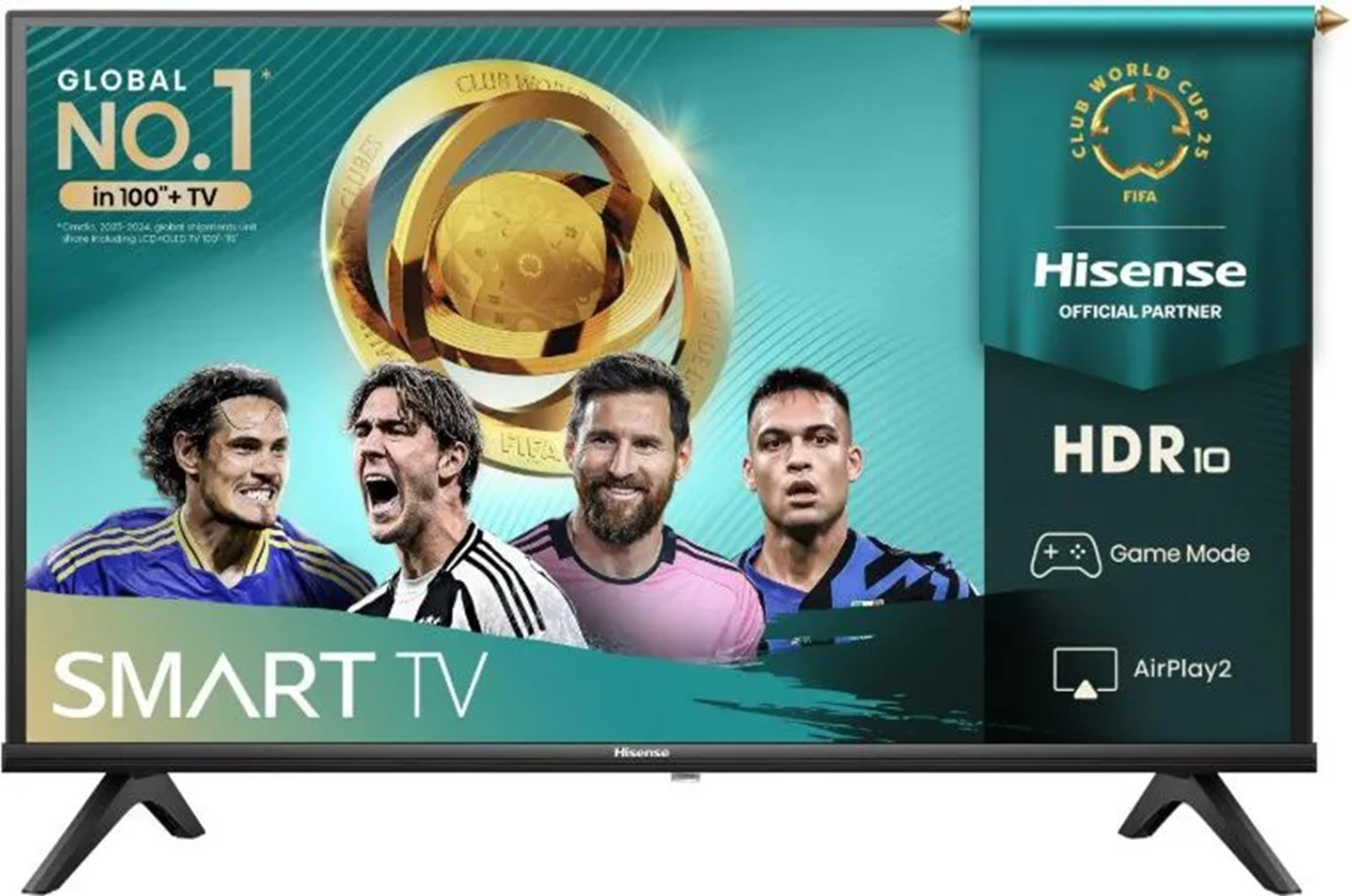
Figure 1: Hisense 40A49Q FHD Smart VIDAA TV, showcasing its sleek design and vibrant display.
2. Setup
2.1 Unpacking and Placement
- Carefully remove the TV from its packaging.
- Place the TV on a stable, flat surface or mount it on a wall using a VESA-compatible bracket (200x200mm). Ensure adequate ventilation around the TV.
- Connect the power cable to the TV and then to a power outlet (100-240 V).
2.2 Connecting External Devices
Your Hisense TV offers various connectivity options:
- HDMI Ports: Connect devices like Blu-ray players, gaming consoles, or set-top boxes using HDMI cables. HDMI1 supports ARC for audio return.
- USB 2.0 Port: Connect USB drives for media playback.
- RF Tuner: Connect your antenna or cable for digital and analog TV channels (DVB-T2/T/C/S2/S).
- Ethernet (RJ45): For a wired internet connection.
- S/PDIF Output: For digital audio output to external sound systems.
- Audio Input (L/R) & Headphone Output: For analog audio connections.
- Common Interface (CI+): Insert a CI+ module for encrypted channels.
2.3 Initial Power-On and Network Setup
- Press the power button on the remote control or TV.
- Follow the on-screen instructions to select your language, country, and time zone.
- Connect to your home Wi-Fi network (802.11bgn/2.4G) or use an Ethernet cable for a wired connection.
- Complete the VIDAA Smart OS setup, which may include signing into accounts for streaming services.
3. Operating Instructions
3.1 Smart TV Features (VIDAA Smart OS)
Your Hisense TV runs on the intuitive VIDAA Smart OS, providing access to a wide range of applications and features:
- Pre-installed Apps: Enjoy popular streaming services like YouTube, Netflix, and more.
- Screen Sharing: Easily mirror content from your smartphone to the TV.
- Content Sharing (DMP/DMR): Share media files from compatible devices.
- Airplay 2 Support: Stream content directly from Apple devices.
- Voice Control: Control your TV using voice commands with Alexa integration.
3.2 Picture and Sound Settings
Optimize your viewing and listening experience:
- Picture Modes: Adjust brightness, contrast, and color settings to suit your preferences (e.g., Standard, Dynamic, Movie).
- HDR Support: Experience enhanced contrast and color with HDR10 technology.
- Audio Technology: Benefit from DTS Virtual X for immersive sound. An equalizer is available for fine-tuning audio output.
- Noise Reduction: Features like 3D Digital Filter and MPEG Noise Reduction enhance picture clarity.
3.3 Digital TV Features
- Parental Control: Manage access to channels and content.
- PVR Function & Time Shift: Record live TV and pause/rewind broadcasts (availability depends on location).
3.4 General Hisense TV Features
Video 1: Hisense E63QT series feature video. This video highlights general features and benefits of Hisense TVs, including smart functionalities and picture quality, which are also present in the 40A49Q model.
Video 2: Hisense E53QT feature video. This video demonstrates various aspects of Hisense TV operation, including user interface navigation and media playback, relevant to the 40A49Q model's VIDAA Smart OS.
4. Maintenance
- Cleaning the Screen: Gently wipe the screen with a soft, dry, lint-free cloth. For stubborn marks, use a screen cleaner specifically designed for TVs, applied to the cloth, not directly to the screen.
- Cleaning the Body: Use a soft, dry cloth to wipe the TV's plastic frame. Avoid abrasive cleaners or solvents.
- Ventilation: Ensure the TV's ventilation openings are not blocked to prevent overheating.
- Power Off: Always turn off the TV and unplug it from the power outlet before cleaning or if it will be unused for an extended period.
5. Troubleshooting
If you encounter issues with your TV, try the following solutions before contacting support:
- No Power:
- Check if the power cable is securely connected to both the TV and the power outlet.
- Ensure the power outlet is working by plugging in another device.
- No Picture/Sound:
- Verify that the correct input source is selected (e.g., HDMI1, TV).
- Check all cable connections (HDMI, antenna, etc.) for looseness.
- Adjust the volume.
- Poor Picture Quality:
- Check antenna/cable connections.
- Adjust picture settings (brightness, contrast, sharpness).
- If using an external device, check its output resolution.
- Smart Features Not Working:
- Ensure the TV is connected to the internet (Wi-Fi or Ethernet).
- Restart the TV and your router.
- Check for system updates in the TV settings.
- Remote Control Not Responding:
- Replace the batteries in the remote control.
- Ensure there are no obstructions between the remote and the TV's IR sensor.
6. Specifications
| Feature | Detail |
|---|---|
| Model | 40A49Q |
| Brand | Hisense |
| Screen Size | 40 inches (100 cm) |
| Resolution | Full HD (1920x1080) |
| Display Technology | QLED |
| Operating System | VIDAA Smart OS |
| HDR Technology | HDR10, HDR |
| Audio Output Power | 2x7 W |
| Audio Technology | DTS Virtual X |
| Connectivity | HDMI 1.4 (x2, HDMI1 with ARC), USB 2.0 (x1), S/PDIF Output (x1), Audio Input L/R (x1), Headphone Output (x1), RF Tuner (x2), Ethernet RJ45 (x1), Wi-Fi (802.11bgn/2.4G), CI+ (V2.0) |
| VESA Wall Mount Compatibility | 200x200 mm |
| Power Consumption (Max) | 74 W |
| Standby Power Consumption | 0.5 W |
| Energy Efficiency Class (SDR) | F |
| Energy Efficiency Class (HDR) | G |
| Net Weight (with base) | 5.5 kg |
| Dimensions (with base) | Width: 900 mm, Height: 565 mm, Depth: 186 mm |
7. Warranty & Support
For warranty information, product registration, or technical support, please refer to the documentation included with your TV or visit the official Hisense website. You can also contact Hisense customer service for assistance.
Return Policy: This product has a 14-day return policy for refund/replacement.
Software Updates: Software updates are guaranteed until an unknown date. Please check the Hisense website for the latest information.
For further assistance, please visit the Hisense Store on Amazon.


