
1. Introduction
Welcome to your new Timex Men's Q 40mm Watch. This manual provides essential information for the proper setup, operation, and care of your timepiece. Please read these instructions carefully to ensure optimal performance and longevity of your watch.
2. Product Overview
Key Features
- 40mm stainless steel case
- 8 inch black strap
- White dial
- Acrylic lens
- Water resistant up to 50 meters
Watch Components
Familiarize yourself with the main components of your Timex Q watch:
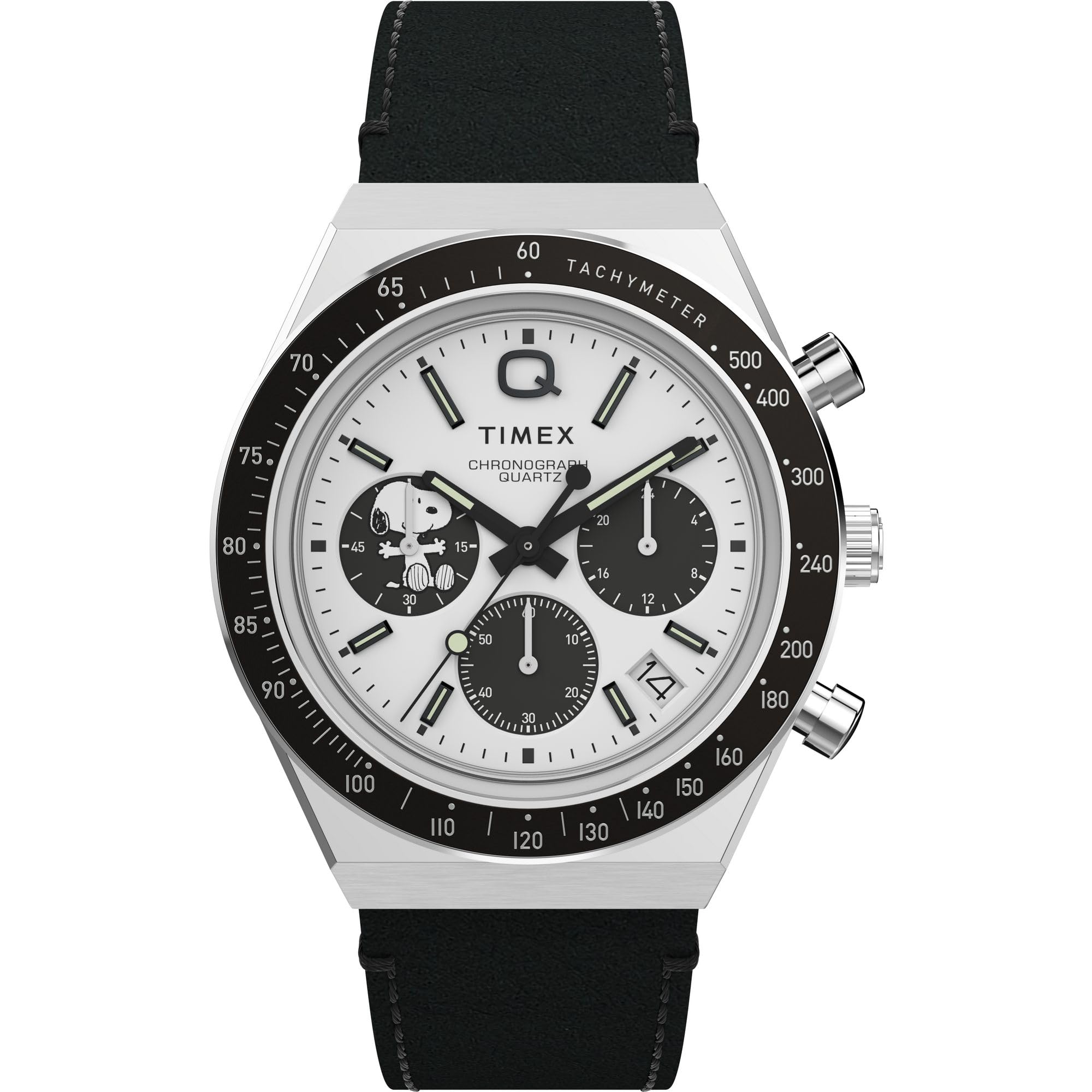
Figure 2.1: Front view of the Timex Men's Q 40mm Watch, showcasing the white dial, hands, and stainless steel case.

Figure 2.2: Side view of the watch, highlighting the crown for time adjustment and the chronograph pushers.
3. Setup and Initial Adjustment
Setting the Time
- Pull the crown (located on the right side of the watch case) out to the furthest position.
- Rotate the crown clockwise or counter-clockwise to set the hour and minute hands to the desired time.
- Push the crown back into its original position to start the watch.
Adjusting the Strap
The watch features an 8-inch black strap with a buckle clasp. To adjust the fit, locate the buckle and select the appropriate hole on the strap for a comfortable and secure fit on your wrist. Ensure the watch is not too tight or too loose.
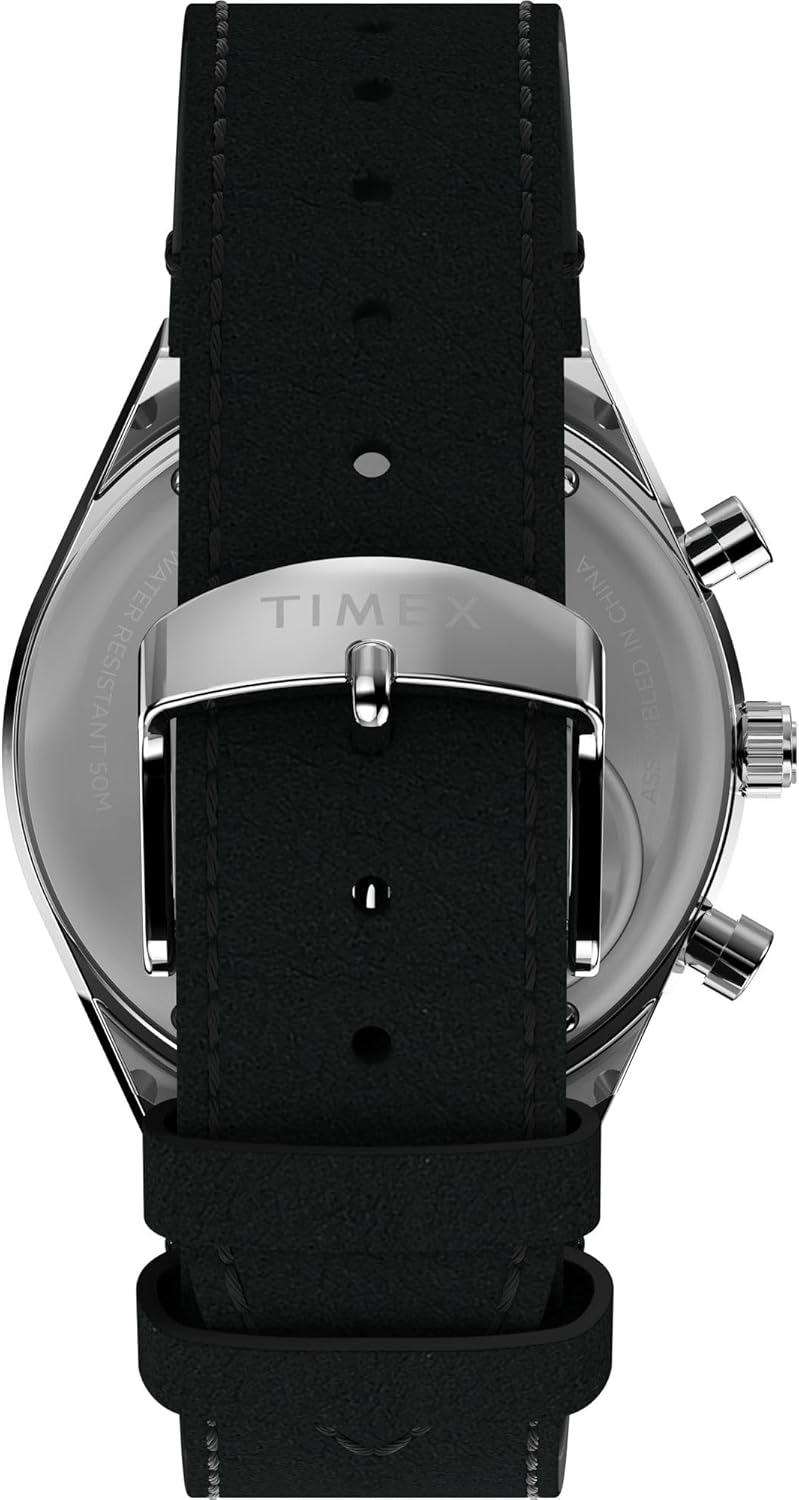
Figure 3.1: Back view of the watch, showing the strap and buckle mechanism.
Watch Sizing Guide
For a visual guide on how different case sizes appear on various wrist sizes, please refer to the video below:
Video 3.1: Timex Sizing Chart. This video demonstrates how various watch case sizes look on different wrist dimensions, helping you understand the fit.
4. Operating the Watch
Basic Timekeeping
Once the time is set, your watch will accurately display the current time. The watch operates on a Quartz movement, ensuring precise timekeeping.
Chronograph Function
Your Timex Q watch includes a chronograph feature for measuring elapsed time. The chronograph typically operates using the pushers located on the side of the watch case, adjacent to the crown.
- Start/Stop: Press the top pusher to start and stop the chronograph.
- Reset: Press the bottom pusher to reset the chronograph hands to zero when the chronograph is stopped.
Note: Specific chronograph sub-dial functions (e.g., 24-hour display, 1/20 second counter) may vary. If you encounter discrepancies with detailed instructions, please refer to the official Timex support resources for your specific model.
5. Care and Maintenance
Water Resistance
This watch is water resistant up to 50 meters (164 feet). This means it is suitable for short periods of recreational swimming, but not for diving or snorkeling. Avoid operating the crown or pushers while the watch is wet or submerged to prevent water intrusion.
Cleaning Your Watch
To maintain the appearance of your watch, wipe the case and crystal with a soft, damp cloth. For the leather strap, avoid excessive moisture and harsh chemicals. Allow the strap to air dry if it becomes wet.
Battery Replacement
Your watch is powered by a quartz battery. When the battery needs replacement, it is recommended to have it replaced by a qualified watch technician to ensure proper sealing and water resistance. The case back indicates 'OPEN' and 'CLOSE' directions for battery access.
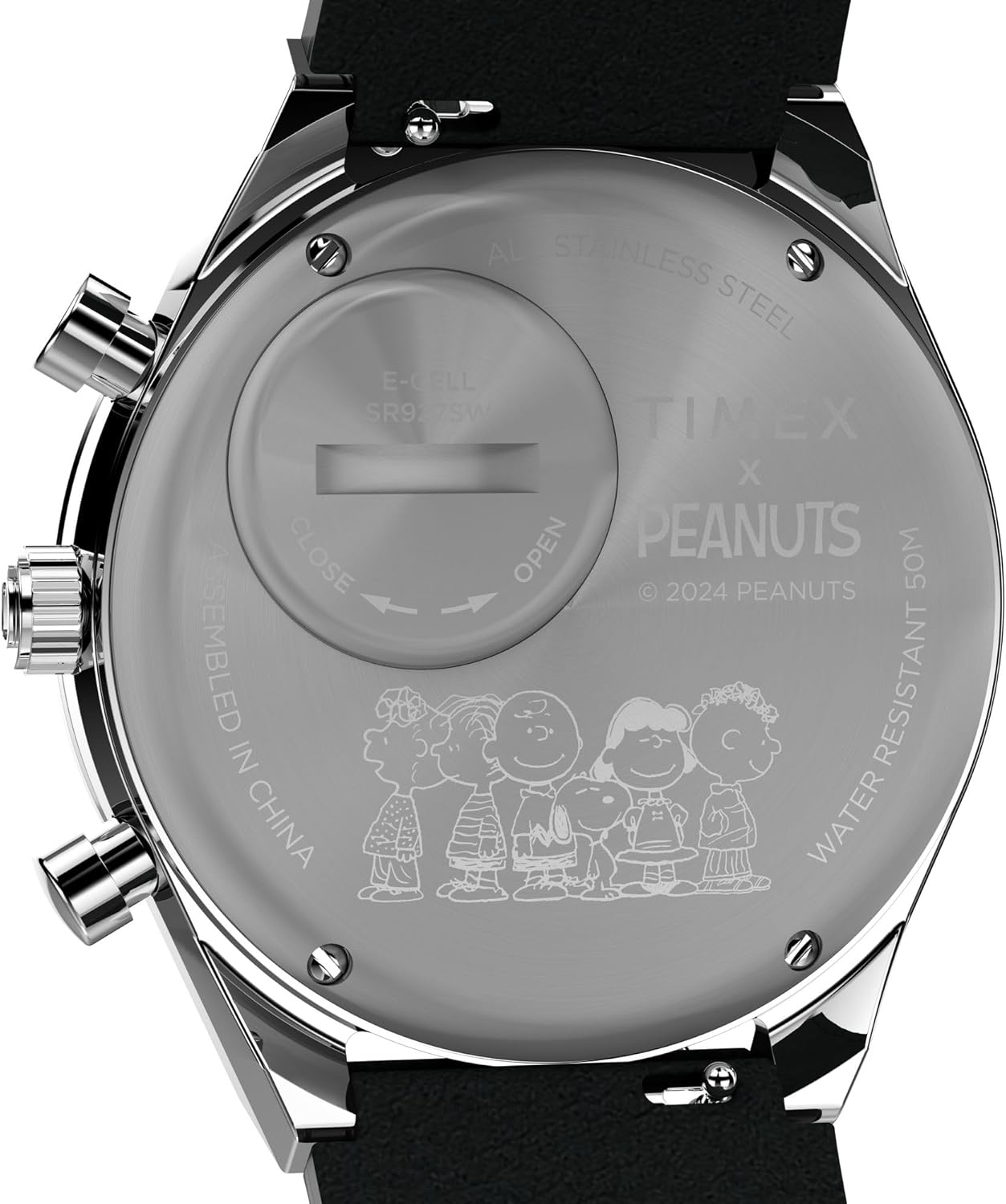
Figure 5.1: Close-up of the watch case back, showing the battery compartment with 'OPEN' and 'CLOSE' indicators.
6. Troubleshooting
- Watch Not Running: Check if the crown is fully pushed in. If the watch still does not run, the battery may need replacement.
- Inaccurate Time: Ensure the time was set correctly. If the issue persists, the movement may require inspection by a professional.
- Chronograph Malfunction: If chronograph hands do not reset to zero or function incorrectly, try resetting the watch by pulling the crown out and pushing it back in. If the problem continues, professional service may be needed.
For further assistance, please contact Timex customer support.
7. Product Specifications
| Feature | Specification |
|---|---|
| Model Number | TW2W68900VQ |
| Case Diameter | 40 Millimeters |
| Case Material | Stainless Steel |
| Band Material | Leather |
| Band Color | Black |
| Dial Color | White |
| Crystal Type | Acrylic |
| Watch Movement | Quartz |
| Water Resistance Depth | 50 Meters |
| Clasp Type | Buckle |
| Item Weight | 0.23 Kilograms (8.11 ounces) |
8. Warranty and Customer Support
Warranty Information
Your Timex watch comes with a limited warranty. Please refer to the warranty card included with your purchase or visit the official Timex website for detailed terms and conditions regarding coverage and duration.
Customer Support
For any questions, service requests, or technical support, please contact Timex customer service. You can find contact information on the official Timex website or through the retailer where you purchased the watch.