
KEF XIOSB
KEF XIO Dolby Atmos 5.1.2 Soundbar User Manual
Model: XIOSB
1. Introduction
The KEF XIO Dolby Atmos 5.1.2 Soundbar is engineered to deliver a truly cinematic audio experience with its full 5.1.2 speaker configuration and 12 discreet amplifiers. This manual provides essential information for setting up, operating, and maintaining your KEF XIO Soundbar to ensure optimal performance and longevity.
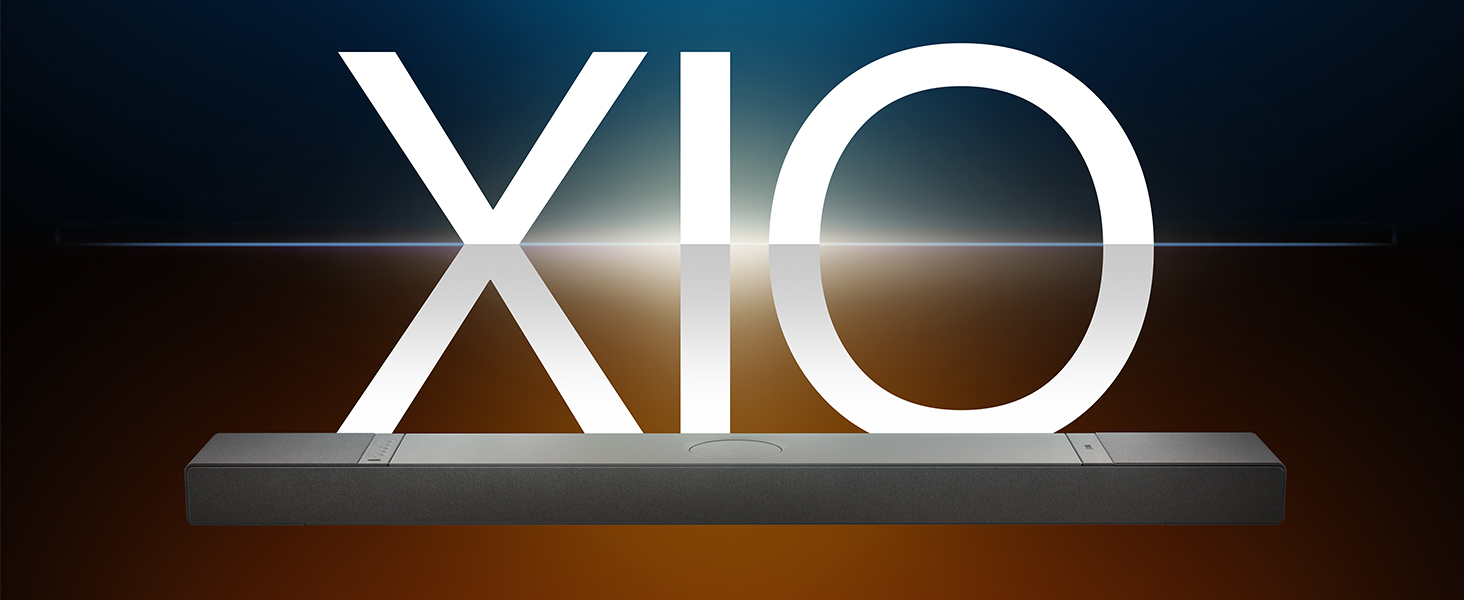
Image: The KEF XIO Soundbar, showcasing its sleek design and the XIO branding.
2. Safety Information
Please read all safety instructions carefully before using the KEF XIO Soundbar. Retain this manual for future reference.
- Power Supply: Use only the power cable provided. Ensure the voltage matches your local power supply.
- Ventilation: Do not block any ventilation openings. Install in accordance with the manufacturer's instructions.
- Water and Moisture: Do not expose the soundbar to rain, moisture, dripping, or splashing. Do not place objects filled with liquids, such as vases, on the apparatus.
- Heat: Do not install near any heat sources such as radiators, heat registers, stoves, or other apparatus (including amplifiers) that produce heat.
- Cleaning: Unplug the soundbar from the power outlet before cleaning. Clean only with a dry cloth.
- Servicing: Do not attempt to service this product yourself. Refer all servicing to qualified service personnel.
3. What's in the Box
Verify that all components are present before proceeding with the setup.
- KEF XIO Dolby Atmos 5.1.2 Soundbar
- Power Cable
- Remote Control
- HDMI Cable
- Wall Mounting Bracket
- Wall Mounting Template
- Quick Start Guide
4. Setup
4.1 Placement Options
The KEF XIO Soundbar offers flexible placement options to suit your home environment. It can be placed on a credenza or mounted to a wall using the included hardware. The soundbar automatically senses its position and adjusts its speakers accordingly for optimal audio performance.

Image: The KEF XIO Soundbar positioned on a credenza beneath a television in a modern living room setting.

Image: The KEF XIO Soundbar wall-mounted below a large screen in a dedicated gaming or entertainment area.

Image: A detailed view of the KEF XIO Soundbar resting on a credenza, highlighting its sleek profile.
4.2 Connecting Your Soundbar
The KEF XIO Soundbar offers a variety of connectivity options for seamless integration with your home entertainment system.

Image: The rear panel of the KEF XIO Soundbar, displaying the various input ports including HDMI eARC, Optical, and Ethernet.
- HDMI eARC: Connect the included HDMI cable from the HDMI eARC port on your soundbar to the HDMI eARC/ARC port on your television for high-quality audio transmission and control.
- Optical: For devices without HDMI eARC, use an optical cable to connect to the soundbar's optical input.
- Power: Connect the power cable to the soundbar and then to a wall outlet.
- Network (Optional): For wired network connectivity, connect an Ethernet cable to the LAN port.
For wireless connectivity (Wi-Fi, Bluetooth), refer to the "Operating" section for initial pairing and setup.
5. Operating Your Soundbar
5.1 Control Methods
You can control your KEF XIO Soundbar using the included customizable remote, the KEF Connect App, or your smart remote.
- Remote Control: Use the dedicated remote for power, volume, input selection, and sound mode adjustments.
- KEF Connect App: Download the KEF Connect App from your device's app store for advanced control, settings customization, and firmware updates.
- Smart Remote: If your TV supports HDMI CEC (Consumer Electronics Control), you may be able to control basic functions like volume and power using your TV's remote.
5.2 Sound Modes
Easily switch between optimized sound modes for different content types:
- Movie Mode: Enhances cinematic audio with immersive surround sound.
- Dialogue Mode: Clarifies spoken words, making conversations easier to understand.
- Night Mode: Reduces dynamic range for quieter listening, ideal for late-night viewing.
5.3 Connectivity and Streaming
The KEF XIO is engineered for seamless connectivity and easy streaming, supporting a wide range of wireless technologies and services.

Image: The KEF XIO Soundbar displayed with icons representing its support for Google Cast, Amazon Music, Qobuz, Apple Music, Bluetooth, Spotify, and Tidal.
- Wi-Fi: Connect to your home Wi-Fi network via the KEF Connect App for access to online streaming services and multi-room audio.
- Apple AirPlay: Stream audio directly from your Apple devices.
- Bluetooth 5.3: Pair your smartphone, tablet, or other Bluetooth-enabled devices for wireless audio playback.
- Streaming Services: Enjoy direct integration with Spotify Connect, Tidal Connect, Google Cast, Apple Music, Amazon Music, and Qobuz Connect.
5.4 Spatial Audio Support
The KEF XIO brings the world of spatial audio into your home, transforming your entertainment experience. It effortlessly plays Dolby Atmos, DTS:X, Sony 360 Reality Audio, and more by up-mixing mono/stereo content.

Image: An artistic representation of sound waves emanating from the KEF XIO Soundbar, illustrating immersive audio filling a living space.
6. Maintenance
Proper care will ensure the longevity and performance of your KEF XIO Soundbar.
- Cleaning:
- Always unplug the soundbar before cleaning.
- Use a soft, dry, lint-free cloth to wipe the surfaces.
- Do not use liquid cleaners, aerosol sprays, or abrasive chemicals, as they may damage the finish.
- Dust: Regularly dust the soundbar to prevent accumulation, especially around speaker grilles and ventilation openings.
- Storage: If storing the soundbar for an extended period, place it in its original packaging in a cool, dry place.
7. Troubleshooting
If you encounter issues with your KEF XIO Soundbar, refer to the following common problems and solutions.
| Problem | Possible Cause | Solution |
|---|---|---|
| No power | Power cable not connected; power outlet not active. | Ensure power cable is securely connected to the soundbar and a working power outlet. |
| No sound | Incorrect input selected; volume too low; audio cable loose/damaged; TV audio output settings. | Select correct input; increase volume; check audio cable connections; adjust TV audio output to external speakers (e.g., PCM, Bitstream). |
| Bluetooth pairing issues | Soundbar not in pairing mode; device too far; interference. | Ensure soundbar is in Bluetooth pairing mode; move device closer; minimize interference from other wireless devices. |
| Remote control not working | Batteries depleted; obstruction; remote out of range. | Replace batteries; remove obstructions between remote and soundbar; ensure remote is within range. |
| Poor sound quality | Incorrect sound mode; improper placement; source audio quality. | Try different sound modes; ensure soundbar is placed optimally (refer to placement section); check source audio quality. |
If the problem persists, please contact KEF customer support for assistance.
8. Specifications
| Feature | Detail |
|---|---|
| Model Name | XIO |
| Item Model Number | XIOSB |
| Speaker Type | Soundbar |
| Surround Sound Channel Configuration | 5.1.2 |
| Speaker Maximum Output Power | 820 Watts |
| Mounting Type | Wall Mount, Credenza |
| Connectivity Technology | Bluetooth, Wi-Fi, Ethernet, HDMI (eARC), Optical, IR |
| Wireless Communication Technology | Airplay, Bluetooth, Wi-Fi |
| Audio Output Mode | Surround |
| Special Features | Bass Boost, Hi Res Audio, Dolby Enabled, Built-in Microphone, Automatic Position Sensing |
| Product Dimensions (D x W x H) | 6.5"D x 47.6"W x 2.8"H |
| Item Weight | 23.1 Pounds |
| Color | Black (Slate Black) |
| UPC | 637203051234 |

Image: An exploded diagram of the KEF XIO Soundbar, illustrating its internal components including speakers and circuitry.

Image: A detailed view of one of the internal speaker drivers, showcasing its design and construction.
9. Warranty and Support
KEF products are designed and manufactured to the highest quality standards. For warranty information and customer support, please refer to the warranty card included with your product or visit the official KEF website.
For technical assistance or service inquiries, please contact KEF customer support through their official channels. Keep your purchase receipt as proof of purchase for warranty claims.
You can find more information and support resources on the KEF Brand Store on Amazon.
Related documentsXIOSB

Ask a question about this manual
Ask about setup, troubleshooting, compatibility, parts, safety, or missing instructions. Manuals+ will review the question and use this page’s manual context to help answer it.