
1. Introduction and Safety Information
This manual provides detailed instructions for the safe installation, operation, and maintenance of your Parrot Uncle 52-inch Gold Smart Ceiling Fan with Lights and Remote. Please read all instructions carefully before beginning installation and retain this manual for future reference.
Important Safety Instructions:
- Ensure the power is disconnected at the circuit breaker before installation or servicing.
- All wiring must be in accordance with national and local electrical codes. If you are unfamiliar with wiring, consult a qualified electrician.
- The mounting structure must be capable of supporting the weight of the fan (approximately 15 lbs).
- Do not bend the blade holders during installation, balancing, or cleaning.
- Keep hands clear of the fan blades when the fan is operating.
- This fan is suitable for indoor and covered outdoor use. Avoid direct water exposure.
2. Package Contents
Verify that all components listed below are included in your package. If any parts are missing or damaged, please contact customer support.
- Motor Housing Assembly
- Fan Blades (5 reversible blades: matte black & maple)
- LED Light Panel (integrated 24W)
- Remote Control
- Downrods (6-inch and 10-inch)
- Mounting Bracket
- Hardware Pack (screws, washers, wire nuts)
- Instruction Manual

Figure 2.1: Fan components and dimensions. The fan features an anti-glare light cover and double-sided blades (matte black and maple finish).
3. Installation Guide
Follow these steps for proper installation. It is recommended to have two people for installation.
3.1 Pre-Installation
- Turn off power at the circuit breaker.
- Identify a suitable mounting location. The ceiling fan must be mounted to a ceiling joist or a fan-rated outlet box capable of supporting at least 35 lbs.
- Unpack all components and lay them out on a soft surface to prevent scratches.
3.2 Mounting the Bracket
- Secure the mounting bracket to the ceiling outlet box using the screws provided with the outlet box. Ensure the bracket is firmly attached.
3.3 Assembling the Fan
- Attach the chosen downrod (6-inch or 10-inch) to the motor housing.
- Carefully hang the fan assembly from the mounting bracket.
- Connect the electrical wires according to the wiring diagram provided in the full instruction manual (Live, Neutral, Ground).
- Attach the fan blades to the motor housing using the provided screws. Ensure all screws are tightened securely.
- Connect the LED light panel to the fan's light kit wiring and secure it to the bottom of the motor housing.

Figure 3.1: The fan is designed for easy installation with modular assembly.
Video 3.1: An official video demonstrating the features and installation process of the Parrot Uncle Gold Ceiling Fan Light. This video provides visual guidance for setting up your fan.
4. Operating Instructions
Your Parrot Uncle Smart Ceiling Fan can be controlled via the included remote control or a smartphone application.
4.1 Remote Control Functions
The remote control allows for comprehensive management of your fan and light settings.
- Power Button: Turns the fan and light on/off.
- Fan Speed Control: Adjusts between 6 fan speeds.
- Light On/Off: Toggles the LED light.
- Color Temperature Adjustment: Cycles through 3000K (Warm White), 4200K (Natural White), and 6500K (Cool White).
- Dimming Control: Stepless dimming from 15% to 100% brightness.
- Timer Function: Sets the fan to turn off after 1 or 2 hours.
- Reverse Function: Changes the direction of blade rotation for summer (downward airflow) or winter (upward airflow).
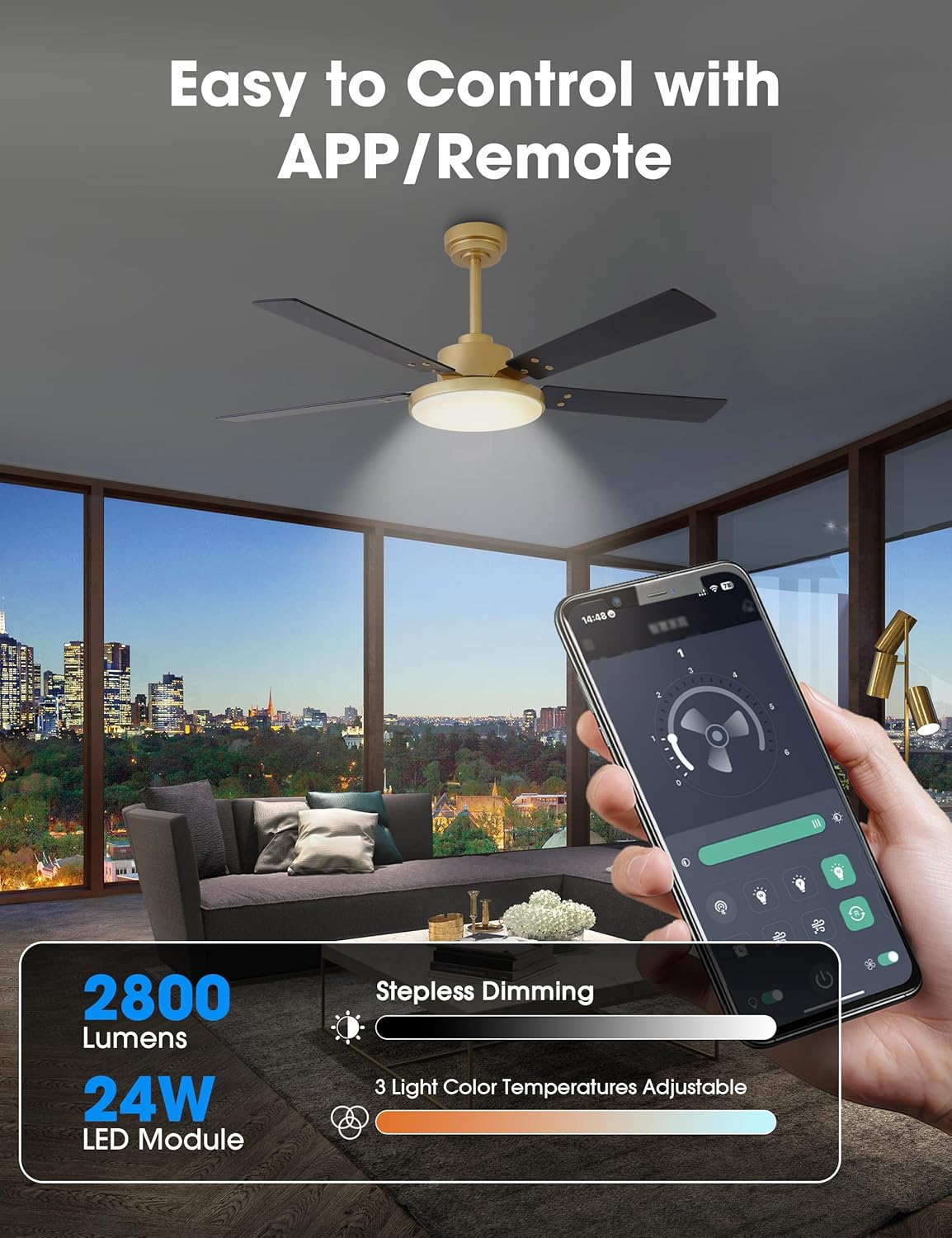
Figure 4.1: Control your fan and light settings via the remote or smartphone app, including stepless dimming and 3 color temperatures.

Figure 4.2: The reversible DC motor allows for seasonal air circulation: downward airflow for cooling in summer and upward airflow for heat distribution in winter.
4.2 Smartphone App Control
Download the dedicated smartphone application (refer to the full manual for app name and QR code) to access additional smart features:
- All remote control functions.
- Scheduling and automation.
- Built-in memory function to recall last settings.
5. Maintenance
Regular maintenance ensures optimal performance and longevity of your ceiling fan.
5.1 Cleaning
- Always turn off the power at the circuit breaker before cleaning.
- Use a soft, damp cloth to clean the fan blades and motor housing. Do not use abrasive cleaners or solvents.
- Periodically check for dust accumulation on the blades and light cover to maintain airflow and light output.
5.2 General Care
- Check all connections and screws periodically to ensure they remain tight.
- The DC motor is designed for long-term, quiet operation and typically requires no lubrication.
6. Troubleshooting
If you experience issues with your fan, refer to the following common problems and solutions:
| Problem | Possible Cause | Solution |
|---|---|---|
| Fan does not start | No power supply Loose wire connections Remote control battery low | Check circuit breaker Verify all wire connections are secure Replace remote control battery |
| Light does not work | Loose wire connections LED panel issue | Check light kit wiring Contact customer support if LED panel is faulty |
| Fan wobbles | Loose blade screws Unbalanced blades Loose mounting bracket | Tighten all blade screws Use balancing kit (not included) if necessary Ensure mounting bracket is securely fastened |
| Remote not responding | Battery low/dead Remote not paired | Replace battery Refer to full manual for remote pairing instructions |
If the problem persists after attempting these solutions, please contact Parrot Uncle customer support.
7. Product Specifications
- Brand: Parrot Uncle
- Model Number: VZA01A117GD
- Size: 52 Inch
- Color: Gold-A117
- Material: Iron (housing), Acrylic (shade), MDF (blades)
- Motor Type: DC Motor, Reversible
- Wattage: 35 watts (fan)
- Airflow: Up to 4896 CFM
- Light Source: Integrated 24W LED Module
- Brightness: 2800 Lumens (Max)
- Color Temperature: 3000K / 4200K / 6500K (Adjustable)
- Dimming: Stepless (15% - 100%)
- Control Method: Remote Control, Smartphone APP
- Voltage: 120 Volts
- Indoor/Outdoor Usage: Indoor, Covered Outdoor
- Item Weight: 15 Pounds
- Certifications: ETL Certified

Figure 7.1: The fan features high efficiency and low energy consumption, providing up to 4896 CFM air volume.

Figure 7.2: The 35W pure copper DC motor ensures high performance and energy efficiency with 6 wind speeds.

Figure 7.3: Enjoy ultra-quiet operation, ensuring a comfortable rest with noise levels as low as 35dB.
8. Warranty and Support
Parrot Uncle stands behind the quality of its products.
8.1 Manufacturer's Warranty
This product is covered by a 3-year manufacturer's warranty. This warranty covers defects in materials and workmanship under normal use.
8.2 Customer Support
For any questions, assistance, or warranty claims, please contact Parrot Uncle customer support. Our team is available 24/7 to provide the best service.
If your ceiling fan arrives damaged or does not meet your expectations, please reach out to us immediately.


