1. Introduction
Thank you for choosing the VANYUST S22/S2122 Portable Charger. This compact 5000mAh power bank is designed to provide reliable power for your mobile devices on the go. Please read this manual carefully to ensure proper use and to maximize the lifespan of your device.
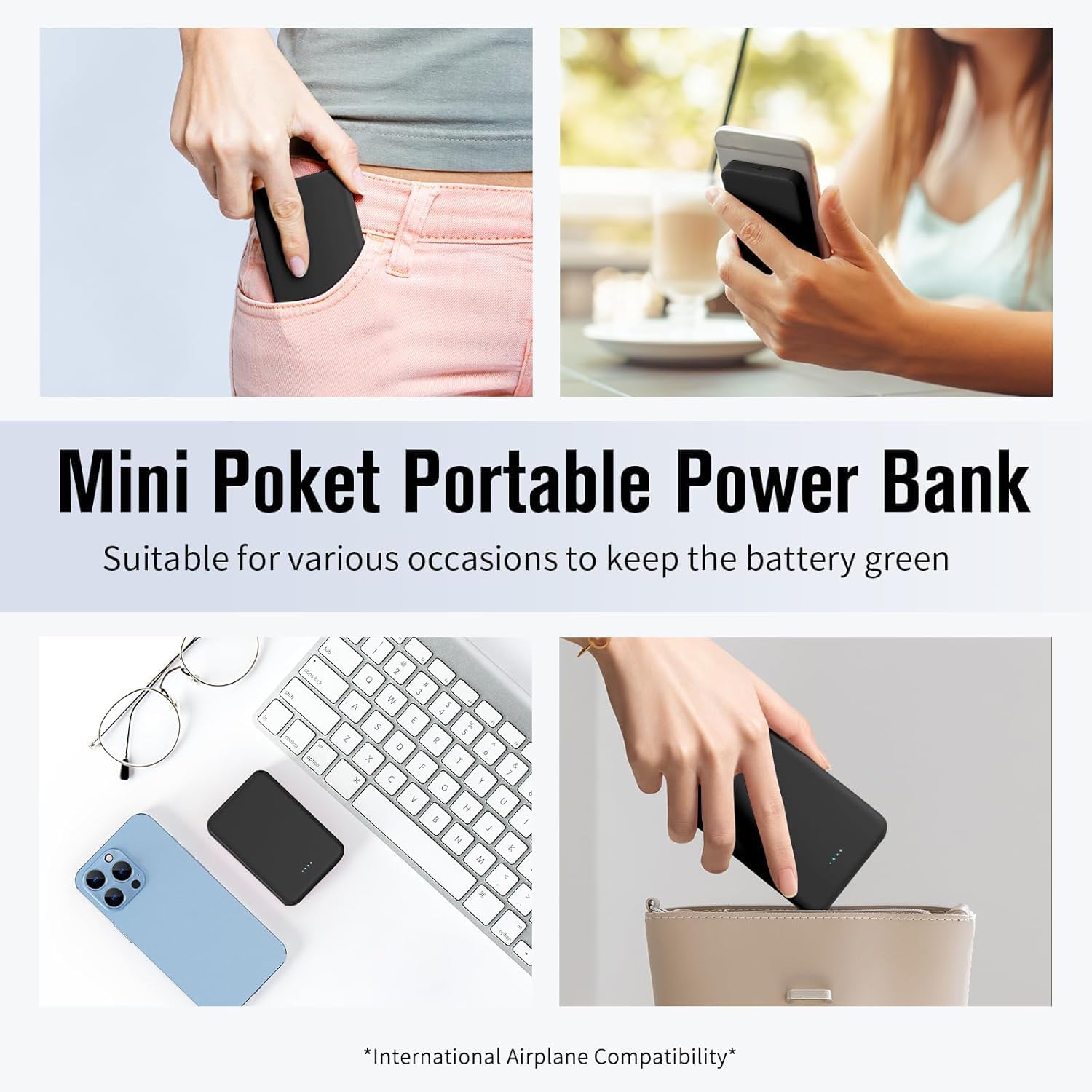
Image 1.1: The VANYUST S22 Portable Charger, showcasing its compact and pocket-friendly design.
2. Safety Information
To prevent damage, electric shock, injury, or fire, please observe the following safety precautions:
- Do not expose the power bank to extreme temperatures (above 60°C/140°F) or direct sunlight.
- Do not disassemble, modify, or attempt to repair the device.
- Keep away from water, moisture, and flammable materials.
- Avoid dropping or subjecting the device to strong impacts.
- Use only certified cables and chargers.
- Keep out of reach of children.
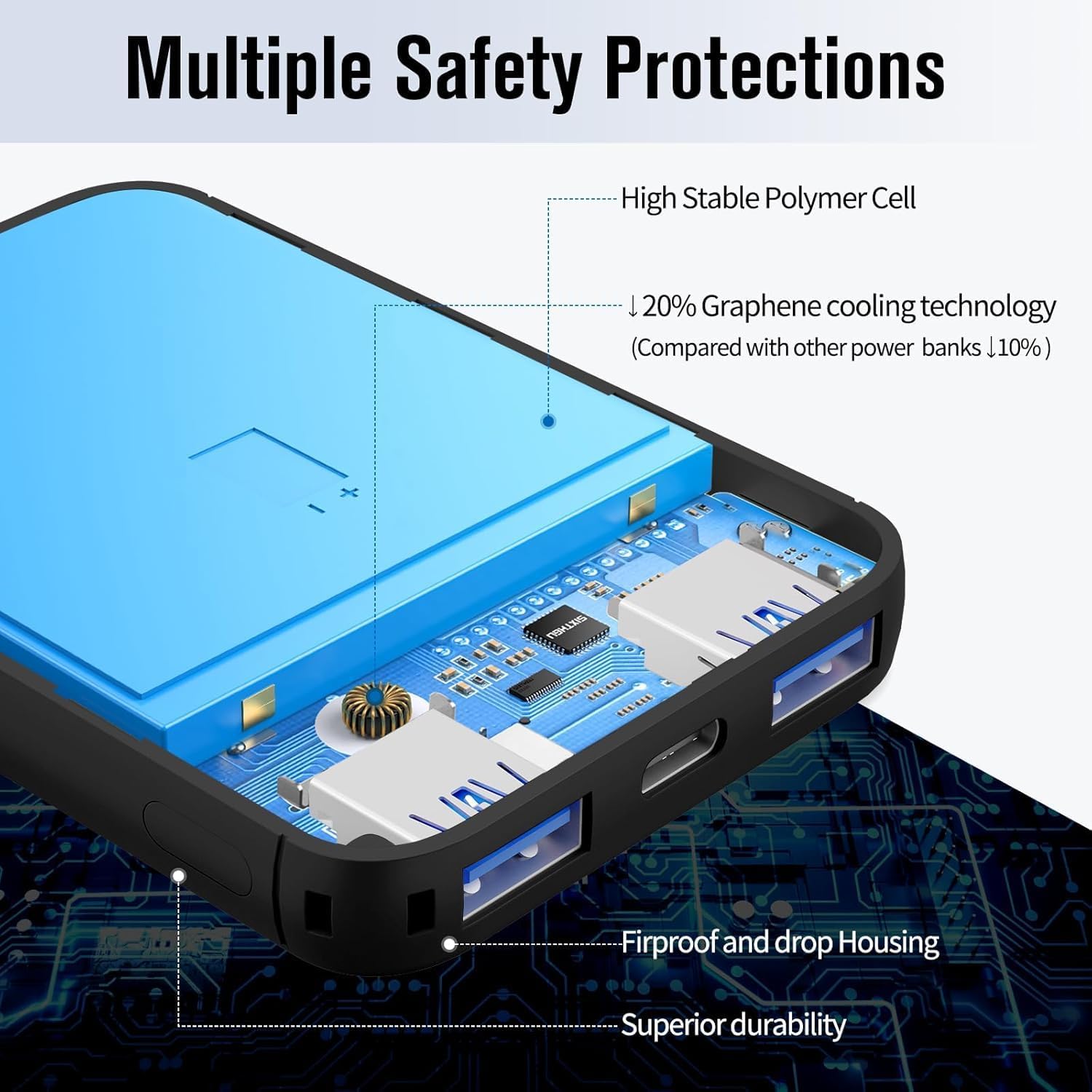
Image 2.1: Internal view highlighting the multiple safety protections and graphene cooling technology.

Image 2.2: Visual representation of the power bank's integrated safety features.
3. Package Contents
Please check the package for the following items:
- VANYUST S22/S2122 Portable Charger
- USB Charging Cable (USB-A to USB-C)
- User Manual
4. Product Overview
The VANYUST S22/S2122 features a compact design with multiple ports for versatile charging.

Image 4.1: Port layout of the VANYUST S22 Portable Charger, indicating two USB-A outputs, one USB-C input/output, and one Micro USB input.
Key Features:
- LED Indicator Lights: Four small LED lights indicate the remaining battery capacity. Each light represents approximately 25% of the battery.
- USB-A Output Ports (x2): For charging external devices.
- USB-C Port: Functions as an input for charging the power bank and an output for charging devices.
- Micro USB Port: Functions as an input for charging the power bank.
5. Setup
Charging the Power Bank:
Before first use, fully charge your VANYUST S22/S2122 Portable Charger.
- Connect the provided USB charging cable (or your own USB-C cable) to either the USB-C Input port or the Micro USB Input port on the power bank.
- Connect the other end of the cable to a USB wall adapter (not included) or a computer's USB port.
- The LED indicator lights will illuminate to show the charging progress. When all four LEDs are solid, the power bank is fully charged.
- Charging typically takes approximately 5 hours for a full charge.
6. Operating Instructions
Charging External Devices:
The VANYUST S22/S2122 can charge up to three devices simultaneously.
- Connect your device's charging cable to one of the USB-A Output ports or the USB-C Output port on the power bank.
- Connect the other end of the cable to your device.
- The power bank will automatically begin charging your device. The LED indicators will show the remaining power.
- Disconnect your device once it is fully charged or when you no longer need to charge.

Image 6.1: Examples of device charging capacity with the VANYUST S22 Portable Charger.
Video Demonstration:
Video 6.1: An official VANYUST video demonstrating the features and compact size of the Mini Portable Charger Power Bank 5000mAh.
7. Maintenance
Proper care ensures longevity and optimal performance of your power bank.
- Clean the power bank with a soft, dry cloth. Do not use harsh chemicals or abrasive materials.
- Store in a cool, dry place when not in use.
- If storing for an extended period, charge the power bank to about 50-75% capacity every 3 months to maintain battery health.
8. Troubleshooting
If you encounter issues with your power bank, refer to the following common solutions:
| Problem | Possible Cause | Solution |
|---|---|---|
| Power bank not charging | Cable or adapter faulty; power bank fully charged; port issue. | Try a different cable/adapter. Ensure connection is secure. Check LED indicators. |
| Device not charging from power bank | Power bank low on charge; cable faulty; device incompatible; port issue. | Recharge power bank. Try a different cable. Ensure device is compatible. Try a different output port. |
| Slow charging | Cable quality; device input limit; multiple devices charging. | Use a high-quality cable. Ensure your device supports faster charging. Charging multiple devices may reduce individual charging speed. |
| LED indicators not working | Device malfunction. | Contact customer support if the power bank is otherwise functional. |
If the problem persists after trying these solutions, please contact VANYUST customer support.
9. Specifications
| Feature | Detail |
|---|---|
| Model Number | S2122 |
| Battery Capacity | 5000 Milliamp Hours |
| Product Dimensions | 3.54 x 2.51 x 0.44 inches |
| Item Weight | 4.6 ounces |
| Connector Type | USB Type C, Micro USB (Input), USB Type A (Output) |
| Special Features | LED Indicator Lights |
| Manufacturer | Shenzhen Vanyust Technology Limited |
10. Warranty and Support
VANYUST products are designed and manufactured to the highest quality standards. For warranty information or technical support, please refer to the contact details provided on the product packaging or visit the official VANYUST website. Please retain your proof of purchase for warranty claims.


