
1. Introduction
This manual provides comprehensive instructions for the ZWP Replacement Remote Control. This remote is designed to be a direct replacement for the original remote controls of specific tower heaters and fans. It requires no programming and is ready for use after battery installation.
Compatible Models:
- PELONIS 23" Oscillating Ceramic Tower Space Heater (Models: PHTPU1501, PTH15A4BGB)
- SPT SH-1516D PTC Fan Tower
- Better Homes & Gardens 40" Tower Fan (Model: BHS2803696710BR)
2. Product Overview
The ZWP Replacement Remote Control features a durable ABS construction and soft silicone buttons for comfortable use. Its ergonomic design ensures a secure grip and easy operation.

Figure 2.1: Front and back view of the remote control, showing the button layout and battery compartment.

Figure 2.2: Detail of the remote control's soft silicone buttons and durable ABS material.
The remote control includes the following buttons:
- Power Button: Turns the device On or Off.
- Plus (+) Button: Increases settings (e.g., fan speed, temperature).
- Minus (-) Button: Decreases settings (e.g., fan speed, temperature).
- Timer Button: Activates or adjusts the timer function.
- Mode Button (M): Cycles through different operating modes (e.g., fan, heat, eco).
- Oscillation Button: Controls the oscillation feature of the device.
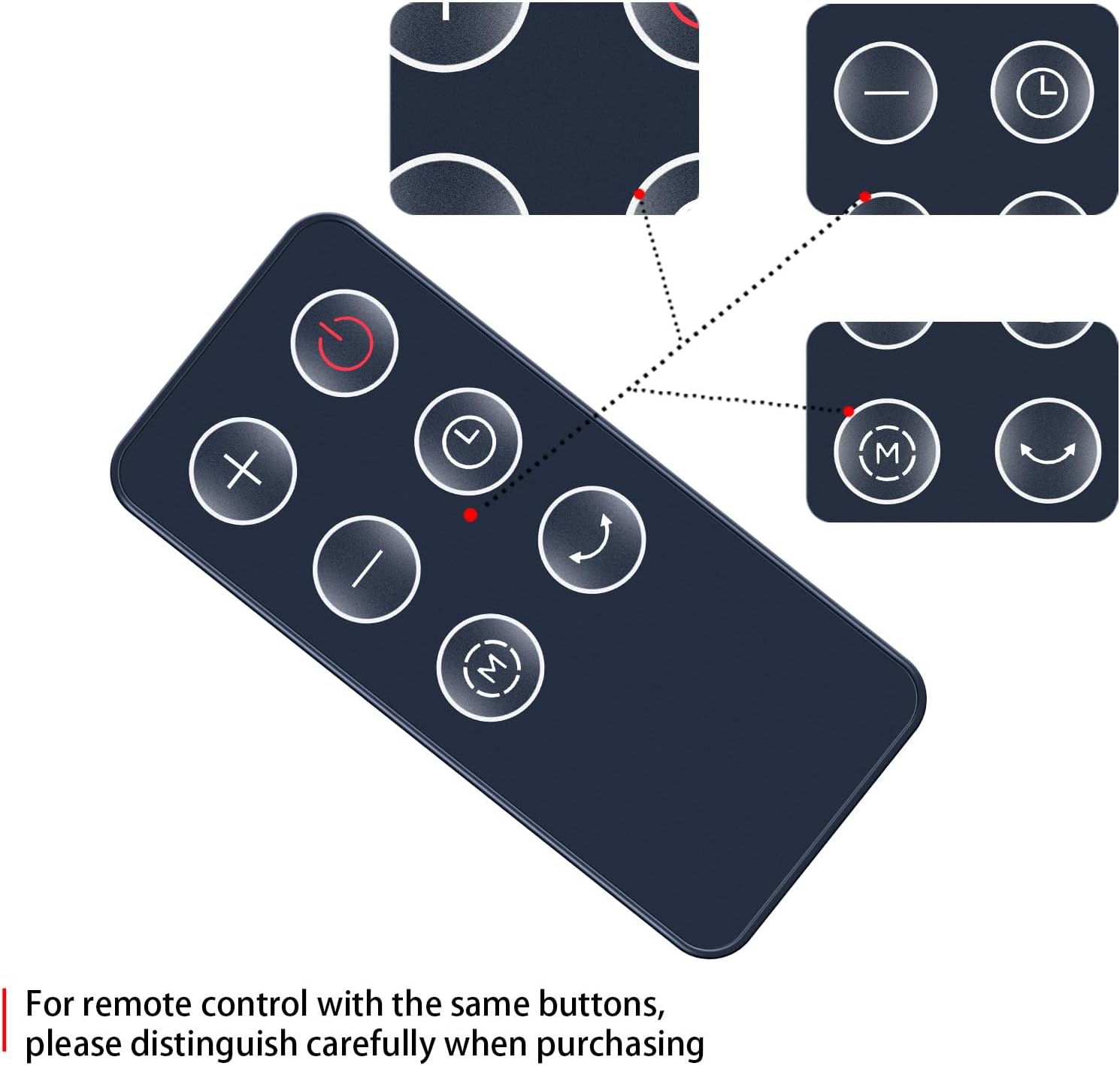
Figure 2.3: Visual representation of the remote control's buttons and their positions.
3. Setup: Battery Installation
The remote control requires one CR2025 button cell battery (not included). Follow these steps to install the battery:
- Locate the battery compartment on the back of the remote control.
- Press the 'RELEASE' tab and slide the battery tray out.
- Insert one CR2025 battery with the positive (+) side facing upwards, as indicated in the compartment.
- Slide the battery tray back into the compartment until it clicks securely into place.
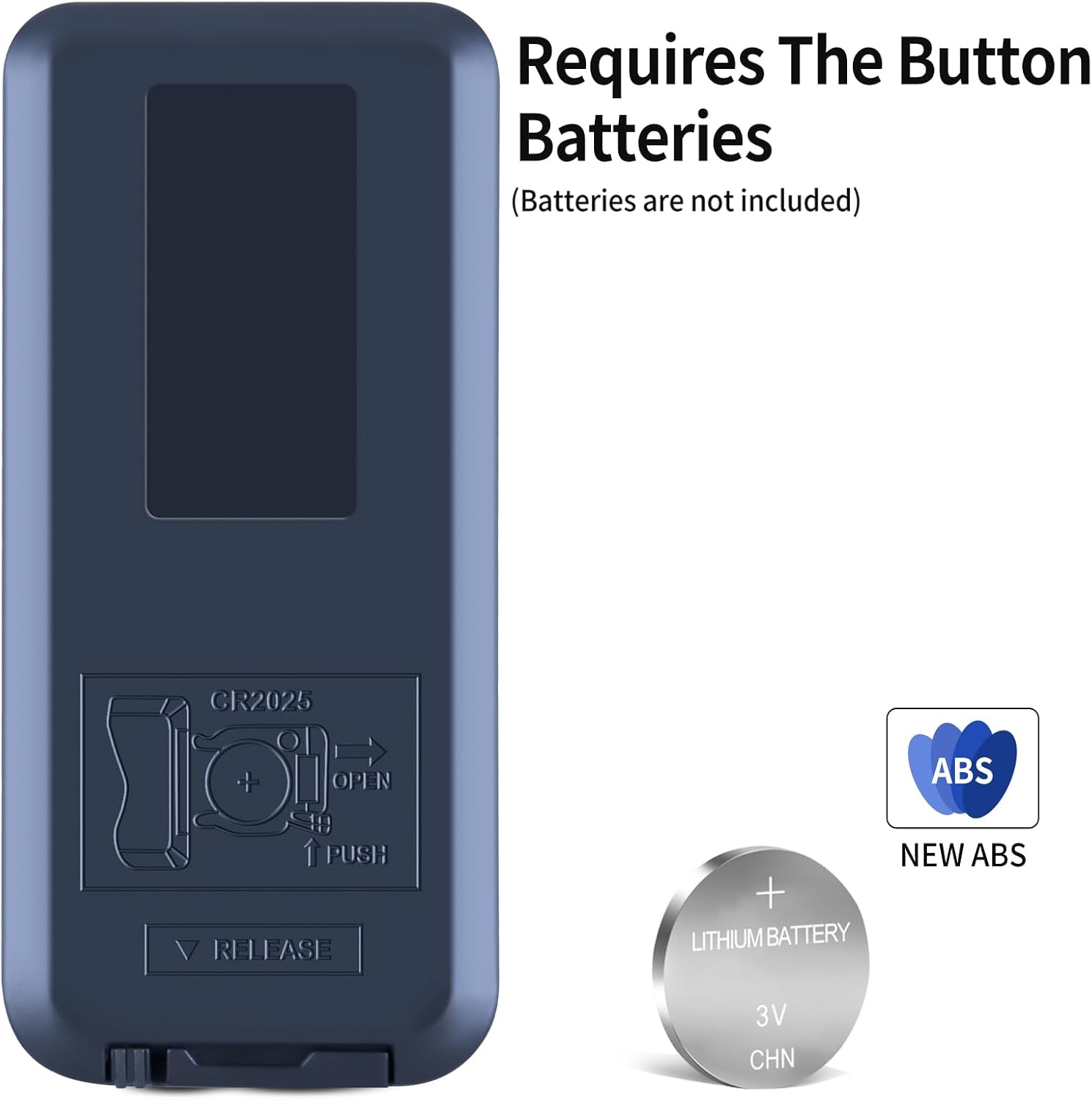
Figure 3.1: The battery compartment on the back of the remote, indicating CR2025 battery type and installation direction.
Important: Ensure the battery is inserted with the correct polarity. Incorrect installation may damage the remote control.
4. Operating Instructions
This remote control requires no programming. Once the battery is installed, it is ready to operate your compatible device. Point the remote control directly at the infrared receiver on your device.
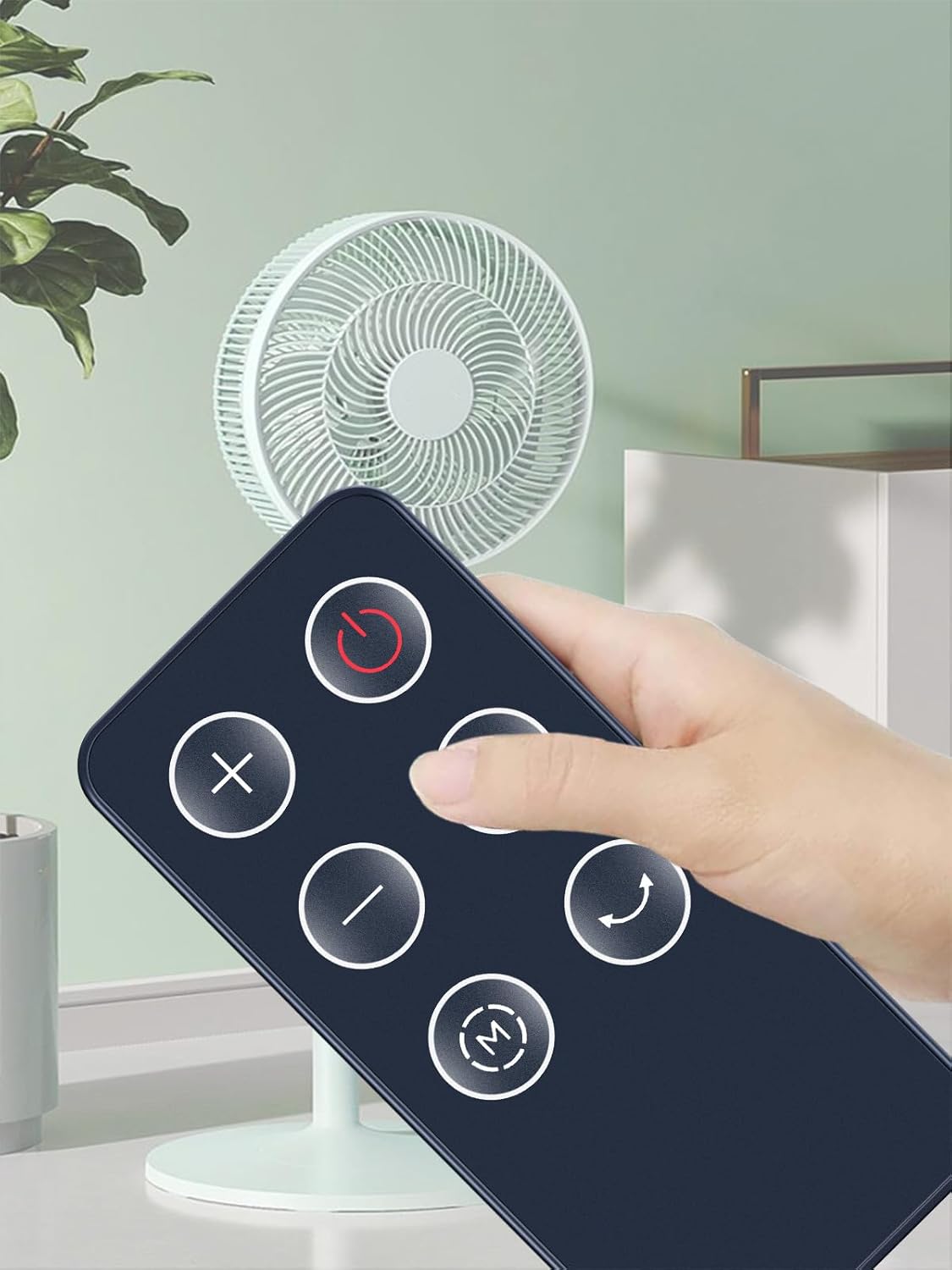
Figure 4.1: Proper way to hold and point the remote control towards the device.
The operational distance for the remote control is approximately 10 meters (33 feet) under optimal conditions. Ensure there are no obstructions between the remote and the device's receiver.
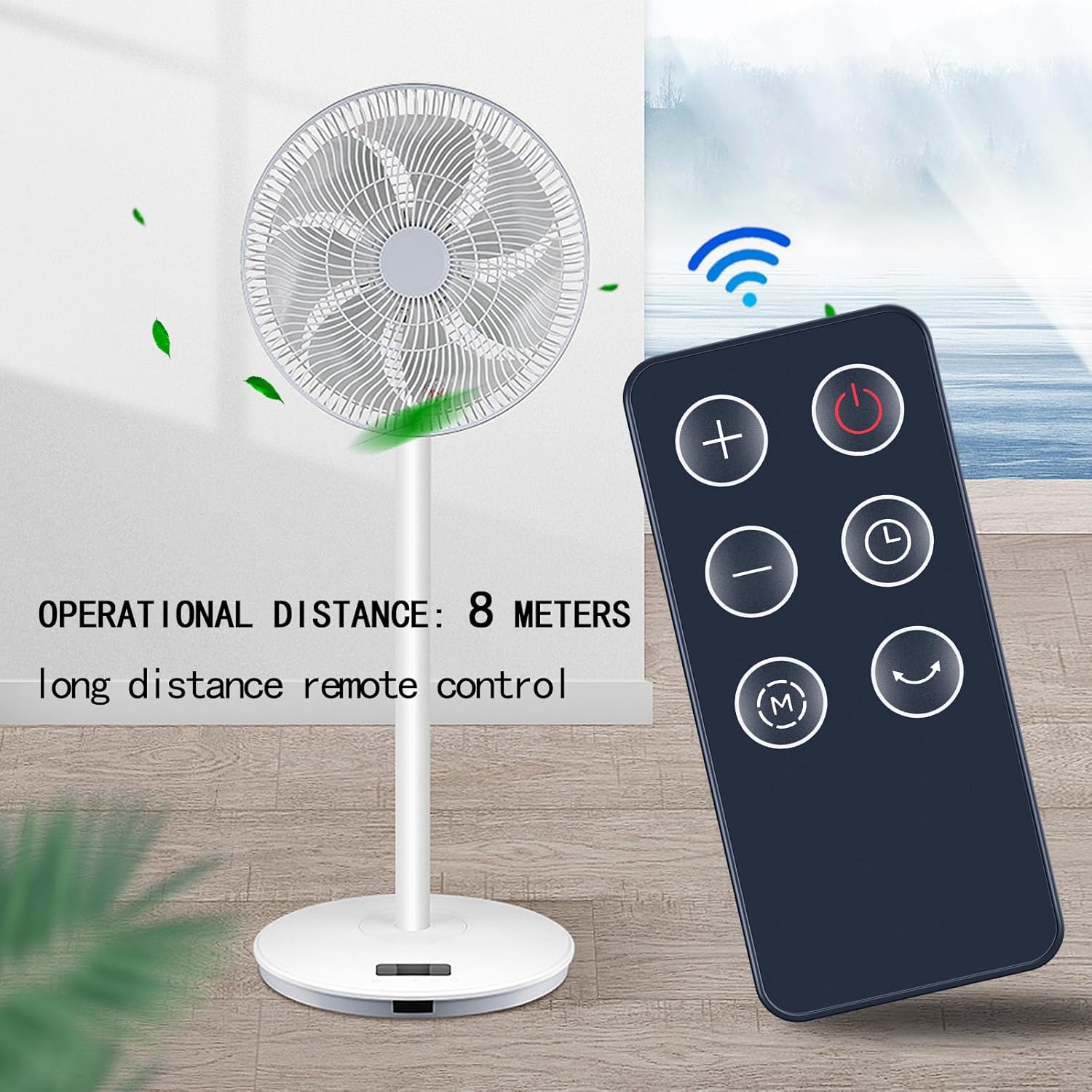
Figure 4.2: The remote control's effective operational distance from the device.
To use the remote:
- Press the Power Button to turn your device on or off.
- Use the Plus (+) and Minus (-) Buttons to adjust settings such as fan speed or temperature.
- Press the Mode Button (M) to cycle through available operating modes.
- Activate or deactivate the oscillation feature using the Oscillation Button.
- Set or adjust the device's timer function with the Timer Button.
5. Maintenance
To ensure the longevity and proper functioning of your remote control, follow these maintenance guidelines:
- Cleaning: Wipe the remote control with a soft, dry cloth. Do not use liquid cleaners or abrasive materials, as they may damage the surface or internal components.
- Battery Replacement: Replace the CR2025 battery when the remote control's range decreases or it stops responding. Always dispose of old batteries responsibly according to local regulations.
- Storage: Store the remote control in a cool, dry place away from direct sunlight and extreme temperatures when not in use for extended periods.
6. Troubleshooting
If you experience issues with your remote control, try the following troubleshooting steps:
- Remote Not Responding:
- Check if the battery is installed correctly with the positive (+) side up.
- Replace the battery with a new CR2025 battery.
- Ensure there are no obstructions between the remote control and the device's infrared receiver.
- Make sure you are within the operational range (approximately 10 meters).
- Intermittent Operation:
- This often indicates a low battery. Replace the battery.
- Ensure a clear line of sight to the device.
7. Specifications
| Brand | ZWP |
| Compatible Devices | PELONIS PHTPU1501, PTH15A4BGB; SPT SH-1516D; Better Homes & Gardens BHS2803696710BR |
| Connectivity Technology | Infrared |
| Maximum Range | 10 Meters (approx. 33 feet) |
| Battery Type | CR2025 Button Cell (not included) |
| Material | High-quality ABS with Soft Silicone Buttons |
| Color | Black |
| Item Weight | 2.08 ounces |
8. Support
For any questions or assistance regarding your ZWP Replacement Remote Control, please do not hesitate to contact us. We are committed to helping you resolve any issues you may encounter.
Please refer to the seller's contact information on your purchase platform for direct support.