
xdobo BMTL Bucket
xdobo BMTL Bucket Portable Bluetooth Speaker User Manual
Model: BMTL Bucket
Introduction
Thank you for purchasing the xdobo BMTL Bucket Portable Bluetooth Speaker. This manual provides essential information for setting up, operating, and maintaining your speaker. Please read it thoroughly before use to ensure optimal performance and longevity of the product.
Package Contents
Verify that all items are present in the package:
- xdobo BMTL Bucket Portable Bluetooth Speaker
- USB Type-C Charging Cable
- User Manual (this document)
Product Overview
Familiarize yourself with the speaker's components and controls.

Image: Top-down view of the xdobo BMTL Bucket speaker, showcasing its cylindrical design, top control panel with buttons, and integrated RGB lighting ring. A sturdy handle is visible on the side.
Control Panel (Top View)
- Power Button: Press and hold to turn on/off.
- Bluetooth Button: Press to enter pairing mode.
- Volume Up (+): Increase volume.
- Volume Down (-): Decrease volume.
- Play/Pause Button: Control media playback.
- RGB Light Button: Cycle through light modes or turn off lights.
Ports (Rear/Side)
- USB Type-C Port: For charging the speaker.
- USB-A Port: For USB playback (e.g., from a USB flash drive).
Setup
1. Initial Charging
Before first use, fully charge the speaker. Connect the provided USB Type-C cable to the speaker's charging port and the other end to a compatible USB power adapter (not included).
- The charging indicator light will illuminate during charging.
- Charging typically takes approximately 4 hours.
- The indicator light will change or turn off once charging is complete.
2. Power On/Off
- To power on, press and hold the Power Button for 2-3 seconds. You will hear an audible prompt.
- To power off, press and hold the Power Button for 2-3 seconds. You will hear an audible prompt.
Operating Instructions
Bluetooth Pairing
- Ensure the speaker is powered on and within 10 meters (33 feet) of your Bluetooth device.
- The speaker will automatically enter Bluetooth pairing mode, indicated by a flashing blue LED light. If not, press the Bluetooth Button.
- Enable Bluetooth on your device (smartphone, tablet, laptop).
- Search for "XDOBO BMTL" in the list of available devices and select it to connect.
- Once successfully paired, you will hear a confirmation sound, and the LED light will turn solid blue.
Note: The speaker will automatically attempt to reconnect to the last paired device when powered on.
True Wireless Stereo (TWS) Pairing
You can pair two xdobo BMTL Bucket speakers together for a stereo sound experience.
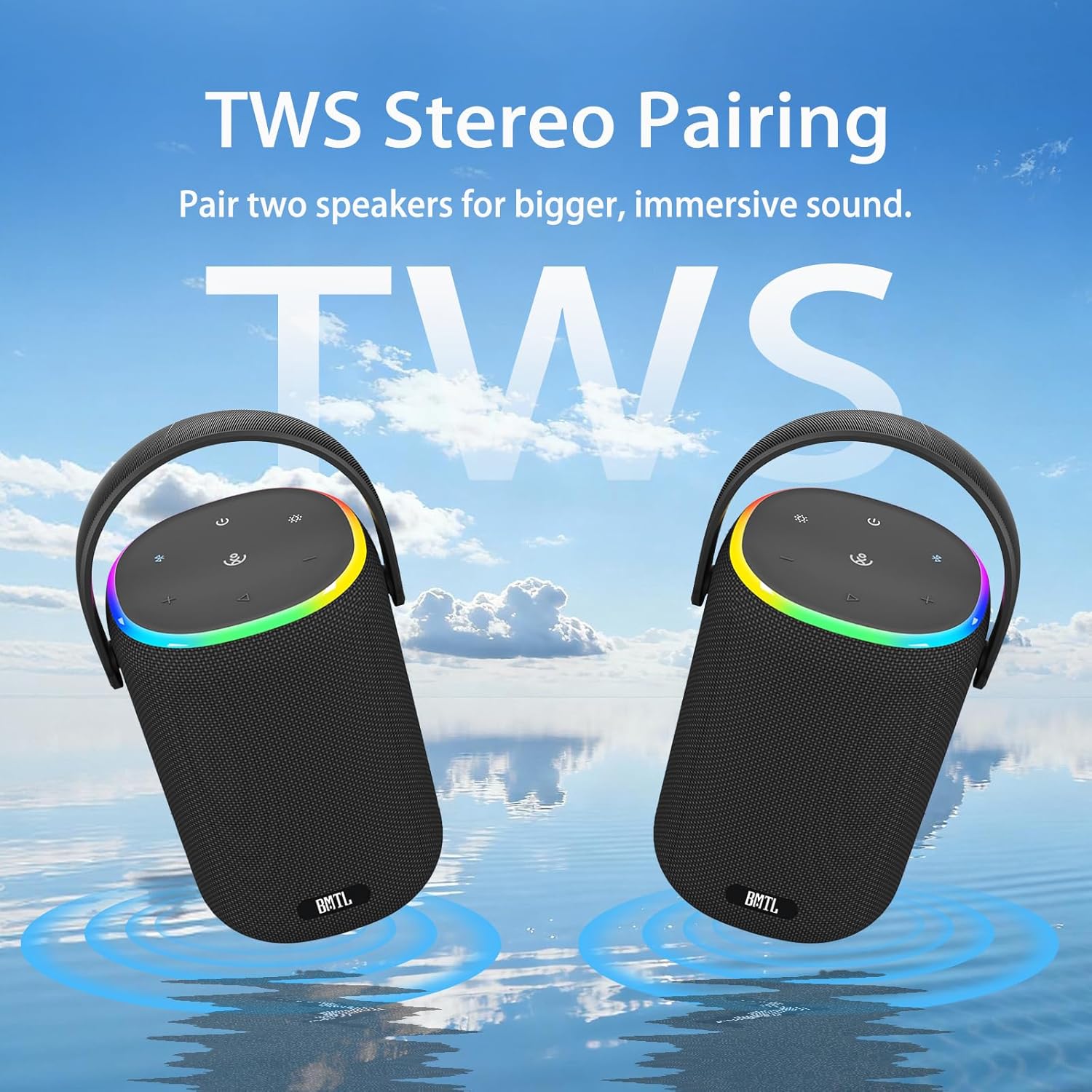
Image: Two xdobo BMTL Bucket speakers shown side-by-side, with ripples in water beneath them, symbolizing their ability to pair for True Wireless Stereo (TWS) sound.
- Ensure both BMTL Bucket speakers are powered on and not connected to any Bluetooth device.
- On one speaker (this will be the primary speaker), press the Bluetooth Button twice quickly. It will enter TWS pairing mode.
- The two speakers will automatically connect to each other. You will hear a confirmation sound once TWS pairing is successful.
- Now, connect your Bluetooth device to the primary speaker as described in the "Bluetooth Pairing" section.
Note: TWS mode will be automatically disconnected if one speaker is powered off or moves out of range.
RGB Light Control
The speaker features dynamic RGB lighting. Press the RGB Light Button to:
- Cycle through different lighting modes (e.g., solid colors, pulsating, multi-color).
- Turn the RGB lights off.
Playback Controls
- Play/Pause: Press the Play/Pause Button once.
- Next Track: Press and hold the Volume Up (+) Button.
- Previous Track: Press and hold the Volume Down (-) Button.
- Volume Up: Press the Volume Up (+) Button once.
- Volume Down: Press the Volume Down (-) Button once.
Call Handling
When connected to a smartphone via Bluetooth:
- Answer Call: Press the Play/Pause Button once.
- End Call: Press the Play/Pause Button once during a call.
- Reject Call: Press and hold the Play/Pause Button for 2 seconds.
USB Playback
Insert a USB flash drive (FAT32 format) containing audio files into the USB-A port. The speaker will automatically detect and begin playing music from the drive. Use the playback controls as described above.
Maintenance
Cleaning
- Wipe the speaker with a soft, damp cloth.
- Do not use abrasive cleaners, alcohol, or chemical solvents.
- Ensure all ports are dry before charging.
Water Resistance (IPX7)
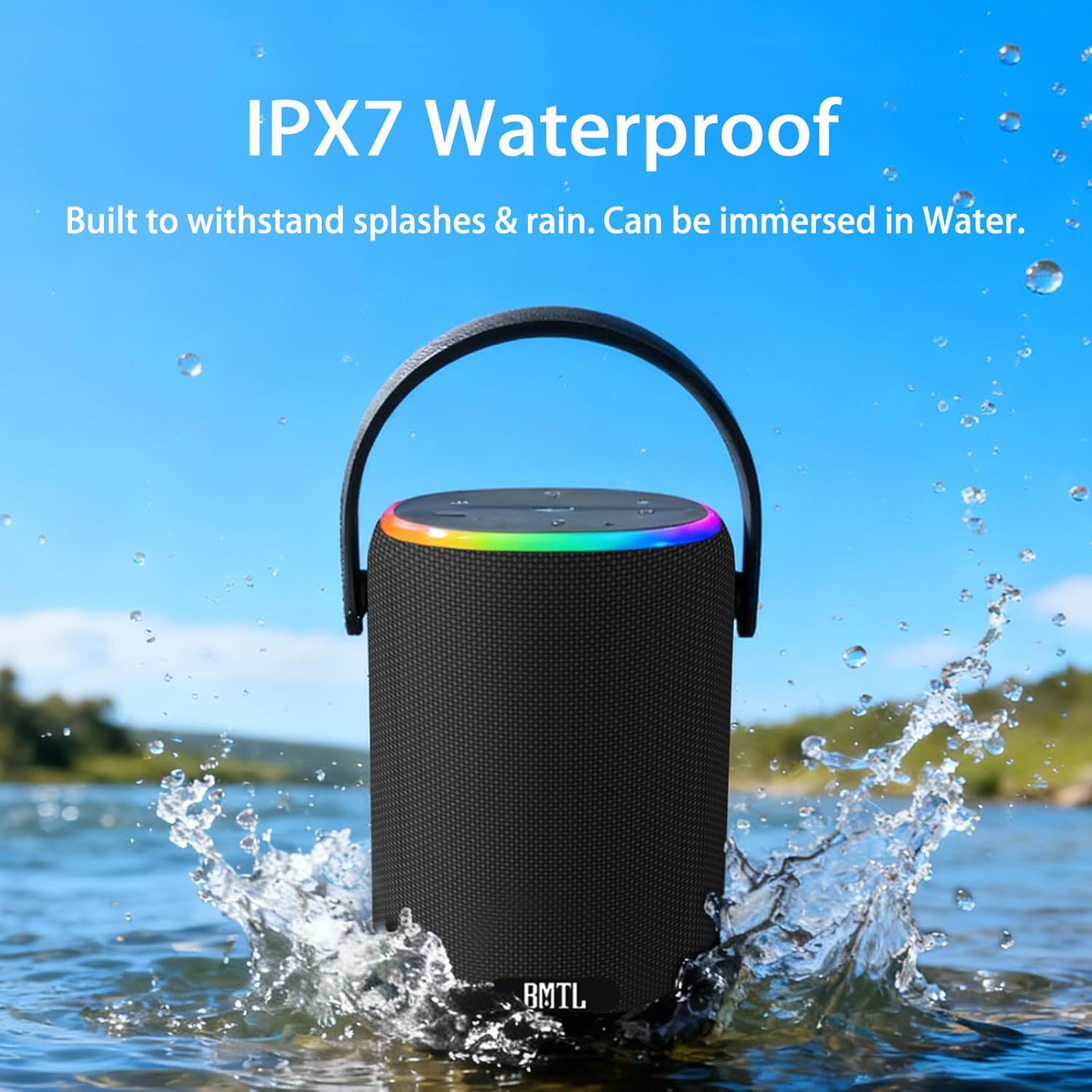
Image: The xdobo BMTL Bucket speaker partially submerged in water with splashes, highlighting its IPX7 waterproof capability.
The xdobo BMTL Bucket speaker is IPX7 waterproof, meaning it can be submerged in water up to 1 meter for 30 minutes. However, to maintain its waterproof integrity:
- Ensure the charging port cover is securely closed before exposure to water.
- Do not expose the speaker to saltwater or other chemicals.
- Dry the speaker thoroughly after exposure to water, especially the charging port, before charging.
Storage
- Store the speaker in a cool, dry place away from direct sunlight and extreme temperatures.
- If storing for an extended period, charge the battery to approximately 50% every few months to preserve battery life.
Troubleshooting
| Problem | Possible Solution |
|---|---|
| Speaker does not power on. | Ensure the battery is charged. Connect to a power source and try again. |
| Cannot pair via Bluetooth. |
|
| No sound or low volume. |
|
| TWS pairing fails. |
|
| RGB lights not working. | Press the RGB Light Button to cycle through modes or turn them on. |
Specifications
| Feature | Detail |
|---|---|
| Model Name | BMTL Bucket |
| Connectivity | Bluetooth |
| Output Power | 60 Watts |
| Frequency Response | 20 Hz (minimum specified) |
| Water Resistance | IPX7 |
| Playtime | Up to 12 hours (varies by volume and content) |
| Charging Time | Approximately 4 hours |
| Input Voltage | 5 Volts |
| Product Dimensions | 4.3"D x 4.3"W x 6.6"H (110x110x168mm) |
| Item Weight | 2.64 pounds (1.2 Kilograms) |
| Speaker Size | 2.05 Inches (52 Millimeters audio driver) |
| Woofer Diameter | 3 Inches |
| Special Features | RGB Lights, Portable, 360-degree Surround Sound |

Image: The xdobo BMTL Bucket speaker set against a mountain and lake backdrop, with a graphic indicating "12-Hour Playtime" and a 12H clock icon.
Safety Information
- Do not disassemble, repair, or modify the speaker. This may result in electric shock, fire, or product damage.
- Keep the speaker away from extreme temperatures, direct sunlight, and heat sources.
- Do not expose the speaker to open flames.
- Avoid dropping or subjecting the speaker to strong impacts.
- Keep out of reach of children.
- Use only the provided charging cable or a certified equivalent.
- Dispose of the speaker and its battery responsibly according to local regulations.
Warranty and Support
For warranty information and customer support, please refer to the warranty card included with your purchase or visit the official xdobo website. If you encounter any issues not covered in this manual, please contact xdobo customer service for assistance.
You can visit the xdobo store on Amazon for more information: xdobo Store
Related documentsBMTL Bucket


Ask a question about this manual
Ask about setup, troubleshooting, compatibility, parts, safety, or missing instructions. Manuals+ will review the question and use this page’s manual context to help answer it.