
1. Introduction
Thank you for choosing the boAt Rockerz Plus 550 Wireless Headphones. This manual provides essential information for setting up, operating, and maintaining your headphones to ensure optimal performance and longevity. The Rockerz Plus 550 offers a superior audio experience with powerful 50mm drivers, extended battery life, and versatile connectivity options.
2. What's in the Box
- boAt Rockerz Plus 550 Headphones
- Charging Cable
- Aux Cable
- User Manual
3. Product Overview and Features
3.1 Customizable Earcups
The boAt Rockerz Plus 550 features customizable earcups, allowing you to personalize the appearance of your headphones. Easily change the design to match your style while enjoying comfortable listening.
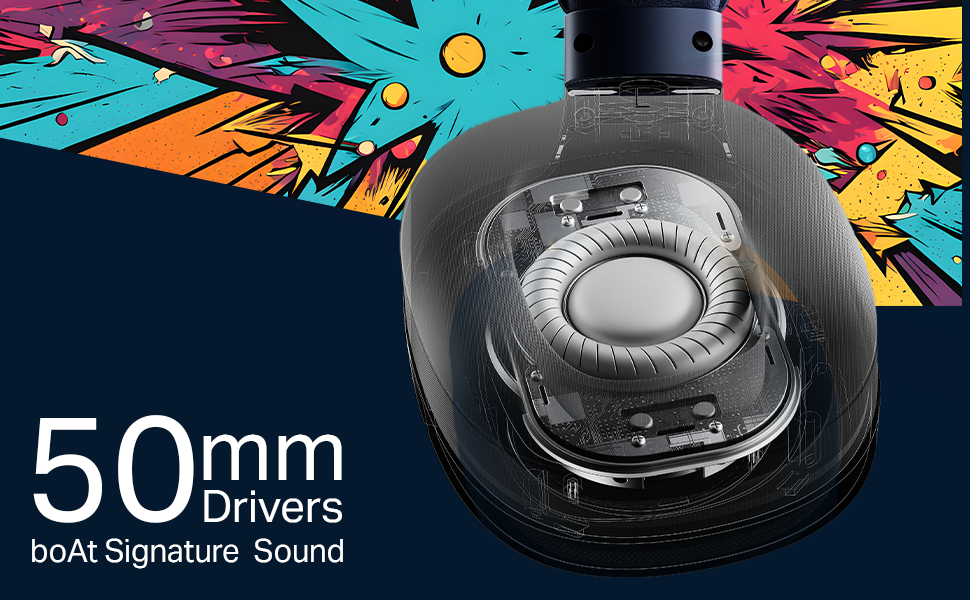
Image: boAt Rockerz Plus 550 headphones with a close-up view of the customizable earcups, highlighting the removable design elements.
3.2 Powerful 50mm Drivers
Experience rich bass and vibrant clarity with the powerful 50mm drivers. boAt Signature Sound technology enhances your music, movies, and other audio content.
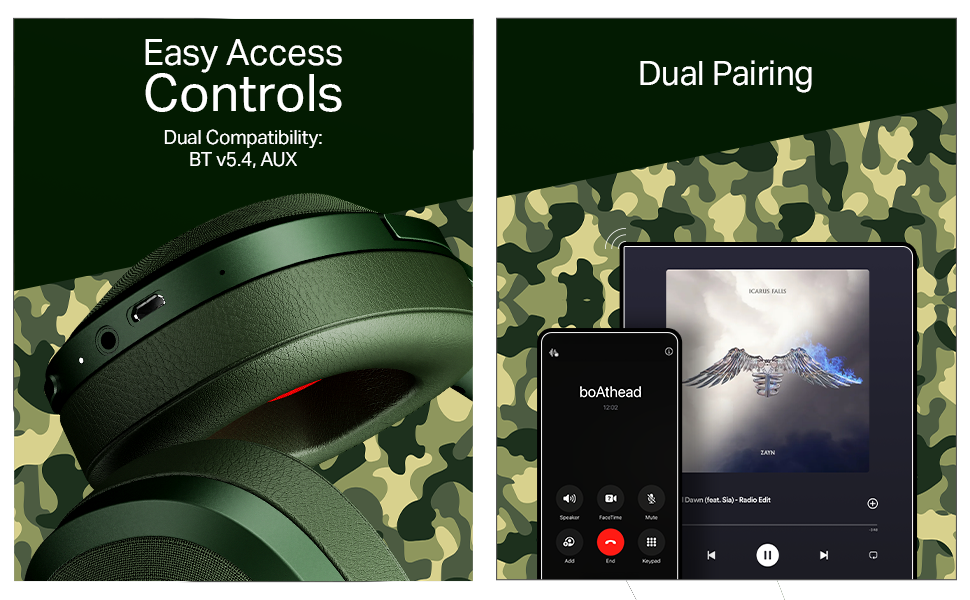
Image: A detailed view of the internal 50mm driver component within the headphone earcup, illustrating its size and design.
3.3 Extended 100-Hour Playback
Enjoy up to 100 hours of battery life on a single charge, allowing for prolonged listening sessions or extended call times without frequent recharging.
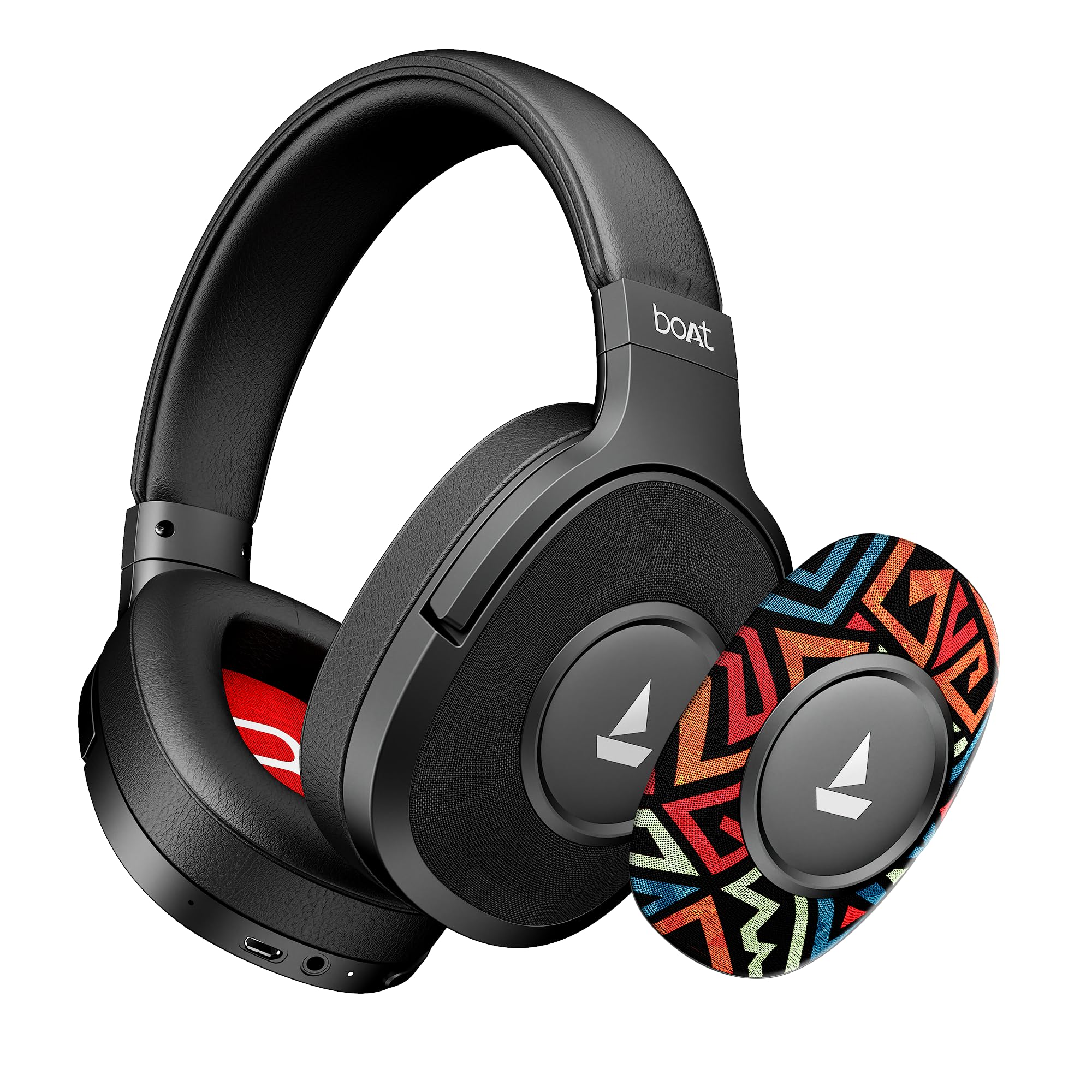
Image: The boAt Rockerz Plus 550 headphones displayed with text indicating 'Up To 100 Hours Playback', emphasizing the long battery life.
3.4 Bluetooth v5.4 & AUX Compatibility
Connect wirelessly using Bluetooth v5.4 for stable and efficient audio streaming, or use the included AUX cable for a wired connection, offering flexible usage options.

Image: A close-up of the headphone earcup, showing the control buttons, charging port, and AUX input for both wireless and wired connectivity.
3.5 Dual Pairing
Seamlessly connect your Rockerz Plus 550 to two devices simultaneously. This feature allows you to switch between taking calls on your phone and streaming media on a tablet without needing to disconnect and reconnect.

Image: An illustration depicting the headphones connected to both a smartphone and a tablet, demonstrating the dual pairing functionality.
3.6 Easy Access Controls
Manage your audio playback and calls directly from the headphones using the conveniently placed control buttons. Adjust volume, skip tracks, and answer calls with ease.
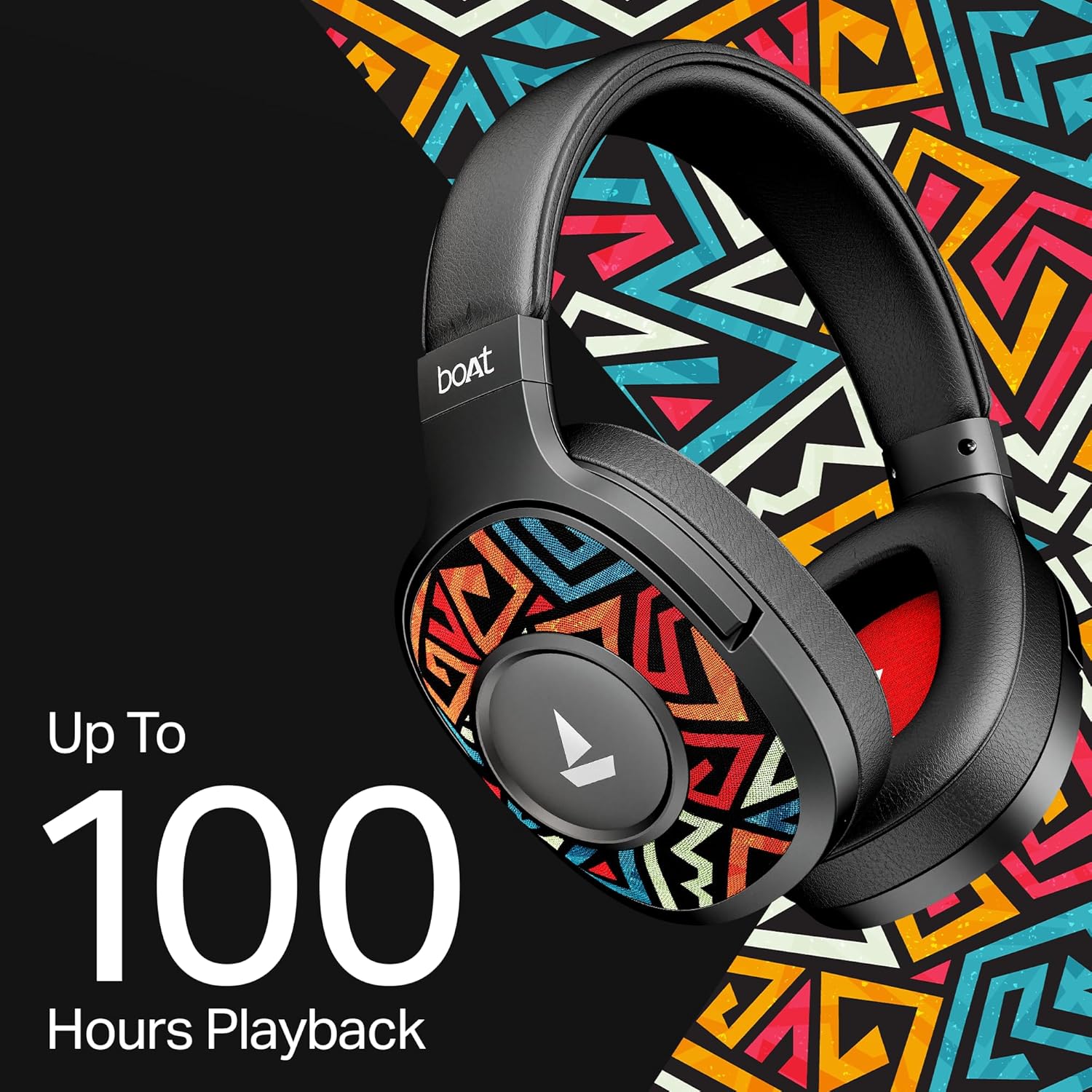
Image: A detailed shot of the physical control buttons located on the headphone earcup, highlighting their accessibility.
3.7 Voice Assistant Support
Activate your smartphone's voice assistant (Siri or Google Voice Assistant) directly from the headphones to perform tasks hands-free, such as setting reminders or checking the weather.

Image: A person wearing the headphones, suggesting interaction with a voice assistant for hands-free operation.
3.8 Ergonomic Over-the-Ear Design
Designed for comfort during extended use, the over-the-ear design ensures a snug and comfortable fit, reducing strain during long listening sessions.

Image: A model wearing the boAt Rockerz Plus 550 headphones, showcasing the comfortable over-the-ear fit and ergonomic design.
3.9 Physical Noise Isolation
The headphones provide physical noise isolation, helping to block out ambient distractions for a more immersive audio experience during calls or music playback.

Image: A woman wearing the boAt Rockerz Plus 550 headphones, illustrating the physical noise isolation feature in action.
4. Setup Instructions
4.1 Charging Your Headphones
- Connect the charging cable to the charging port on the headphones.
- Connect the other end of the cable to a USB power source (e.g., wall adapter, computer USB port).
- The LED indicator will show the charging status. A full charge takes approximately 2.5 hours.
- Once fully charged, the headphones provide up to 100 hours of playback time.
4.2 Powering On/Off
- To Power On: Press and hold the Power button until the LED indicator lights up.
- To Power Off: Press and hold the Power button until the LED indicator turns off.
4.3 Bluetooth Pairing
- Ensure the headphones are powered off.
- Press and hold the Power button for approximately 5-7 seconds until the LED indicator flashes blue and red alternately, indicating pairing mode.
- On your device (smartphone, tablet, etc.), enable Bluetooth and search for available devices.
- Select "boAt Rockerz Plus 550" from the list of devices.
- Once connected, the LED indicator will flash blue periodically.
- The headphones will automatically reconnect to the last paired device when powered on, if within range (up to 10 meters).
5. Operating Instructions
5.1 Using the Controls
The headphones feature intuitive push-button controls for various functions:
- Power Button: Press and hold to power on/off. Short press to play/pause music or answer/end calls.
- Volume Up (+): Short press to increase volume. Long press to skip to the next track.
- Volume Down (-): Short press to decrease volume. Long press to skip to the previous track.
- Voice Assistant: Double-press the Power button to activate your device's voice assistant.
5.2 Dual Pairing Functionality
To connect to two devices simultaneously:
- Pair the headphones with the first device as described in Section 4.3.
- Disable Bluetooth on the first device. The headphones will re-enter pairing mode.
- Pair the headphones with the second device.
- Enable Bluetooth on the first device. The headphones should now be connected to both devices.
- Audio will play from the device that is actively sending a signal. Calls from either device will take priority.
5.3 AUX Mode
To use the headphones in wired mode:
- Ensure the headphones are powered off or in Bluetooth mode.
- Connect one end of the 3.5mm AUX cable to the headphone's AUX port.
- Connect the other end of the AUX cable to your audio source's 3.5mm jack.
- The headphones will automatically switch to AUX mode. No battery power is required for wired listening.
6. Maintenance and Care
- Clean the headphones regularly with a soft, dry cloth.
- Avoid exposing the headphones to extreme temperatures, humidity, or liquids. While water-resistant, they are not waterproof.
- Store the headphones in a cool, dry place when not in use.
- Do not attempt to disassemble or repair the headphones yourself, as this will void the warranty.
- Keep away from sharp objects to prevent scratches or damage.
7. Troubleshooting
7.1 No Power
- Ensure the headphones are fully charged.
- Check the charging cable and power source for proper connection.
7.2 Cannot Pair via Bluetooth
- Make sure the headphones are in pairing mode (LED flashing blue and red).
- Ensure Bluetooth is enabled on your device and it is within 10 meters of the headphones.
- Forget the device from your phone's Bluetooth settings and try pairing again.
- Restart both the headphones and your device.
7.3 No Sound or Low Volume
- Adjust the volume on both the headphones and your connected device.
- Ensure the headphones are properly paired and connected.
- If using AUX mode, ensure the cable is fully inserted into both ports.
- Test with a different audio source or device.
7.4 Call Quality Issues
- Ensure the microphone is not obstructed.
- Move closer to your connected device to improve Bluetooth signal strength.
- Avoid noisy environments.
8. Specifications
| Feature | Detail |
|---|---|
| Brand | boAt |
| Model Name | Rockerz 550 |
| Model Number | 1000003843 |
| Ear Placement | Over Ear |
| Form Factor | Over Ear |
| Noise Control | Passive Noise Cancellation |
| Control Method | Push Button |
| Battery Charge Time | 2.5 Hours |
| Battery Average Life | 100 Hours |
| Audio Driver Type | Dynamic Driver |
| Frequency Range | 20Hz - 20kHz |
| Enclosure Material | Memory Foam, Silicone |
| Specific Uses For Product | Entertainment, Travel |
| Compatible Devices | Cellphones |
| Water Resistance Level | Water Resistant |
| Headphone Jack | 3.5 mm Jack |
| Network Connectivity Technology | Bluetooth |
| Wireless Technology Type | Bluetooth |
| Bluetooth Range | 10 Metres |
| Bluetooth Version | 5.4 |
| Item Weight | 250 Grams |
| Country of Origin | China |
9. Warranty and Support
9.1 Warranty Information
The boAt Rockerz Plus 550 headphones come with a 1-year warranty from the date of purchase. Please retain your proof of purchase for warranty claims.
9.2 Customer Support
For any support, queries, or warranty claims, please contact the manufacturer:
- Manufacturer: Imagine Marketing Ltd
- Email: info@imaginemarketingindia.com
10. boAt Hearables App Support
Enhance your audio experience by downloading the boAt Hearables App. Scan the QR code below to access the app and explore features like streaming top tracks, listening to audiobooks, and accessing the user help guide.
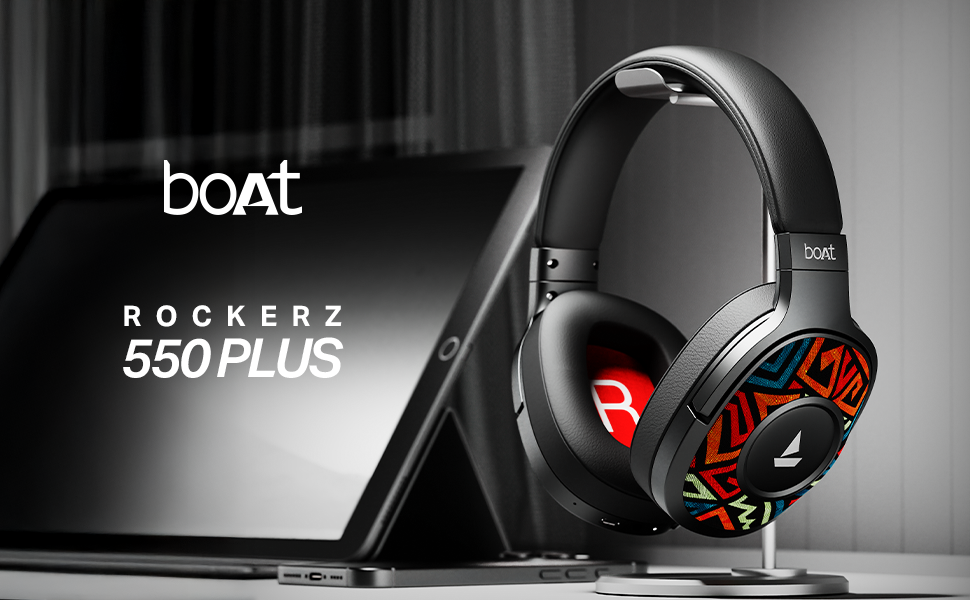
Image: A smartphone screen displaying a QR code for the boAt Hearables App. Scan this code to download the app and unlock additional features and support.
Alternatively, visit the app download page: https://l.ead.me/bdAX6k


